Computer Protection From Ransomware: A Comprehensive Guide
Ransomware attacks have become a significant threat to computer systems and networks around the world. These attacks involve malware that encrypts a victim's data and files, making them inaccessible until a ransom is paid. However, paying the ransom does not guarantee that the files will be recovered or the system restored. In this article, we will discuss the importance of computer protection from ransomware and provide tips on how to prevent, detect, and respond to these types of attacks.
What is Ransomware?
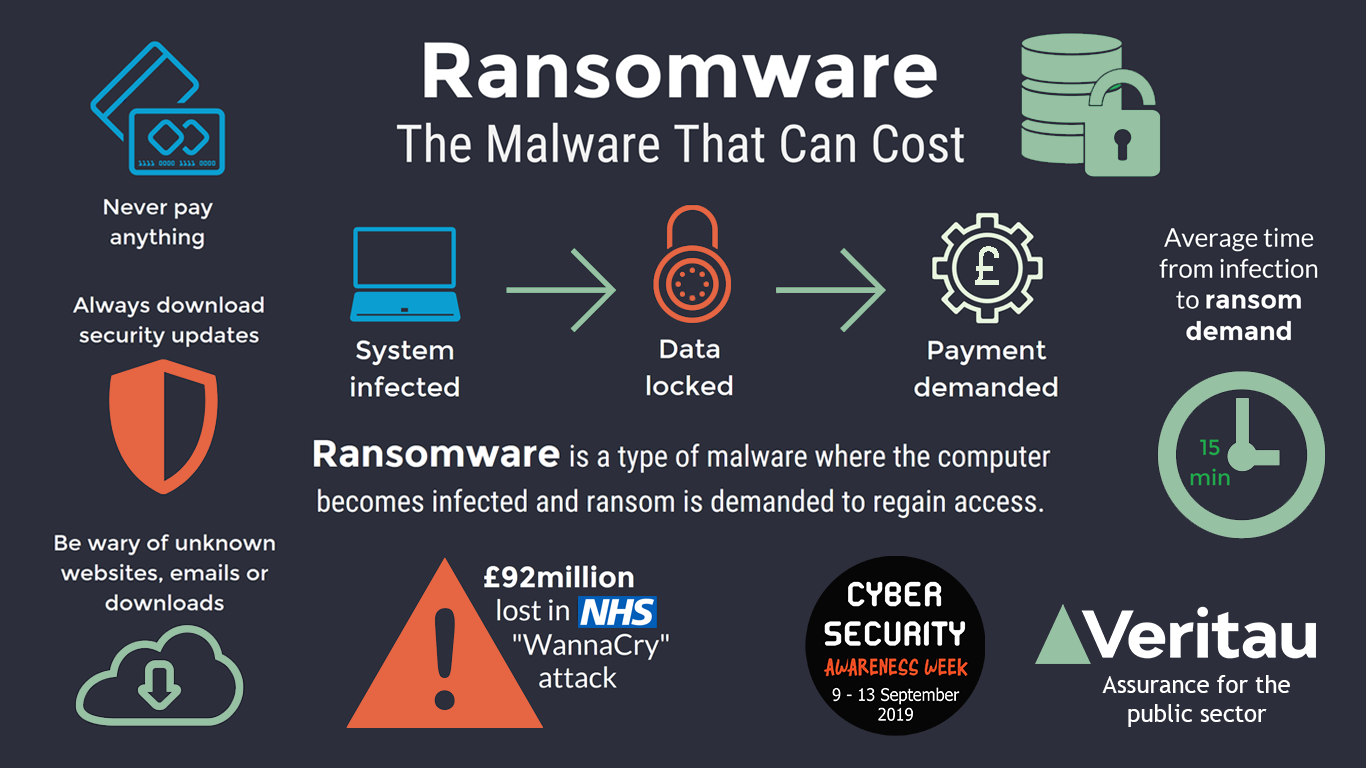
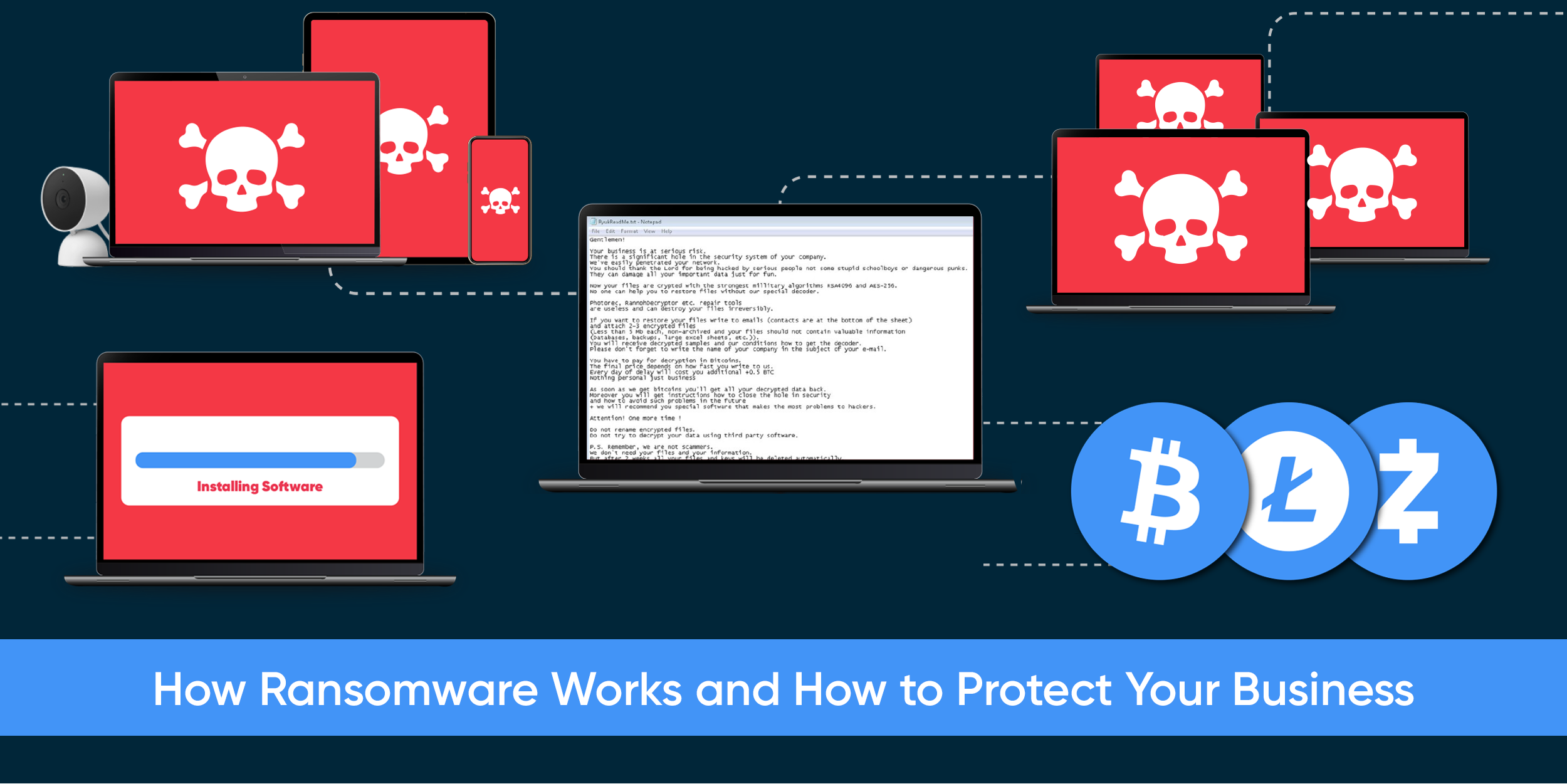
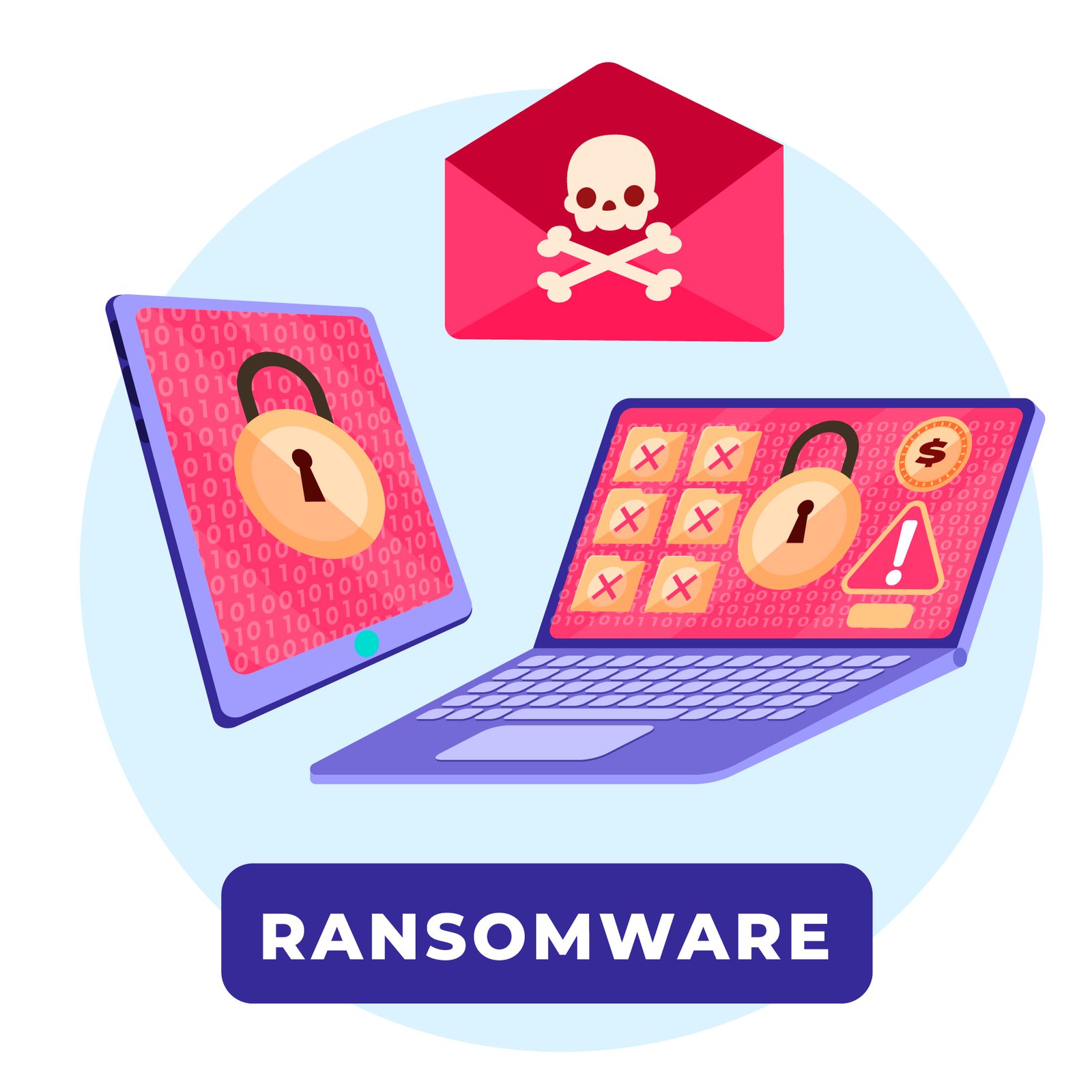
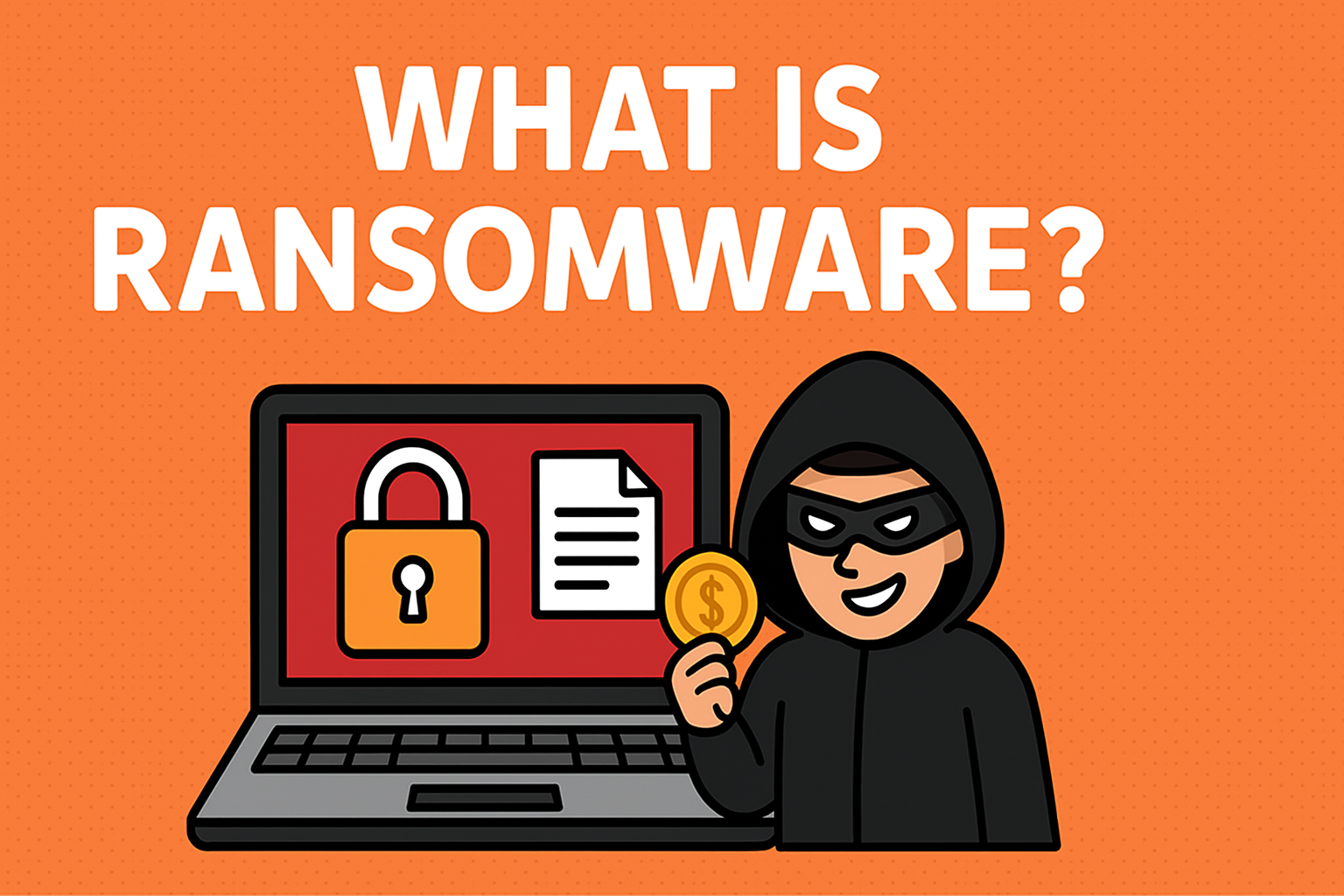
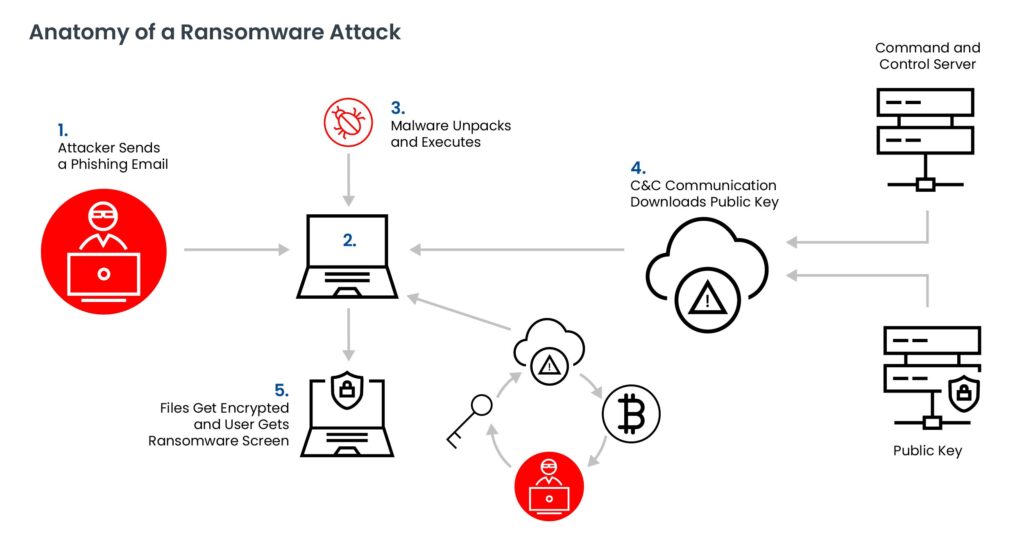
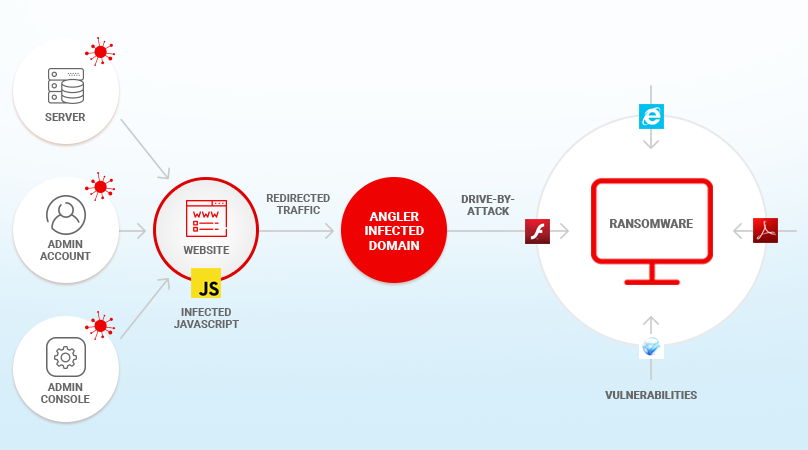
Ransomware is a type of malicious software that is designed to extort money by blocking access to files or the computer system until the ransom is paid. It can be spread through email attachments, downloads from the internet, or even through exploited security vulnerabilities in software. Once installed on a computer, ransomware can encrypt files, lock the computer, or even delete data.
The Consequences of Ransomware Attacks
Ransomware attacks can have devastating consequences for individuals and organizations. Not only can they result in financial losses, but they can also compromise sensitive data and disrupt operations. In some cases, ransomware attacks have even led to the shutdown of entire organizations. To mitigate these risks, it is essential to have a solid computer protection strategy in place.
Computer Protection From Ransomware
To protect your computer from ransomware, follow these best practices:
- Back up your data regularly. This ensures that even in the event of a ransomware attack, you can recover your data from the backup.
- Use strong antivirus software that includes ransomware protection. Make sure to update the software regularly to ensure you have the latest protection.
- Avoid suspicious emails and attachments. Ransomware can spread through email attachments, so be cautious when opening emails from unknown senders.
- Use secure passwords and avoid using the same password for multiple accounts. Consider using a password manager to generate and store unique, complex passwords.
- Keep your operating system and software up to date. Regular updates often include security patches that can help protect against ransomware.
- Use a firewall to block unauthorized access to your computer.
- Be cautious when using removable media such as USB drives, as they can be a conduit for ransomware.
Best Practices for Responding to Ransomware Attacks
If you experience a ransomware attack, follow these steps:
- Isolate the infected computer to prevent the spread of the malware.
- Disconnect from the internet to prevent the attackers from accessing your computer.
- Run a full scan with your antivirus software to detect and remove the ransomware.
- Restore your system from a backup if possible.
- Change your passwords and consider resetting them for all accounts.
Conclusion
Computer protection from ransomware requires a multi-layered approach that includes regular backups, strong antivirus software, secure passwords, and up-to-date software. By following these best practices, individuals and organizations can reduce the risk of falling victim to ransomware attacks and minimize the impact of these types of attacks. Remember, prevention is key, so take proactive steps to protect your computer today.