Effective Ways to Remove Malware from Chrome OS
Chrome OS is a highly secure operating system, but it's not immune to malware threats. Malware can infect your Chromebook through various means, including malicious extensions, phishing attacks, and infected downloads. If your Chromebook has been infected with malware, it's essential to act quickly to remove the threat and prevent further damage. In this article, we'll explore the effective ways to remove malware from Chrome OS.
Method 1: Remove Suspicious Extensions
One of the most common ways malware enters your Chromebook is through suspicious extensions. To remove these extensions, follow these steps:
- Go to your Chrome settings by clicking on the three vertical dots in the top right corner of the browser.
- Click on "More tools" and then select "Extensions."
- In the Extensions tab, look for any suspicious extensions that you don't recognize or haven't installed.
- Click the trash can icon next to the extension to remove it.
Remove any extensions that you don't need or trust.
Method 2: Run a Malware Scan
A malware scan is a powerful tool that helps identify and remove malware from your Chromebook. You can use third-party anti-virus software or the built-in Google Chrome malware scanning feature:
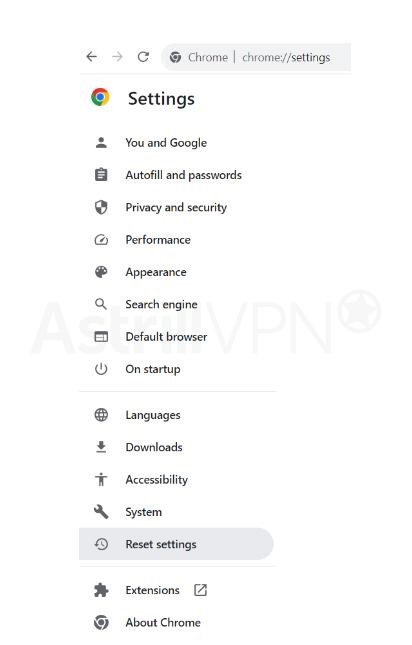
- Open Google Chrome and type "chrome://settings/" in the address bar.
- Click on "Advanced" and then select "Cleanup and reset."
- Click on "Find and clean up your computer" and then select "Next."
- The scan will search for malware and other threats on your Chromebook.
- Follow the prompts to remove any malware detected.
Alternatively, you can use a reputable anti-virus software like Malwarebytes to scan your Chromebook for malware.
Method 3: Reset Chrome OS to Factory Settings
If the above methods don't work, it's time to take a more drastic measure – resetting Chrome OS to its factory settings:
- Go to your Chrome settings and click on "Advanced" then "Reset settings."
- Select the options to restore your Chromebook to its factory settings.
- Click "Reset" to confirm.

Resetting Chrome OS will remove all your data, settings, and installed applications, so make sure to backup your data before proceeding.
Method 4: Use Guest Mode
If your Chromebook has been severely infected with malware, it's best to use the Guest Mode to access the internet and run a malware scan:
- Go to your Chrome settings and click on "More tools" then "Guest mode."
- Log in to your Google account and enable Guest mode.
Use Guest mode to access the internet and run a malware scan using a reputable anti-virus software.
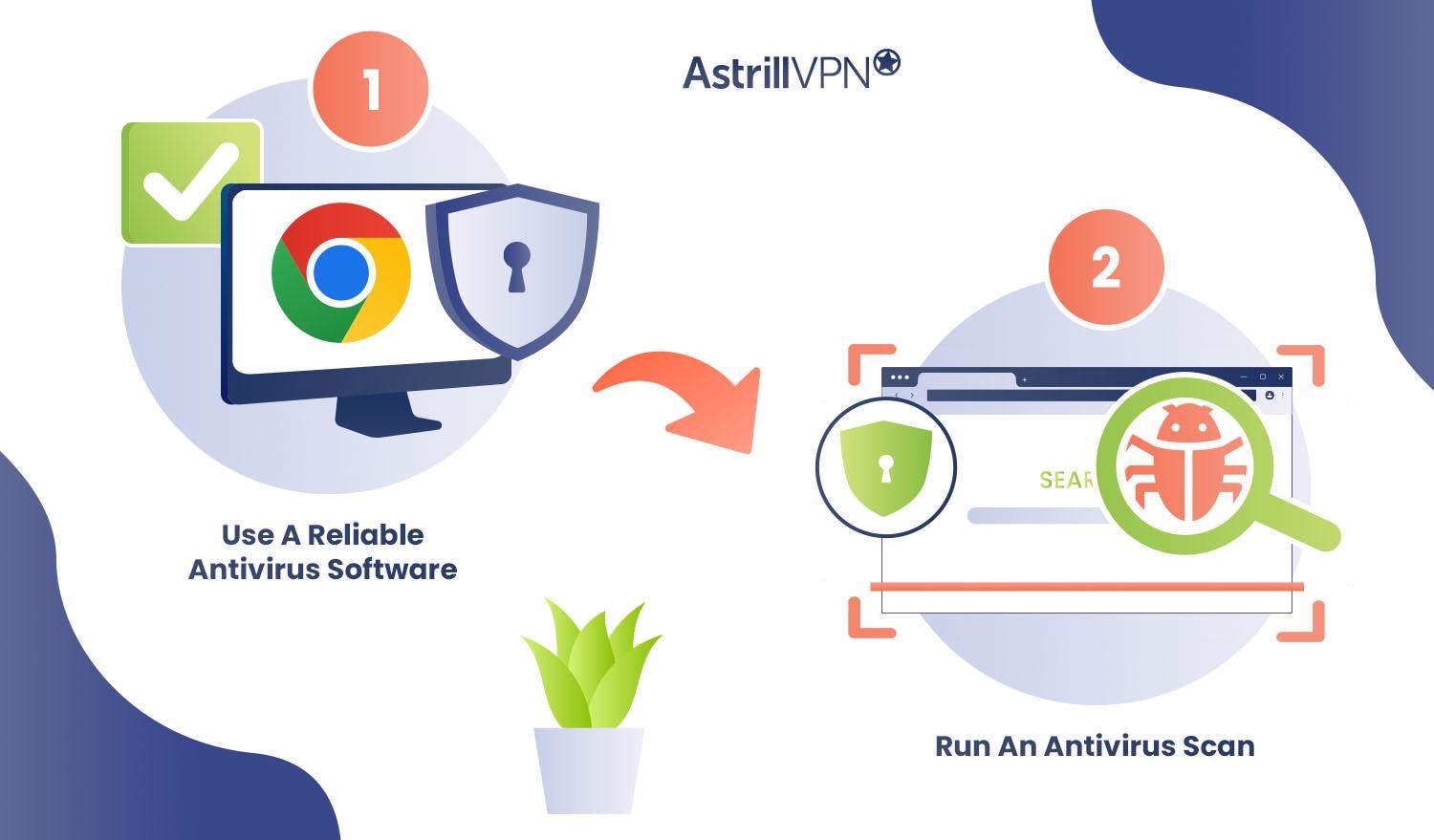
Method 5: Use Reliable Antivirus Software
Investing in reliable antivirus software can help protect your Chromebook from malware threats. Some of the best antivirus software for removing malware and viruses from Chromebooks include Norton 360, Bitdefender, and TotalAV:
- Download and install a reputable antivirus software.
- Run a full scan to detect and remove any malware.
Regularly update your antivirus software to ensure you have the latest protection against malware threats.
Conclusion
Removing malware from Chrome OS can be a challenging task, but with the right methods and tools, you can successfully eliminate the threat. Remember to always be cautious when installing extensions and downloading files from the internet, and regularly run malware scans to detect and remove any potential threats. By following these effective ways to remove malware from Chrome OS, you can keep your device secure and protected from online threats.




![How to clear cache on Mac [2026]: 5 methods to free up space - MacPaw](https://cdn.comparitech.com/wp-content/uploads/2017/10/10-free-virus-and-malware-removal-tools.jpg "How to clear cache on Mac [2026]: 5 methods to free up space - MacPaw")


