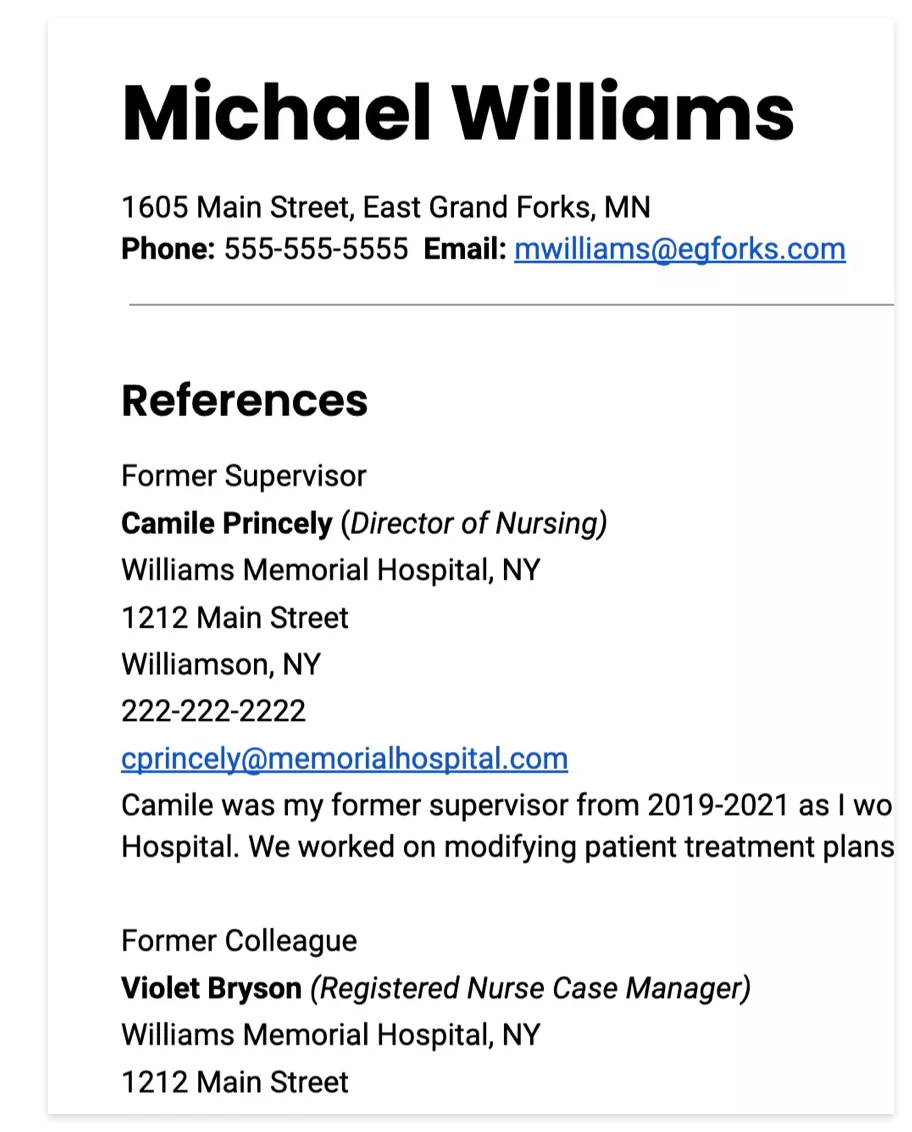
How to Format a Resume: A Comprehensive Guide
Writing a resume is a crucial step in job searching, and a well-formatted resume can make a significant difference in getting noticed by potential employers. But, have you ever wondered how to format a resume effectively? In this article, we will explore the different types of resume formats, provide step-by-step formatting advice, and share examples to help you create a professional-looking resume.
The Importance of Resume Formatting
Resume formatting refers to the details of organizing and arranging content on your resume. While the structure of your resume is arguably more important, the formatting of your resume is also crucial in conveying your professional image. By paying attention to details such as margins, fonts, and spacing, you can show your employer that you are a detail-oriented and organized individual.
The Three Main Resume Formats
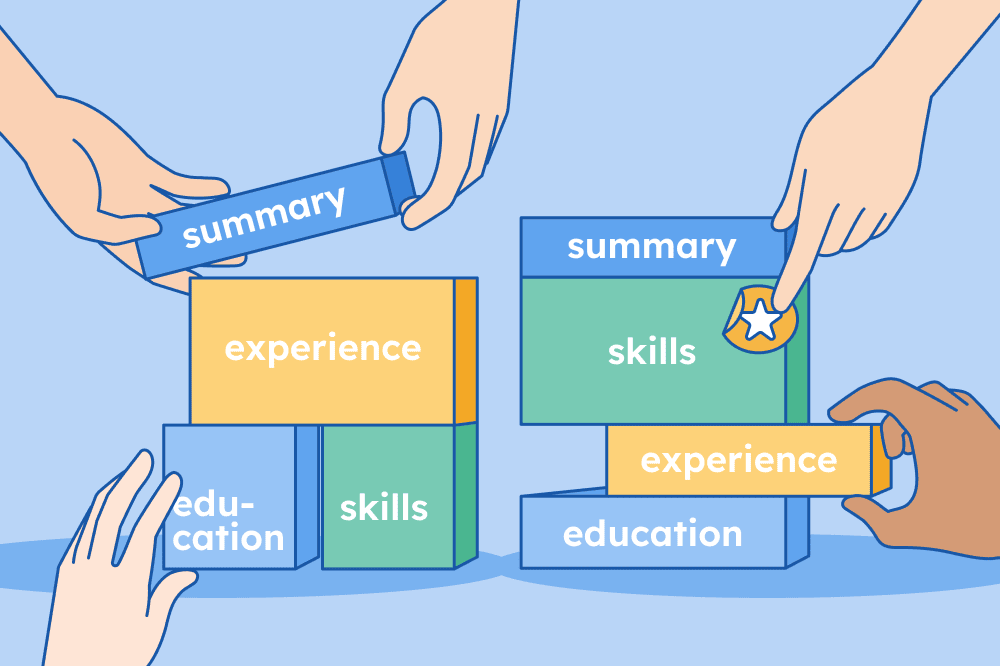
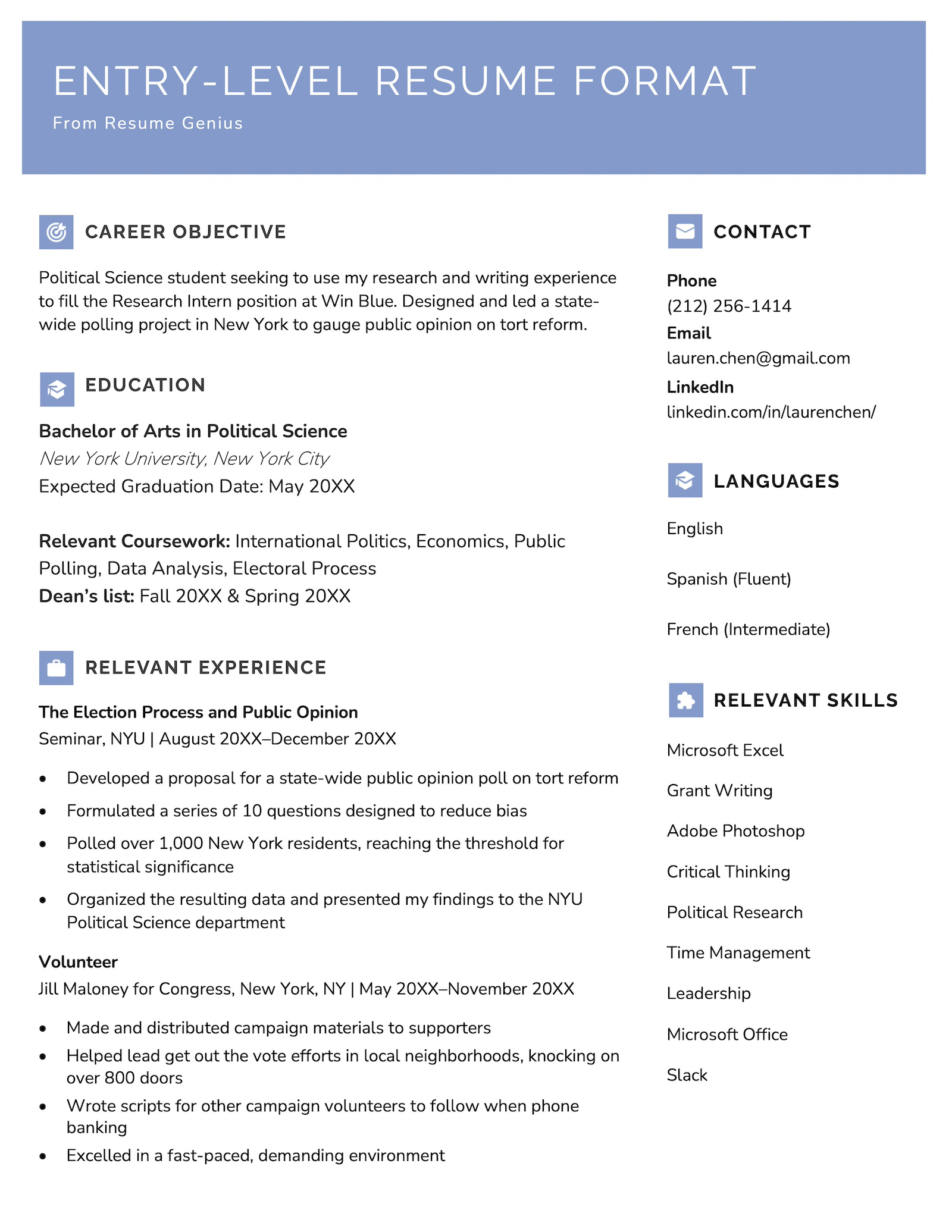
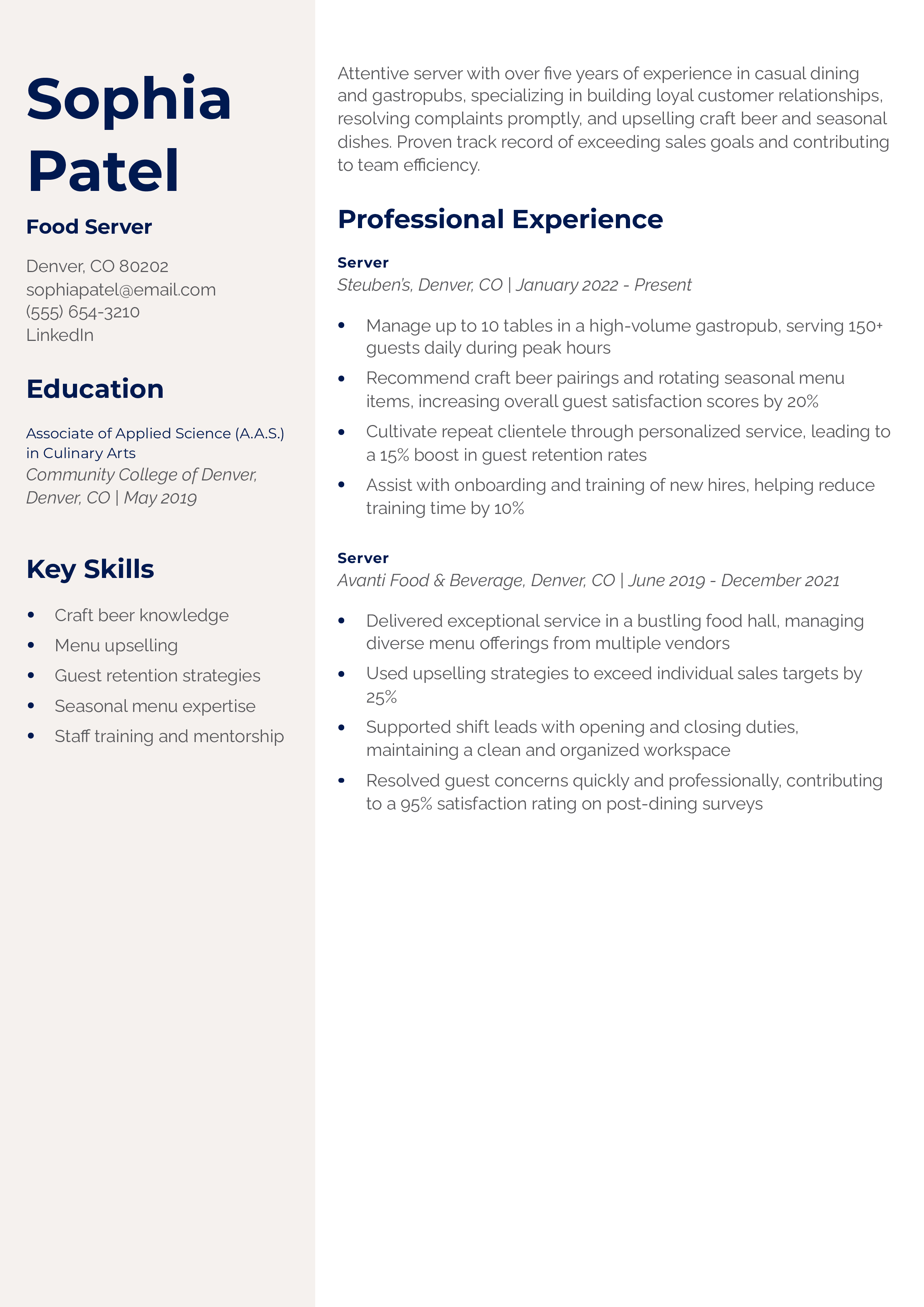
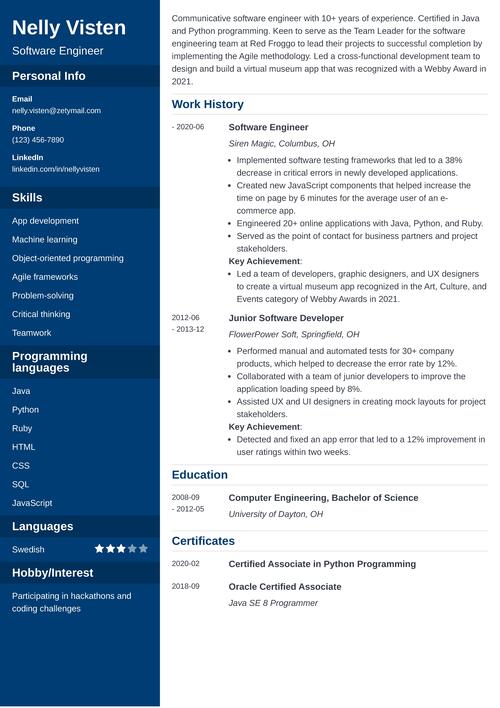
There are three main types of resume formats: chronological, functional, and combination. Each format has its unique advantages and disadvantages, and the right choice for you will depend on your experience, skills, and career goals.
-
Chronological Resume Format
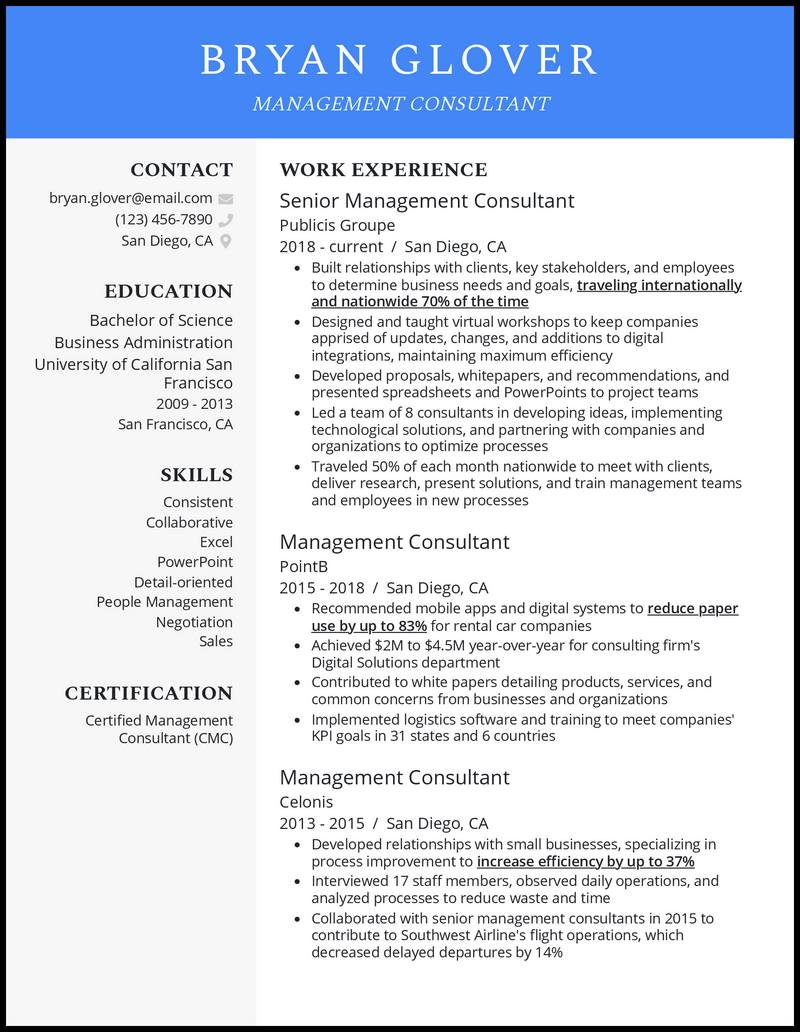
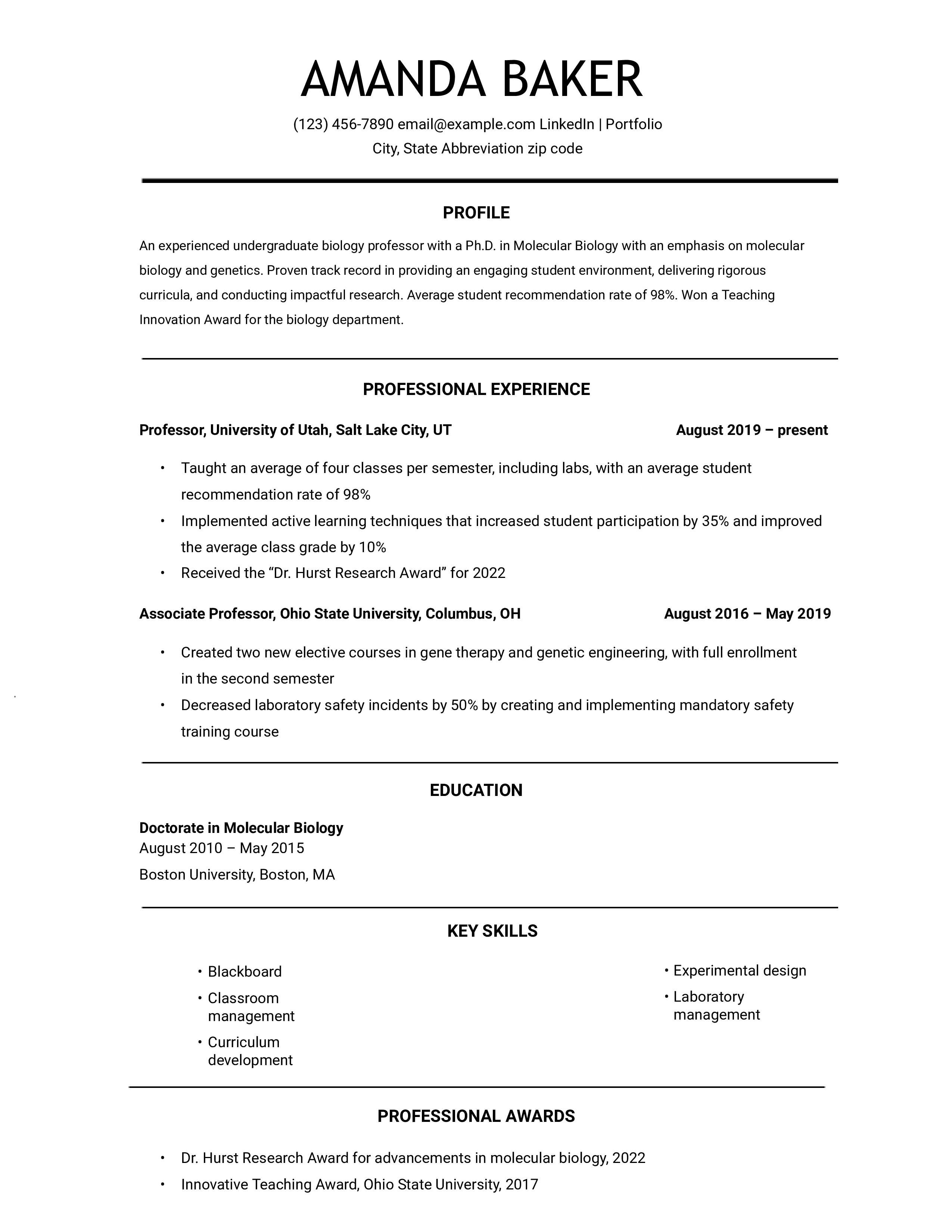
A chronological resume format lists your work experience in reverse chronological order, with the most recent experience first.
-
Functional Resume Format
A functional resume format emphasizes your skills and qualifications rather than your work history.
-
Combination Resume Format
A combination resume format combines the best of both worlds, highlighting your skills and work experience.
How to Format a Resume: Tips and Tricks
Here are some tips and tricks to help you format a resume effectively:
-
Use a clear and concise format
Use a clear and concise format to make your resume easy to read and scan.
-
Choose the right font and font size
Choose a professional font and font size to avoid overwhelming the reader.
-
Use bullet points and white space
Use bullet points and white space to make your resume visually appealing and easy to read.
-
Highlight your achievements
Highlight your achievements and skills rather than just listing your job responsibilities.
-
Proofread and edit
Proofread and edit your resume multiple times to catch any errors or typos.
Conclusion
Formatting a resume can seem like a daunting task, but by following these tips and tricks, you can create a professional-looking resume that gets noticed by potential employers. Remember to choose the right resume format, use a clear and concise format, choose the right font and font size, use bullet points and white space, highlight your achievements, and proofread and edit. Good luck!
Final Tips
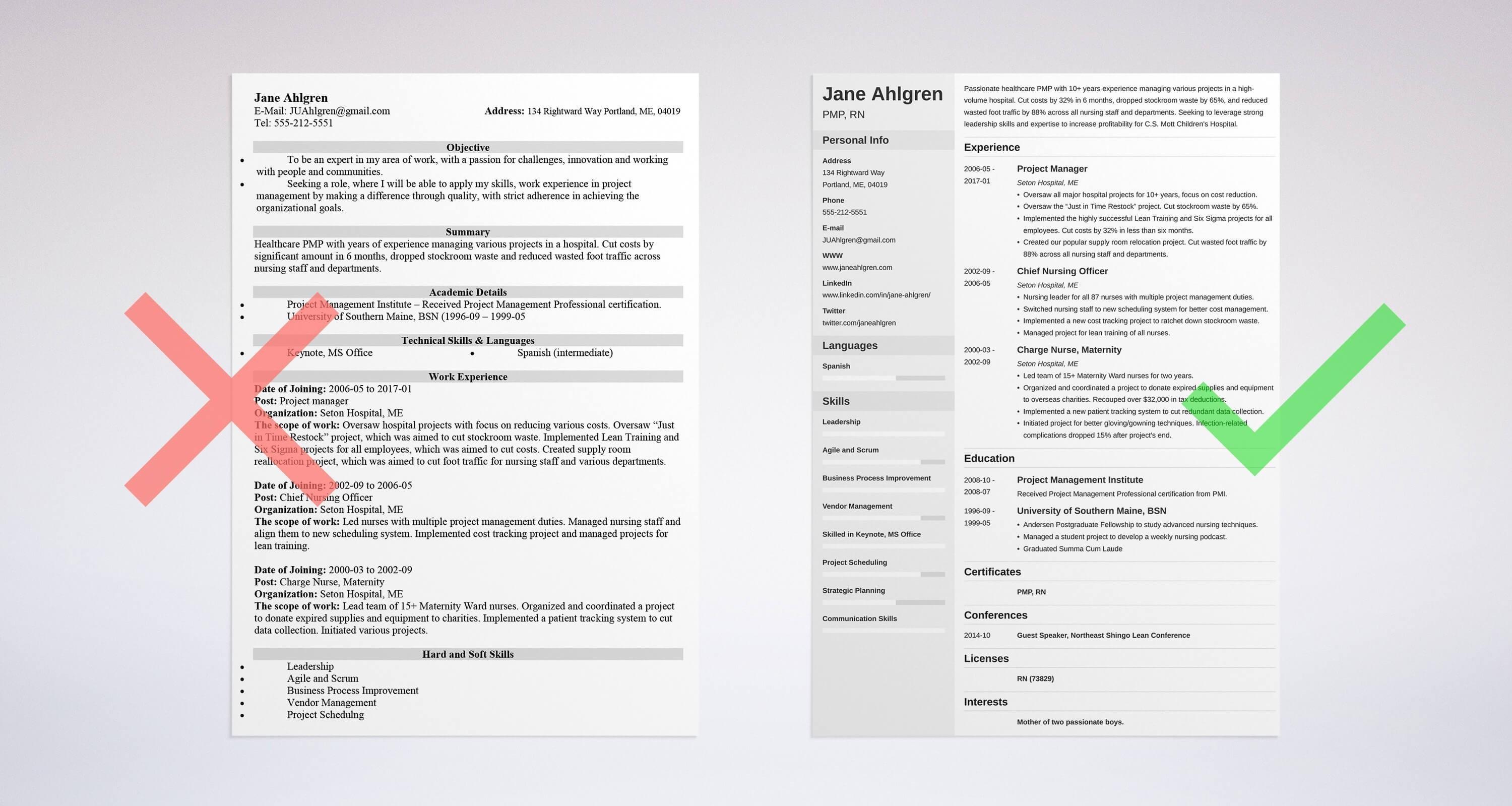
Use a resume builder tool
Use a resume builder tool to help you create a professional-looking resume quickly and easily.
Indeed Career Scout
Indeed Career Scout is a free resume review tool that provides personalized tips and feedback on your resume.
Canva
Canva is a graphic design platform that offers a range of free resume templates and design tools.
Jobscan Resume Builder
Jobscan Resume Builder is a free online resume builder tool that helps you create a professional-looking resume quickly and easily.
USAJOBS
USAJOBS is a government job search website that offers a range of free resume templates and resources.
Download a Free Resume Template
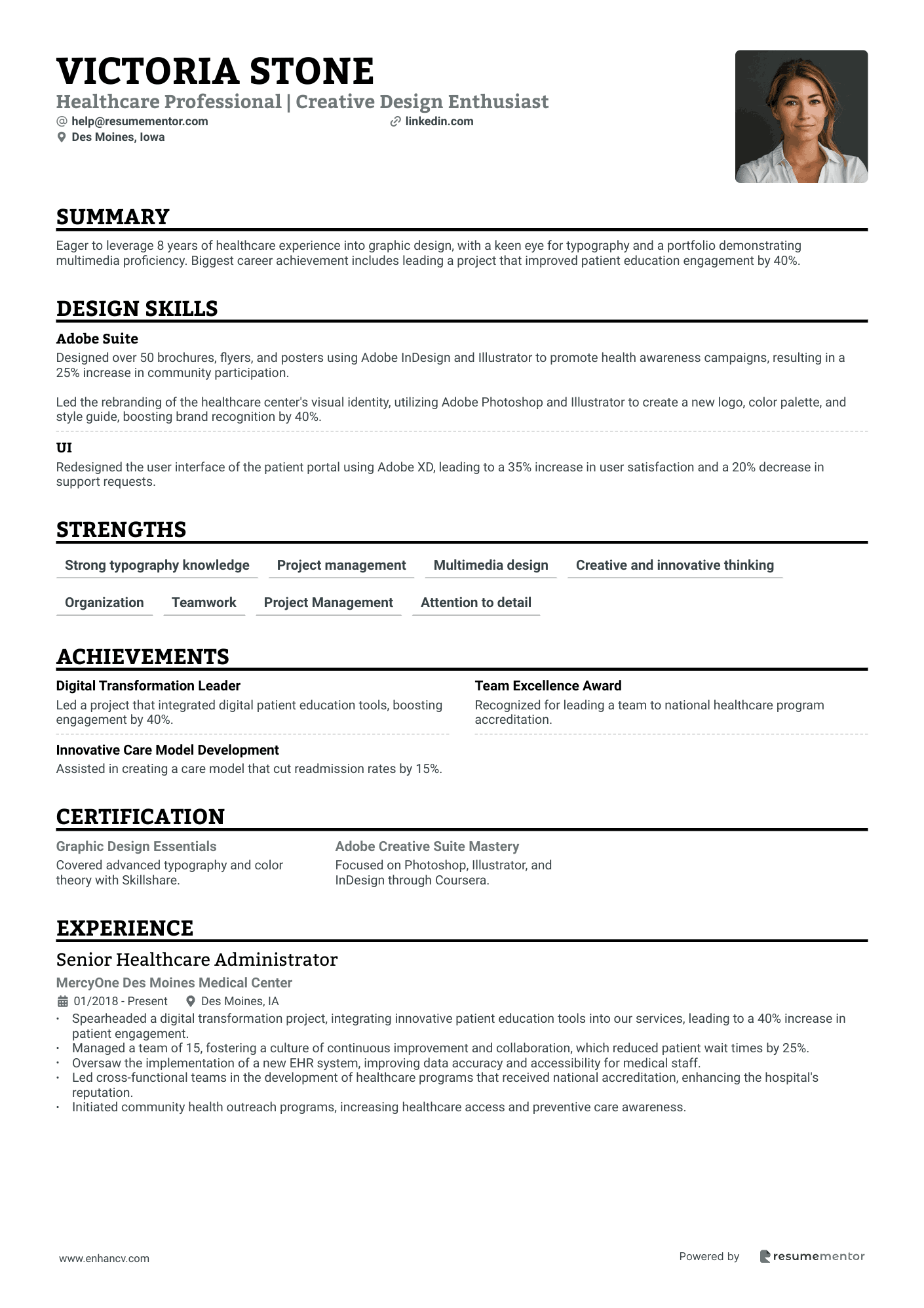
Download a free resume template from a reputable source such as Indeed or Canva to help you get started.


-1.png "How To List Education on a Resume (With Examples) - Indeed")
![Free Resume Templates [Customize & Download]](https://d20ohkaloyme4g.cloudfront.net/img/document_thumbnails/3ac8166498877491cc7c2100ca69c27c/thumb_1200_1698.png "Free Resume Templates [Customize & Download]")