Protecting Your Instagram Account from Scammers
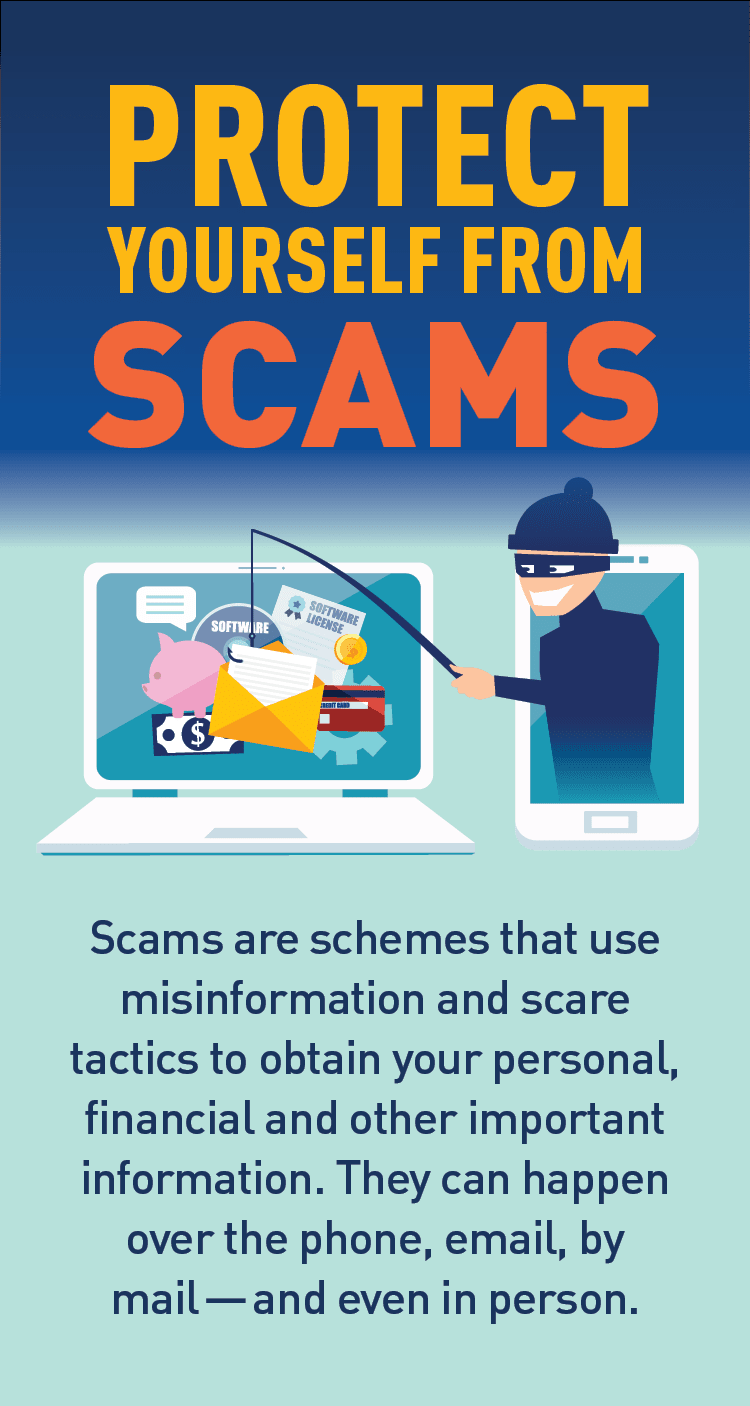
Keeping your online presence safe and secure is a top concern, especially with social media platforms like Instagram being frequent targets of cybercrime. Scammers constantly come up with new ways to trick users into revealing sensitive information or gaining unauthorized access to their accounts. In this article, we'll guide you through the best practices and simple steps to protect your Instagram account from scammers.
Why Hackers Target Instagram Accounts
Scamming on Instagram is a thriving business. Hackers target the platform for various reasons, including:
- Scams and phishing attacks to steal sensitive information
- Identity theft
- Instagram account reselling
- Investment fraud
- Spreading malware and viruses
Suspicious Instagram Accounts to Watch Out For
Suspicious accounts can pose as verified accounts or seem to be run by reputable individuals, but they're actually scammers. These types of accounts:
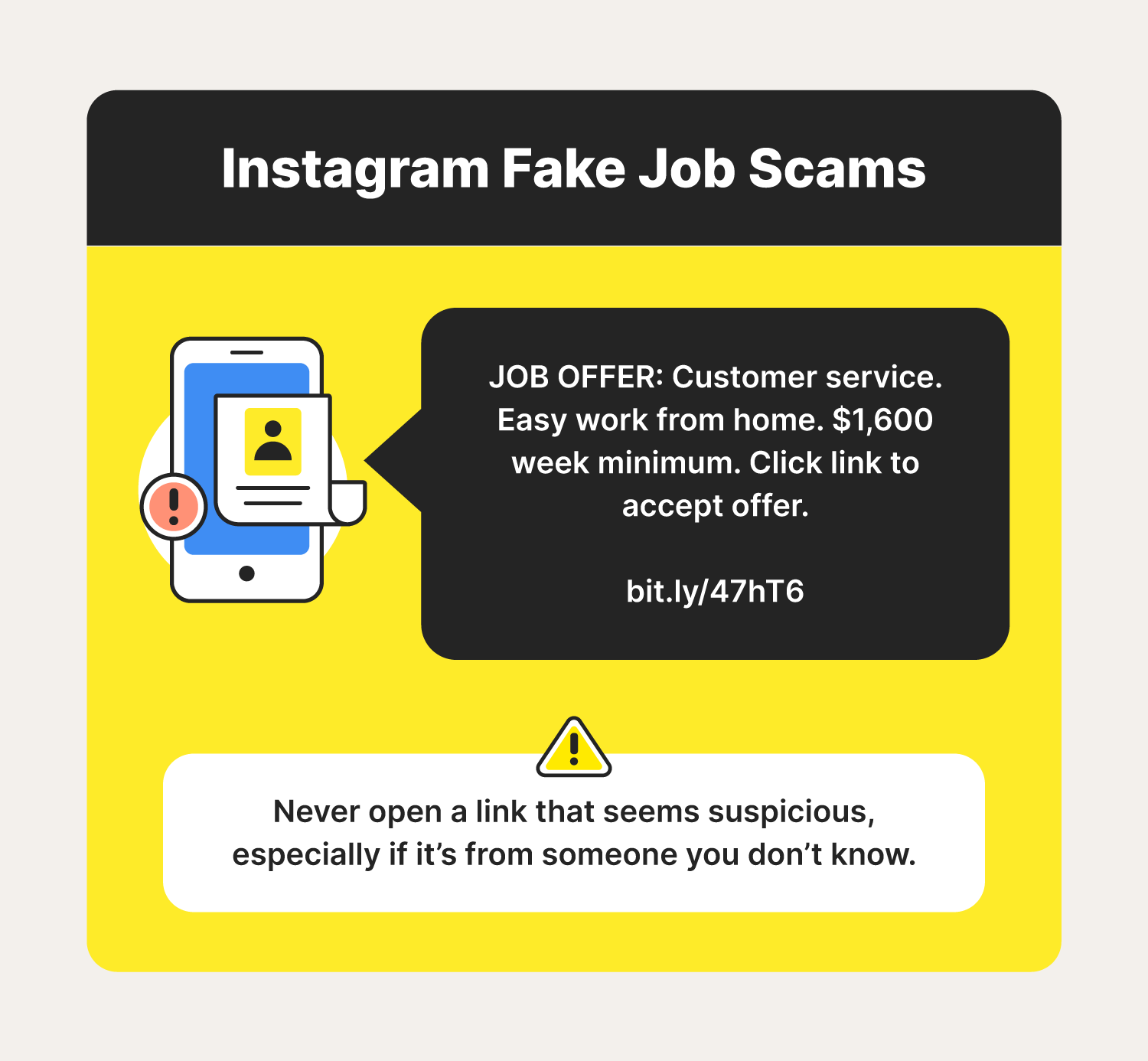
- Send phishing links or messages
- Use fake profiles to impersonate real people or businesses
- Request personal and financial information
- Attempt to steal your login credentials
Protecting Your Account
Protecting your Instagram account is a two-way street. You need to be vigilant and take proactive steps to safeguard your account.
- Use a strong and unique password that you don't use on other platforms
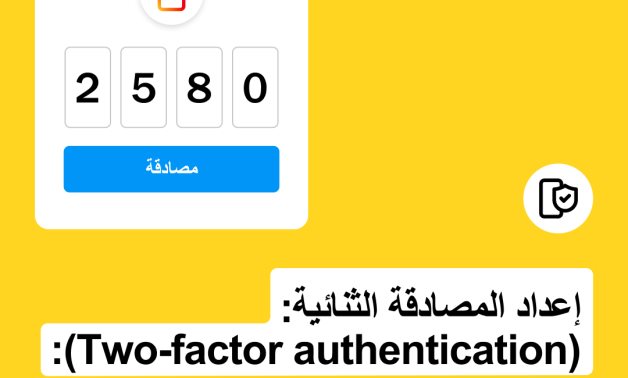
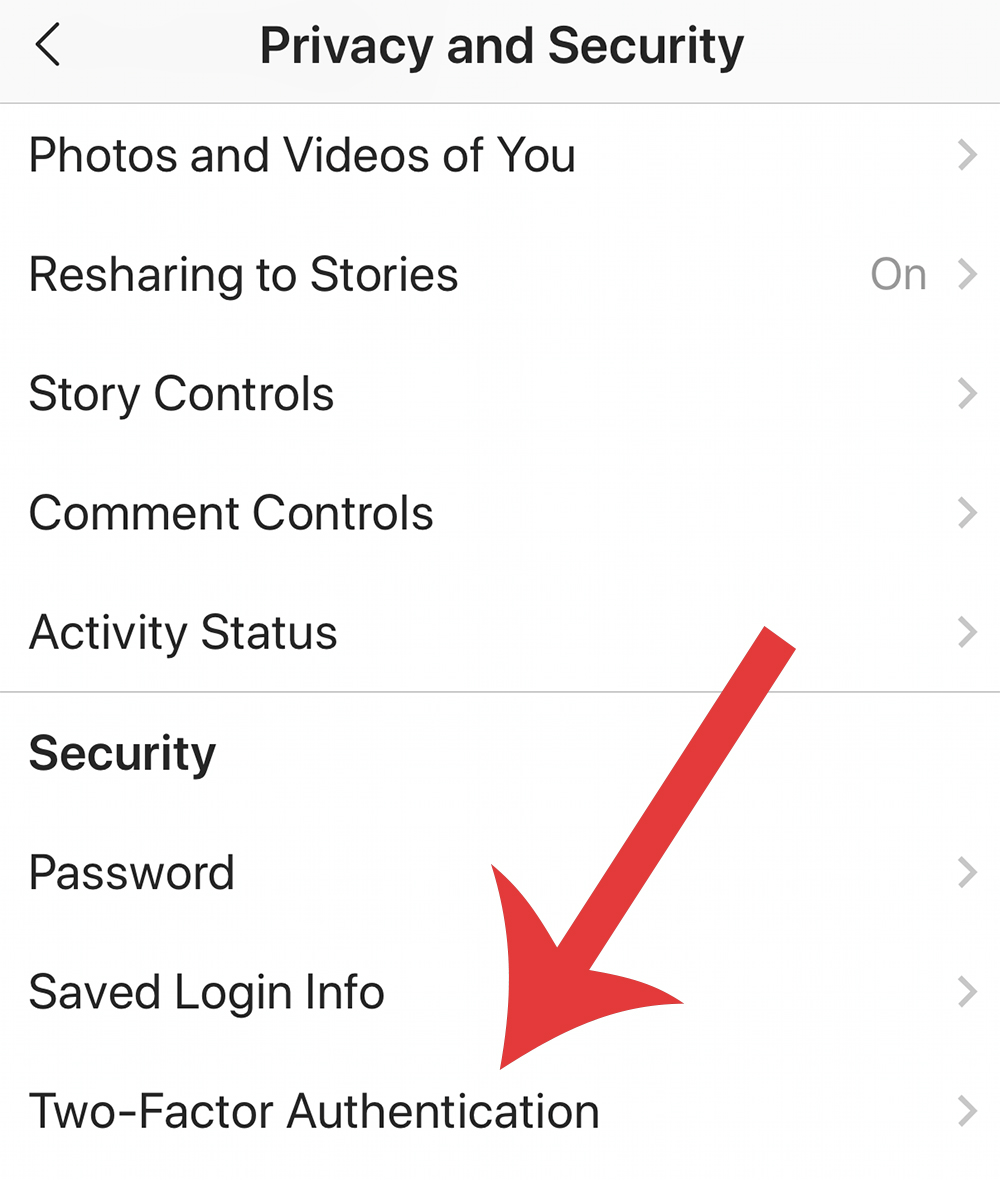
- Enable two-factor authentication (2FA) to secure your account
- Regularly review your account activity and reported issues
- Use Instagram's built-in security features, such as account recovery tools and warning signs
- Keep your account recovery contact information up to date
How to Identify and Report Scams on Instagram
Identifying scams can be tricky, but knowing the signs can help you avoid falling prey to these online threats.
- Be cautious of messages that ask for personal or financial information
- Avoid clicking on suspicious links or downloading attachments from unknown sources
- Watch out for accounts that seem unusual or suspicious
- Report suspicious activity and accounts
Financial Scams and Security
Be aware of phishing messages that claim there's a problem with your account or request urgent payment. These scams are common on Instagram.
- Always verify the authenticity of messages and emails
- Be cautious of requests that seem too good (or bad) to be true
- Don't fall for fake delivery notices or investment opportunities
Additional Security Measures
While Instagram has built-in security features, taking additional steps can further strengthen your account's security.
- Use a reputable third-party security software, such as Norton 360 Deluxe
- Set up a security system on your computer or mobile device
- Keep your phone's operating system and security software up to date
Conclusion
Protecting your Instagram account from scammers requires a combination of vigilance, awareness, and proactive steps. By following the tips outlined in this article, you'll be better equipped to defend yourself against phishing, scammers, and other online threats. By securing your account, you'll not only protect your online presence but also safeguard your sensitive information and maintain the integrity of the online community.