Ways to Protect Your Wi-Fi Network with Firewalls
Are you concerned about the security of your Wi-Fi network? With the increasing number of cyber threats, a firewall is an essential component to protect your network from unauthorized access and malicious activities. In this article, we will discuss the importance of firewalls and provide you with effective ways to protect your Wi-Fi network with firewalls.
What are Firewalls and Why Do You Need Them?
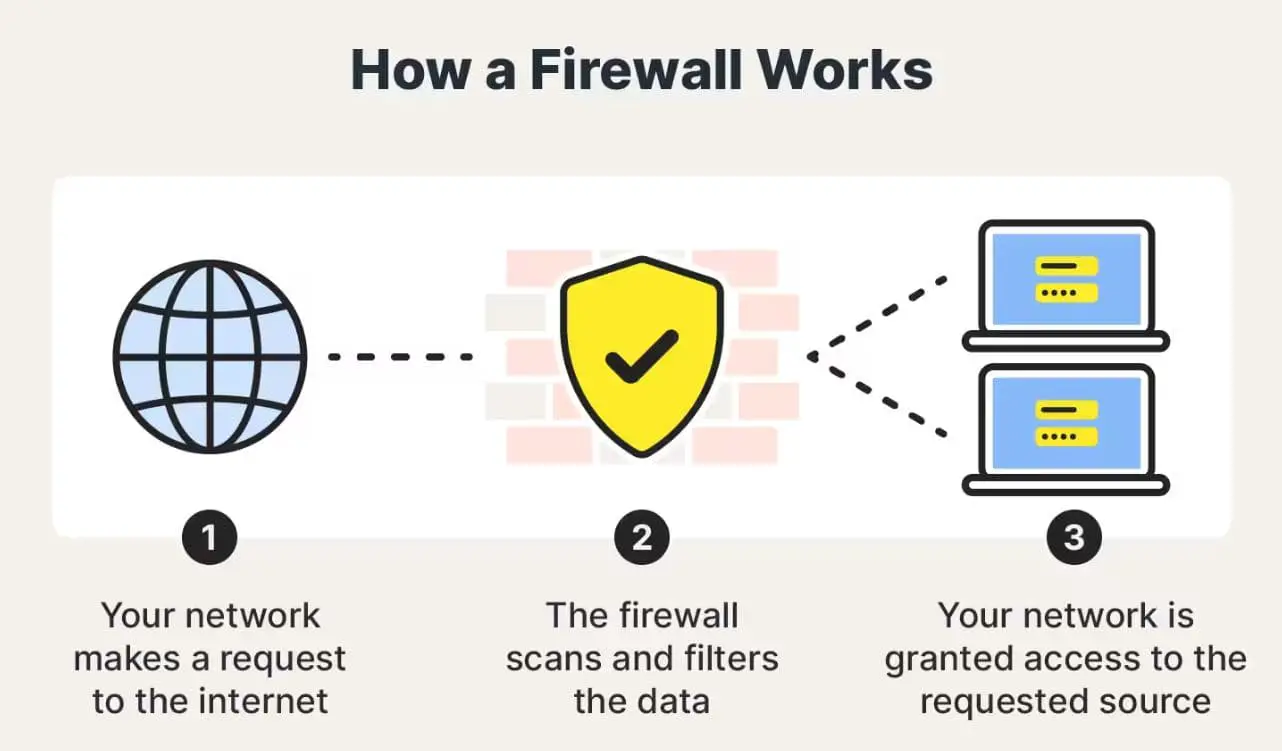
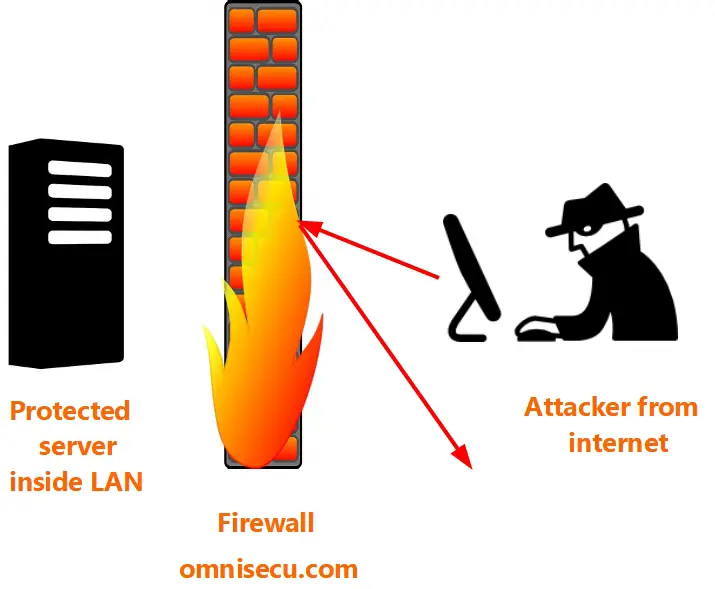
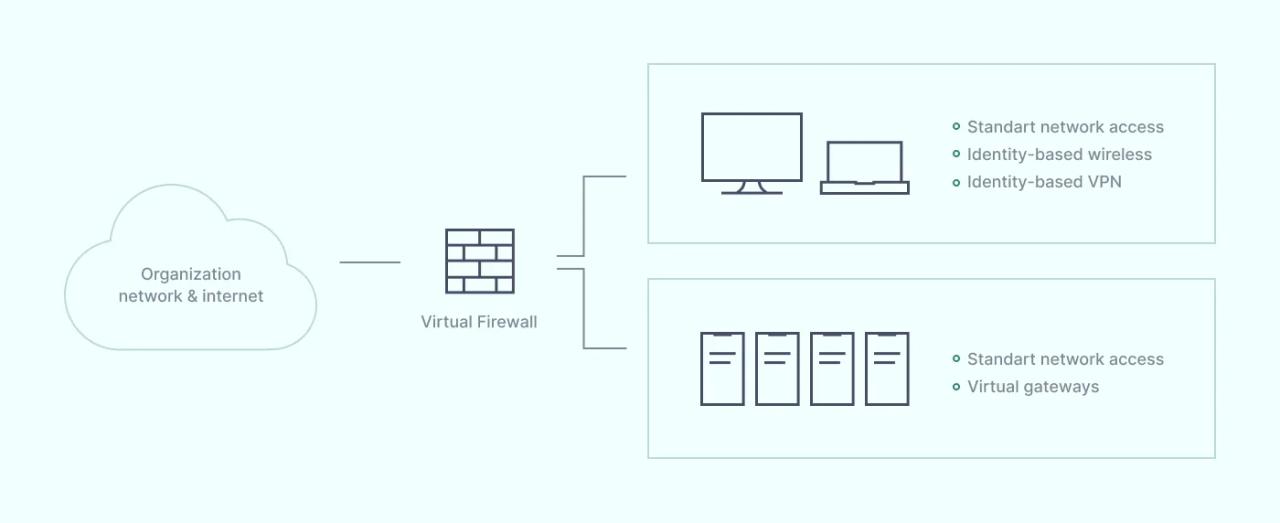
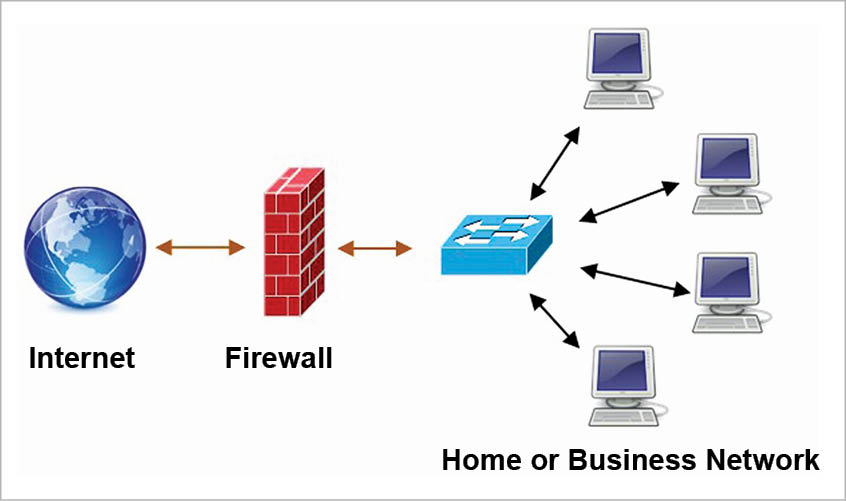
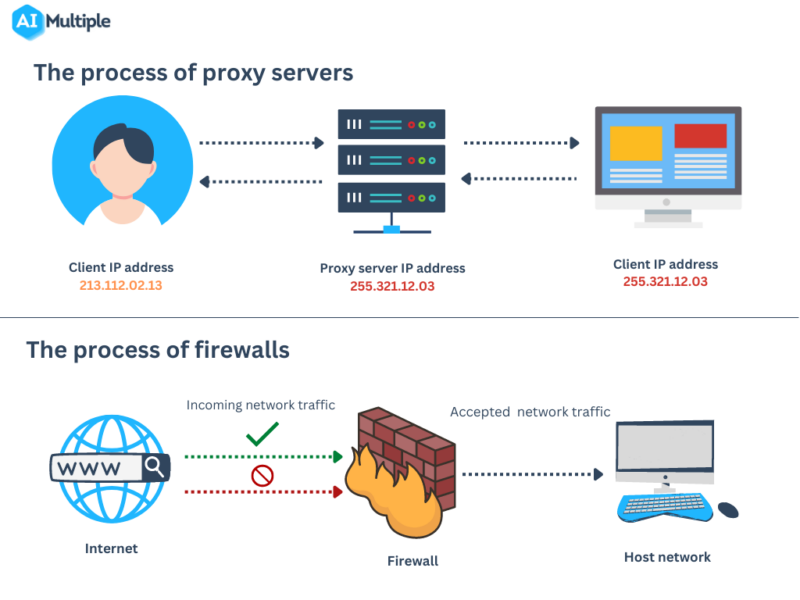
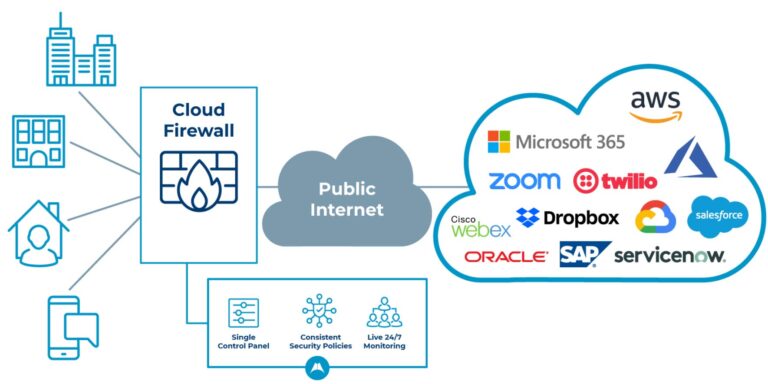
A firewall is a network security device that monitors, filters, and controls incoming and outgoing network traffic based on predetermined security rules. The primary purpose of a firewall is to establish a barrier between a trusted internal network and untrusted external networks, such as the internet. By inspecting data packets and determining the allowed and blocked traffic, firewalls help protect your network from various threats, including malware, hacking attempts, and unauthorized access.
Ways to Protect Your Wi-Fi Network with Firewalls

-
Use a Router with a Built-in Firewall: Most modern routers come with a built-in firewall that helps to filter incoming and outgoing traffic, thereby protecting your network from external threats. Ensure that your router is configured to use a strong firewall policy to block any malicious activity.
-
Install a Software Firewall: In addition to the router's firewall, consider installing a software firewall on your computer or mobile device. This will provide an extra layer of protection against malware and hacking attempts. Windows Firewall, for instance, is a built-in software firewall that can be easily enabled and configured on your device.
-
Configure Your Firewall Rules: A firewall can filter traffic based on IP addresses, network ports, and specific applications. Configure your firewall rules to allow or block certain types of traffic to ensure your network remains secure.
-
Regularly Update Your Firewall: Regularly update your firewall software to ensure that you have the latest security patches and protection against new threats. Outdated firewalls can leave your network vulnerable to attacks.
-
Use Strong Passwords and Authentication Methods: Use strong, unique passwords for all network devices, and implement two-factor authentication to ensure that unauthorized access is restricted. This adds an extra layer of security to your network.
-
Monitor Your Network Traffic: Regularly monitor your network traffic to identify any suspicious activity or potential security threats. This can help you take prompt action to mitigate any potential risks.
-
Use a VPN (Virtual Private Network): Consider using a VPN when connecting to public Wi-Fi networks to encrypt your internet traffic and add an extra layer of protection against hacking attempts.
-
Change Your Default Settings: Many devices come with default settings that can be easily identified by hackers. Change your default settings to secure your network and devices from unauthorized access.
Conclusion
Protecting your Wi-Fi network with firewalls is an essential step in securing your network from various threats. By following the ways outlined in this article, you can add an extra layer of protection to your network and ensure that your data remains safe and secure. Regularly update your firewall software, configure your firewall rules, and monitor your network traffic to stay ahead of potential threats and keep your network secure.