Mastering Electronic Device Troubleshooting: A Comprehensive Guide
Electronics have become an integral part of our daily lives, making electronic devices indispensable. However, despite their importance, electronic devices can malfunction, disrupting our daily routines and causing frustration. To mitigate this, understanding how to troubleshoot common electronic device problems is essential. In this article, we will explore the ins and outs of electronic device troubleshooting, providing valuable insights and practical tips for diagnosing and resolving common malfunctions.
Understanding the Importance of Electronic Device Troubleshooting
Electronics have become an integral part of our daily lives, from smartphones to home appliances and industrial machinery. However, like any other machinery, electronic components can encounter issues over time, leading to malfunctioning or failure. Troubleshooting electronic components is essential for diagnosing and resolving these issues effectively. By mastering electronic device troubleshooting, individuals can save time, money, and the hassle of professional repairs.
common electronic device problems
- Power failures: Electronic devices can malfunction due to power-related issues, such as low battery voltage or a faulty power supply.
- Screen problems: Display issues, such as dead pixels or a cracked screen, can occur due to mechanical stress or software glitches.
- Button malfunctions: Stuck or unresponsive buttons can hinder user interaction with electronic devices.
- Audio issues: Sound-related problems, such as distorted audio or no sound at all, can be caused by hardware or software issues.
- Software glitches: Software-related issues, such as freezing or crashing, can be caused by programming errors or compatibility problems.
Electronic Device Troubleshooting Steps
To effectively troubleshoot common electronic device problems, follow these structured steps:

- Identify problems clearly: Describe the issue you're experiencing with your electronic device in detail, including any error messages or symptoms.
- Restart devices: A simple reboot can sometimes resolve software-related issues or refresh the device's memory.
- Check power supplies: Verify that the power supply is properly connected and functioning correctly.
- Update software: Ensure that your device's software is up-to-date, as newer versions may resolve compatibility issues or fix bugs.
- Run diagnostics: Utilize built-in diagnostic tools or third-party software to identify potential issues.
- Reset settings: Reset your device to its default settings to resolve configuration-related issues.
- Address overheating and connectivity issues: Ensure proper airflow and connectivity to resolve issues related to overheating or connectivity problems.
Essential Tools for Electronic Device Troubleshooting
While not all electronic components require specialized tools for troubleshooting, some common tools include:
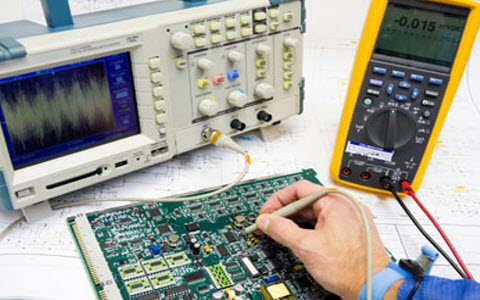
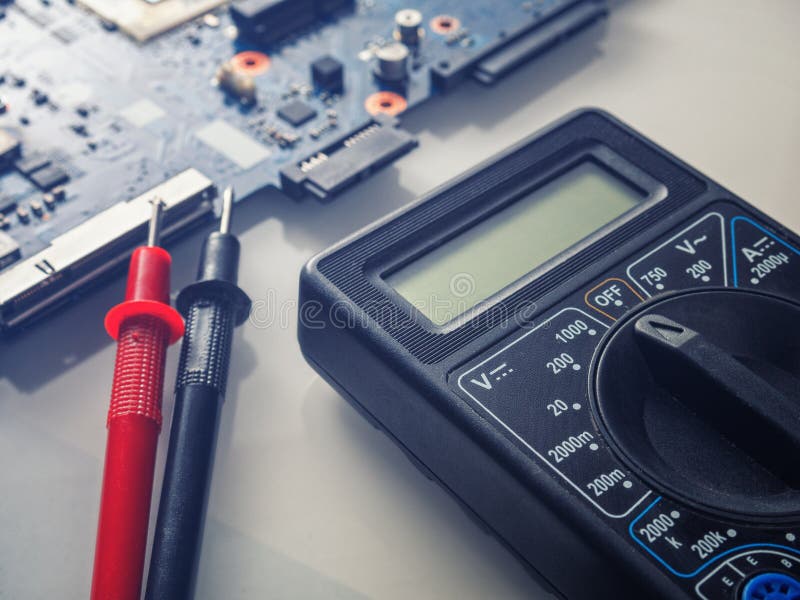
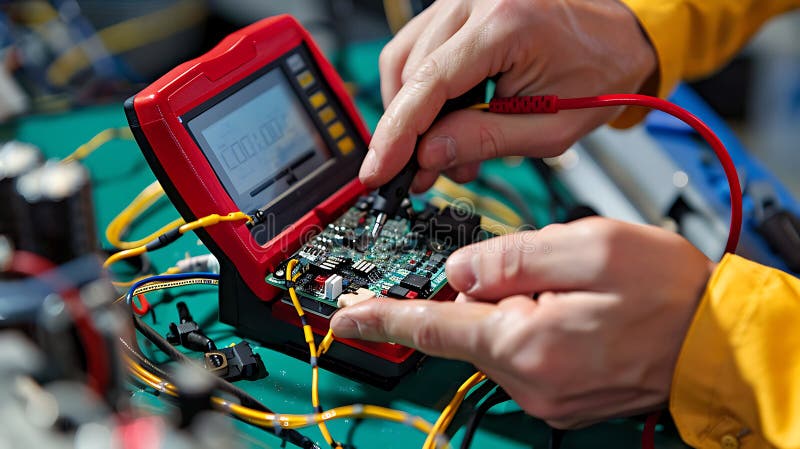
- Multi-meter: Measures voltage, current, and resistance
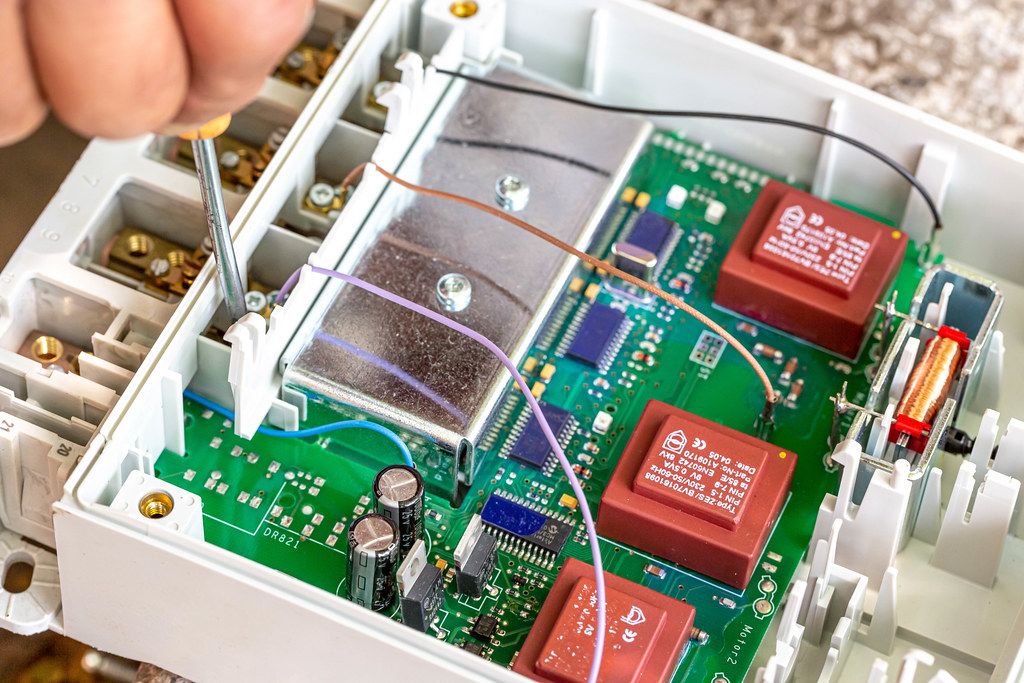
- Screwdrivers: For disassembling electronic devices
- Plastic spudger: For prying open electronic devices
- Jumper wires: For temporary connections or testing
- Thermal paste: For cooling electronic components
Conclusion
Electronic device troubleshooting is a skill that anyone can develop with practice. By following these structured steps—identifying problems clearly, restarting devices, checking power supplies, updating software, running diagnostics, resetting settings carefully, addressing overheating and connectivity issues—you enhance your chances of resolving common malfunctions quickly and effectively. Whether you're a seasoned electronics enthusiast or a beginner, mastering electronic device troubleshooting can save you time, money, and the hassle of professional repairs.