How to Set Up a Gaming PC: A Step-by-Step Guide
Setting up a gaming PC can be a daunting task, especially for beginners. However, with this comprehensive guide, you'll learn everything you need to know to get started and enjoy your new rig.
Step 1: Unpacking and Preparation
The first step in setting up your gaming PC is to unpack all the components and prepare them for assembly. Your gaming PC should have the following components:
- Central Processing Unit (CPU)
- Graphics Card (GPU)
- Memory (RAM)
- Storage (Hard Drive or Solid State Drive)
- Power Supply Unit (PSU)
- Case
- Monitor
- Keyboard
- Mouse
Before you begin, make sure you have all the necessary tools, such as a screwdriver, cable ties, and thermal paste.
Step 2: Installing the CPU and Motherboard
Start by installing the CPU onto the motherboard. Ensure the CPU is properly aligned with the socket on the motherboard and gently push it in until it clicks. Next, apply a small amount of thermal paste to the CPU and secure it to the motherboard with the mounting bracket.
Step 3: Installing Memory (RAM)Installing RAM is a relatively straightforward process. Ensure the RAM is notched to the correct orientation and gently push it into the slot on the motherboard. Secure it with the clips provided.
Step 4: Installing the Storage Drive
Install the storage drive, either a Hard Disk Drive (HDD) or Solid State Drive (SSD), into the drive bay on the bottom of the case. Secure it with screws and connect it to the motherboard using the SATA cable.
Step 5: Installing the Power Supply Unit (PSU)
Install the PSU into the case and connect it to the motherboard using the ATX cable. Ensure the PSU is securely fastened with screws.
Step 6: Installing the Graphics Card (GPU)
Install the GPU into the PCIe slot on the motherboard. Secure it with screws and connect it to the power supply using the PCIe power cable.
Step 7: Connecting Peripherals
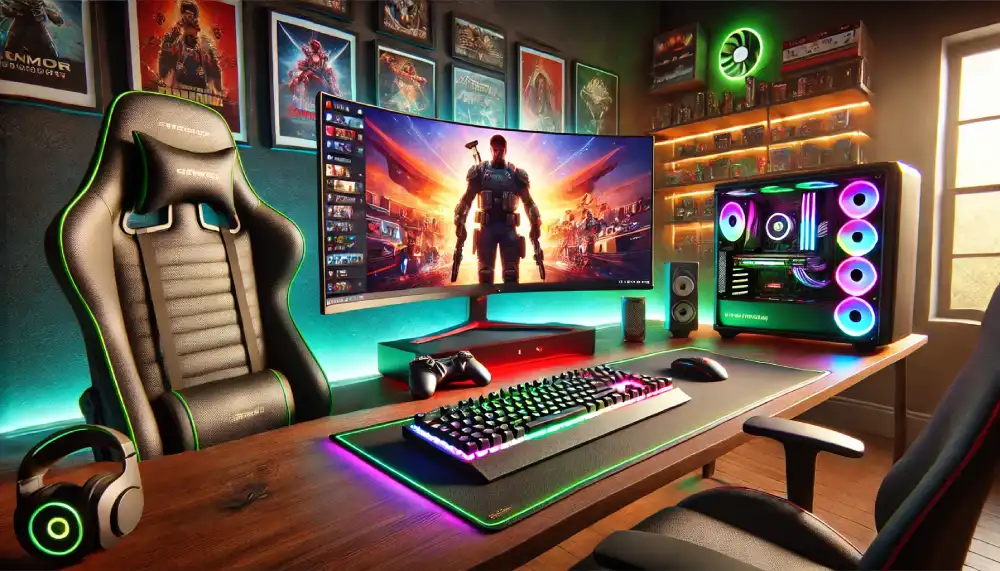
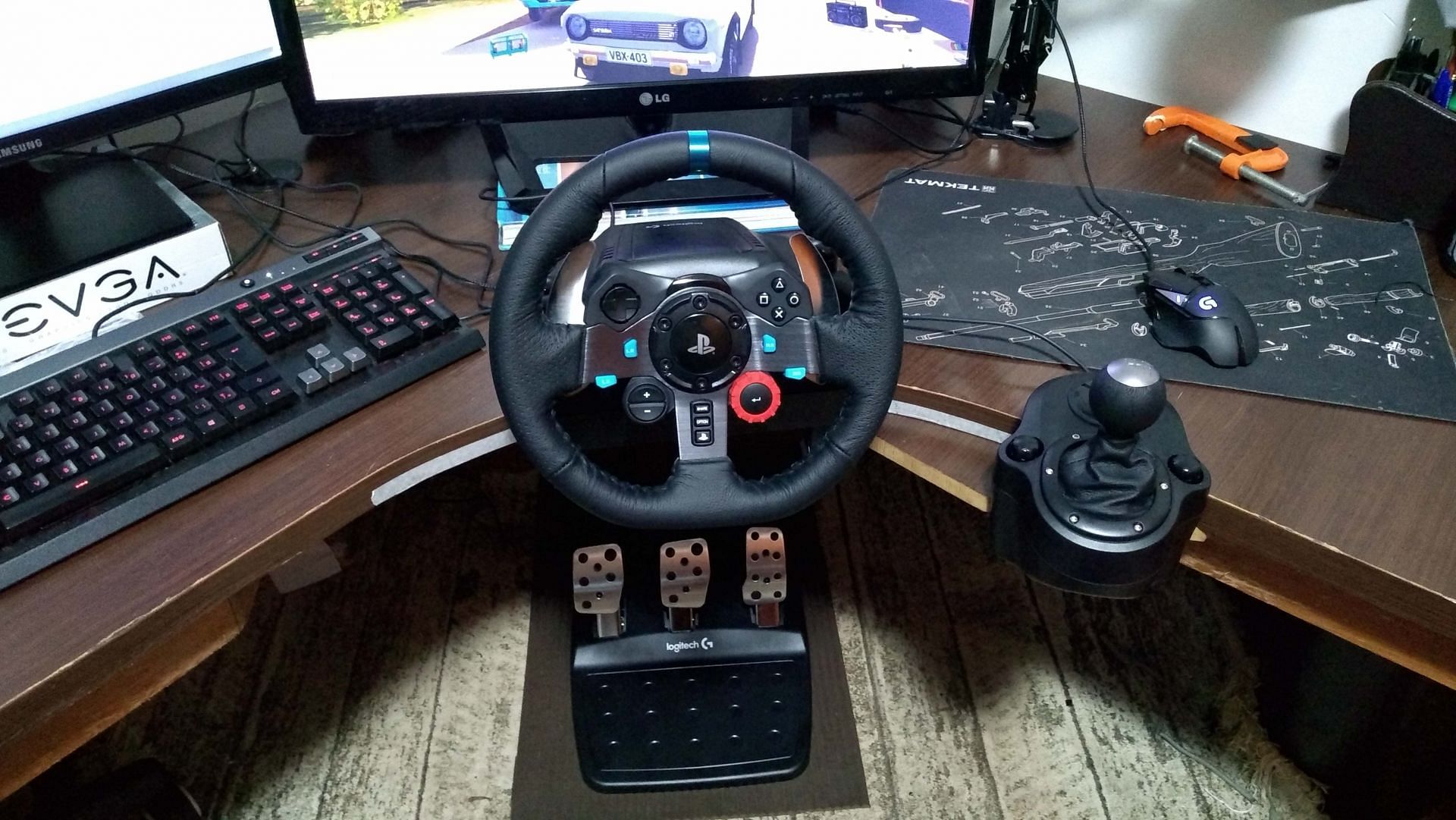
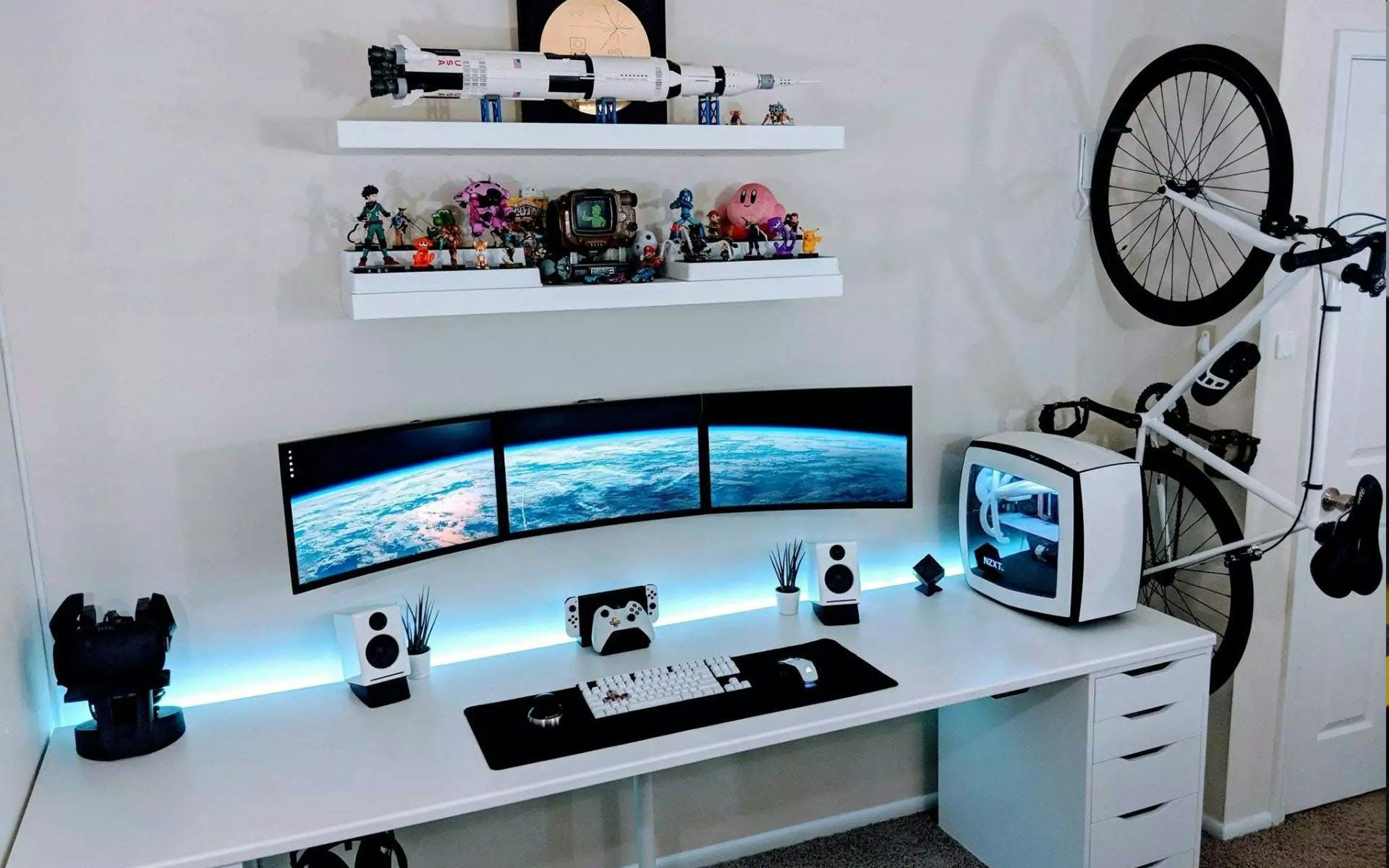
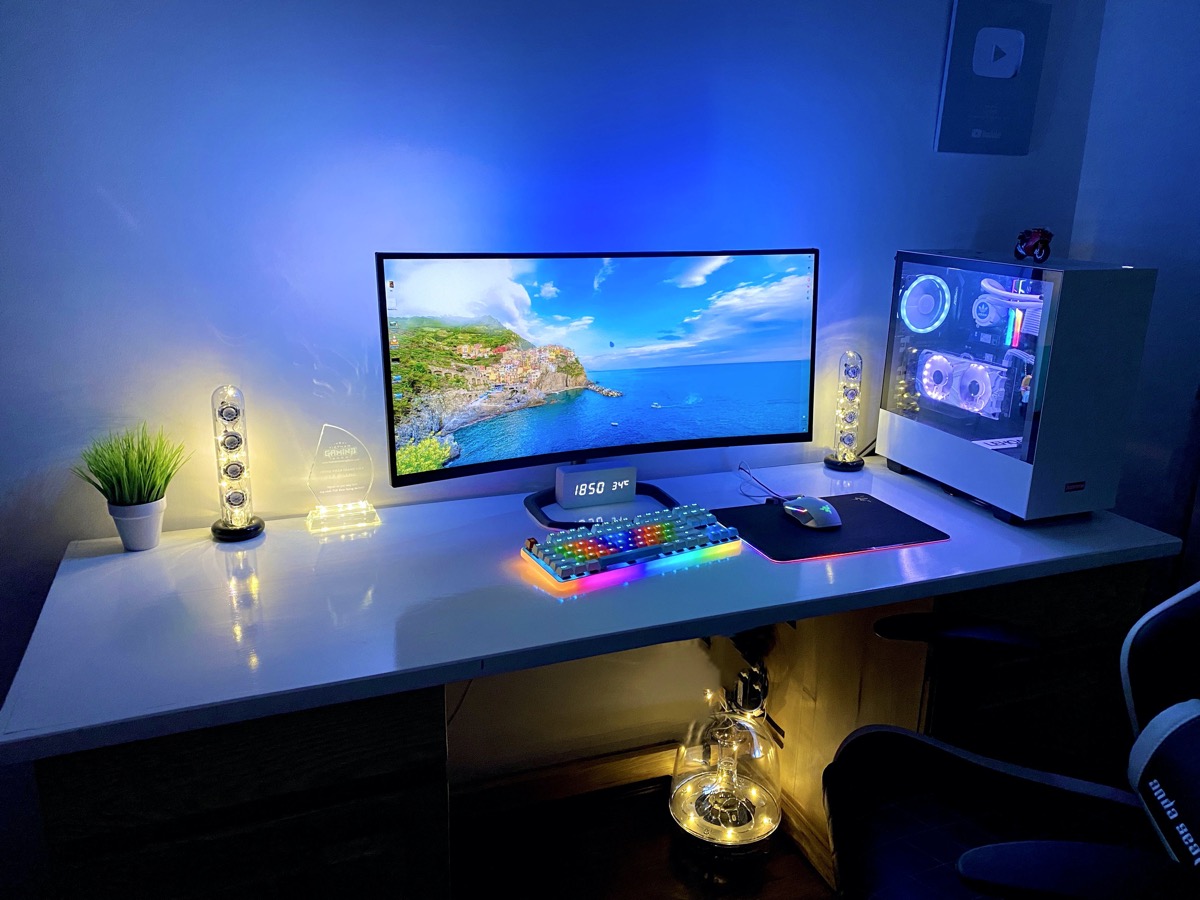
Connect the monitor, keyboard, and mouse to the gaming PC. Ensure all cables are securely connected to the correct ports on the back of the case.
Step 8: Booting Up and Installing the Operating System
Plug in the power cord and press the power button to turn on the gaming PC. The BIOS will load, and you'll be prompted to install the operating system. Follow the on-screen instructions to complete the installation process.
Step 9: Installing Drivers and Software
Install the drivers for the GPU, sound card, and any other peripherals. Download any necessary software, such as games, utilities, and games-specific software.
Step 10: Finalizing the Setup
Ensure all cables are securely connected and the gaming PC is properly configured. Take a few moments to explore the BIOS settings and adjust any necessary settings for optimal performance.
Conclusion
Setting up a gaming PC can be a complex process, but with this guide, you've learned the essential steps to get started. Remember to assemble the components carefully and following the manufacturer's instructions for each component. With your gaming PC setup and operating correctly, you're ready to enjoy immersive gaming experiences like never before.
Additional Tips and Resources
• Always ground yourself when handling electrical components to avoid static electricity damage.
• Use a well-ventilated area to prevent overheating.
• Regularly clean dust from the components to maintain performance and longevity.
For more information on how to set up a gaming PC, consult the user manuals provided with each component or visit the manufacturer's website for guides and tutorials.
Happy gaming!