Online Credit Card Security Best Practices: Protect Your Financial Information
Staying Safe in the Digital Age
In today's digital era, online credit card security is a top priority for both consumers and financial institutions. With the rise of e-commerce and online transactions, the risk of credit card fraud has increased, making it essential to adopt the best practices to safeguard your financial information. In this article, we will discuss the importance of online credit card security, the types of security threats, and actionable tips to protect your credit card information when shopping online.Why Online Credit Card Security is Crucial
Credit card security is a shared responsibility among credit card issuers, retailers, and consumers. When you shop online, your credit card information is transmitted electronically, making it vulnerable to interception by hackers. Therefore, it's crucial to follow the best practices to prevent unauthorized transactions and protect your financial data.Types of Credit Card Security Threats
Best Practices for Online Credit Card Security
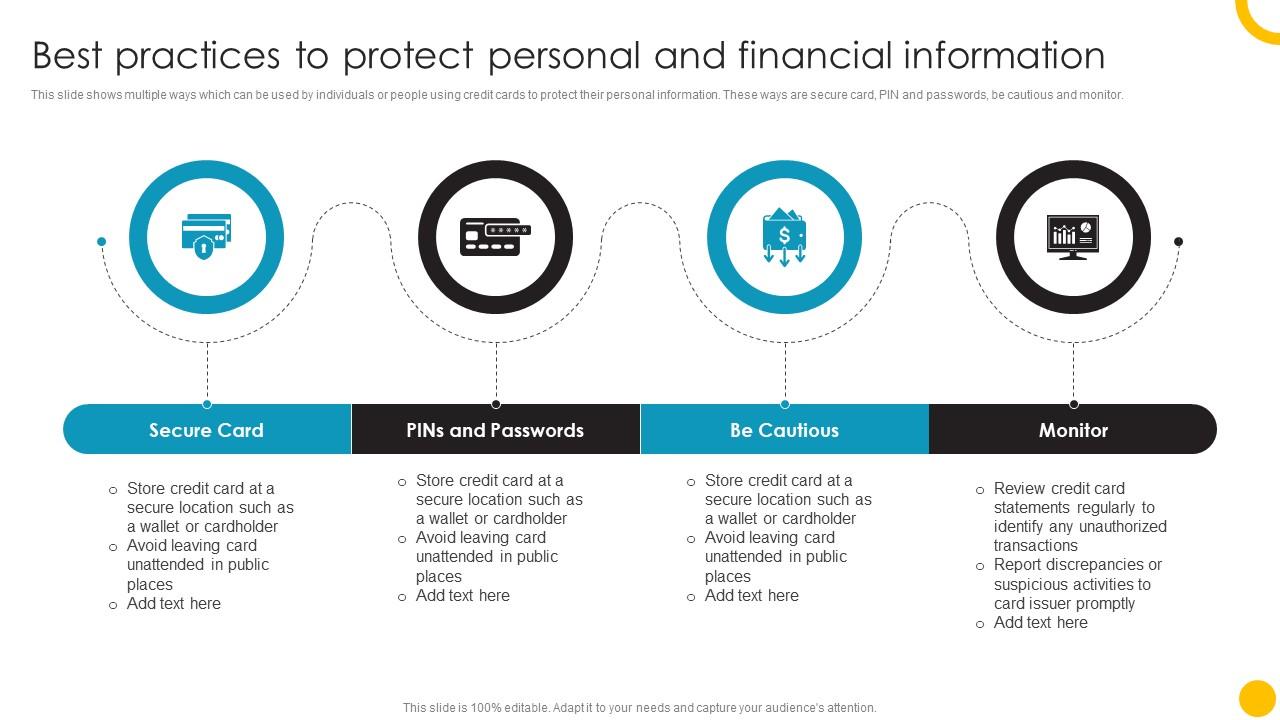
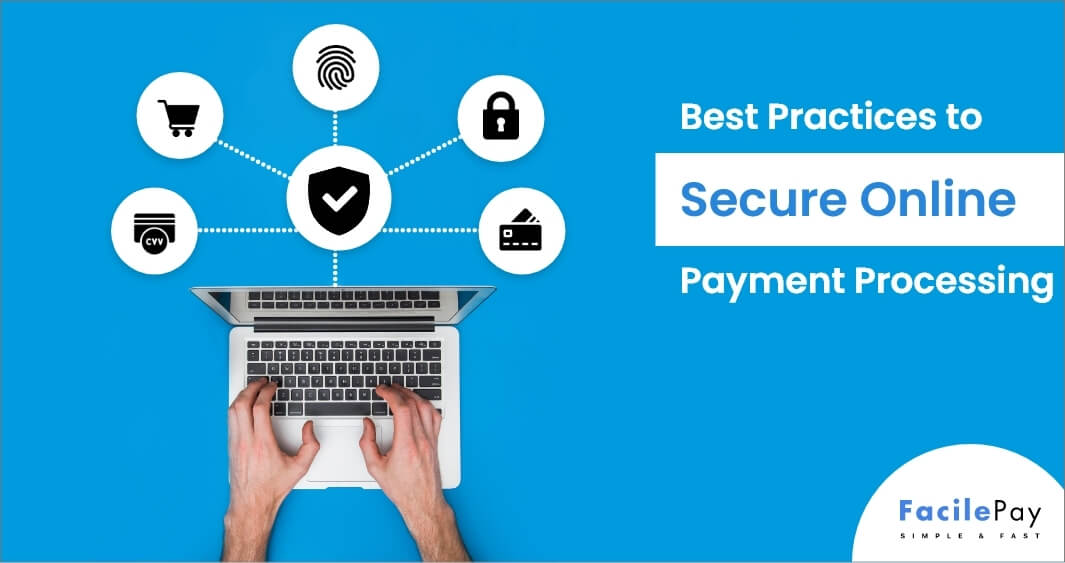
To protect your credit card information when shopping online, follow these best practices:- Never store your credit card information on a website: Reject offers to save your credit card details for future transactions. This reduces the risk of unauthorized access by hackers who gain access to the website.
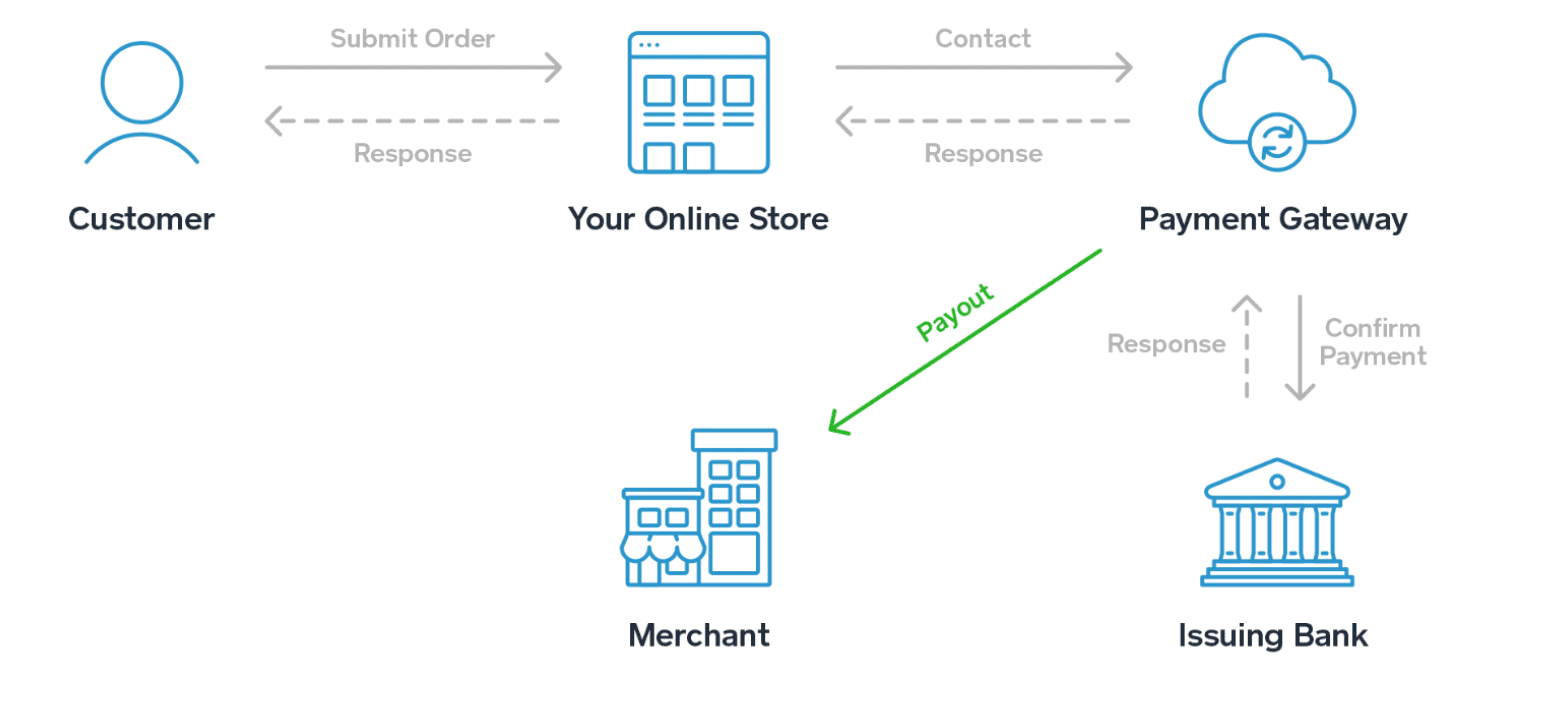
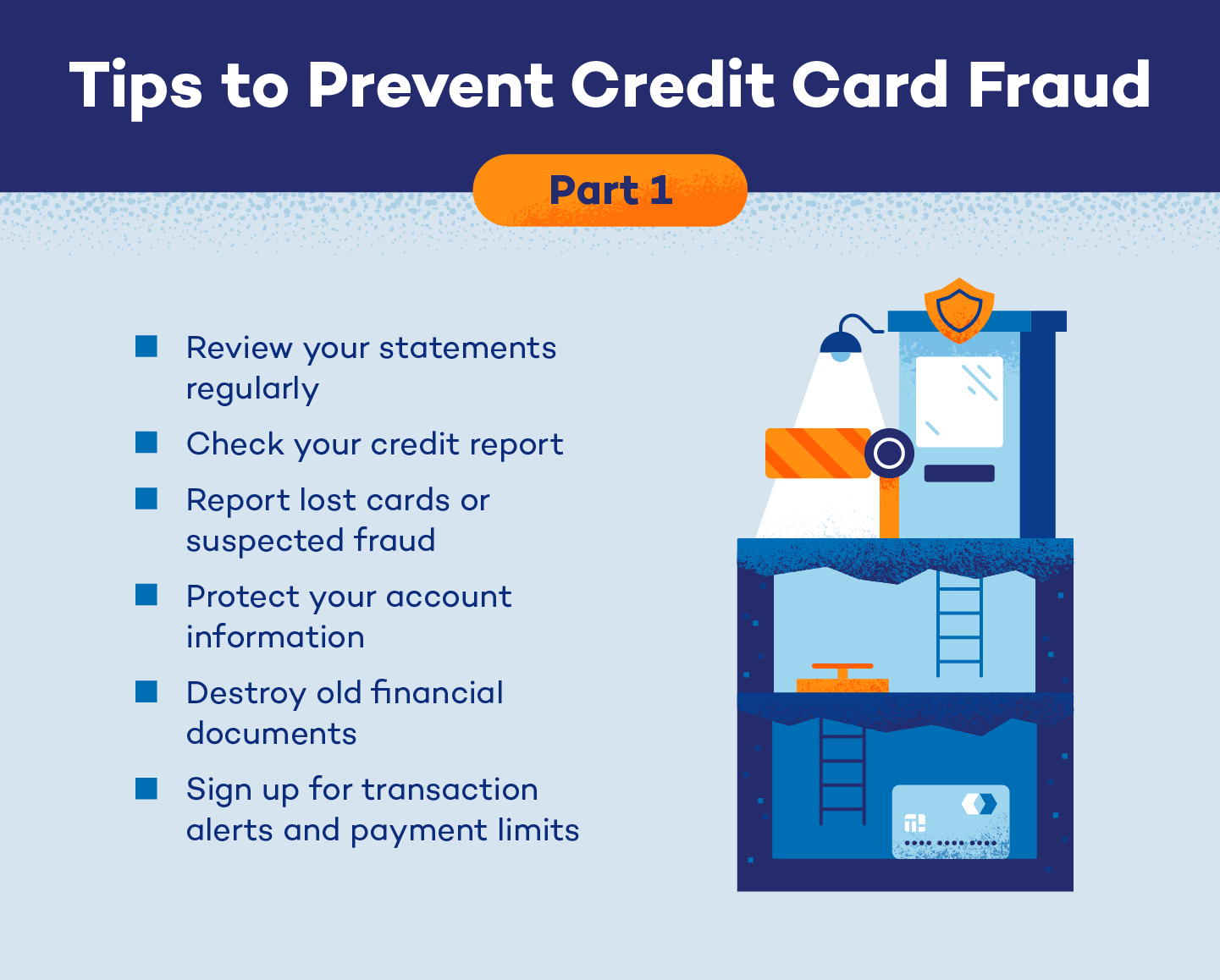
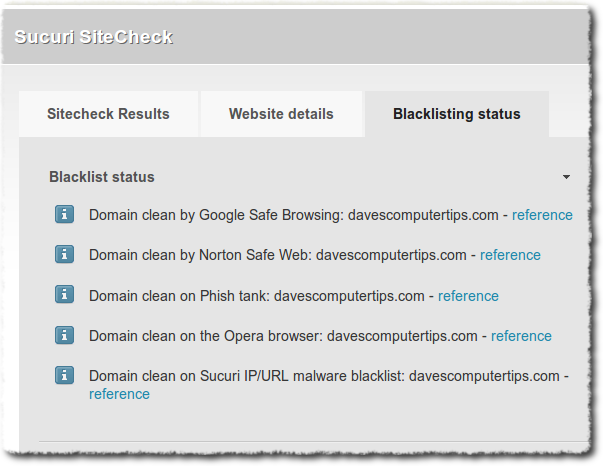
- Use a secure payment gateway: Look for websites with "https" in the URL and a padlock icon to ensure the connection is encrypted. li>Monitor your credit card statements: Regularly check your statements for suspicious transactions and report any unauthorized activity to your credit card issuer.
- Use two-factor authentication (2FA): Enable 2FA whenever possible to add an extra layer of security to your account.
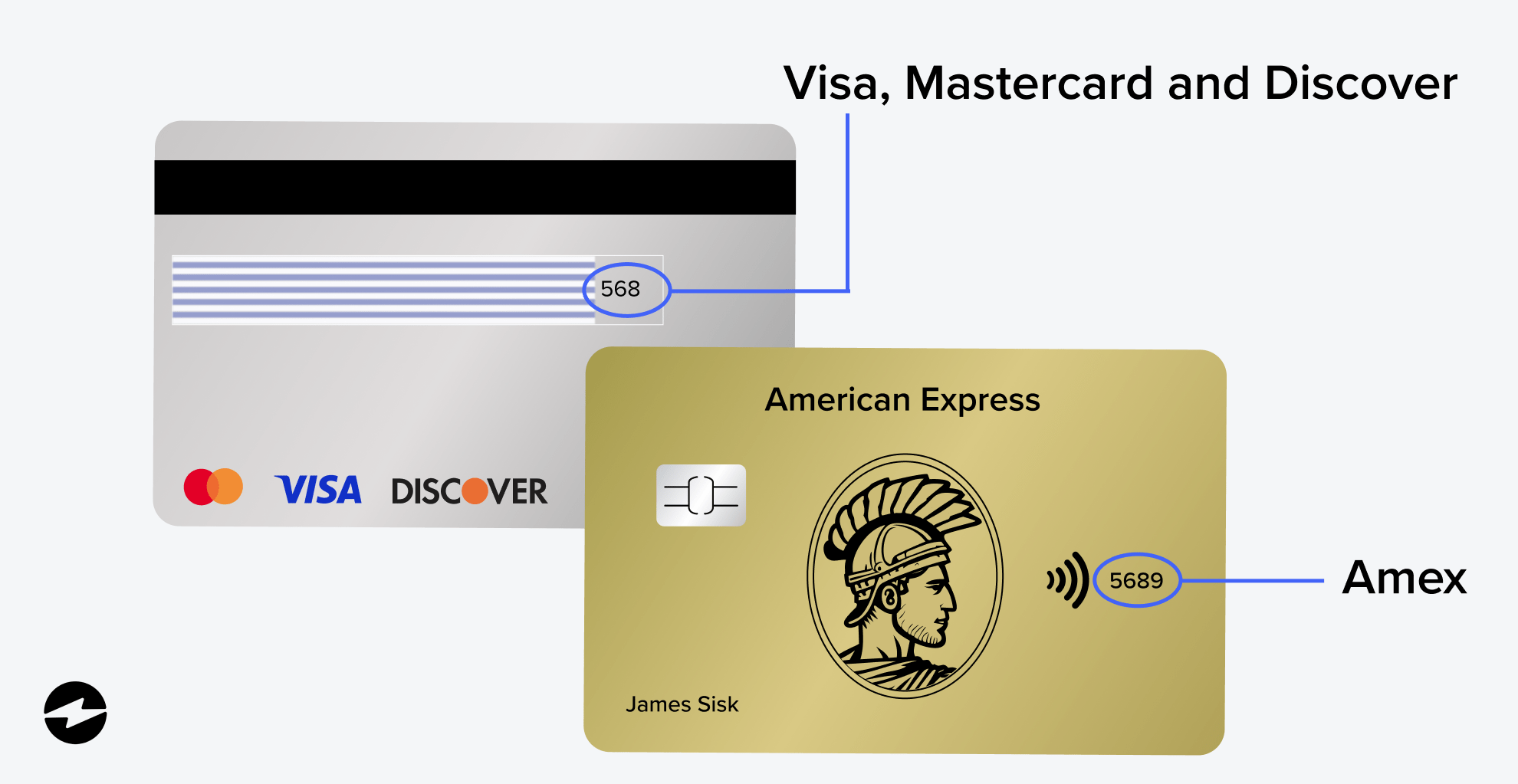
- Use a credit card with robust security features: Consider using a credit card with built-in security features, such as chip technology or tokenization.
- Keep your device and browser up to date: Ensure your operating system, browser, and antivirus software are updated to prevent vulnerabilities.
- Be cautious of public Wi-Fi: Avoid using public Wi-Fi networks for sensitive transactions, as they may be insecure.
- Use a secure browser extension: Consider using a browser extension that blocks tracking cookies and protects your browsing data.