How to Keep Your Social Media Accounts Protected
Social media is an integral part of our social fabric. With over 56% of the global population using social media to some degree or other, it's no wonder that social media has become a distinct digital extension of ourselves. However, this increased online presence also makes us more vulnerable to hacks and attacks. In this article, we'll explore the importance of keeping your social media accounts safe and provide you with 10 quick tips to strengthen the security of your accounts.
Why Social Media Account Security Matters
Social media accounts contain sensitive data, including personal information, photos, and messages. If your account is compromised, hackers can gain access to this sensitive data, putting you and your loved ones at risk. Moreover, social media accounts are a main target for hackers, making it essential to stay one step ahead of cyber threats.
10 Quick Tips to Keep Your Social Media Accounts Protected
1. Use Strong and Unique Passwords
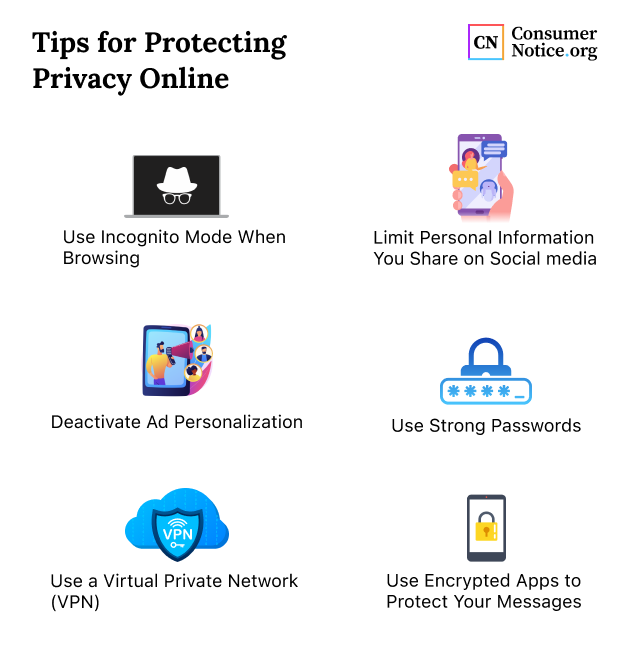
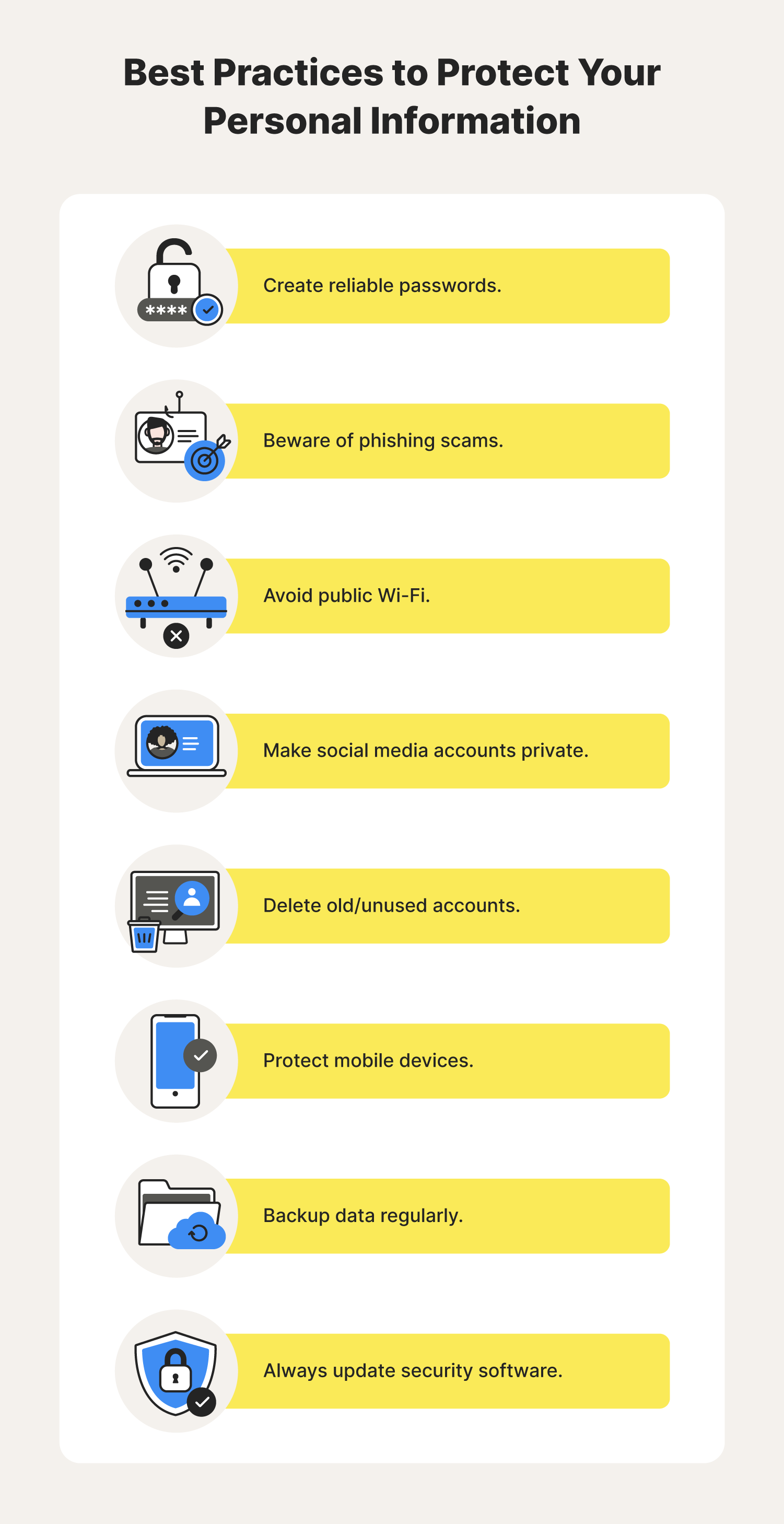
A strong password is the first line of defense against hacking attempts. Use a combination of uppercase and lowercase letters, numbers, and special characters to create a password that is at least 12 characters long. Avoid using easily guessable information such as your name, birthdate, or common words.
2. Enable Two-Factor Authentication (2FA)
2FA adds an extra layer of security to your account by requiring a verification code sent to your phone or email in addition to your password. This makes it much harder for hackers to gain access to your account.
3. Regularly Monitor Account Activity
Keep an eye on your account activity by regularly checking your login history and notifications. This will help you detect any suspicious activity and take action to secure your account.
4. Keep Your Software Updated
Outdated software can leave your account vulnerable to security exploits. Make sure to update your social media apps and browser regularly to ensure you have the latest security patches.
5. Use a Password Manager
A password manager can help you generate and store unique, complex passwords for each of your social media accounts. This way, you'll never have to remember multiple passwords.
6. Be Cautious of Phishing Scams
Phishing scams involve scammers trying to trick you into revealing your login credentials or other sensitive information. Be cautious of suspicious emails or messages, and never click on links or download attachments from unknown sources.
7. Use Secure Browsers
Use a secure browser that offers features such as password autofill, two-factor authentication, and incognito mode. This will help protect your account from hacking attempts.
8. Avoid Public Wi-Fi
Public Wi-Fi networks are often unsecured, making it easy for hackers to intercept your data. Avoid using public Wi-Fi to access your social media accounts, and instead use a secure network or a virtual private network (VPN).
9. Limit App Permissions
Many social media apps request access to your phone's permissions, such as camera, microphone, and location. Limit these permissions to only what is necessary, and review the permissions regularly to ensure they haven't changed.
10. Use Account Recovery Tools
Many social media platforms offer account recovery tools that can help you regain access to your account if you've forgotten your password or been locked out. Make sure to save these recovery tools, such as email or phone numbers, to ensure you can recover your account if needed.
Additional Tips for Social Media Security
Staying safe on social media requires ongoing effort and attention. Here are some additional tips to help you keep your accounts secure:
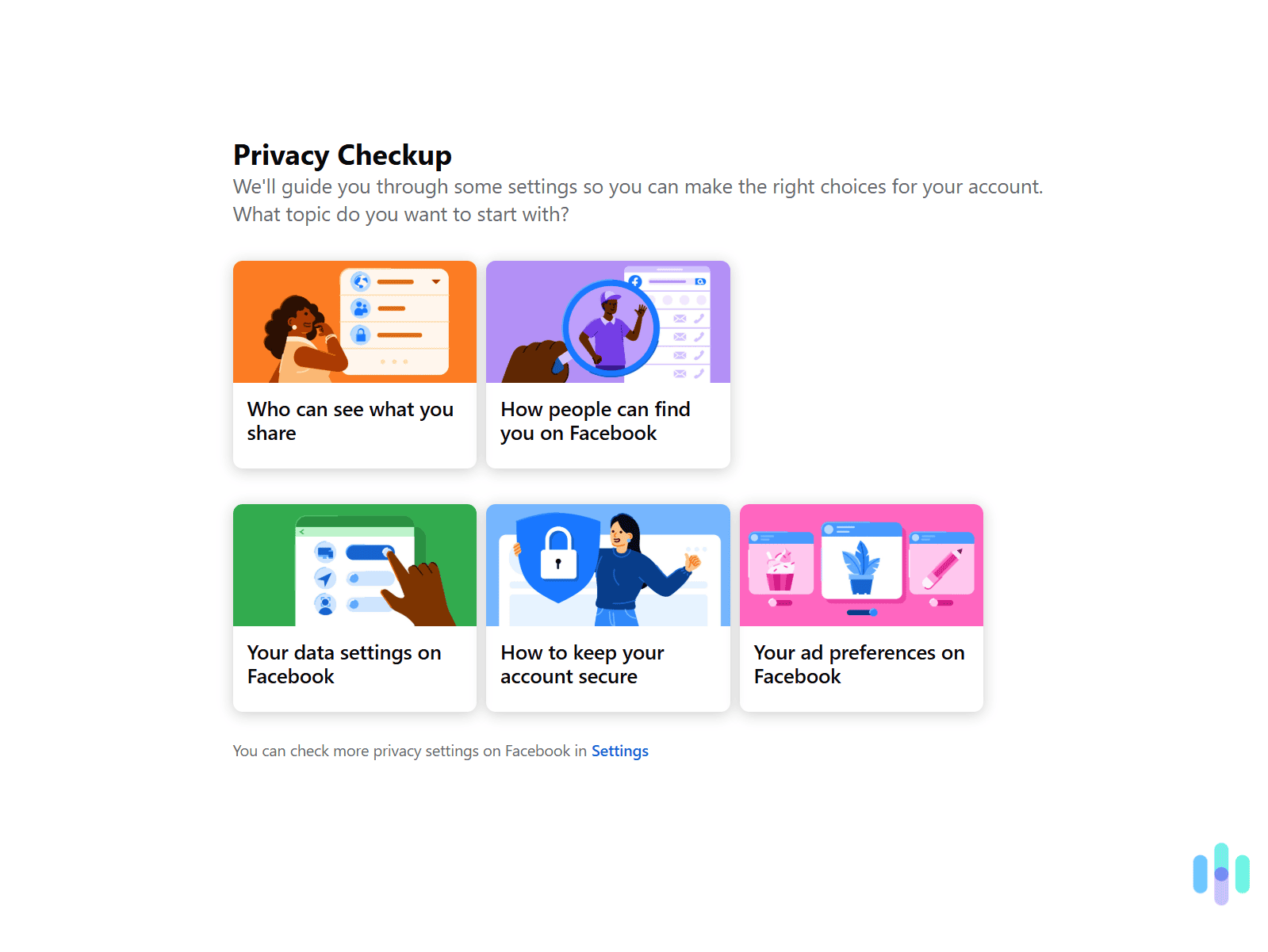
Customize Your Settings
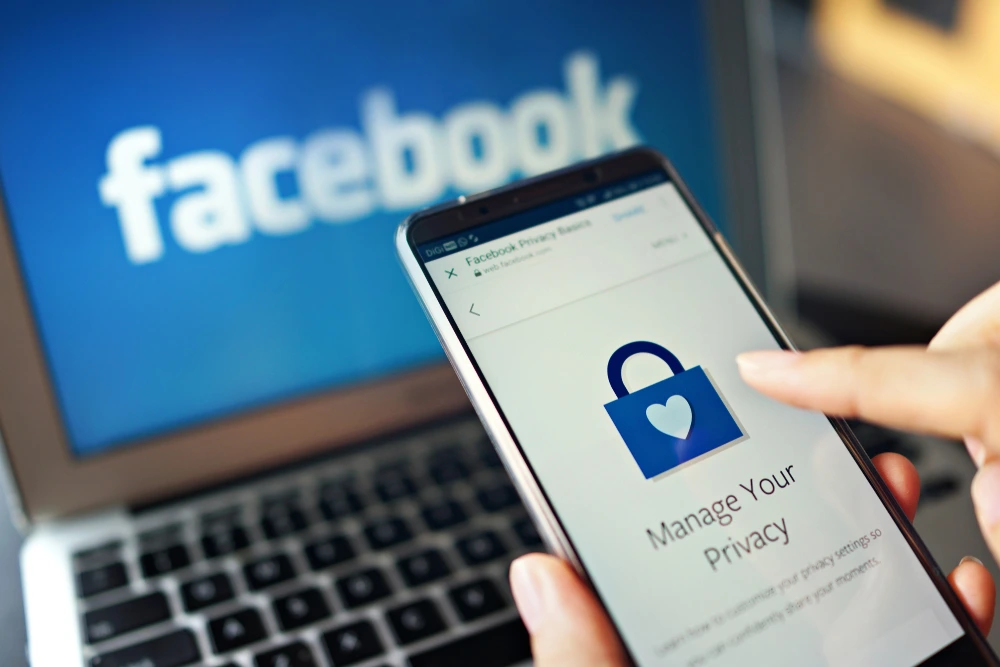
Customize your social media settings to control who can see your posts and send you messages. This will help you protect your digital reputation and keep your account secure.