How to Remove Malware from External Hard Drive: A Step-by-Step Guide
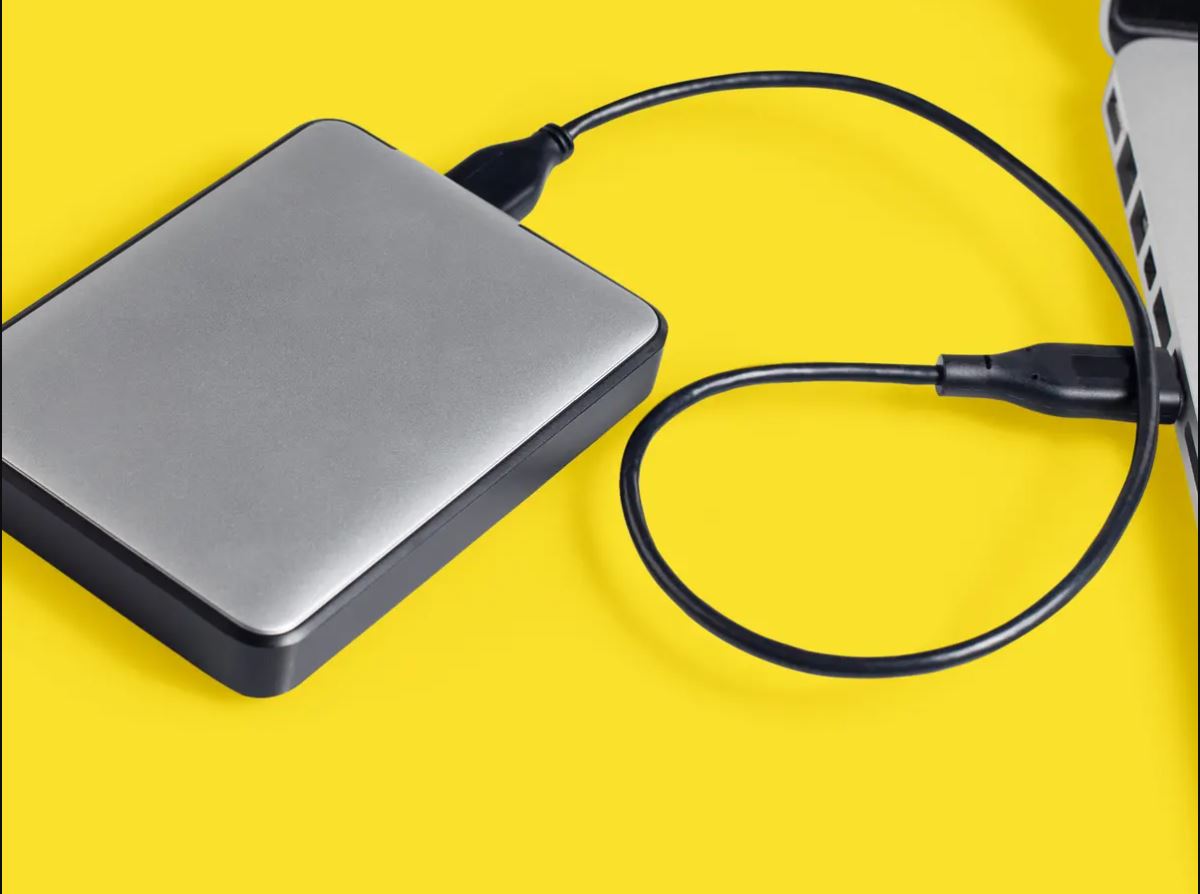
External hard drives have become an essential storage solution for individuals and businesses alike. However, as with any device connected to a computer, external hard drives are susceptible to viruses and malware. In this article, we will discuss how to remove malware from external hard drive without losing data, and provide a step-by-step guide on how to do it.
Why Remove Malware from External Hard Drive?
Malware on an external hard drive can pose serious risks, such as data loss, system damage, and even further spread of malware to other devices. Recovering data from an infected external hard drive requires a systematic approach to ensure that files are retrieved without spreading the infection further.
How to Remove Malware from External Hard Drive
Method 1: Create a Backup of Your Data
The first step in removing malware from an external hard drive is to create a backup of your data. This will ensure that you don't lose any important files in the process of removing the malware. You can use a cloud backup service or an external hard drive to create a backup of your data.
Method 2: Use Antivirus Software
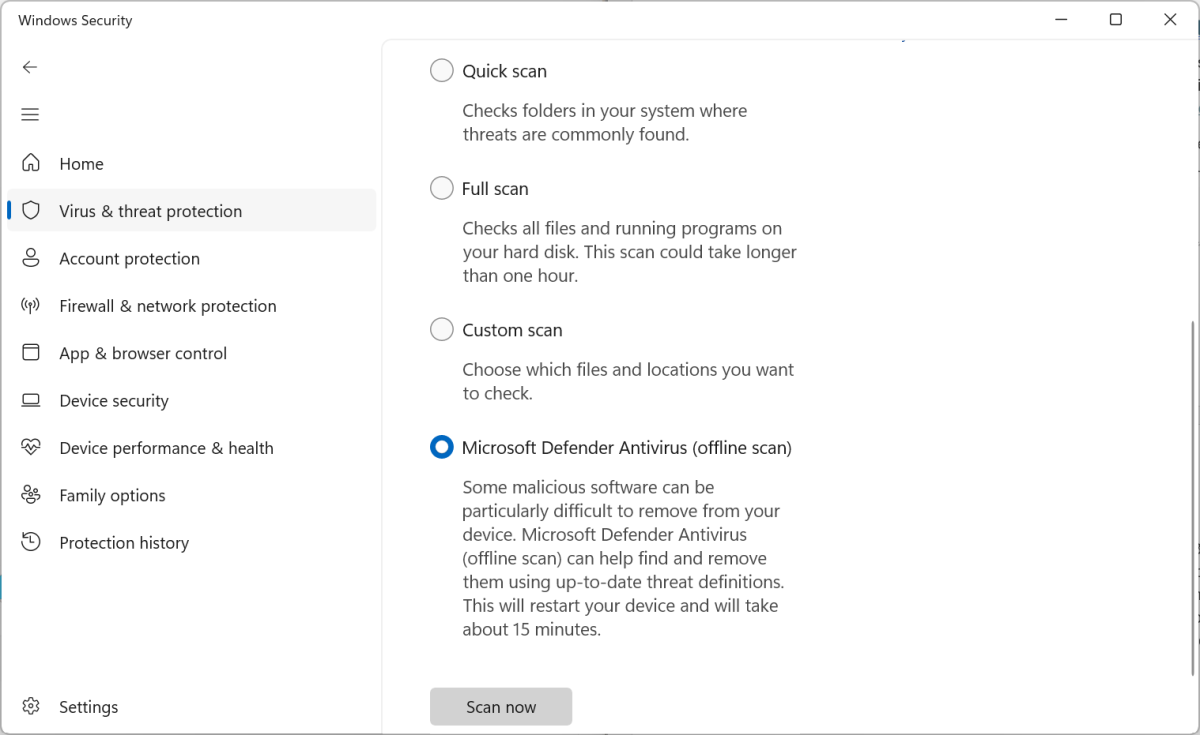
Antivirus software is designed to detect and remove malware from your computer and external hard drive. You can use a reputable antivirus software to scan your external hard drive and remove any malware that is detected.
- Install a reputable antivirus software on your computer.
- Connect your external hard drive to your computer.
- Run a full scan of your external hard drive using the antivirus software.
- Remove any malware that is detected by the antivirus software.
Method 3: Use the Microsoft Safety Scanner
The Microsoft Safety Scanner is a free Microsoft stand-alone virus scanner that can be used to scan for and remove malware or potentially unwanted items from a system.
- Download the Microsoft Safety Scanner from the Microsoft website.
- Run the Microsoft Safety Scanner on your external hard drive.
- Follow the instructions provided by the Microsoft Safety Scanner to remove any malware that is detected.

Method 4: Use a Data Recovery Software
If your external hard drive is severely infected with malware, you may need to use a data recovery software to recover your data. A data recovery software can help you recover your data even if the malware has damaged the external hard drive.
- Install a data recovery software on your computer.
- Connect your external hard drive to your computer.
- Run the data recovery software on your external hard drive.
- Follow the instructions provided by the data recovery software to recover your data.
Preventing Malware on External Hard Drive
To prevent malware on an external hard drive, always perform regular virus checks, get yourself an effective antivirus, and conduct a virus scan before transferring files from the external hard drive to your computer. Additionally, avoid opening any files on the external hard drive or moving them to your internal drive until you are positive that all malware is gone.
Conclusion
Removing malware from an external hard drive can be a challenging task, but it is essential to do so to prevent data loss, system damage, and further spread of malware to other devices. By following the steps outlined in this article, you can remove malware from your external hard drive and keep your data safe.
Frequently Asked Questions
Q: How do I know if my external hard drive has malware?
A: You can use antivirus software to scan your external hard drive for malware. If the software detects any malware, it will alert you and provide instructions on how to remove it.
Q: Can I remove malware from an external hard drive without losing data?