Keeping Your Social Media Accounts Secure from Phishing
In today's digital age, having a strong online presence is crucial for both personal and professional purposes. However, with the rise of social media, the risk of cyber threats has also increased significantly. Phishing attacks have become a common tactic used by hackers to compromise social media accounts and steal sensitive information. In this blog, you'll learn how to strengthen your social media security and avoid falling prey to phishing attacks.
Understanding Phishing Attacks
Phishing attacks are designed to trick victims into revealing sensitive information such as passwords, credit card numbers, or personal identification numbers (PINs). These attacks often come in the form of fake emails, messages, or links that appear to be from legitimate sources. Once a victim clicks on a phishing link or provides sensitive information, the hacker can gain access to their social media account and exploit it for their gain.
Common Threats to Social Media Accounts
Weak Passwords: Using weak or recycled passwords can compromise social media accounts. Hackers can easily crack or guess simple passwords, giving them access to sensitive information.
Two-Factor Authentication (2FA) Neglect: Enabling 2FA adds an extra layer of security to social media accounts. However, many users neglect to set up or update 2FA, leaving their accounts vulnerable to attacks.
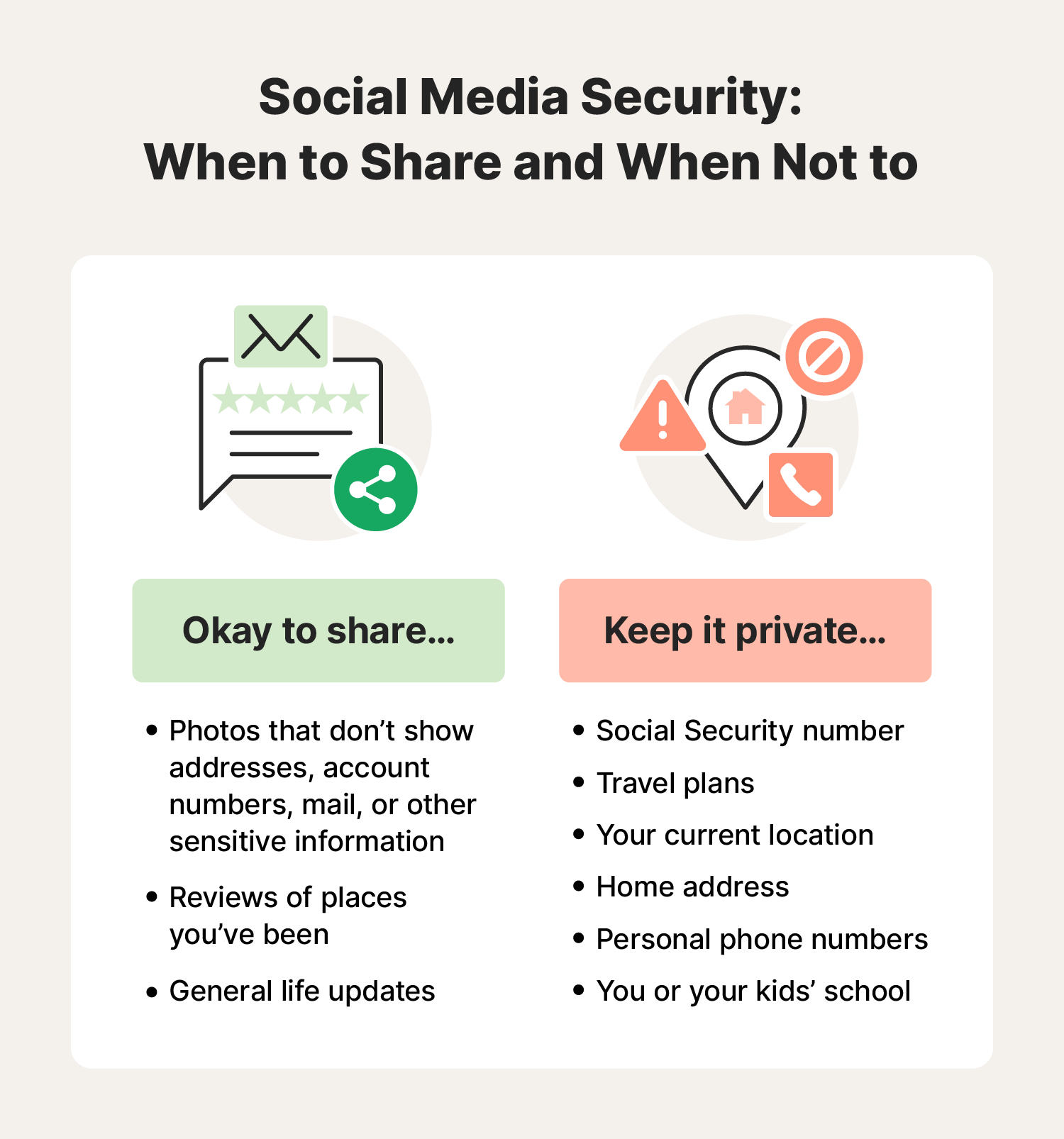
Privacy Settings: Misconfigured or lax privacy settings can expose social media accounts to hackers. Users should regularly review and adjust their privacy settings to ensure sensitive information remains secure.
Malware and Phishing Links: Clicking on suspicious links or opening malicious attachments can compromise social media accounts. Users should be cautious when interacting with links or attachments from unknown sources.
Strengthening Social Media Security
To keep social media accounts secure from phishing attacks, follow these best practices:
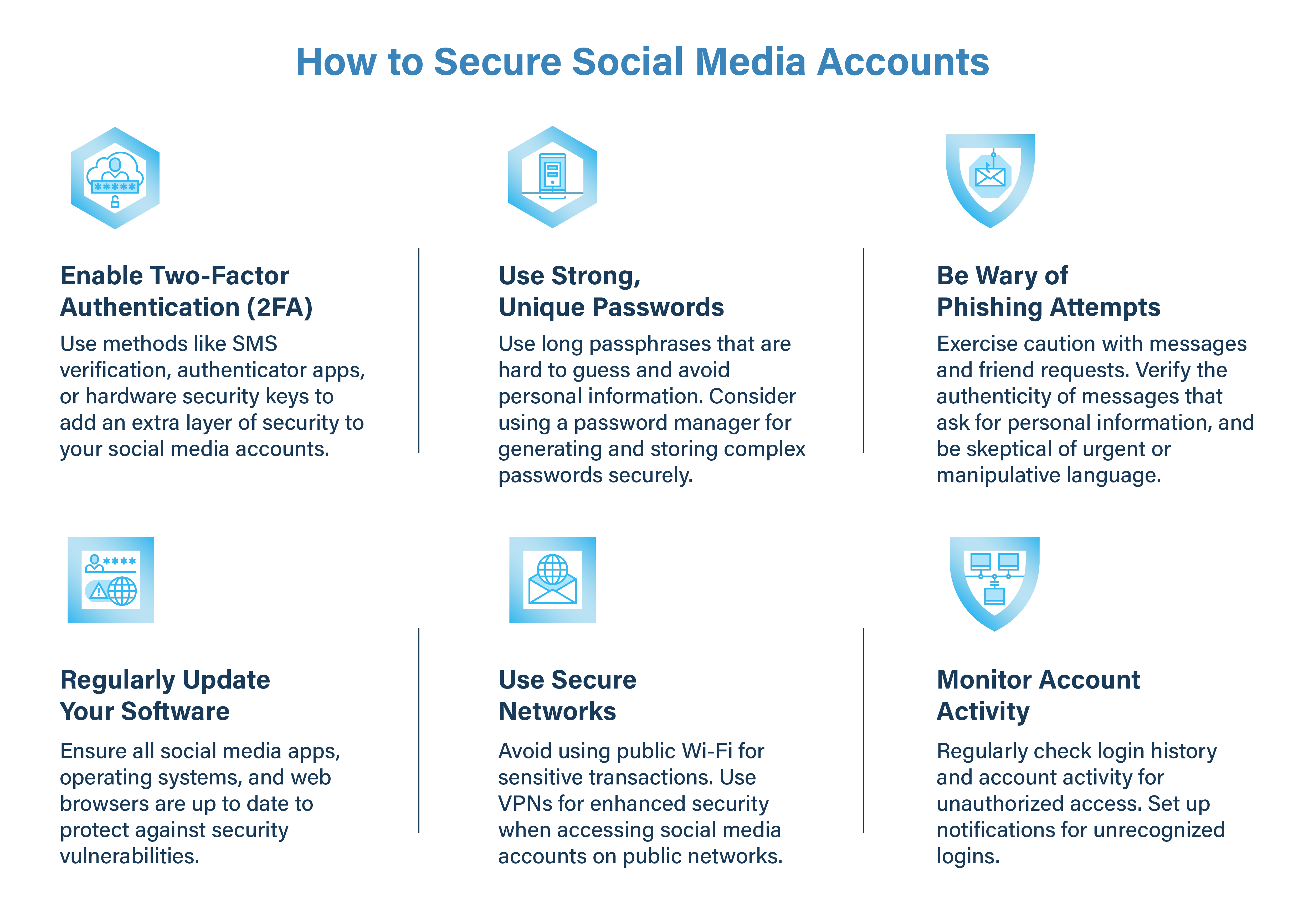
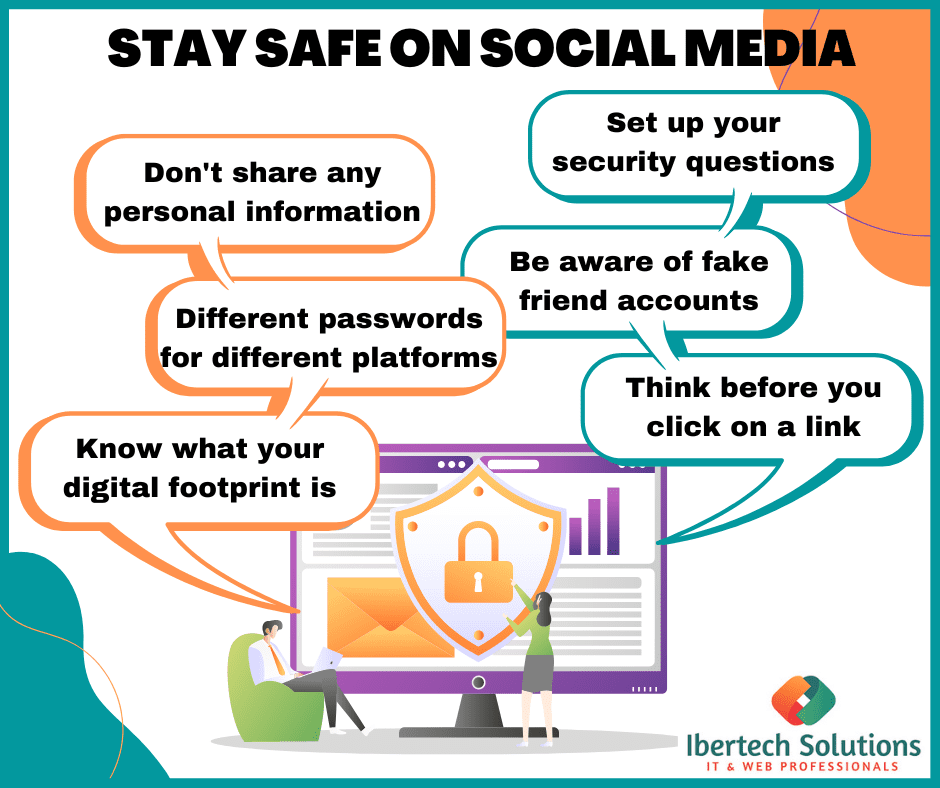
Use Strong and Unique Passwords: Create passwords that are at least 12 characters long and include a mix of uppercase and lowercase letters, numbers, and special characters. Use a password manager to generate and store unique passwords for each social media account.
Enable Two-Factor Authentication (2FA): Set up 2FA on all social media accounts to add an extra layer of security. This can be in the form of a code sent via SMS or a biometric authentication method such as facial recognition or fingerprint scanning.
Regularly Monitor Account Activity: Keep track of account activity, including login history and password changes. This will help identify potential security breaches or unauthorized access.
Keep Software Updated: Regularly update social media apps and operating systems to ensure you have the latest security patches and features.
Use Secure Browsing Habits: Avoid using public Wi-Fi or unsecured networks to access social media accounts. Use a VPN (Virtual Private Network) to encrypt internet traffic and protect sensitive information.
Be Cautious with Links and Attachments: Refrain from clicking on suspicious links or opening attachments from unknown sources. Verify the authenticity of links and attachments before interacting with them.
Protecting Your Devices and Software
Secure your devices and software to prevent malware and other security threats from compromising social media accounts:
Install Antivirus Software: Install reputable antivirus software to detect and remove malware from devices.
Use Firewall and VPN: Enable the firewall and use a VPN to encrypt internet traffic and block unauthorized access.
Regularly Back Up Data: Regularly back up important data to prevent losses in case of a security breach or device failure.
Conclusion
Keeping your social media accounts secure from phishing attacks requires a combination of strong passwords, two-factor authentication, regular account monitoring, and secure browsing habits. By following these best practices and protecting your devices and software, you can significantly reduce the risk of being hacked and protect your online presence.
Additional Resources
For more information on social media security and phishing attacks, visit the following resources: