Preventing Malware from Downloading on Your PC: A Comprehensive Guide
Malware is one of the biggest threats to the security of your computer, tablet, phone, and other devices. It can cause irreparable damage, compromise your personal information, and disrupt your daily activities. However, preventing malware from downloading on your PC is possible by following the best practices outlined in this article.
Stay Informed and Up-to-Date
The first step in preventing malware from downloading on your PC is to stay informed and up-to-date. Regularly check for updates on the latest security threats and malware strains. This will help you identify potential risks and take necessary precautions to protect your device.
Use Effective Antivirus Software
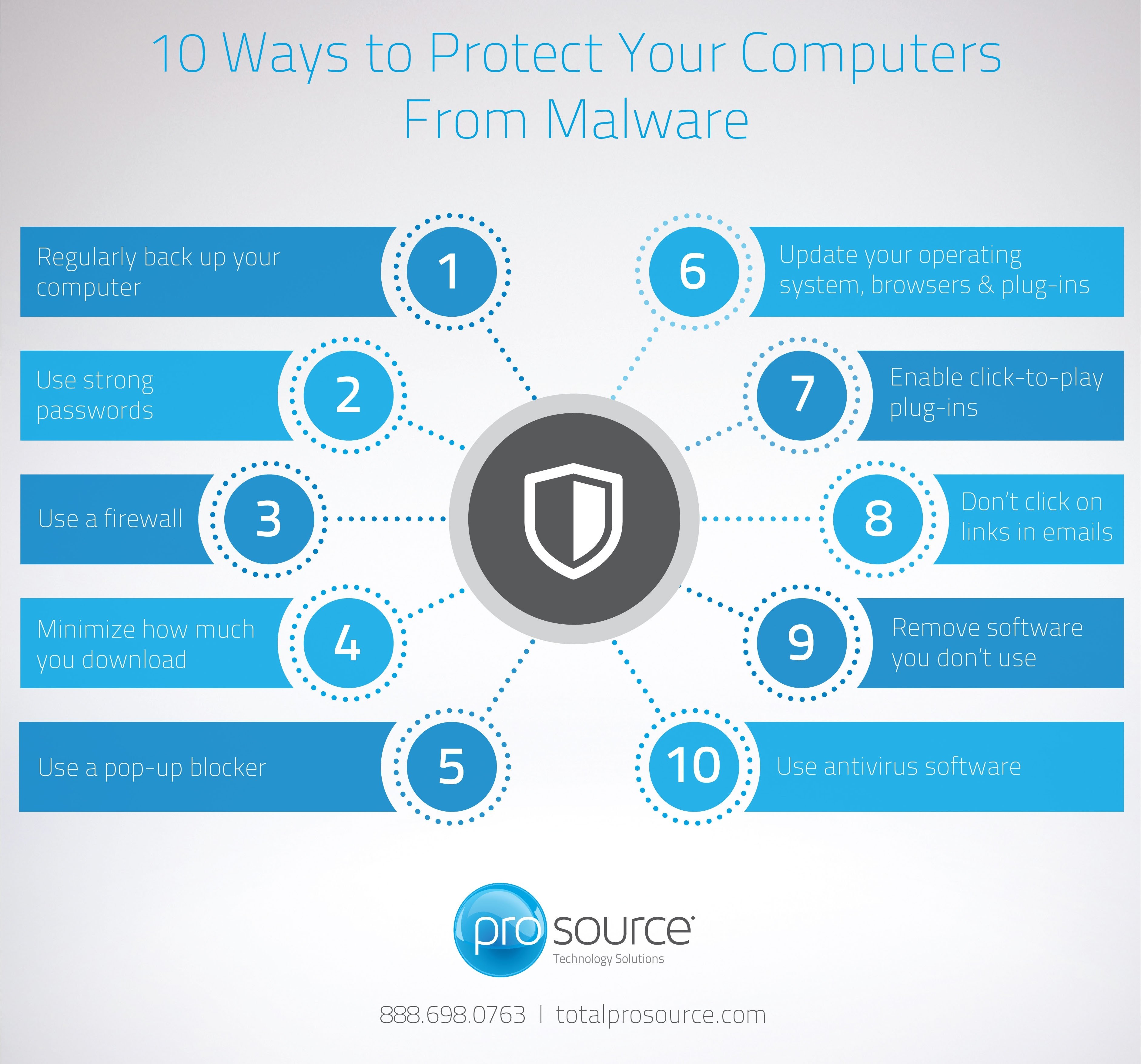
Effective antivirus software is crucial in preventing malware from downloading on your PC. Install reputable and regularly updated antivirus software that includes features such as real-time protection, scheduled scans, and automatic updates. Some popular options include Windows Defender, McAfee, and Norton.
When choosing antivirus software, consider the following factors:
- Features: Look for antivirus software that includes features such as real-time protection, scheduled scans, and automatic updates.
- Scanning speed: Choose antivirus software that scans your device quickly without slowing it down.
- User interface: Opt for antivirus software with an intuitive user interface that's easy to navigate.
- Compatibility: Ensure the antivirus software is compatible with your device's operating system.
- Reviews: Read reviews from other users to gauge the effectiveness of the antivirus software.
Be Cautious When Downloading Software and Files
Beware of downloading software and files from suspicious sources, as they may contain malware. Only download software and files from reputable sources such as the official websites or trusted app stores.
When downloading software and files, consider the following precautions:
- Verify the authenticity: Ensure the software or file is from a trusted source and not a phishing attempt.
- Read reviews: Check reviews from other users to gauge the effectiveness and safety of the software or file.
- Check for updates: Ensure the software or file is regularly updated to prevent malware from infecting your device.
- Be wary of free software: Be cautious of free software that may contain malware or unwanted toolbars.
Regularly Update Your Operating System
Regularly updating your operating system is essential in preventing malware from downloading on your PC. Update your operating system to the latest version to ensure you have the latest security patches and features.
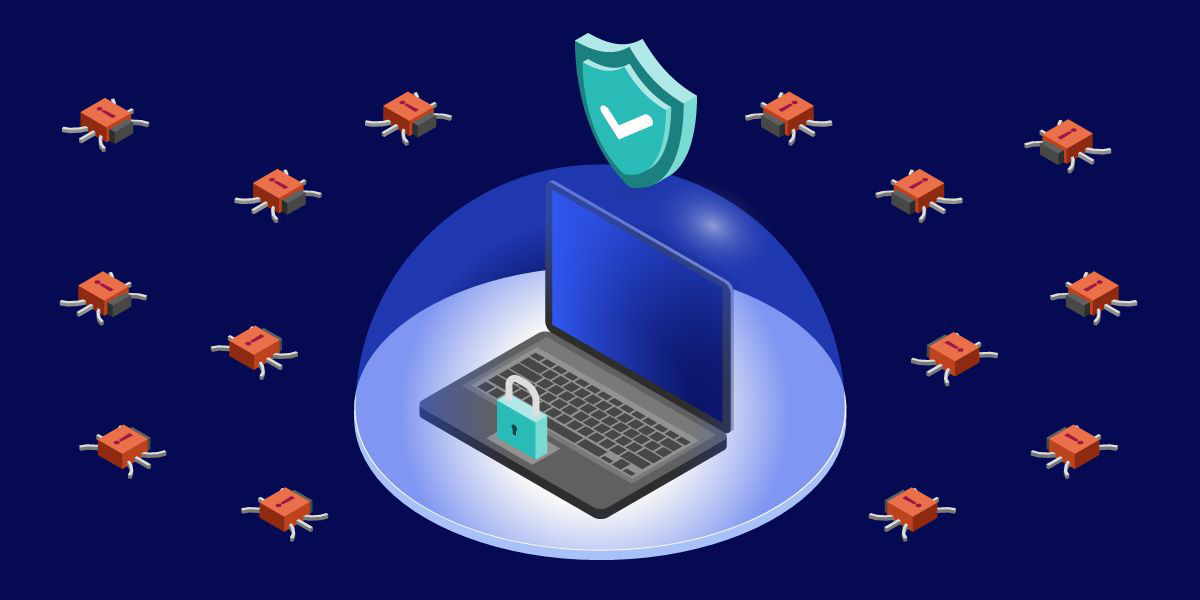
Use Strong Passwords and Enable Two-Factor Authentication
Use strong, unique passwords for all your accounts, and enable two-factor authentication (2FA) whenever possible. This will prevent hackers from gaining unauthorized access to your device and sensitive information.
Monitor Your Device's Activity and Be Aware of Red Flags
Regularly monitor your device's activity and be aware of potential red flags such as:
- Sudden slowdowns or crashes: If your device is experiencing sudden slowdowns or crashes, it may be a sign of malware.
- New programs or files: If new programs or files are installed on your device without your knowledge or consent, it may be a sign of malware.
Use Safe Browsing Practices
Use safe browsing practices to prevent malware from downloading on your PC:
- Use a reputable browser: Use a reputable browser such as Google Chrome, Mozilla Firefox, or Microsoft Edge.
- Enable pop-up blockers: Enable pop-up blockers to prevent unwanted advertisements and malware.
- Avoid suspicious websites: Avoid visiting suspicious websites or clicking on suspicious links.
Regularly Back Up Your Data
Regularly back up your data to prevent losing important files in case your device is infected with malware.
Conclusion
Preventing malware from downloading on your PC requires a combination of awareness, caution, and effective security measures. By following the best practices outlined in this article, you can significantly reduce the risk of malware infections and protect your device and sensitive information.