Setting up a YouTube Channel for Vloggers: A Comprehensive Guide
Are you eager to start a vlog and connect with a vast audience on YouTube? Whether you're a seasoned vlogger or a beginner, this article provides a step-by-step guide to help you set up a successful YouTube channel for vloggers.
Step 1: Choose Your Niche
Before you begin creating content for your vlog, it's essential to choose a specific niche or topic that you're passionate about. This will help you stand out from the crowd and attract a dedicated audience. Consider what you enjoy talking about or sharing with others, and what you're knowledgeable about. Some popular vlogging niches include:
- Travel vlogging
- Food vlogging
- Beauty and makeup tutorials
- Health and wellness advice
- Personal finance and entrepreneurship
Step 2: Pick the Right Equipment
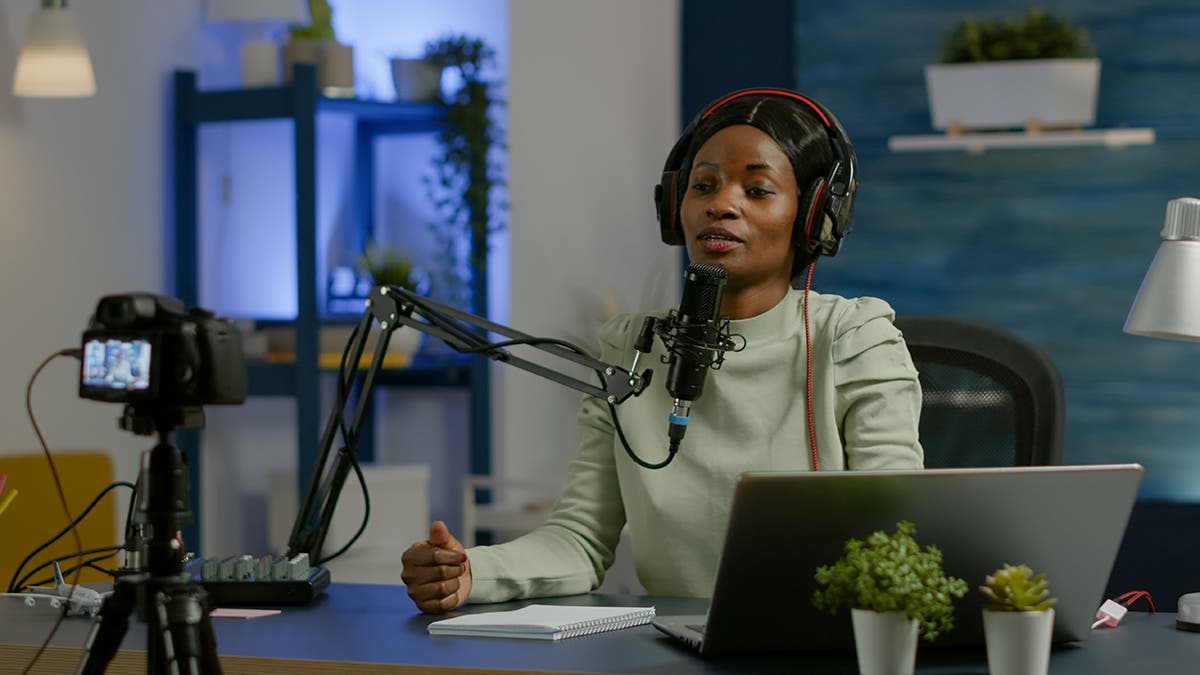
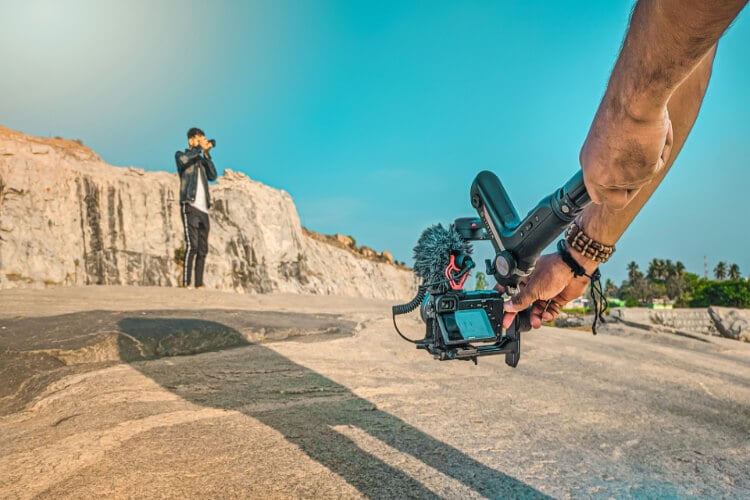
Investing in good quality equipment will help you produce high-quality video content that engages your audience. Some essential equipment for vloggers includes:
- Camera (DSLR or mirrorless)
- Microphone (lavalier or shotgun)
- Lighting kit (natural or artificial)
- Tri-pod or monopod for stable shots
Step 3: Create Engaging Content
Once you have your niche and equipment in place, it's time to start creating content for your vlog. Consider the following tips to create engaging content:
- Keep your videos concise and to the point (15-30 minutes long)
- Use a conversational tone and storytelling style
- Incorporate high-quality visuals and graphics
- Encourage audience interaction through comments and social media
Step 4: Set Up Your YouTube Channel
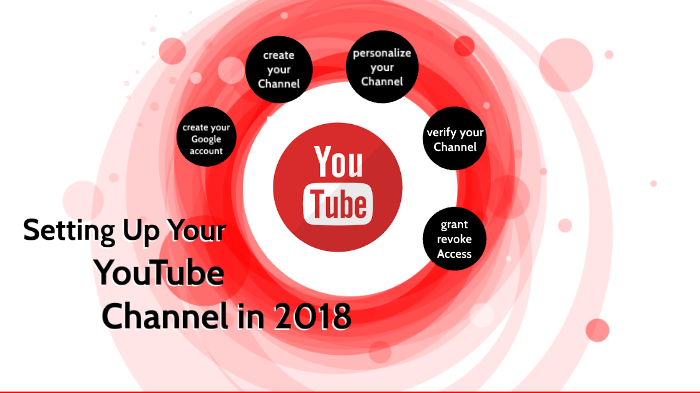
Creating a YouTube channel for vloggers involves more than just uploading videos. Here's a step-by-step guide to setting up your channel:
1. Create a Google Account
If you don't already have a Google account, create one by going to the Google website and following the sign-up process.

2. Create Your YouTube Channel
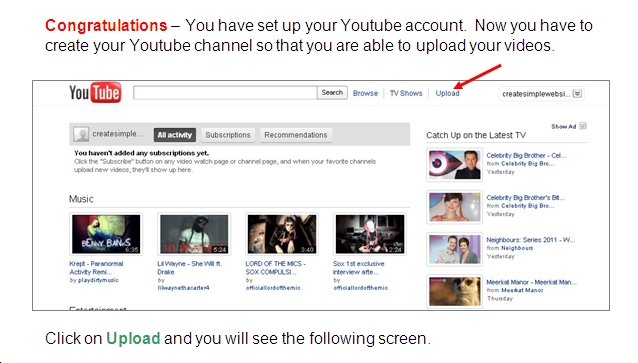
Go to YouTube.com and sign in with your Google account. Click on the "Sign in" button and follow the prompts to create a new channel. Enter your channel name, description, and keywords to optimize your channel for search.
3. Customize Your Channel Art
Add a profile picture, banner, and icon to your channel to make it visually appealing. Use a consistent brand identity to create a professional look.
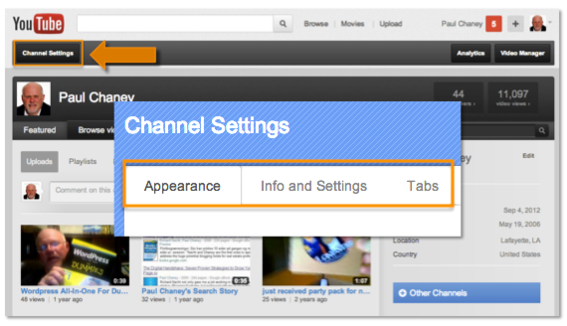
4. Set Up Your Channel Settings
Under the "Settings" tab, you can customize your channel settings, including your timezone, date and time format, and language.
5. Add a Profile Statement
Write a brief bio that describes who you are, what you're about, and what your audience can expect from your channel.
Step 5: Promote Your Channel
Once you've set up your YouTube channel for vloggers, it's time to promote it to the world. Here are some tips to get you started:
- Share your videos on social media platforms
- Collaborate with other vloggers or influencers in your niche
- Optimize your videos for SEO by using keywords and tags
- Engage with your audience by responding to comments and creating a community
Conclusion
Setting up a YouTube channel for vloggers requires time, effort, and patience. By following these steps, you can create a successful channel that attracts and engages your target audience. Remember to consistently create high-quality content, optimize your channel for search, and promote your channel to grow your audience.