Setup Dual Monitor for Work: Unlocking Productivity and Efficiency
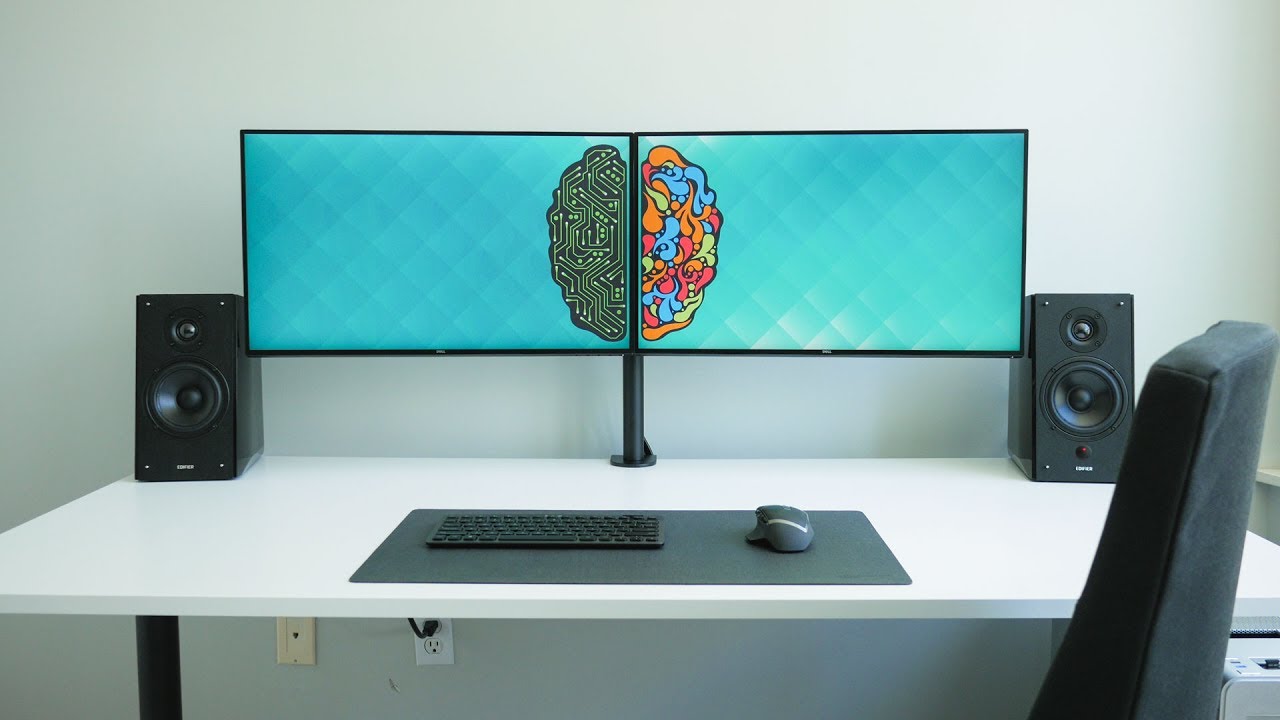
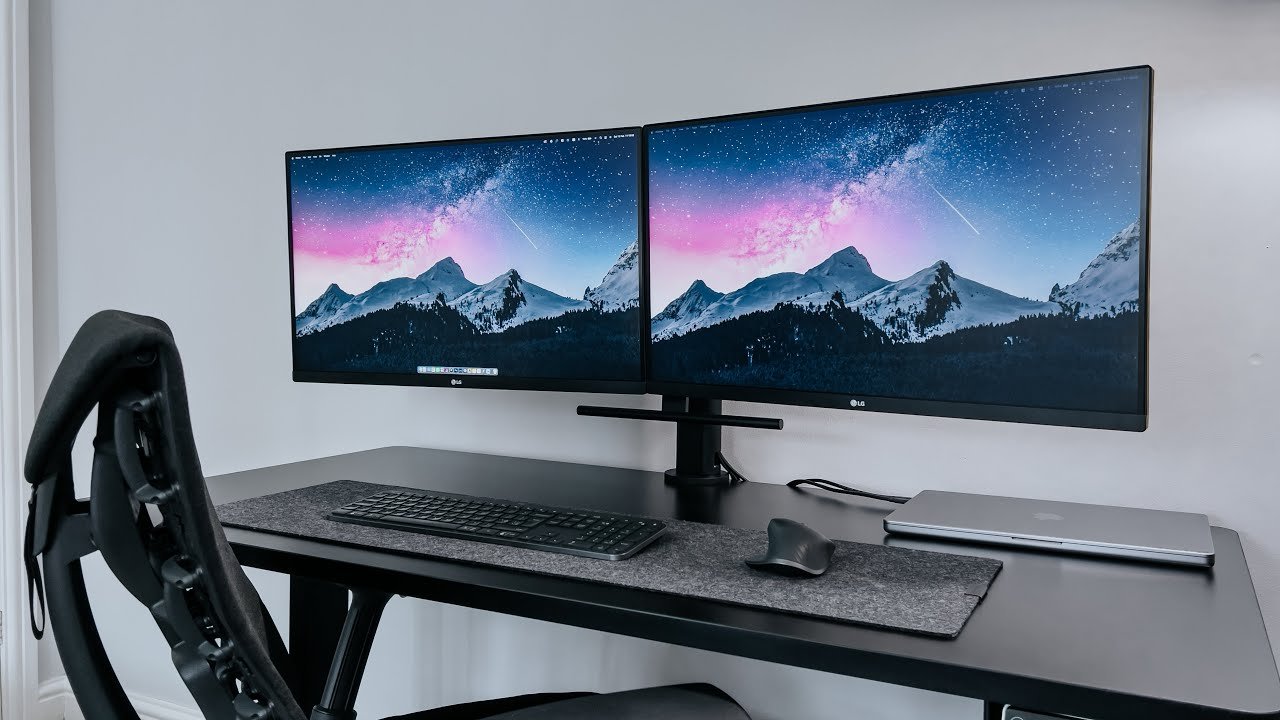
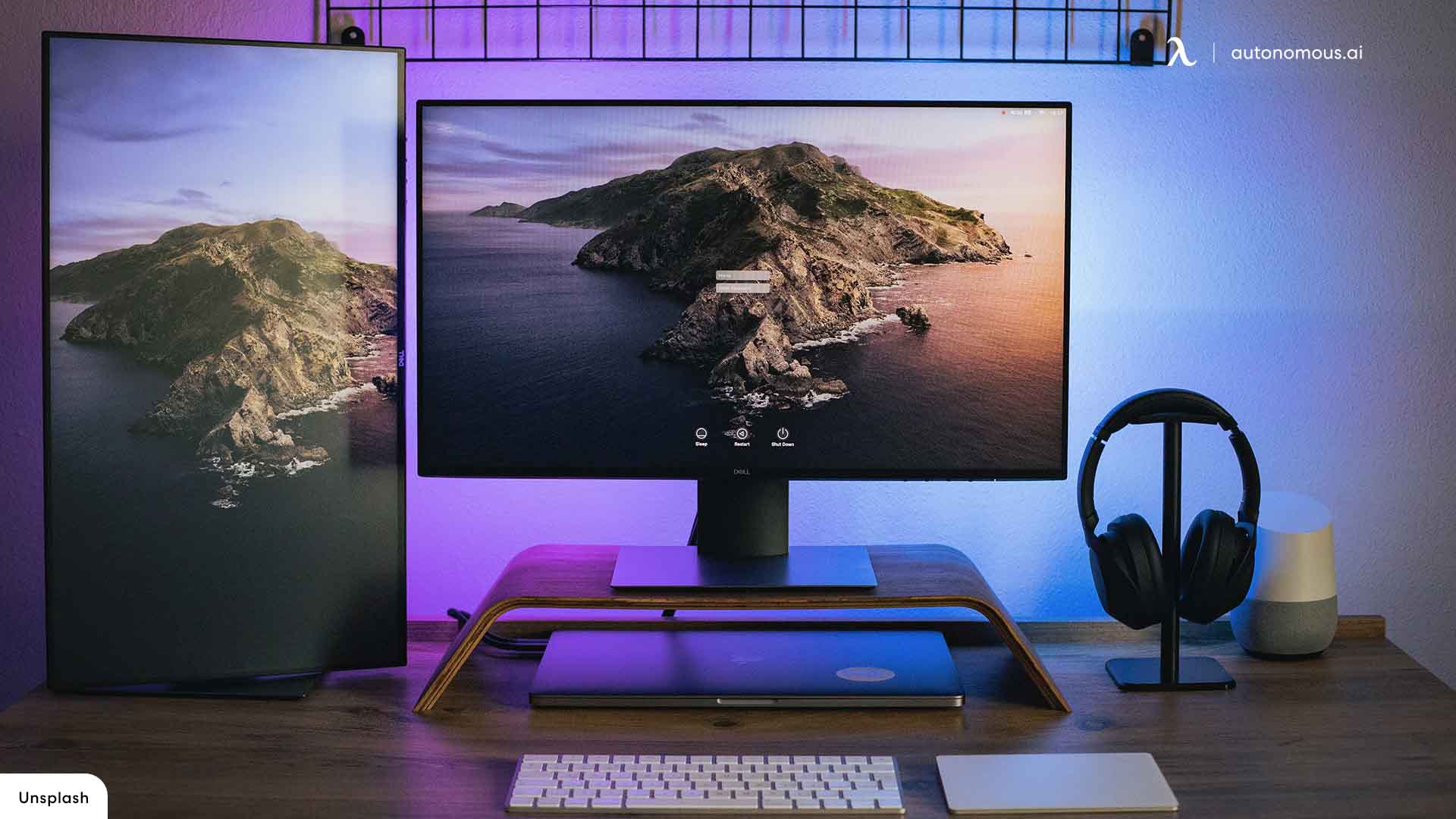
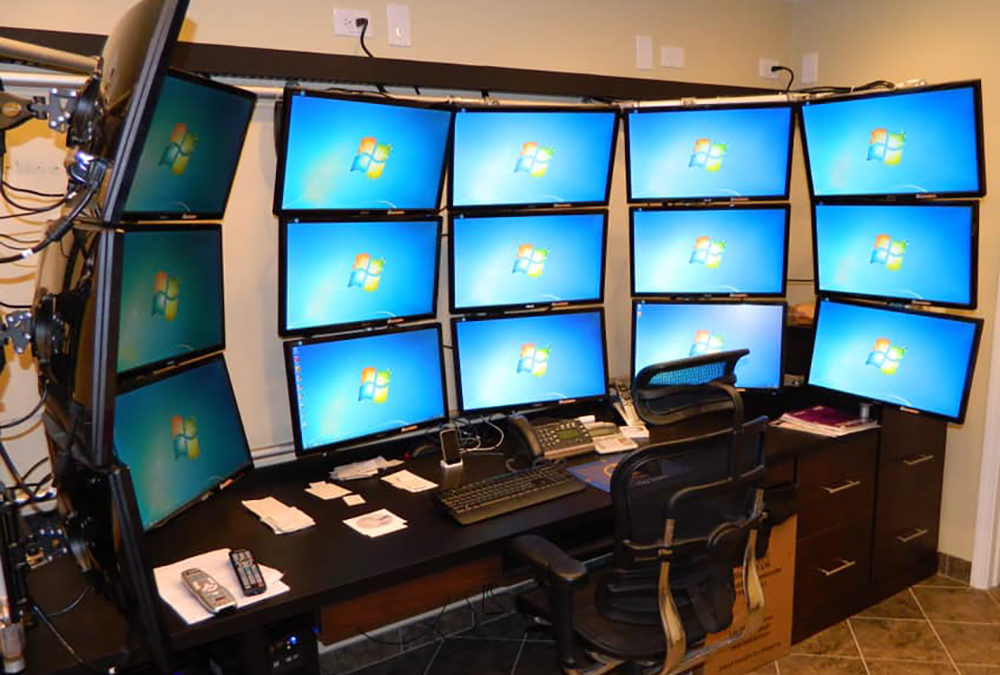
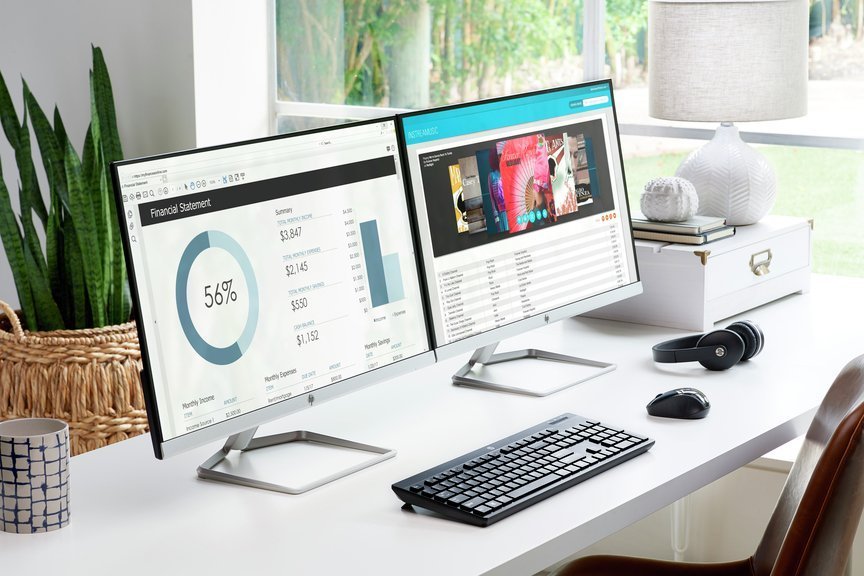
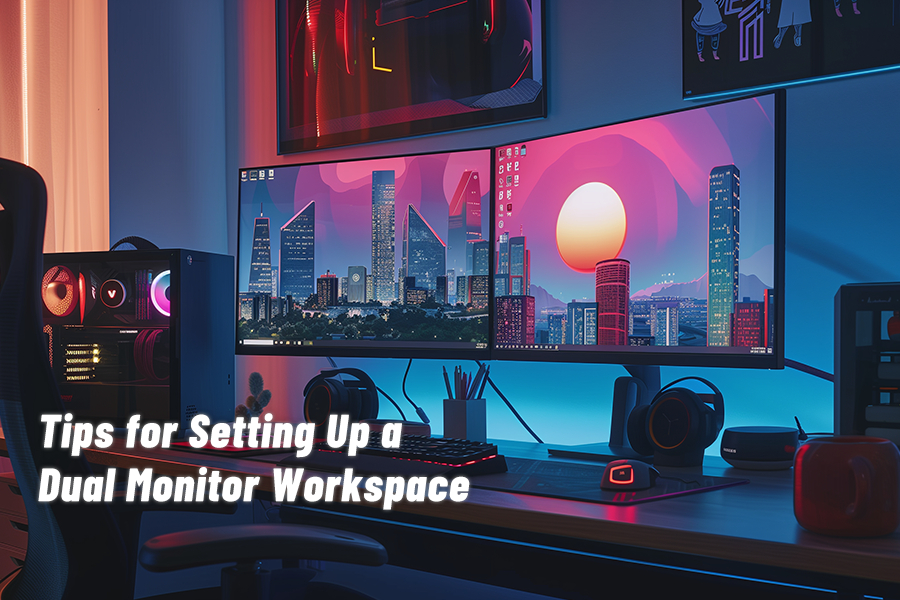
Are you ready to revolutionize the way you work? Setting up a dual monitor for work can be a game-changer for productivity, multitasking, and streamlining your workflow. Whether you're a business professional, coder, designer, or gamer, two screens can make a significant difference in how you manage multiple apps, reference materials, and keep an eye on critical information without constantly switching between various open tabs.Why Use Dual Monitors?
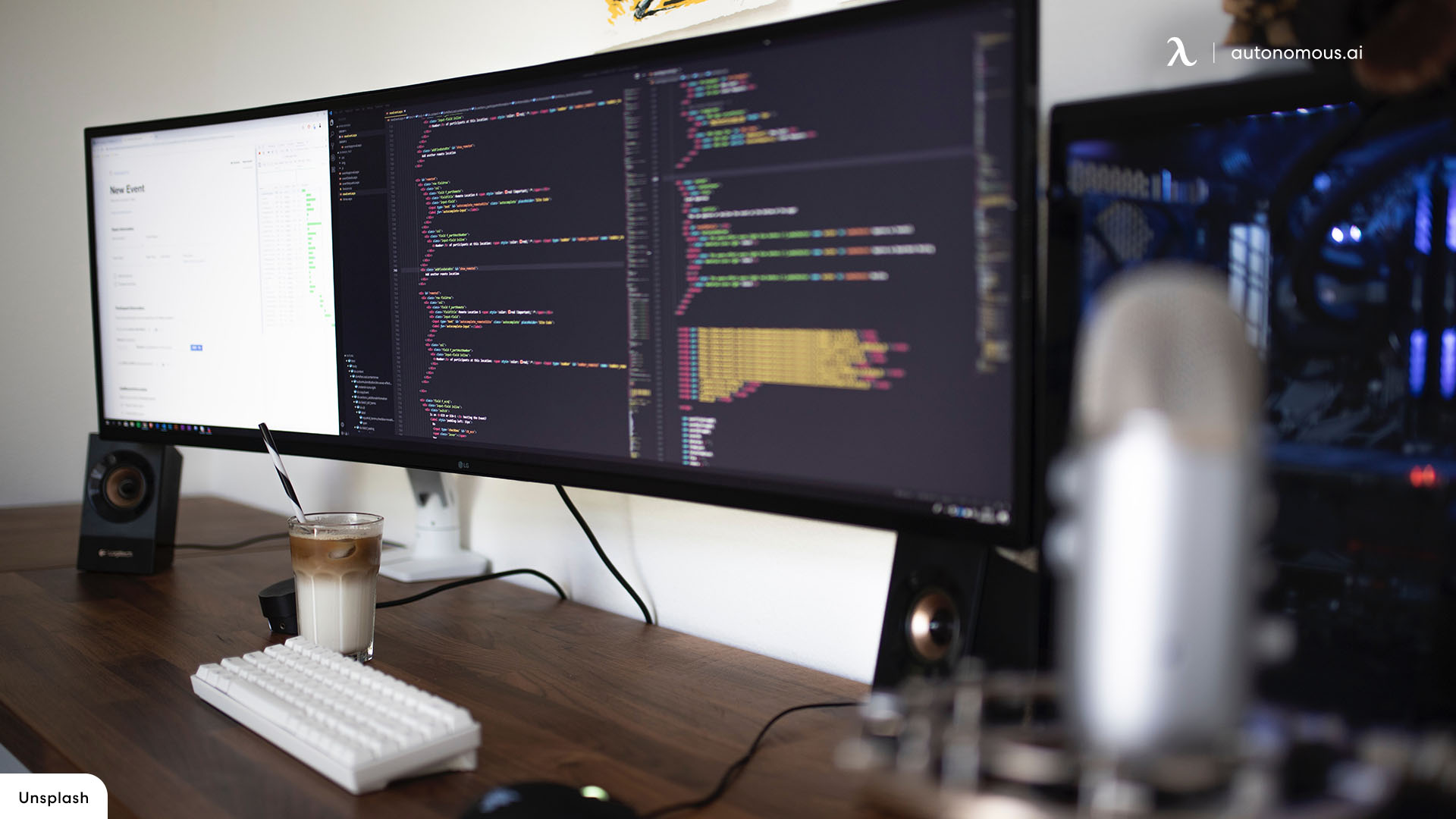
Using two monitors for one display effectively doubles the amount of on-screen space available to you, allowing you to have more room to work, create, and navigate. This can be especially beneficial for tasks such as data entry, coding, graphic design, and video editing. With a dual monitor setup, you can: * Open multiple applications and files simultaneously, reducing the need to constantly switch between them. * Have more room for reference materials, research, and notes. * Improve multitasking by having multiple windows and tasks visible at the same time. * Enhance your workflow and reduce distractions.Setting Up Dual Monitors for Work: A Step-by-Step Guide
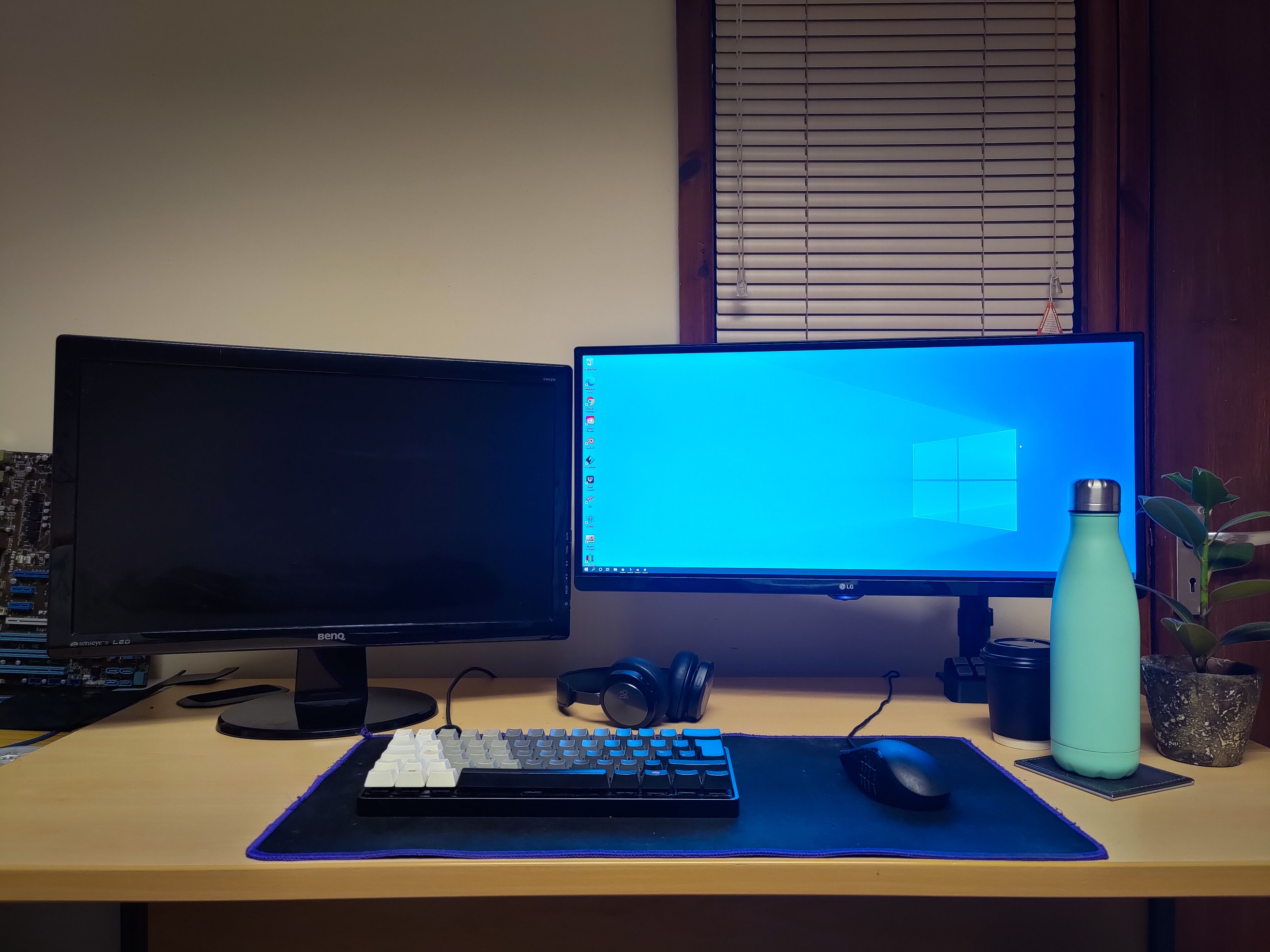
Setting up dual monitors for work is a relatively straightforward process. Here's a step-by-step guide to help you get started: ### 1. Check Your Computer's Compatibility Ensure your computer is compatible with dual monitors. Check your computer's documentation or manufacturer's website for information on supported resolutions and display configurations. ### 2. Choose Your Monitors Select two monitors that are compatible with each other and your computer. Consider factors such as screen size, resolution, and connectivity options (e.g., HDMI, DisplayPort, USB-C). ### 3. Connect the Monitors Connect the second monitor to your computer using the chosen connection type (e.g., HDMI, DisplayPort). If using a laptop, you may need an adapter or a docking station. ### 4. Adjust the Display Settings Open the display settings on your computer and adjust the settings to extend the desktop across both monitors. You can usually find this option by pressing the Windows key + P on your keyboard. ### 5. Configure the Monitors Set the positions and orientations of both monitors to your preference. You can switch between them or use one as the primary display. ### 6. Test Your Setup Verify that both monitors are working correctly, and the graphics are displayed as intended.Benefits of Using Dual Monitors