Setup Requirements for Twitch Streaming: A Comprehensive Guide
Are you all set to embark on your Twitch streaming journey? Before you dive into the world of live streaming, it's essential to understand the setup requirements for a seamless and enjoyable experience. In this article, we'll cover everything you need to know to get started, from the necessary hardware and software to the essential settings and configurations.
Recommended Hardware for Broadcasting
While you can stream on Twitch with a gaming console or your PC, investing in the right equipment can significantly improve the quality of your stream. Here are some recommended hardware and software requirements:
- Computer: A decent PC or gaming console with a dedicated graphics card, sufficient RAM, and a reliable processor.
- Internet Connection: A stable and fast internet connection with at least 5 Mbps upload speed for 1080p streaming and 10 Mbps for 4K streaming.
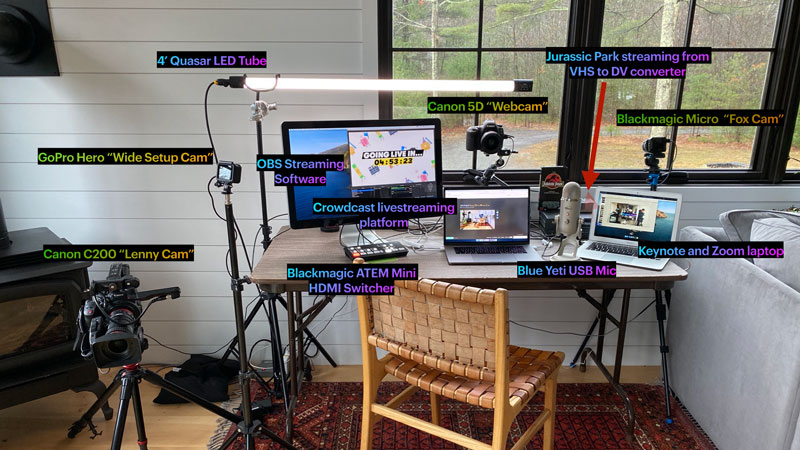
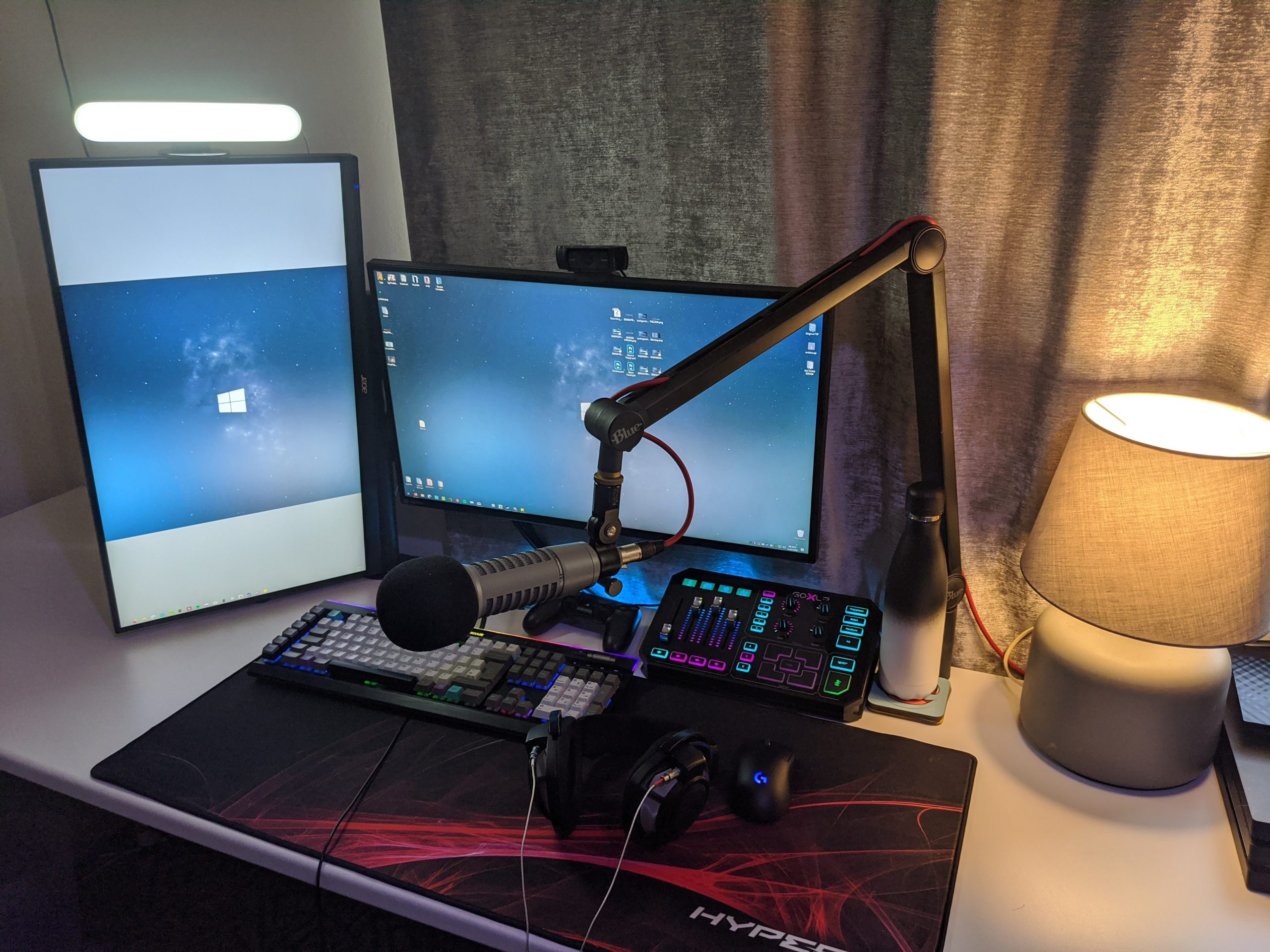
- Microphone: A good quality microphone to ensure clear and crisp audio. Popular options include the Blue Yeti, HyperX QuadCast Gaming Microphone, and Razer Seiren X.
- Webcam: A high-definition webcam for a professional-looking visual feed. Popular options include the Logitech C920, Razer Kiyo, and Elgato Cam Link 4K.
- Lighting: Proper lighting is essential for a visually appealing stream. Natural light or invest in a high-quality lighting kit for a professional look.
The Single PC Streaming Setup
The single PC setup is the most common and cost-effective path for most streamers. This configuration involves using one computer to run your game, capture the gameplay, encode the video, and send it to Twitch. To achieve this, you'll need:
- Computer: A computer with a dedicated graphics card, sufficient RAM, and a reliable processor.
- Capture Card: A capture card to encode the video and audio from your game or application. Popular options include the Elgato HD60 and AVerMedia Extremecap U3.
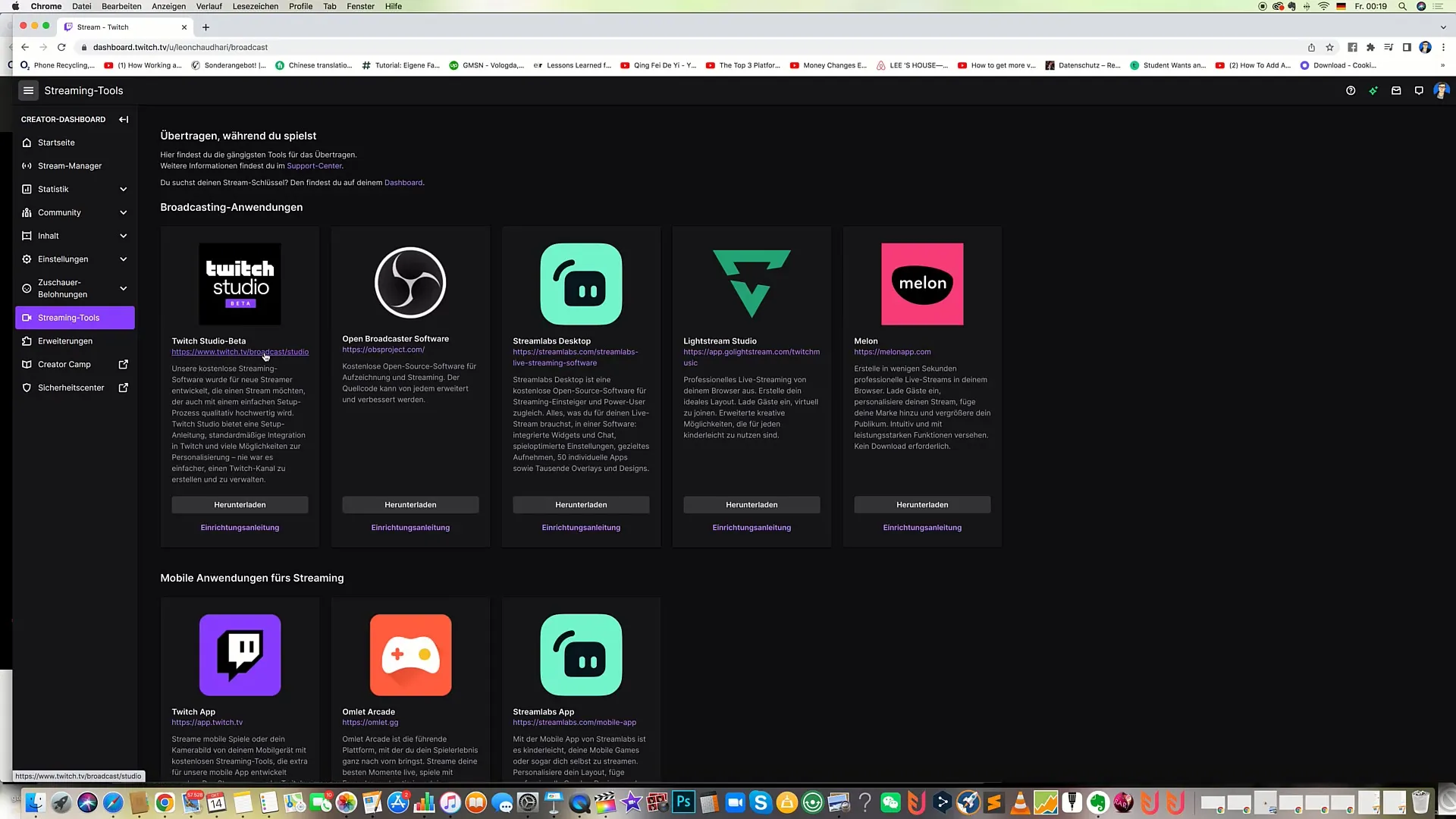
- Streaming Software: A robust streaming software like OBS (Open Broadcasting Software) or XSplit to manage your stream settings, audio levels, and video quality.
- Internet Connection: A stable and fast internet connection with at least 5 Mbps upload speed for 1080p streaming and 10 Mbps for 4K streaming.
Software Requirements

In addition to the hardware requirements, you'll also need to install and configure the necessary software. Here's a brief overview of the required software:
- Streaming Software: A robust streaming software like OBS (Open Broadcasting Software) or XSplit to manage your stream settings, audio levels, and video quality.
- Video Editor: A video editor like Adobe Premiere Pro or Final Cut Pro to enhance and edit your recorded streams.
- NAS or Cloud Storage: A NAS (Network-Attached Storage) device or cloud storage service like Google Drive or Dropbox to store your recorded streams and backups.
Configuring Your Stream Settings
Once you've set up your hardware and software, it's essential to configure your stream settings for optimal performance. This includes:
- Resolution and Frame Rate: Choose the desired resolution and frame rate for your stream. 1080p at 60 FPS is a good starting point.
- Bitrate and Quality: Set the desired bitrate and quality for your stream. A higher bitrate typically results in better video quality.
- Audio Settings: Configure your audio settings, including the microphone type, gain, and sample rate.
- Encoders and Decoders: Choose the suitable encoders and decoders for your stream. H.264 and H.265 are popular options.
Conclusion
Setting up your Twitch streaming equipment and software is a significant step in starting your streaming journey. By following the recommended hardware and software requirements, configuring your stream settings, and investing in proper equipment, you'll be well on your way to creating high-quality content for your audience. Remember to always test and fine-tune your setup before going live to ensure a seamless and enjoyable streaming experience.
![[Everything Explained] Streaming Setup for Twitch in 2026 - OBSBOT](https://mundobytes.com/wp-content/uploads/2025/09/tutorial-Twitch-Studio.jpg "[Everything Explained] Streaming Setup for Twitch in 2026 - OBSBOT")