Tablet Recovery Mode: A Comprehensive Guide
Are you experiencing problems with your Android or iOS tablet, such as freezing, slow performance, or failed updates? If so, accessing the recovery mode may be the solution to resolve these issues. In this article, we will explore what recovery mode is, how to access it on various devices, and what you can do once you're in recovery mode.
What is Recovery Mode?
Recovery mode is a troubleshooting tool built into your tablet's operating system. It allows you to diagnose and fix problems with your device without losing data. In recovery mode, you can perform tasks such as wiping the cache, factory resetting the device, and accessing advanced functions like fastboot mode or bootloader mode.
How to Access Recovery Mode on Android Tablets
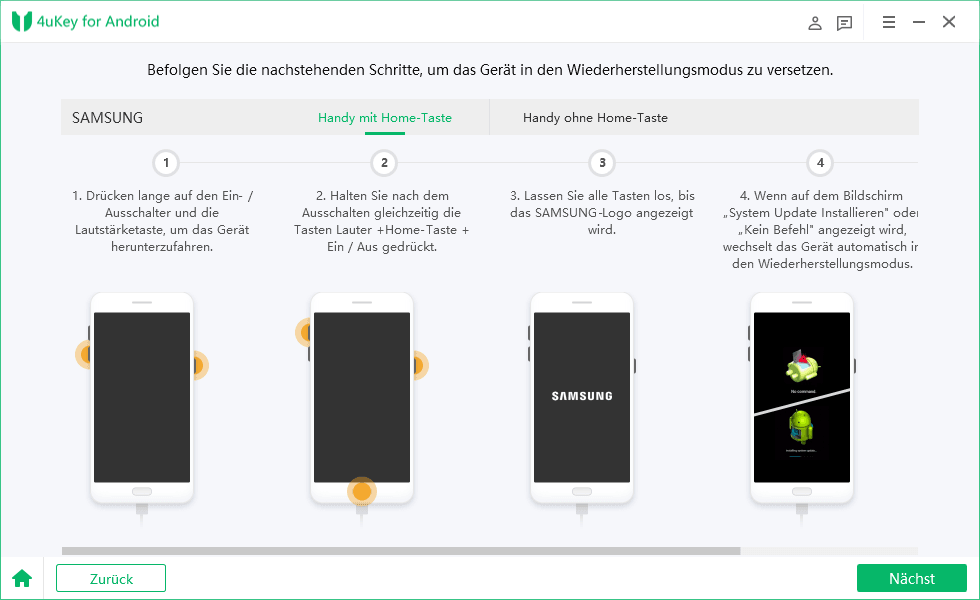
- Turn off your tablet by pressing and holding the power button until it shuts down.
- Press and hold the Volume up button and the Power button simultaneously for 10-15 seconds, or until you see the Android logo on the screen.
- Release the Power button, but continue holding the Volume up button.
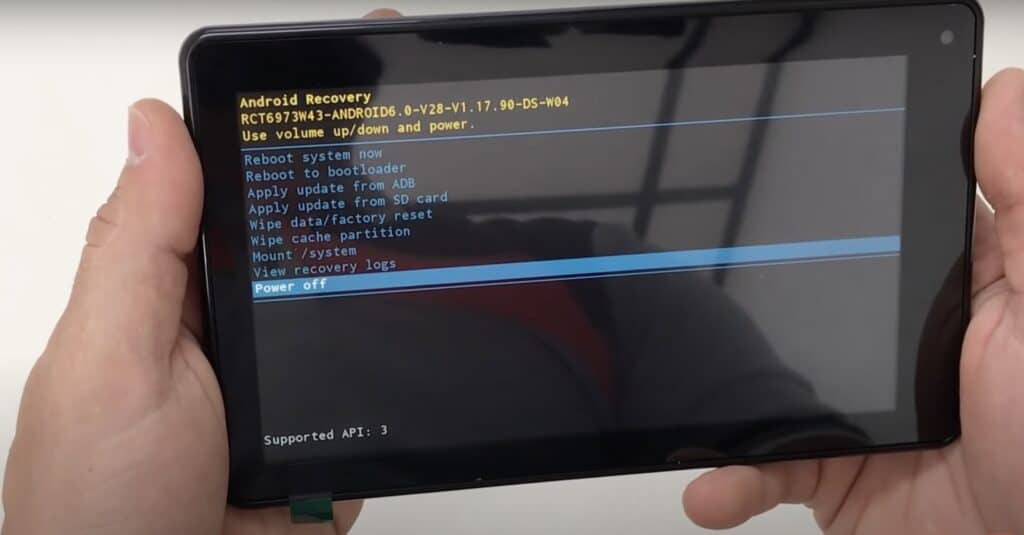
- Use the Volume buttons to navigate to the "Recovery mode" option and select it by pressing the Power button.
Some devices may vary in their recovery mode access method, so refer to your device's user manual for specific instructions.
How to Access Recovery Mode on iOS iPads
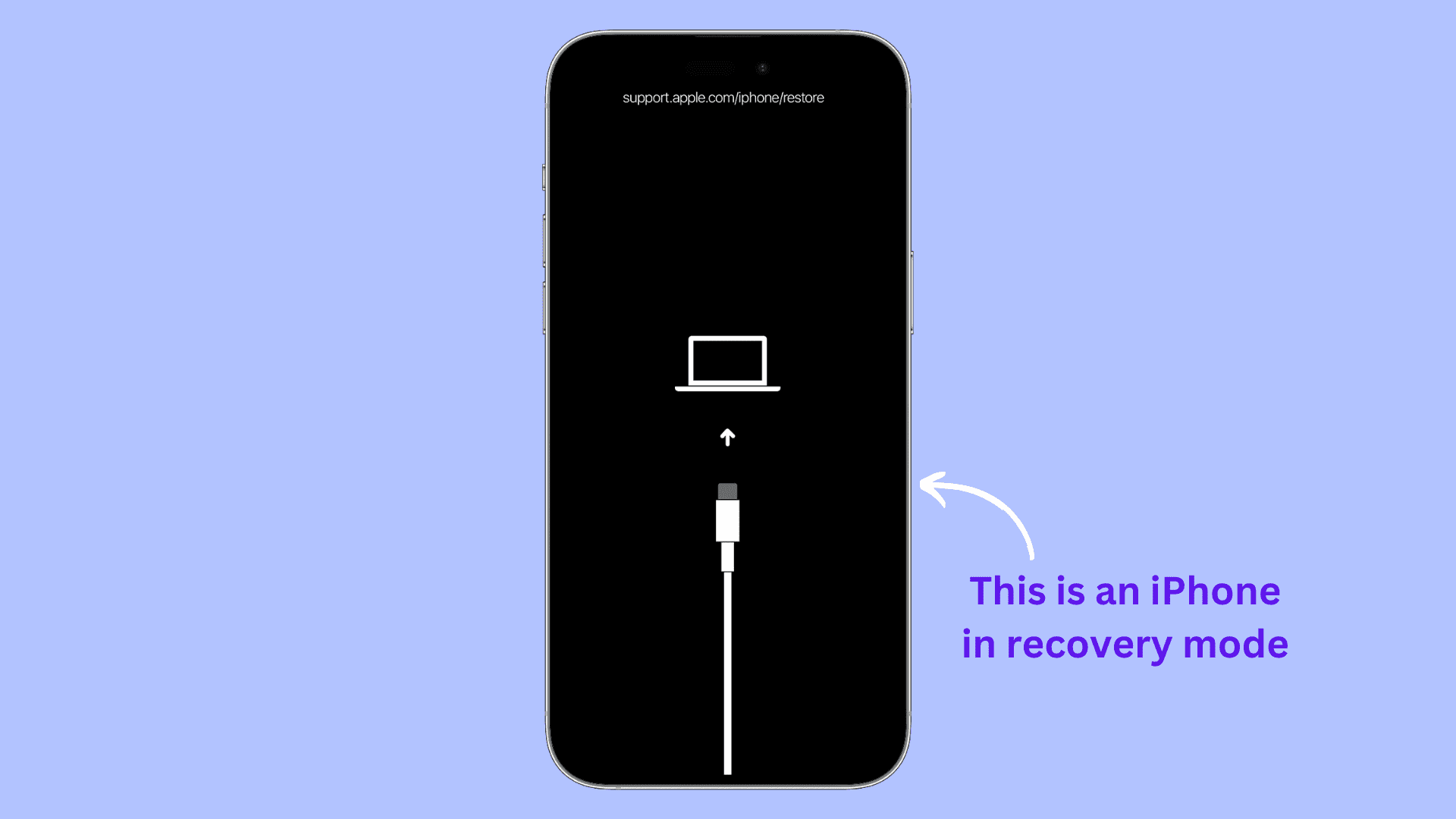
- Connect your iPad to your Mac or Windows PC using a USB cable.
- Open iTunes on your computer and select your iPad from the top-left menu.
- Hold down the Sleep/Wake button and the Home button simultaneously for at least 10 seconds, or until you see the Apple logo on the screen.
- Release the Sleep/Wake button but continue holding the Home button.
- Use your computer to access the recovery mode via iTunes.
For iPads without a Home button, press and hold the Sleep/Wake button and the Volume up button simultaneously for 10-15 seconds, or until you see the Apple logo on the screen.
What to Do in Recovery Mode
In recovery mode, you can perform various tasks such as:
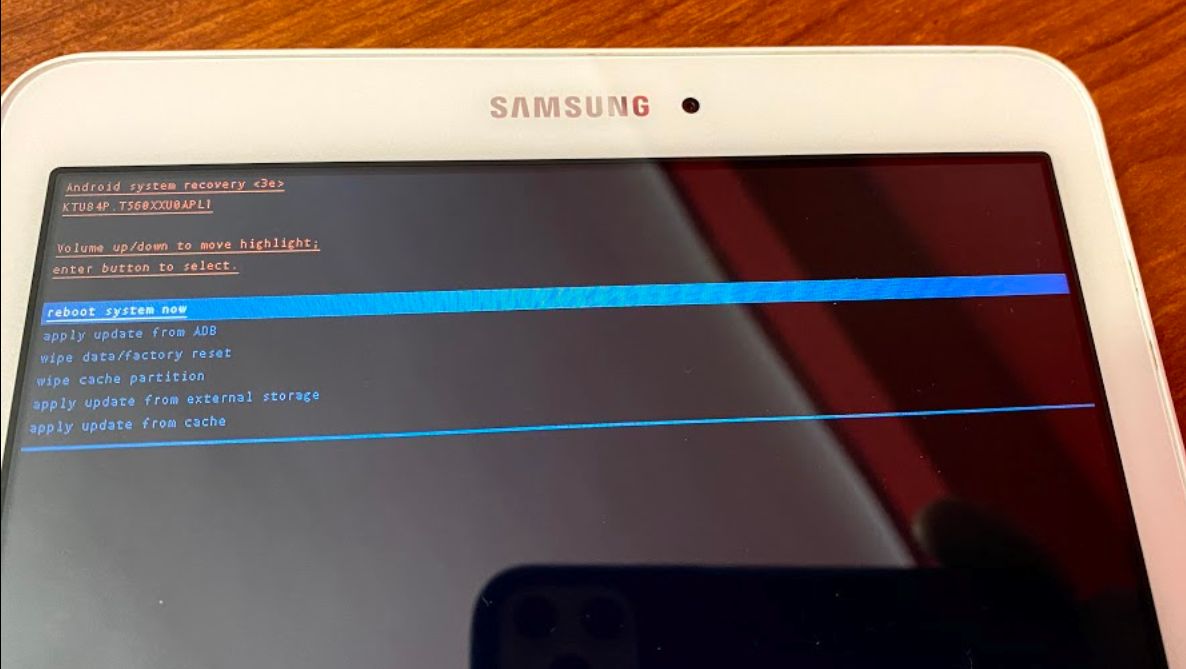
- Wiping the cache partition to free up storage space and improve performance.
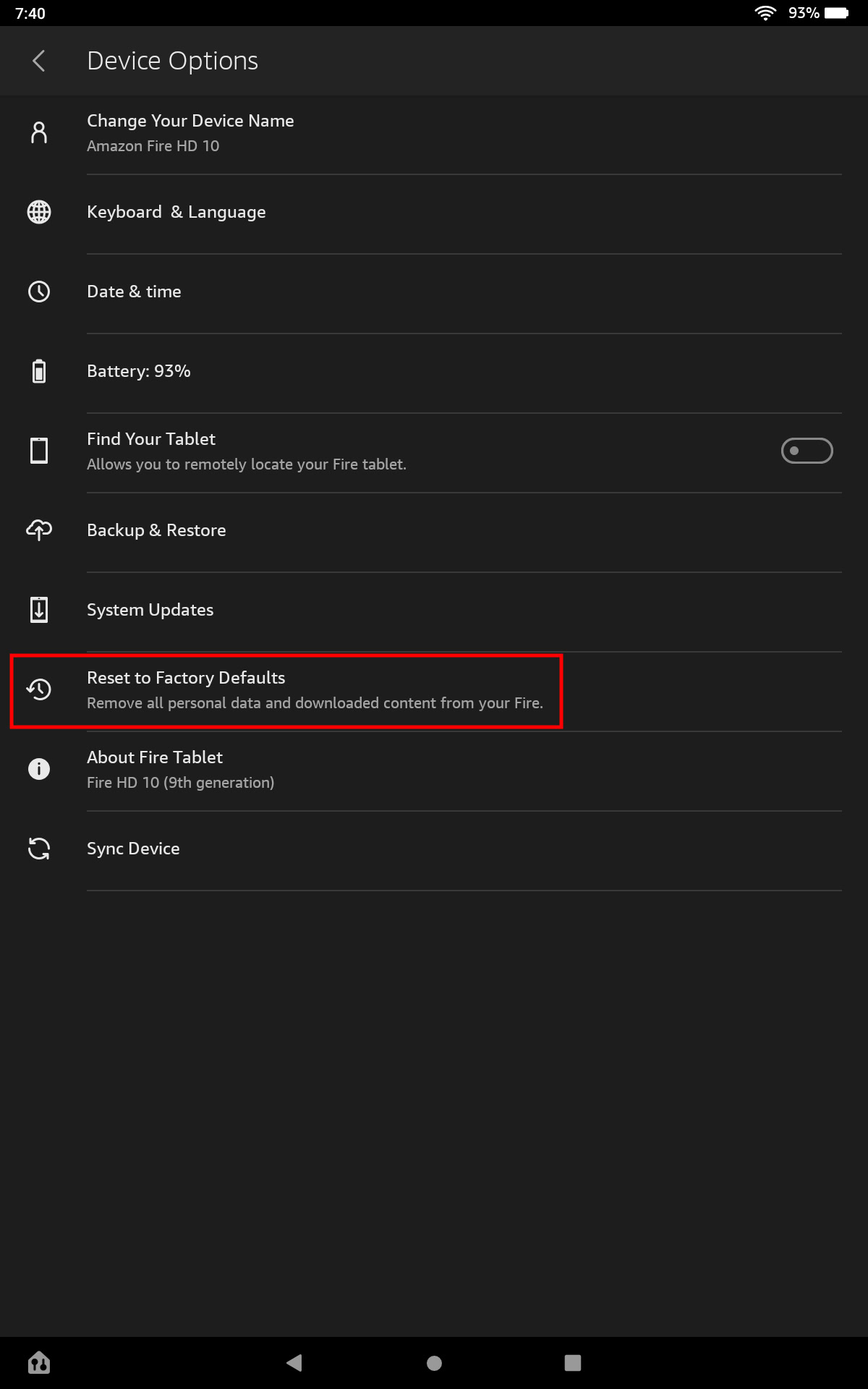
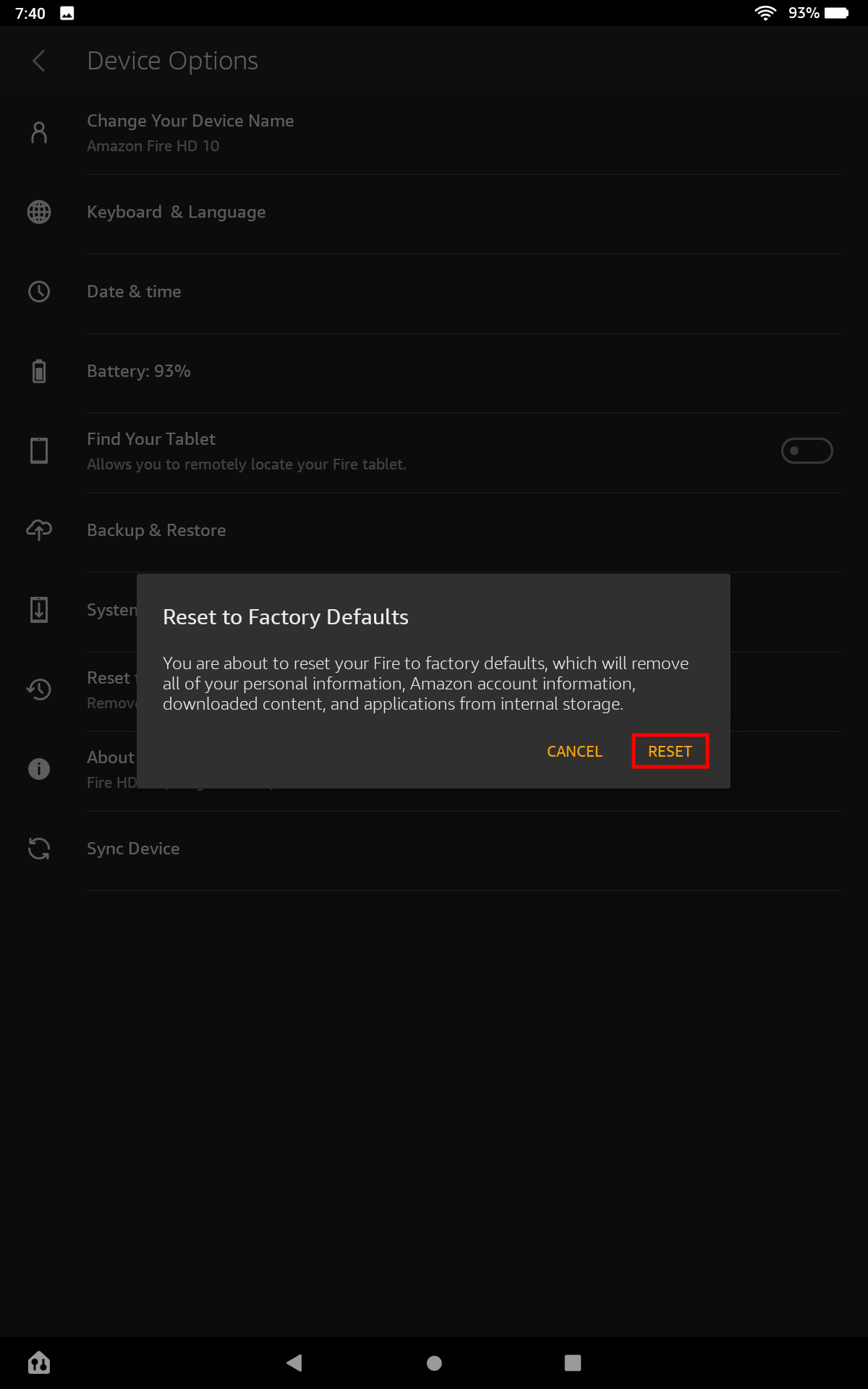
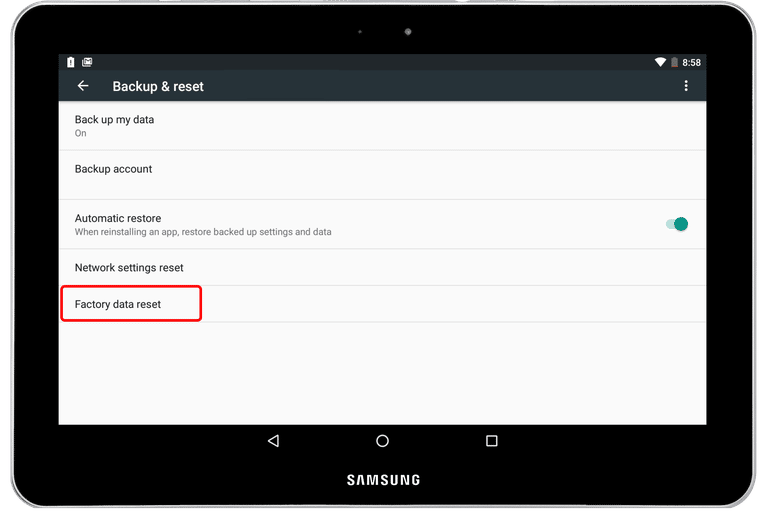
- Factory resetting the device to restore it to its original settings.
- Accessing advanced functions like fastboot mode or bootloader mode.
- Installing software updates or system files.
- Fixing boot loop issues or other software-related problems.
Conclusion
Recovery mode is an essential tool for troubleshooting and fixing problems with your tablet. By following the steps outlined in this article, you can access recovery mode on your Android or iOS device and perform various tasks to resolve issues. Remember to always refer to your device's user manual for specific instructions on accessing recovery mode.
Additional Tips
Before entering recovery mode, ensure that your tablet is completely powered down. Failure to do so may result in data loss or other issues.
When in recovery mode, be cautious when selecting options, as some may cause data loss or other problems. If you're unsure about a particular task, it's always best to seek professional help.
Common Problems Solved by Recovery Mode
- Device freezing or become unresponsive.
- Failed software updates or installations.
- Boot loop issues or repeated restarts.
- Slow performance or storage issues.
- Other software-related problems.
Conclusion
Recovery mode is an invaluable tool for troubleshooting and fixing problems with your tablet. By understanding what recovery mode is and how to access it, you can resolve a wide range of issues and keep your device running smoothly.
Remember to always refer to your device's user manual for specific instructions on accessing recovery mode and performing tasks within it. If you're unsure about any aspect of the process, don't hesitate to seek professional help.




![How to Enter Recovery Mode [All Android Models] - Mobitrix](https://images.samsung.com/is/image/samsung/assets/au/support/mobile-devices/get-out-of-safe-mode-or-android-recovery-mode/3.png?$ORIGIN_PNG$ "How to Enter Recovery Mode [All Android Models] - Mobitrix")