Preventing Hacking on Windows 10: A Comprehensive Guide
Windows 10 is one of the most widely used operating systems in the world, but with its popularity comes a higher risk of hacking. Hackers are constantly finding new ways to exploit vulnerabilities in Windows, making it essential to take proactive steps to prevent hacking attempts. In this article, we will explore the best practices and tips to help you prevent hacking on Windows 10.
Understanding the Risks of Hacking
Hacking can result in stolen sensitive information, malware infections, and even complete system compromise. Hackers often use phishing and social engineering tactics to trick users into handing over sensitive information or downloading malicious software. To prevent hacking, it's crucial to stay informed about the latest threats and take proactive measures to secure your system.
Best Practices for Preventing Hacking on Windows 10
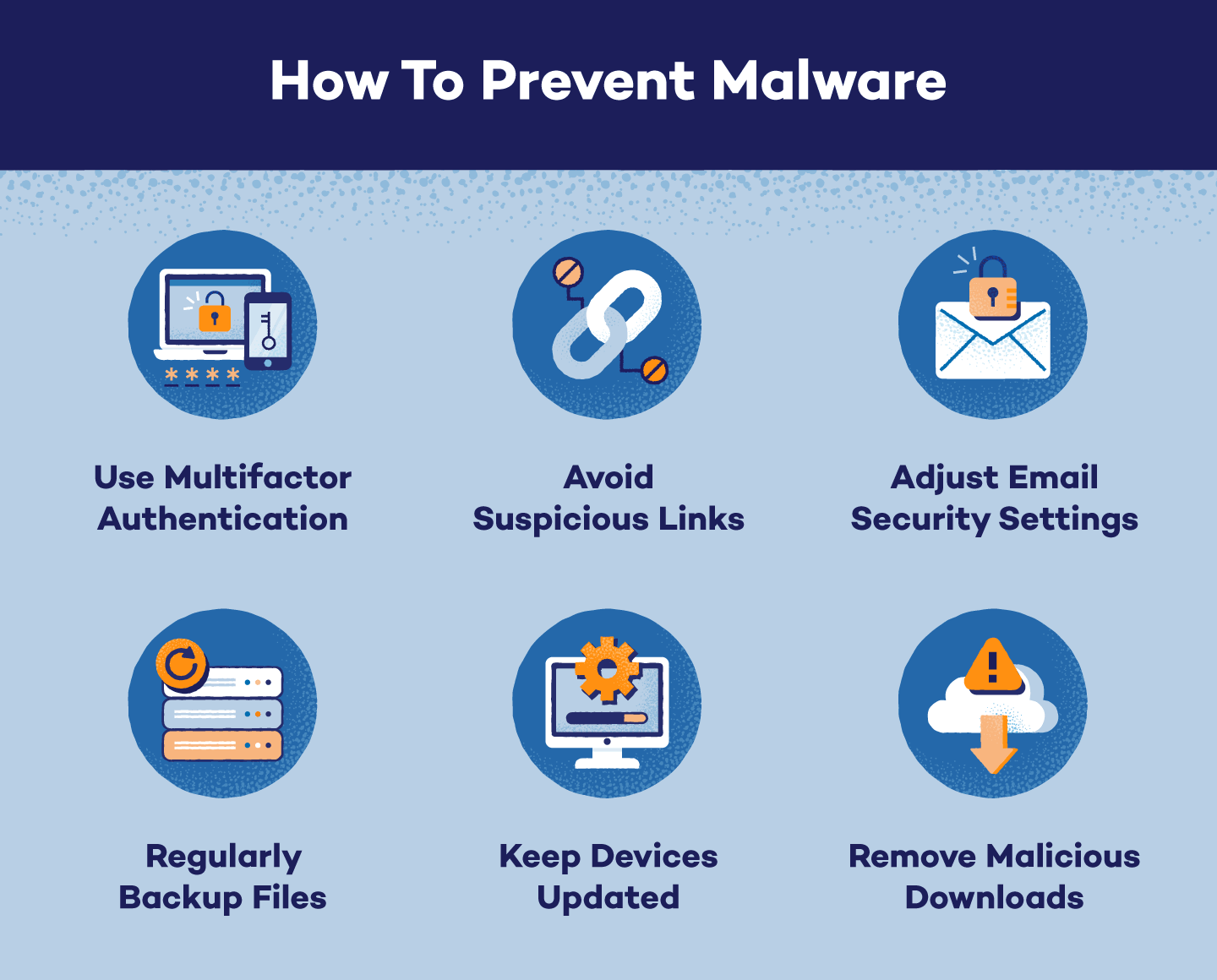
- Keep Windows Up to Date: Periodically, Microsoft releases special security updates that can help protect your PC. These updates can help prevent viruses and other malware attacks by closing possible security holes.
- Use Strong Passwords: Passwords are often the first and easiest target for cybercriminals. Use a password manager to generate and store unique, complex passwords for each account.
- Enable Firewall: The firewall feature in Windows 10 monitors incoming and outgoing network traffic, preventing hackers from accessing your system.
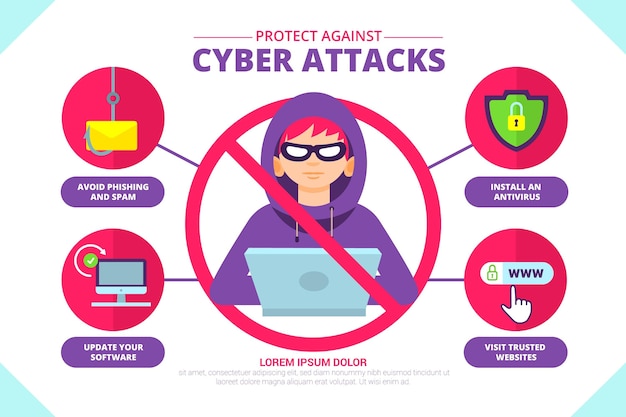
- Use Anti-Virus Software: Anti-virus software ensures a bullet-proof shield against threats for all your Windows 10 devices. Choose a reputable anti-virus software that offers real-time protection.
- Be Cautious with Email and Links: Phishing emails and links are common hacking tools. Be cautious when clicking on links or opening attachments from unknown senders.
- Use Secure Connections: When connecting to public Wi-Fi networks, use a virtual private network (VPN) to encrypt your internet traffic and prevent hackers from intercepting your data.
- Regularly Back Up Your Data: Regular backups can help you recover your data in case your system is compromised by a hacker.
- Use Two-Factor Authentication: Two-factor authentication (2FA) adds an extra layer of security by requiring a second form of verification, such as a code sent to your phone, in addition to your password.
- Monitor Your Account Activity: Regularly monitor your account activity to detect any suspicious behavior, such as unexpected login attempts or changes to your account settings.
Additional Security Measures
In addition to these best practices, you can also take the following measures to further secure your Windows 10 system:
- Use Windows Defender: Windows Defender is a built-in anti-virus software that provides real-time protection against malware and other threats.
- Use a Firewall App: A firewall app can help block incoming and outgoing network traffic, preventing hackers from accessing your system.
- Use a Password Manager: A password manager can help you generate and store unique, complex passwords for each account.
- Use a VPN: A VPN can help encrypt your internet traffic and prevent hackers from intercepting your data when connecting to public Wi-Fi networks.
Conclusion
Preventing hacking on Windows 10 requires a combination of best practices, additional security measures, and staying informed about the latest threats. By following the tips outlined in this article, you can significantly reduce the risk of hacking and keep your Windows 10 system secure.


![Anti-Hacking Software: 11 Best to Use [Updated 2026] - Windows Report](https://img.wonderhowto.com/img/59/51/63733785243588/0/hacking-windows-10-evade-detection-netstat-tasklist.1280x600.jpg "Anti-Hacking Software: 11 Best to Use [Updated 2026] - Windows Report")