Tweaking Twitch Stream Setup: A Comprehensive Guide
As a Twitch streamer, having a solid streaming setup is crucial for delivering high-quality content to your audience. However, with so many variables to consider, it can be overwhelming to optimize your setup for the best performance. In this article, we'll take a closer look at the essential components of a Twitch stream setup and provide actionable tips on how to tweak your setup for a smooth and engaging stream.
Understanding the Basics of Twitch Streaming
Before we dive into the nitty-gritty of tweaking your Twitch stream setup, let's quickly cover the basics. Twitch is a live streaming platform that allows users to broadcast their gameplay, music, art, and other content to a global audience. To stream on Twitch, you'll need a few essential pieces of equipment, including:
- A computer or gaming console
- A capture card (if using a console)
- A webcam or camera
- A microphone
- Internet connectivity
These components work together to capture and transmit your content to Twitch's servers, where it's then distributed to your audience.
Tweaking Your Twitch Stream Setup
Now that we've covered the basics, let's dive into the process of tweaking your Twitch stream setup. Here are some key areas to focus on:
Video Settings
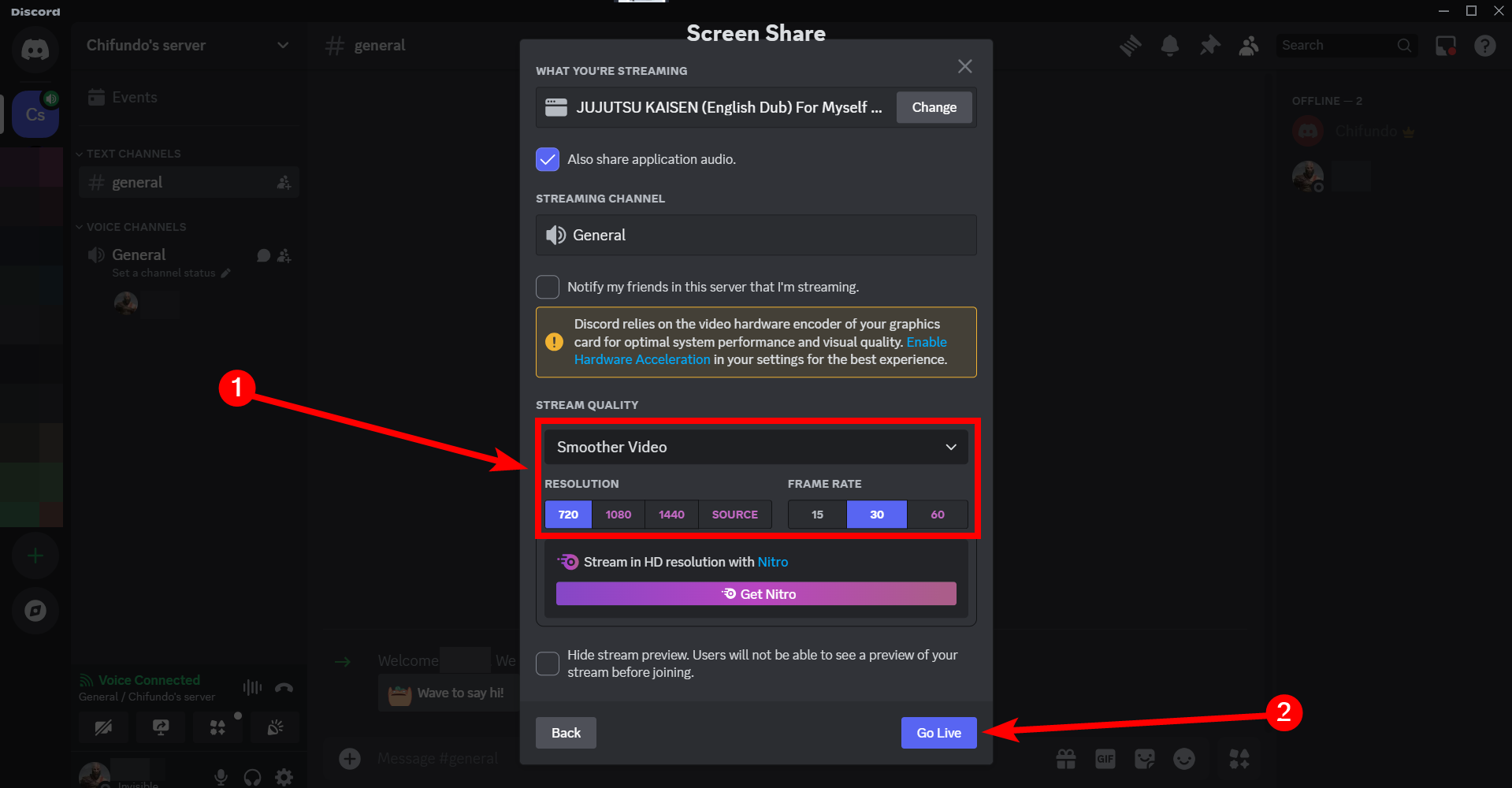
When it comes to video settings, there are several factors to consider, including resolution, frame rate, and bitrate. Here are some general guidelines for optimizing your video settings:
- Resolution: 1080p or 720p for most streams
- Frame rate: 60 FPS or 30 FPS for smooth gameplay
- Bitrate: 5000-8000 kbps for 1080p streams
Keep in mind that these are general guidelines, and you may need to adjust your settings based on your specific hardware and internet connection.
Audio Settings
Audio settings are just as important as video settings, especially if you're streaming with music or voiceovers. Here are some tips for optimizing your audio settings:
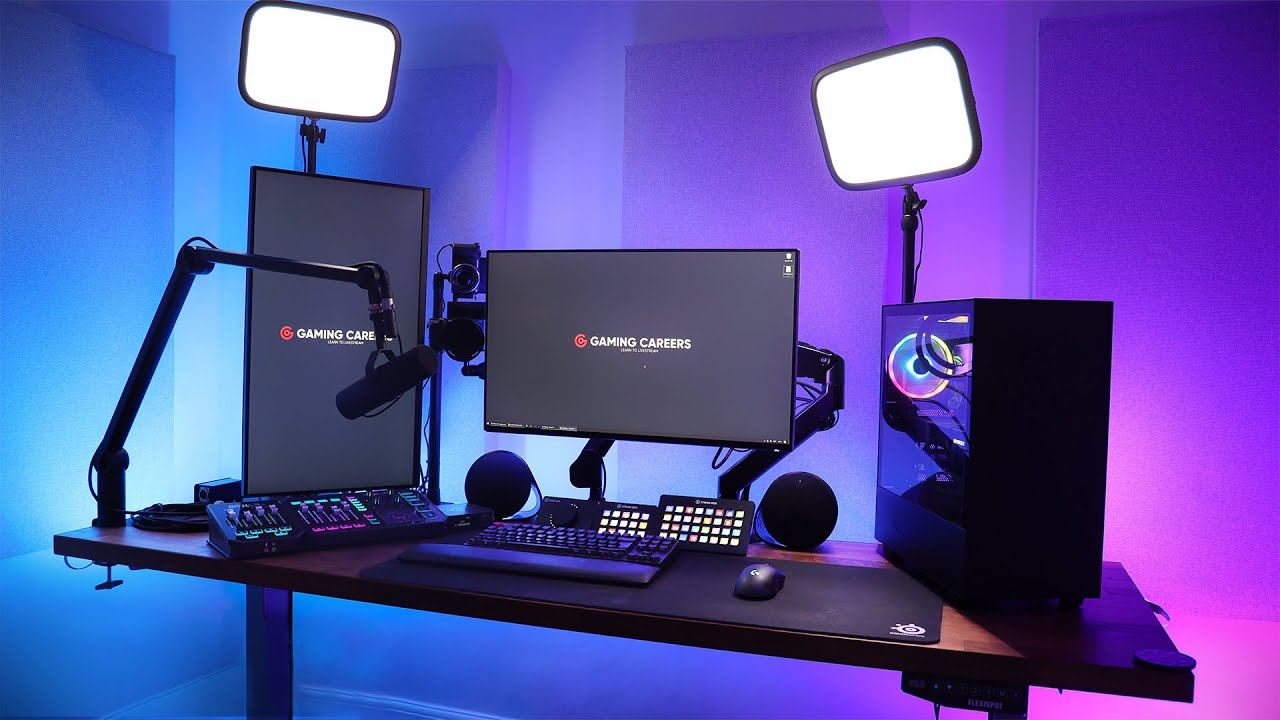
- Microphone selection: Choose a high-quality microphone that's optimized for streaming
- Audio bitrate: 128-160 kbps for stereo streams
- Audio encoding: Use a high-quality audio codec, such as Opus or AAC
Stream Settings
Stream settings include factors such as bitrate, resolution, and frame rate. Here are some tips for optimizing your stream settings:
- Bitrate: 5000-8000 kbps for 1080p streams
- Resolution: 1080p or 720p for most streams
- Frame rate: 60 FPS or 30 FPS for smooth gameplay
Internet Settings
Internet settings are critical for ensuring a smooth stream. Here are some tips for optimizing your internet settings:
- Internet speed: Ensure a stable internet connection with a minimum speed of 5 Mbps for 1080p streams
- Upload speed: Prioritize upload speed to ensure smooth stream quality
Tools for Tweaking Your Twitch Stream Setup
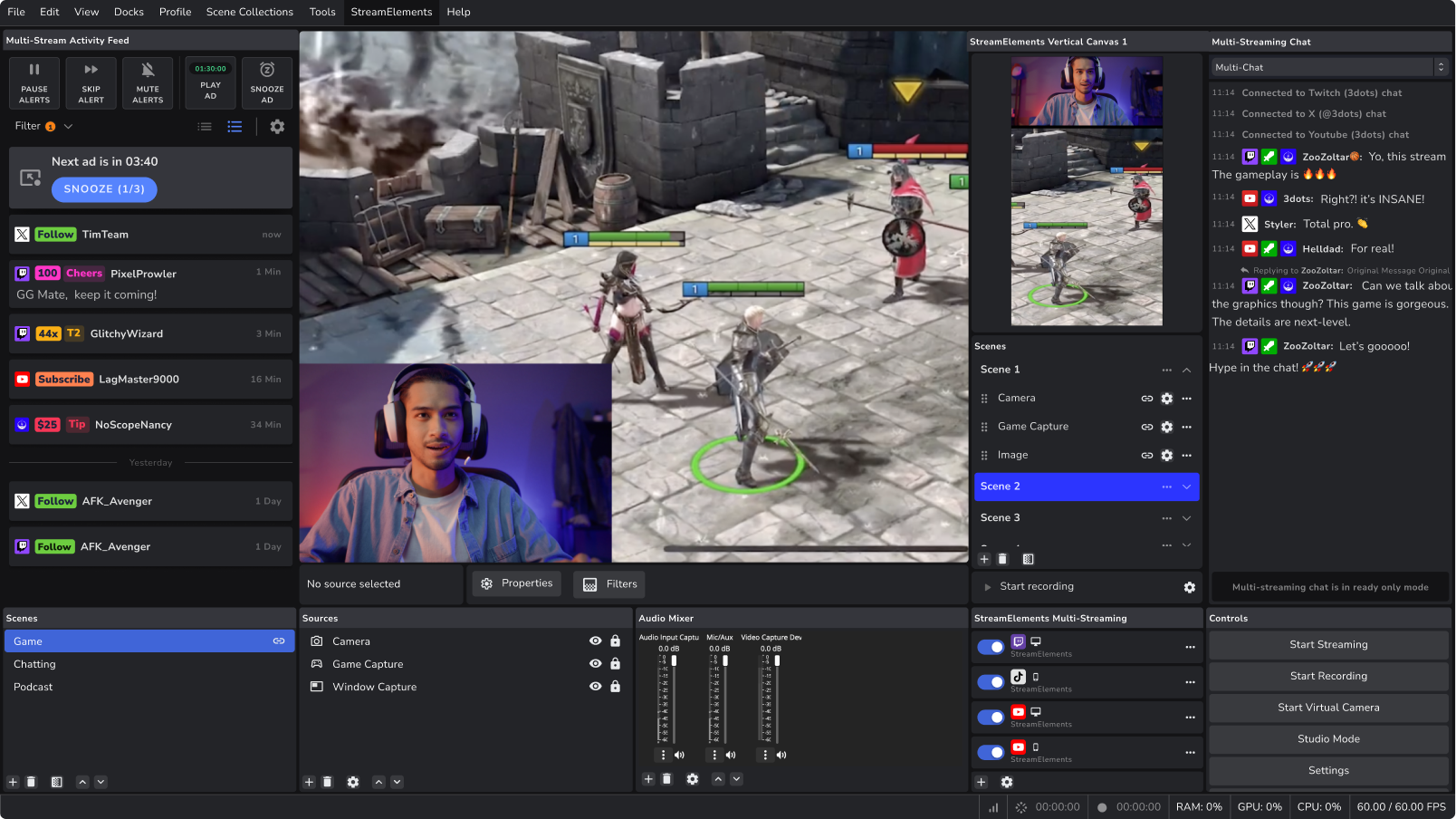
There are several tools available to help you tweak your Twitch stream setup, including:
- OBS Studio: A popular streaming software for PC and Mac
- Streamlabs: A customizable streaming platform for PC and Mac
- Twitch Studio: A free streaming app designed for new streamers
Conclusion
Tweaking your Twitch stream setup requires a deep understanding of the technical aspects of streaming. By following the guidelines outlined in this article, you can optimize your setup for a smooth and engaging stream. Remember to always test your stream before going live to ensure that everything is working as expected. Happy streaming!
![[Everything Explained] Streaming Setup for Twitch in 2026 - OBSBOT](https://devtechnosys.com/insights/wp-content/uploads/2023/05/Untitled-8-1024x528.png "[Everything Explained] Streaming Setup for Twitch in 2026 - OBSBOT")