Computer Protection from Malicious Phishing: A Guide to Safeguarding Your Digital Life
The world of cybersecurity is ever-evolving, with new threats emerging every day. Among the most prevalent and insidious of these threats is phishing, a type of social engineering attack that seeks to trick individuals into revealing sensitive information or installing malware on their computer. In this article, we will delve into the world of phishing and provide you with a comprehensive guide on how to protect your computer from malicious phishing attacks.
What is Phishing?
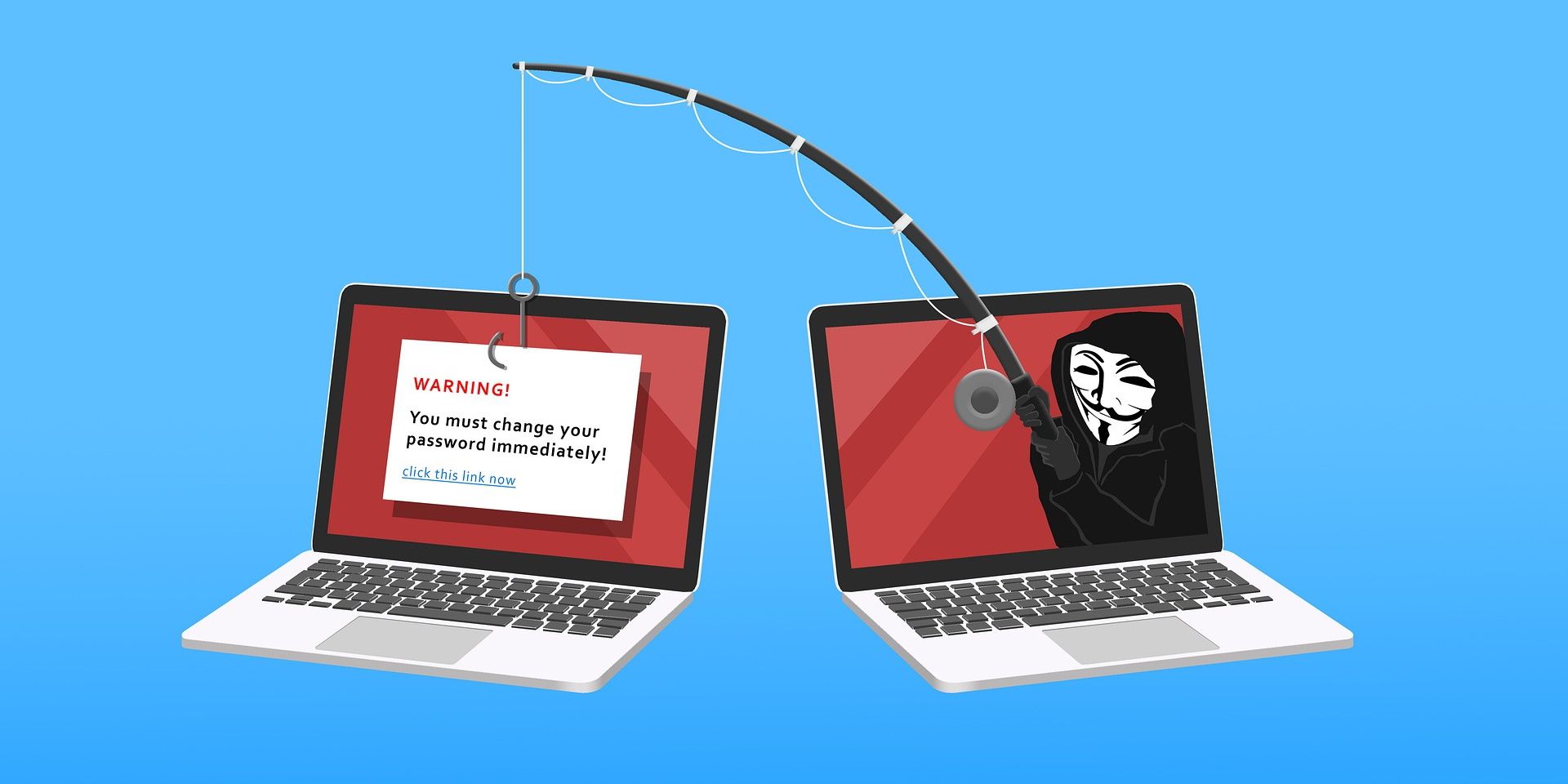
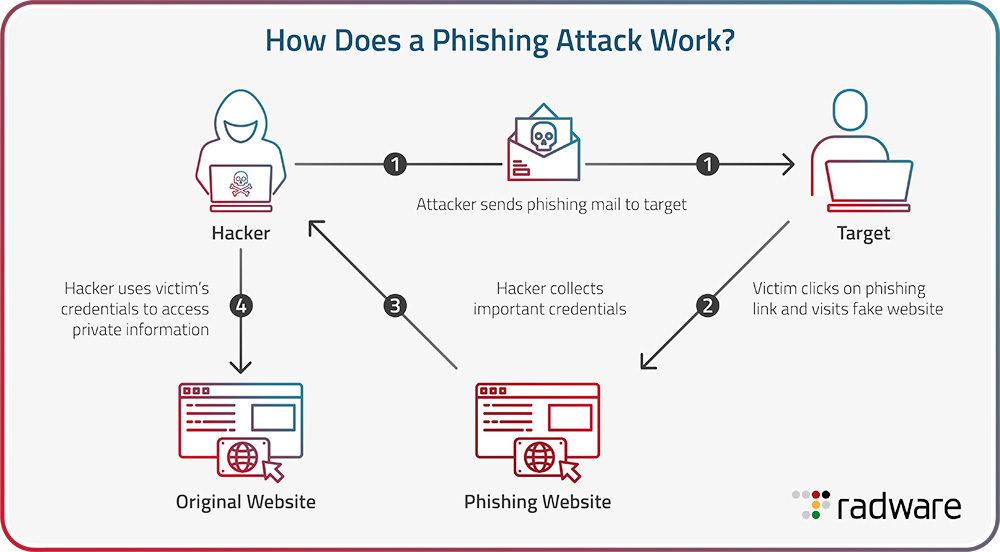
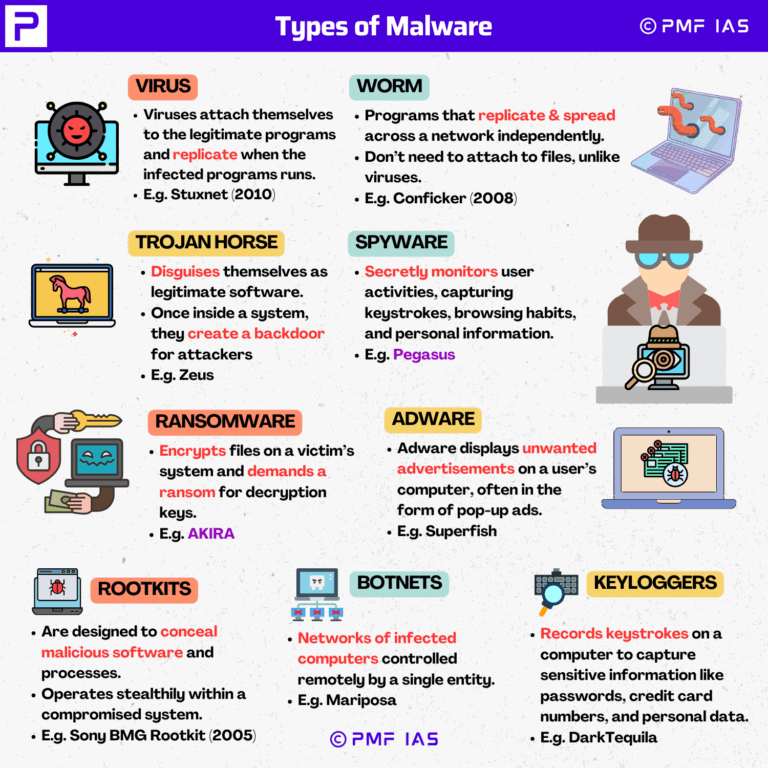
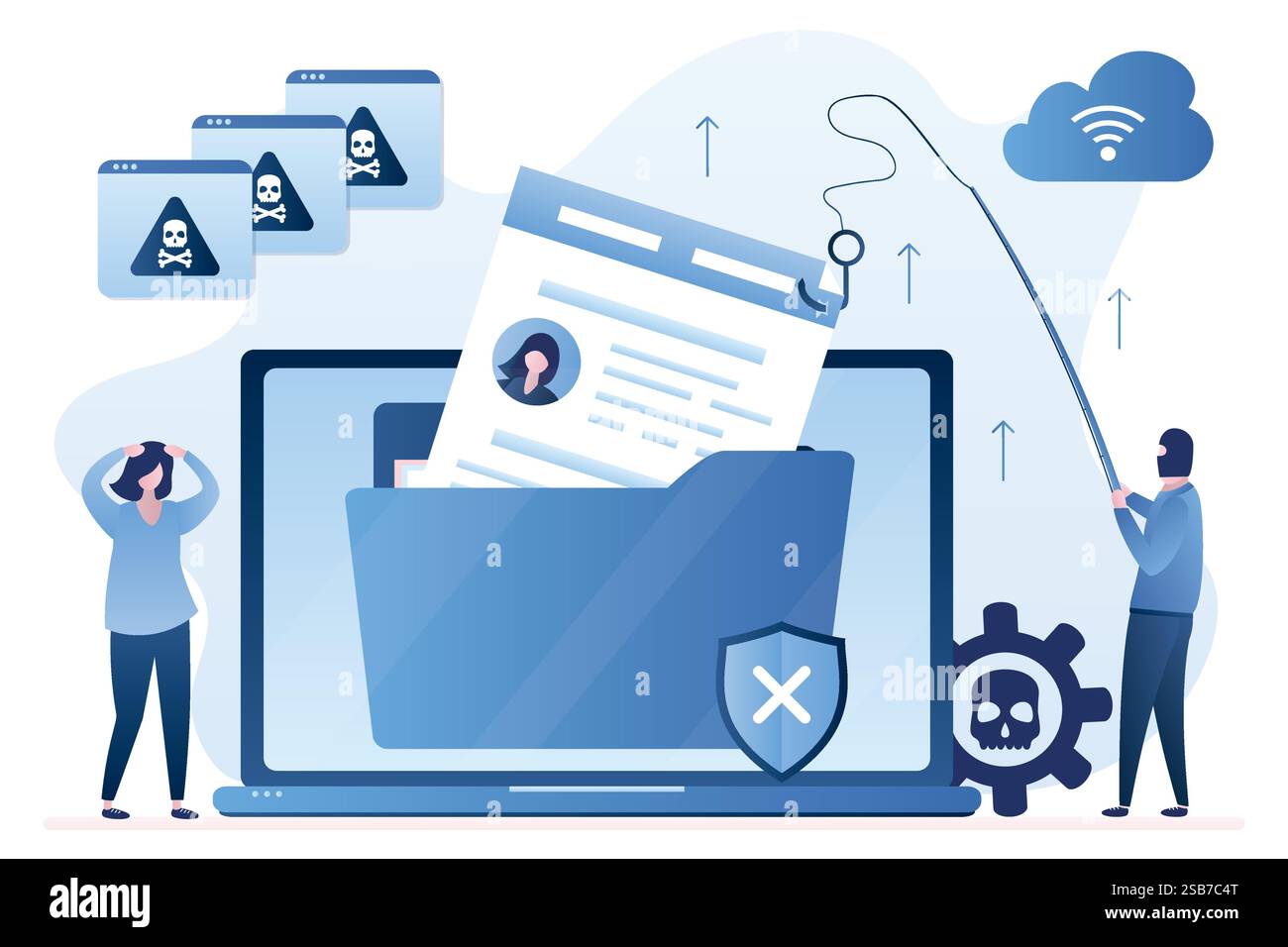
Phishing is a type of cyberattack where an attacker sends a fraudulent email or message that appears to be from a reputable source, such as a bank or email service provider. The goal of the attack is to trick the recipient into revealing sensitive information, such as passwords or credit card numbers, or to install malware on their computer.
Why Should I Be Concerned About Phishing?
Phishing is a major threat to personal and business security. According to a recent study, phishing attacks are responsible for more than 90% of all cyberattacks. If you fall victim to a phishing attack, you could end up losing sensitive information, compromising your financial security, or even having your computer infected with malware.
How Does Phishing Work?
Phishing attacks often work by tricking you into revealing sensitive information or installing malware on your computer. Here are some common tactics used by phishers:
- Spoofing emails: Phishers create emails that appear to be from a reputable source, but actually contain malicious links or attachments.
- Urgency tactics: Phishers create a sense of urgency, claiming that your account will be closed or that you need to take action immediately.
- Scare tactics: Phishers create emails that claim you have a virus or that your computer is infected with malware.
How to Protect Your Computer from Malicious Phishing
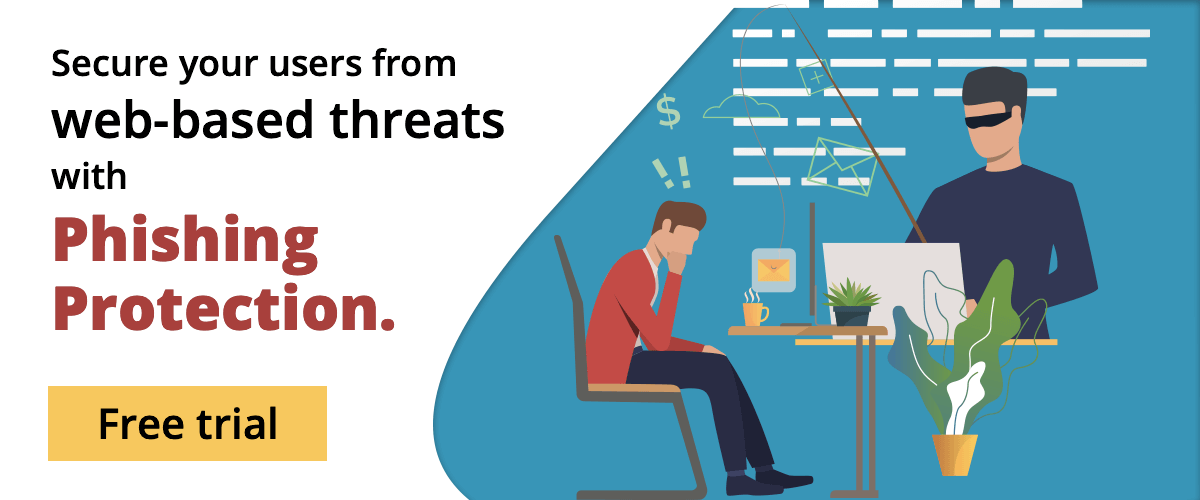
Fortunately, there are several steps you can take to protect your computer from phishing attacks:
- Enable two-factor authentication (2FA): 2FA adds an extra layer of security to your accounts, making it more difficult for attackers to gain access.
- Use a reliable antivirus program: A good antivirus program can detect and block phishing attacks, as well as protect your computer from malware.
- Be cautious with emails and messages: Don't click on links or download attachments from unknown sources. Always verify the sender's email address and be wary of emails that ask for sensitive information.
- Keep your software up to date: Regularly update your operating system, browser, and other software to ensure you have the latest security patches.
- Use a password manager: A password manager can generate and store unique, complex passwords for each of your accounts.
Conclusion
Phishing is a major threat to personal and business security, and it's essential to be aware of the tactics used by phishers. By following the tips outlined in this article, you can protect your computer from malicious phishing attacks and safeguard your sensitive information. Remember, phishing attacks are often sophisticated and cleverly disguised, so it's essential to stay vigilant and take proactive steps to protect your computer and yourself.
Additional Resources
For more information on phishing and how to protect your computer, check out the following resources:
- Microsoft Security Response Center Blog
- The Hacker News
- BleepingComputer
- IBM Security Intelligence
- Cybersecurity and Infrastructure Security Agency
By following these tips and staying informed about the latest phishing tactics, you can protect your computer from malicious phishing attacks and enjoy a safer, more secure online experience.