Build a Twitch Streaming Channel
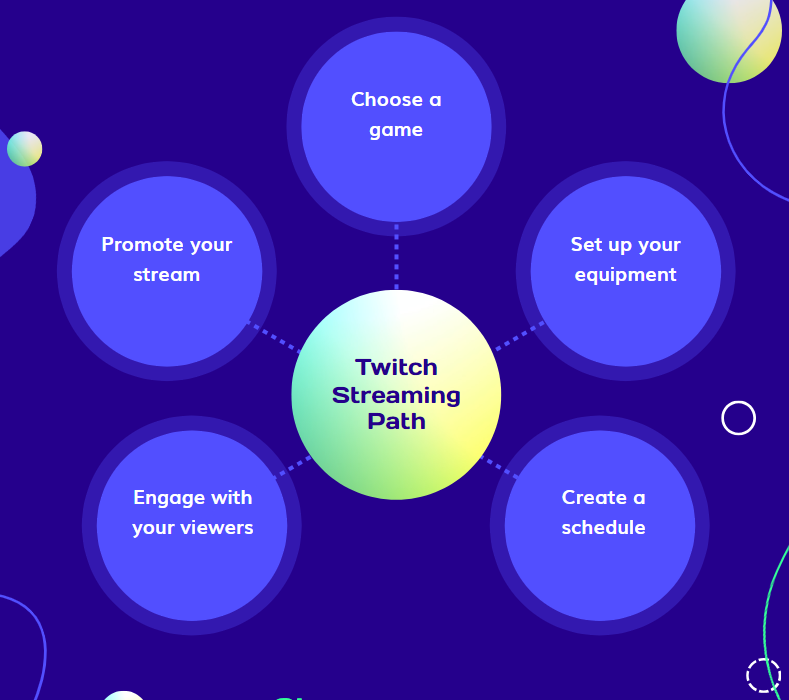
The perfect place for new, beginning, or returning creators and community members to explore everything to do with Twitch. Learn the basics and beyond - like how to get started, the foundations of a successful stream, and recommendations for connecting with your community.
Setting Up Your Twitch Channel
The world of livestreaming is exciting, dynamic, and incredibly rewarding. For many, Twitch is the ultimate platform to share their passions, connect with like-minded individuals, and build a vibrant community. But before you can dive into broadcasting your first gameplay session, art piece, or casual chat, you need to lay the groundwork: setting up your Twitch channel.
Choosing Your Channel Name and Design
When setting up your Twitch channel, one of the first decisions you'll need to make is choosing a channel name and design. This is a crucial part of establishing your brand and creating a strong online presence. Your channel name should be unique, memorable, and reflect the type of content you'll be streaming. Consider using a name that is easy to spell and Pronounce, and make sure it's not already taken by searching for existing channels on Twitch.
Channel Design and Customization
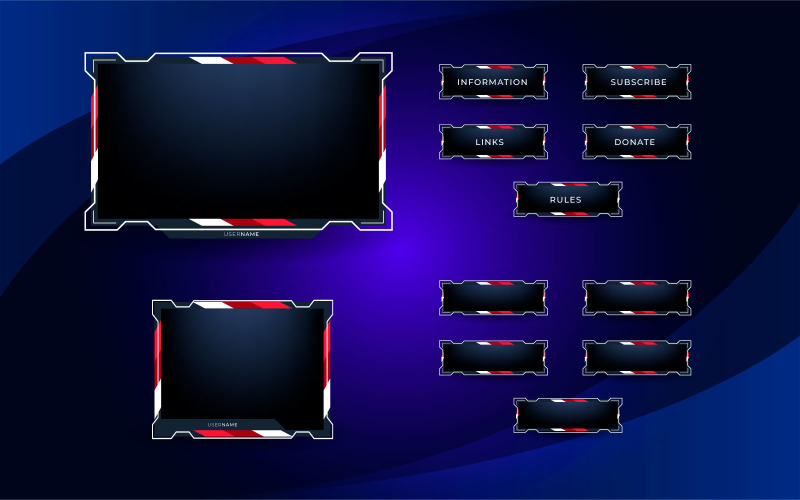
Once you've chosen your channel name, it's time to start designing your channel. This includes creating a profile banner, overlay, and chat overlay. You can use tools like Canva to create custom designs for your channel. You want your channel to stand out from the crowd, so take the time to create a unique and eye-catching design that reflects your brand and personality.
Streaming Software and Equipment
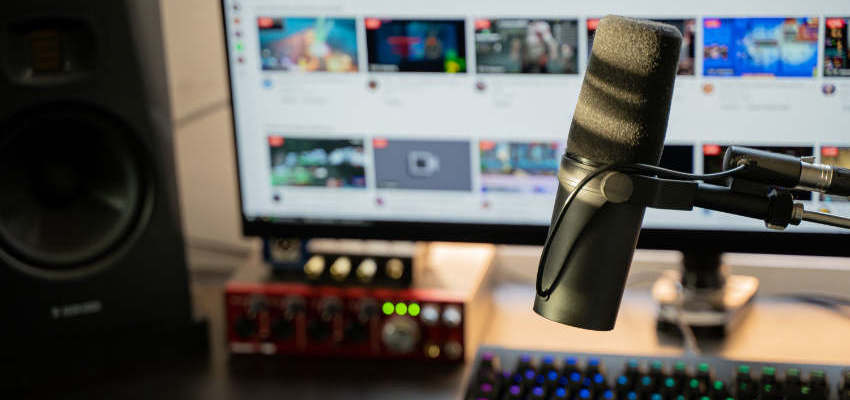
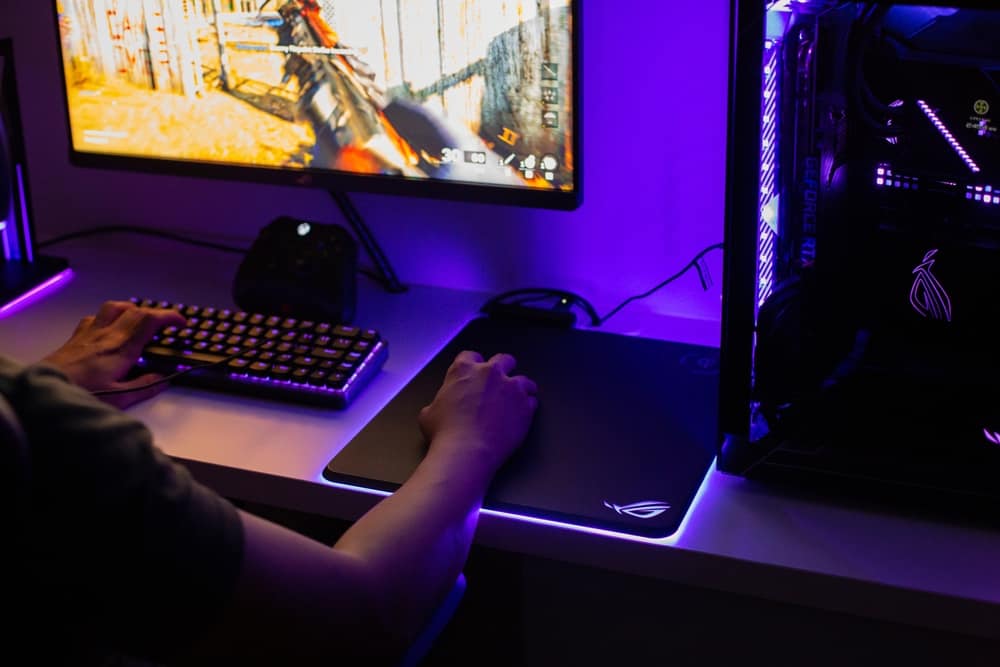
Next, you'll need to choose your streaming software and equipment. Popular streaming software includes OBS, Streamlabs, and XSplit. These programs allow you to capture and stream your gameplay to Twitch. You'll also need a stable internet connection, a good quality webcam, and a microphone to ensure high-quality audio and video.
Getting Started with Your First Stream
Now that you've set up your channel and chosen your equipment, it's time to get started with your first stream. Before you go live, make sure you've configured your stream settings, including your channel description, tags, and notifications. Consider hosting a test stream to ensure everything is working correctly and to get comfortable with your equipment and software.
Building a Loyal Community
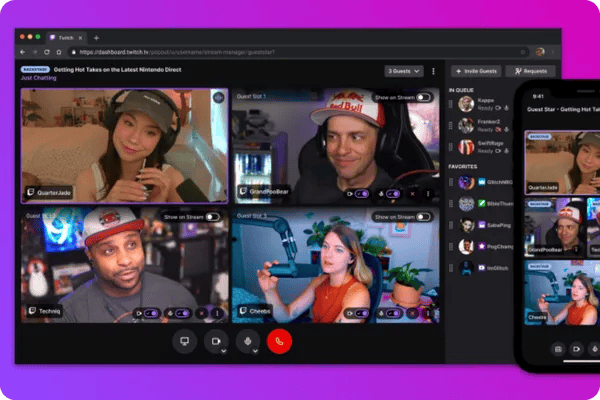
Building a loyal community is a crucial part of being a successful Twitch streamer. This includes interacting with your viewers, responding to comments and questions, and creating a positive and welcoming atmosphere on your channel. Consider using chat bots and other tools to help manage your chat and create a more engaging experience for your viewers.
Strategies for Growing Your Twitch Channel
Struggling to grow on Twitch? Our ultimate guide on how to grow your Twitch channel covers everything from getting your first 10 viewers to building a loyal, active community. By following these simple strategies, you can increase your viewership, engagement, and overall success on Twitch.
Optimizing Your Stream for Viewership
Optimizing your stream for viewership involves creating a consistently high-quality stream that attracts and retains viewers. This includes choosing the right game, having a unique and engaging format, and creating a positive and welcoming atmosphere on your channel. Consider using tools like Streamlabs and Chatbots to help manage your stream and increase viewer engagement.
Engaging with Your Viewers
Engaging with your viewers is a crucial part of building a loyal community on Twitch. This includes responding to comments and questions, creating a positive and welcoming atmosphere on your channel, and using chat bots and other tools to help manage your chat. Consider hosting giveaways, contests, and other events to encourage viewer participation and engagement.