Setting Up a GoFundMe Donation Page: A Step-by-Step Guide
GoFundMe has become the go-to platform for turning compassion into action, allowing individuals to start a fundraiser for urgent needs or passionate causes. With over $30 billion raised, it's essential to create a well-structured donation page that connects with donors and drives results. In this article, we'll cover how to setup a GoFundMe donation page step by step.
Step 1: Choosing the Right Platform
GoFundMe offers two main platforms: GoFundMe and GoFundMe Pro. The former is perfect for individuals, while the latter is designed for charities and businesses. If you're unsure which one to choose, consider the type of fundraiser you're setting up and the features you need.
- GoFundMe: Ideal for personal fundraisers, community projects, and small businesses.
- GoFundMe Pro: Designed for charities, large businesses, and organizations, offering additional features and support.
Step 2: Setting Up Your Fundraiser
Once you've chosen your platform, it's time to set up your fundraiser. Here's what to expect:
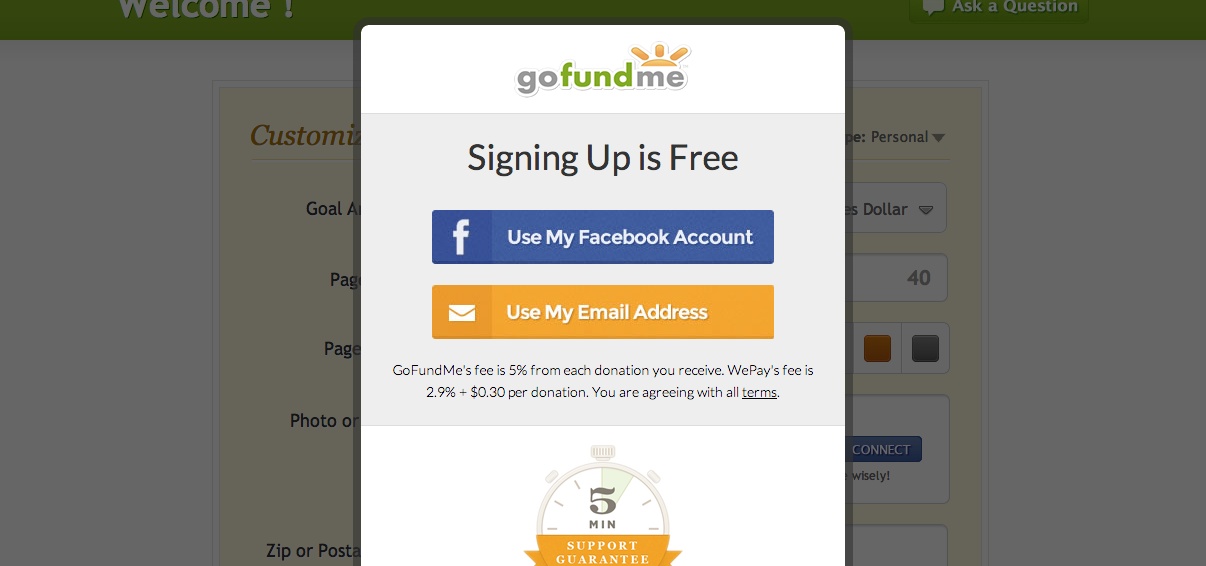
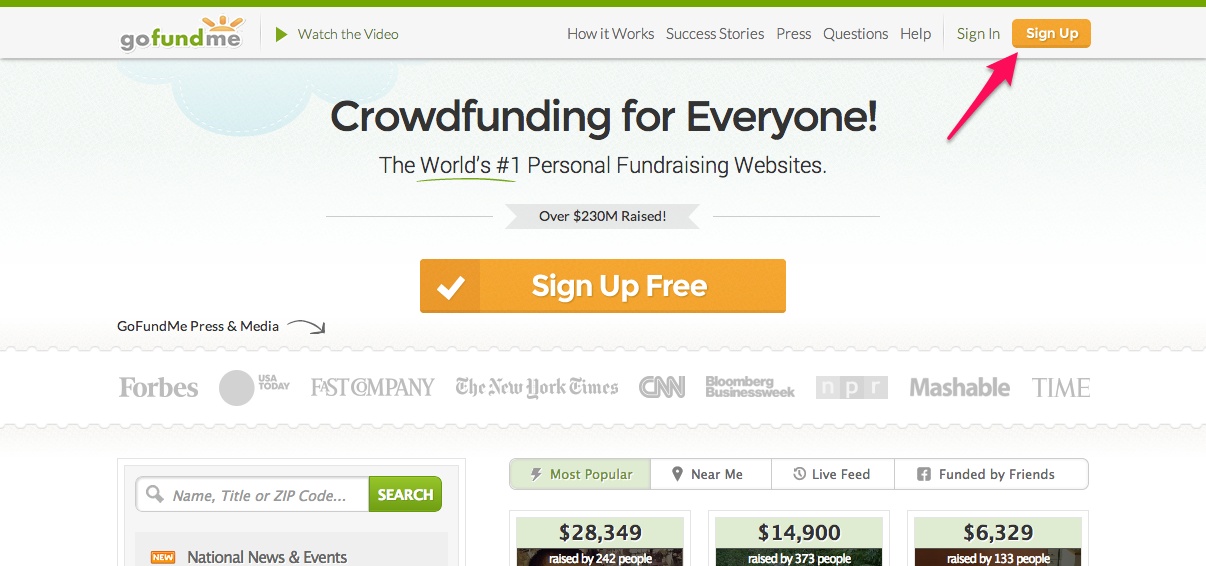
- Tap the green 'Start a GoFundMe' button.
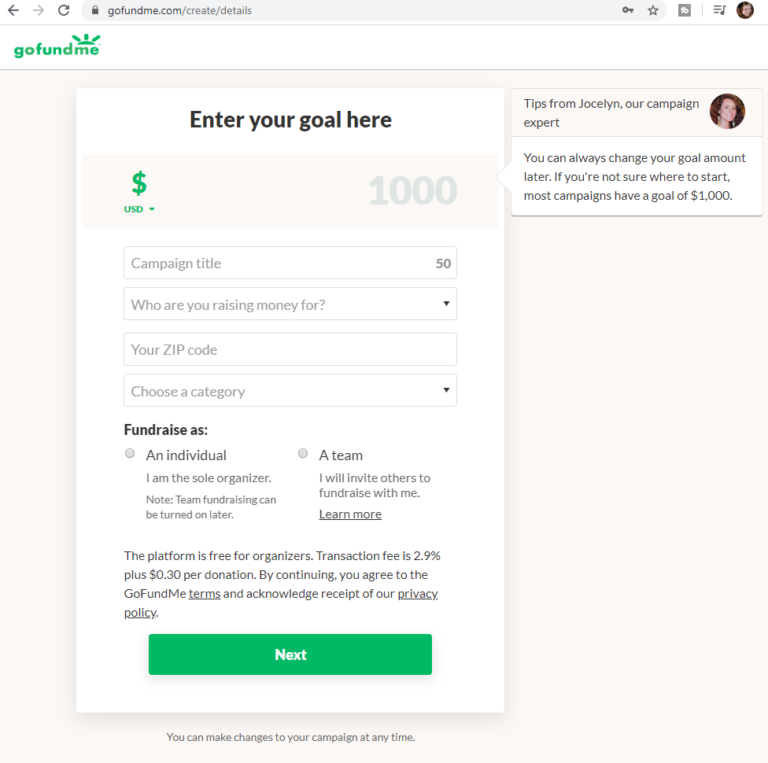
- Answer a few questions to help setup your fundraiser.
- Write your fundraising story or record a video (if using the app).
- Customize your fundraiser by adding details and photos.
Step 3: Writing a Compelling Story
Your story is the heart of your fundraiser. It should be clear, concise, and compelling. Explain why you're raising funds, how the money will be used, and what you hope to achieve. Make sure it's engaging and authentic.
Step 4: Adding Photos and Videos
Visuals bring your story to life and help donors connect with your cause. Add photos and videos that showcase your journey, highlight your achievements, or demonstrate the impact of your project.
Step 5: Setting Goals and Sharing with Your Network
Set realistic goals and share your fundraiser with friends, family, and social networks. This will help you reach your target and create a buzz around your campaign. Use social media platforms, email marketing, and word-of-mouth to spread the word.
Step 6: Launching Your Fundraiser
Once you've completed these steps, your GoFundMe is live, and ready to receive donations. Make sure to continue reading for important information about how to start getting donations and managing your fundraiser.
Step 7: Managing Your Fundraiser
After launching your fundraiser, you'll need to monitor and manage donations, updates, and comments. Use GoFundMe's built-in tools and features to keep track of your progress, communicate with donors, and make adjustments as needed.
Conclusion
Setting up a GoFundMe donation page requires careful planning, a clear story, and effective management. By following these steps and using the features and tools provided by GoFundMe, you'll be well on your way to creating a successful and impactful fundraising campaign.
Remember, your fundraiser is not just about raising money – it's about building a community, sharing a story, and making a difference. With these tips and a little creativity, you'll be able to setup a GoFundMe donation page that drives results and inspires generosity.
Start a fundraiser today and turn your passion into action!