Tips for Securing Wireless Network Configuration
Why Wi-Fi Network Security Matters
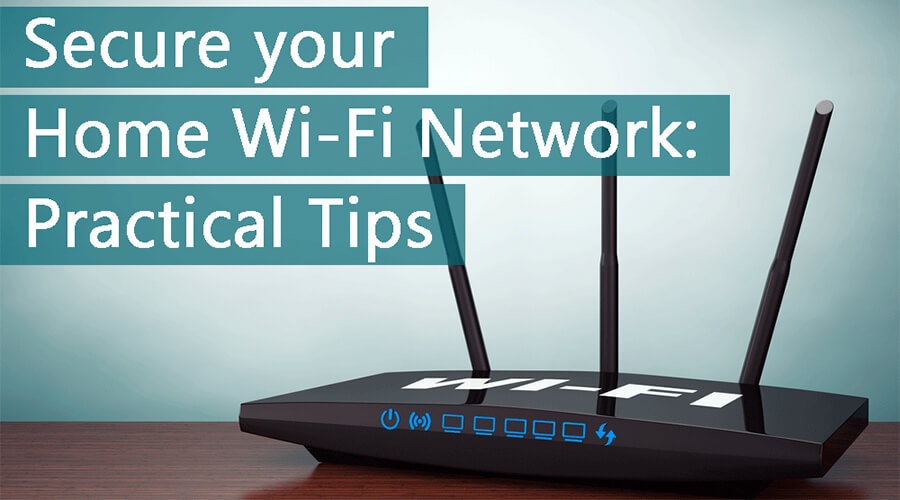
Having a secure home Wi-Fi network is essential for protecting your personal data, financial records, and professional communications from unauthorized access and cyber threats. With an increasing number of wireless devices connected to your network, including computers, phones, IP cameras, voice assistants, smart TVs, and connected appliances, securing your wireless network has become a critical task.
Understanding Wireless Network Risks
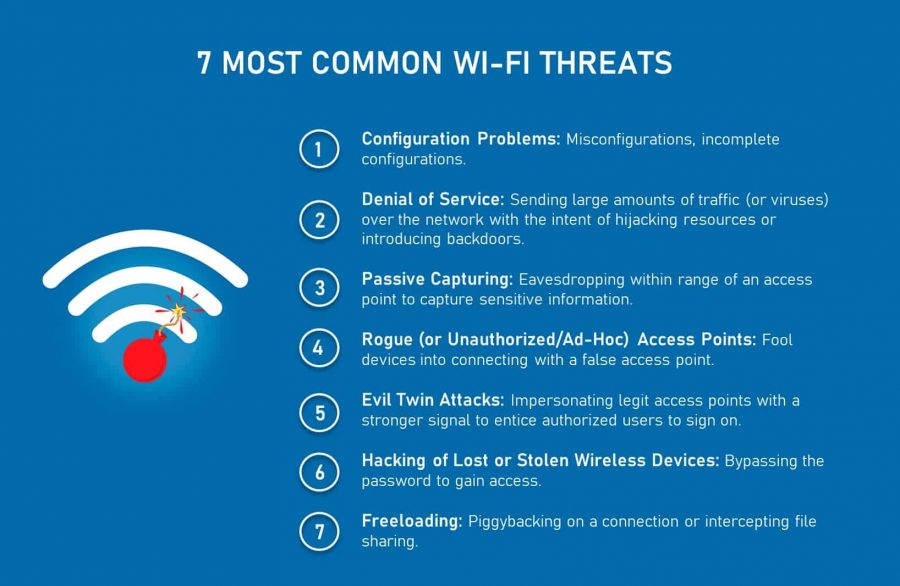
If someone gains access to your Wi-Fi network, they could attempt to tamper with your router or snoop on your local file shares, or even use your connection to download copyrighted content. Running an open Wi-Fi network can be dangerous, and protecting your Wi-Fi is essential to prevent this from happening.
The Importance of Securing Your Home Network
High-risk communities, in particular, need to secure their home networks to prevent threat actors from gaining access to their network and reading any unencrypted data sent over the network. Securing your home network also helps prevent internet intruders from sneaking onto your network.
Best Practices for Securing Your Wireless Network
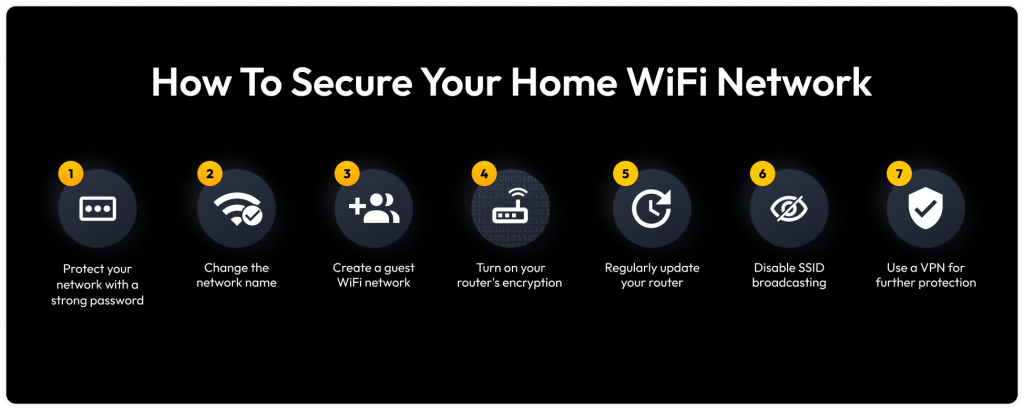
Here are some essential tips for securing your wireless network and protecting your data and devices from malicious actors:
- Position your router in a central location to ensure even coverage.
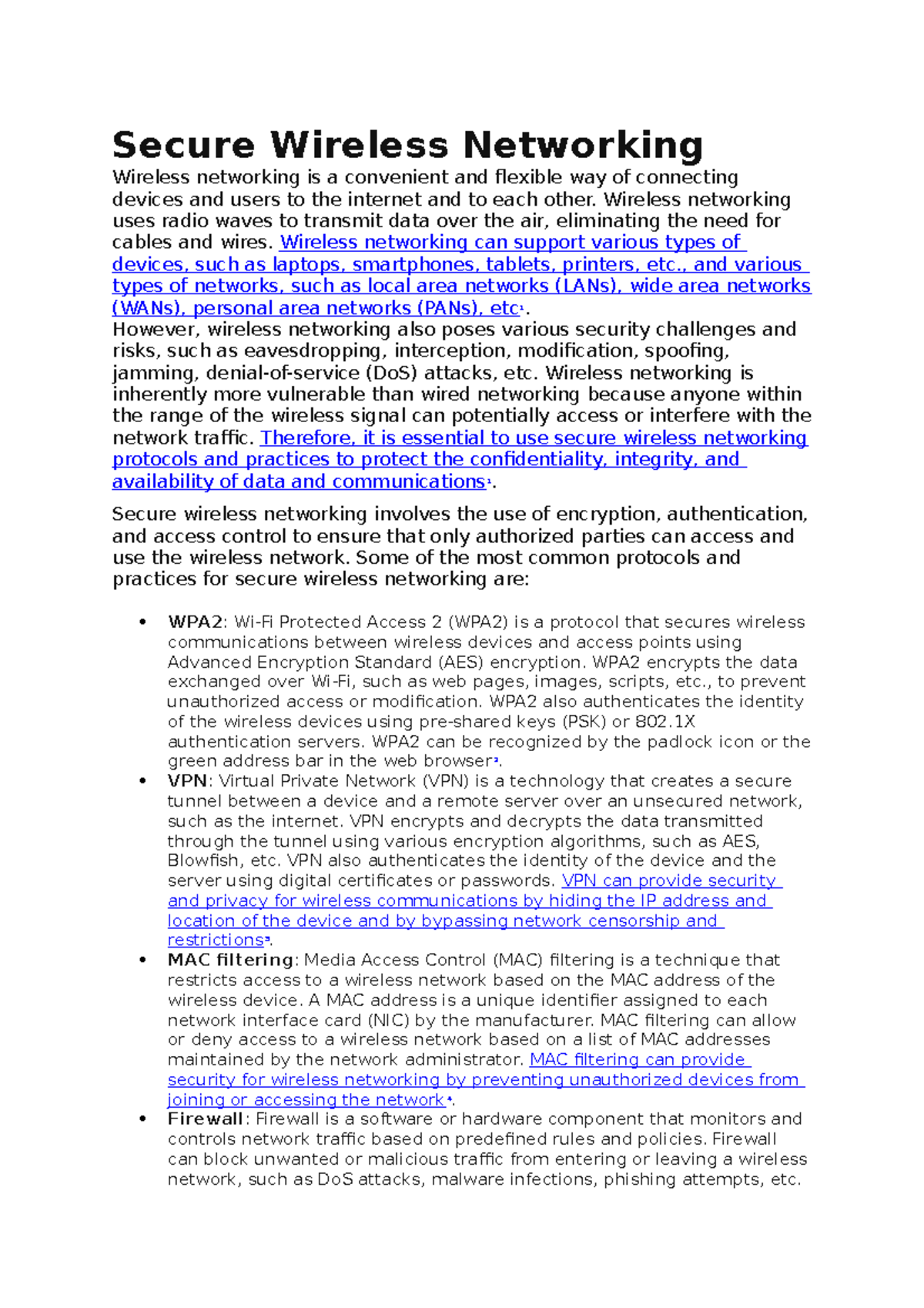
- Use WPA3 encryption to secure your wireless network. Li
- Enable the firewall on your router and device.
- Change the default password of your router and network.
- Limit the number of devices that can connect to your network.
- Use a VPN (Virtual Private Network) to encrypt internet traffic.
- Regularly update your router's firmware and software.
- Monitor your network for suspicious activity.
- Use network segmentation to separate devices and networks.
- Improve your network's physical security by securing your router.
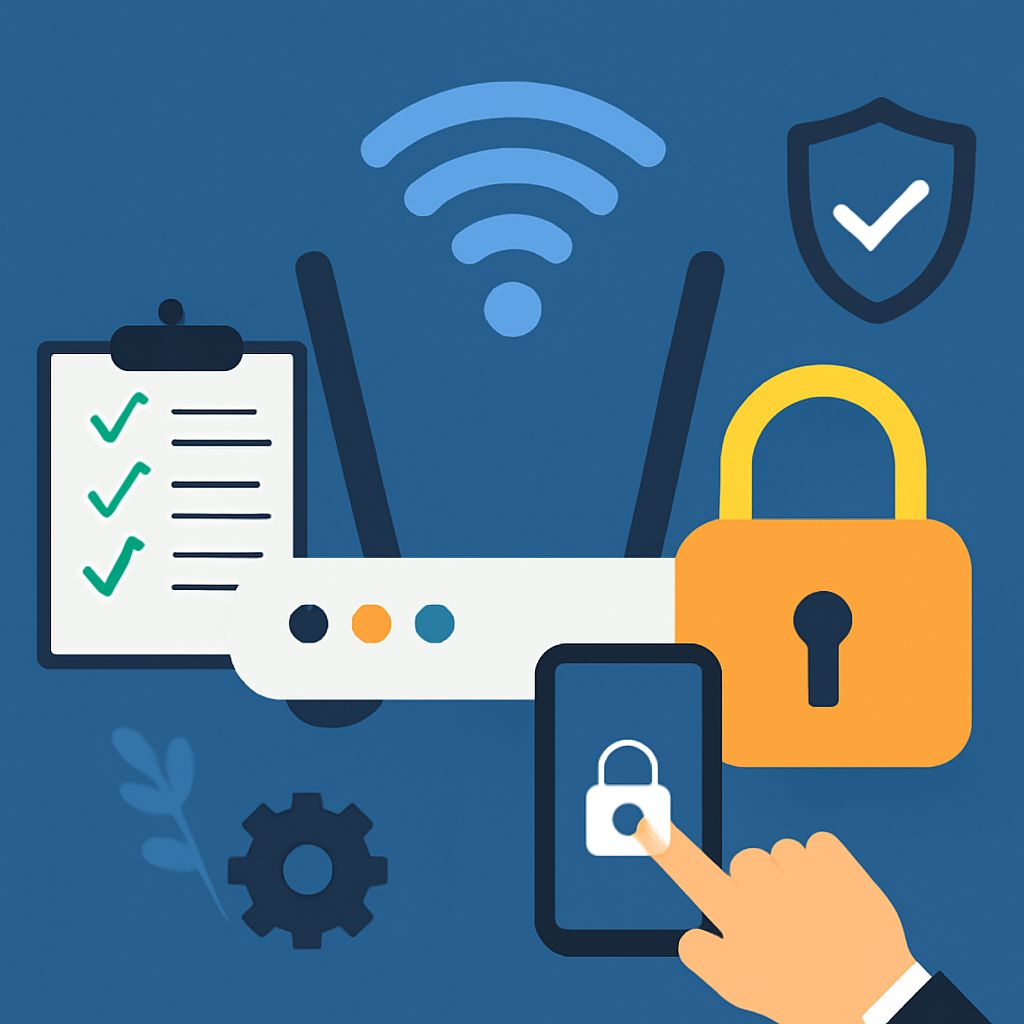
Securing Your Router Is Essential
Securing your router is a non-negotiable step in safeguarding your connected life. A secure router helps protect your network from cyber threats, data breaches, and more. You can take several simple steps to secure your router.
Additional Tips for Securing Your Wireless Network
Some additional tips for securing your wireless network include:
- Using a strong password for your router and network.
- Disabling WPS (Wi-Fi Protected Setup).
- Changing the default admin username and password.
- Enabling MAC address filtering.
- Using a guest network for visitors.
Wireless Network Security Should Be a Business Priority
Wireless network security should be a business priority. It can help create a safer and more secure internet experience. Here are ten tips on how to secure your Wi-Fi and protect your network from cyber threats.
Stay Protected with Norton 360 Deluxe
With Norton 360 Deluxe, you can help defend your connected devices from other online threats, such as scams and malware.
![Wi-Fi security: How to protect your wireless network [2026 guide]](https://cdn.outrank.so/cd515cea-d395-482d-8e0e-aa3d83344c89/61ded9db-3218-47aa-9c3a-d8573492da38/securing-wireless-network-network-security.jpg "Wi-Fi security: How to protect your wireless network [2026 guide]")