Hacking Prevention for Instagram Accounts: 10 Essential Solutions to Protect Your Online Identity
As a social media platform with over 2 billion active users, Instagram is a prime target for hackers and cybercriminals. With the rise of online threats, protecting your Instagram account from hacking attempts has become a top priority. In this article, we'll explore the top 10 essential solutions to prevent Instagram hacking and safeguard your online identity.
Why Hackers Target Instagram Accounts
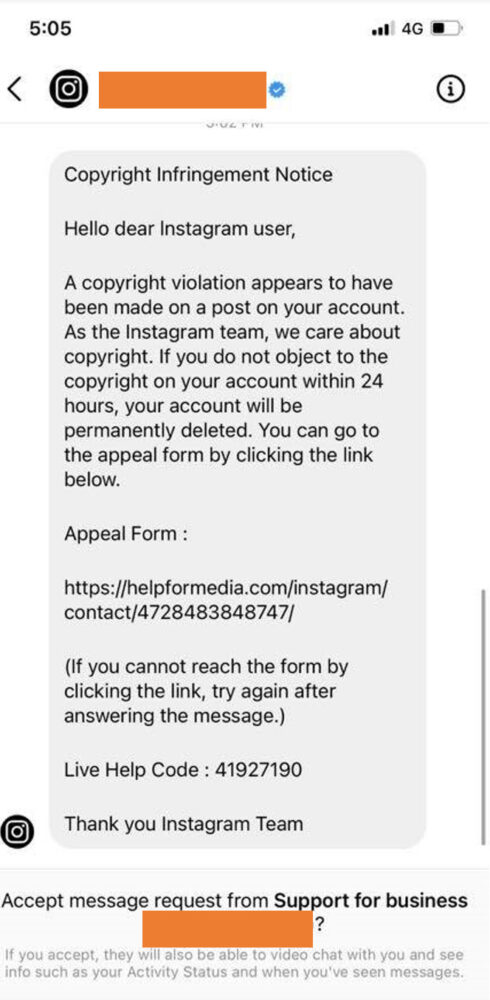
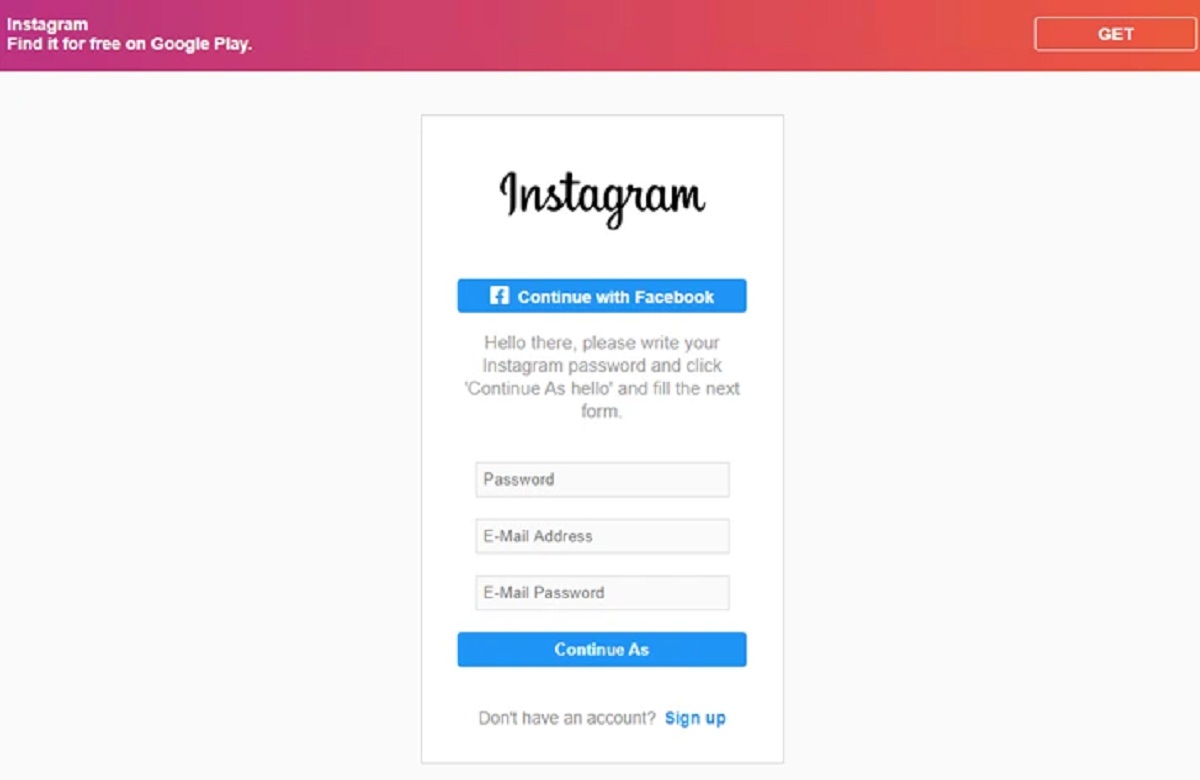
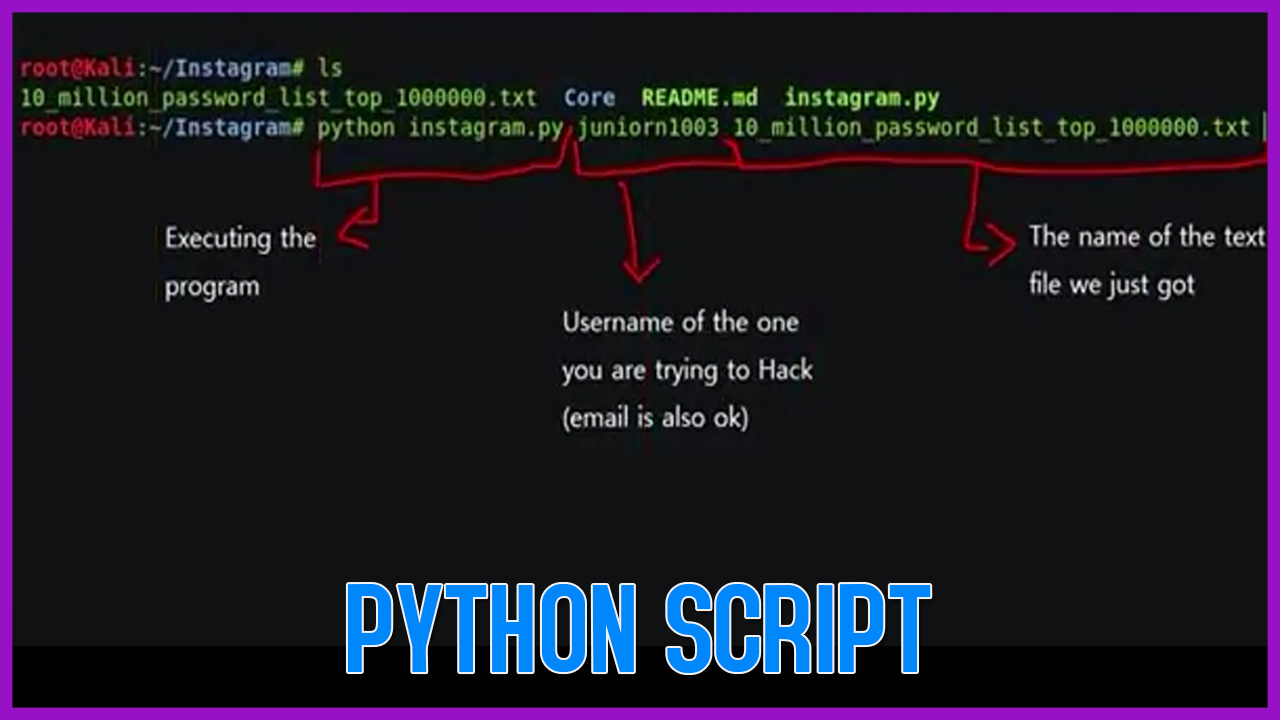
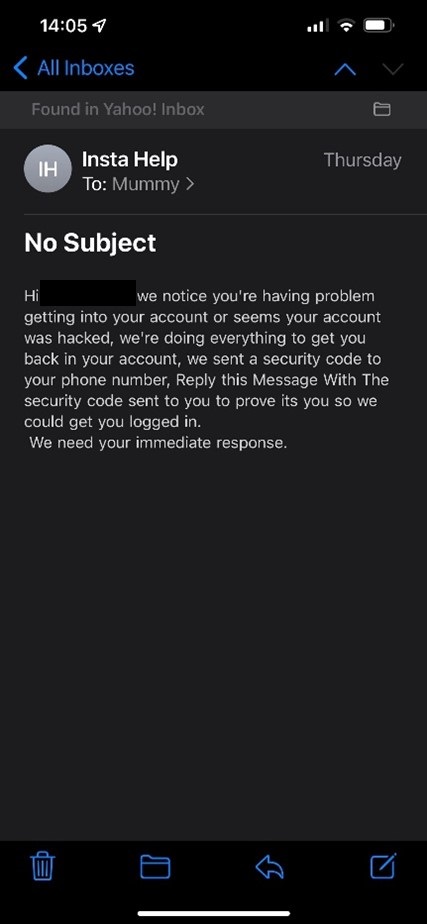
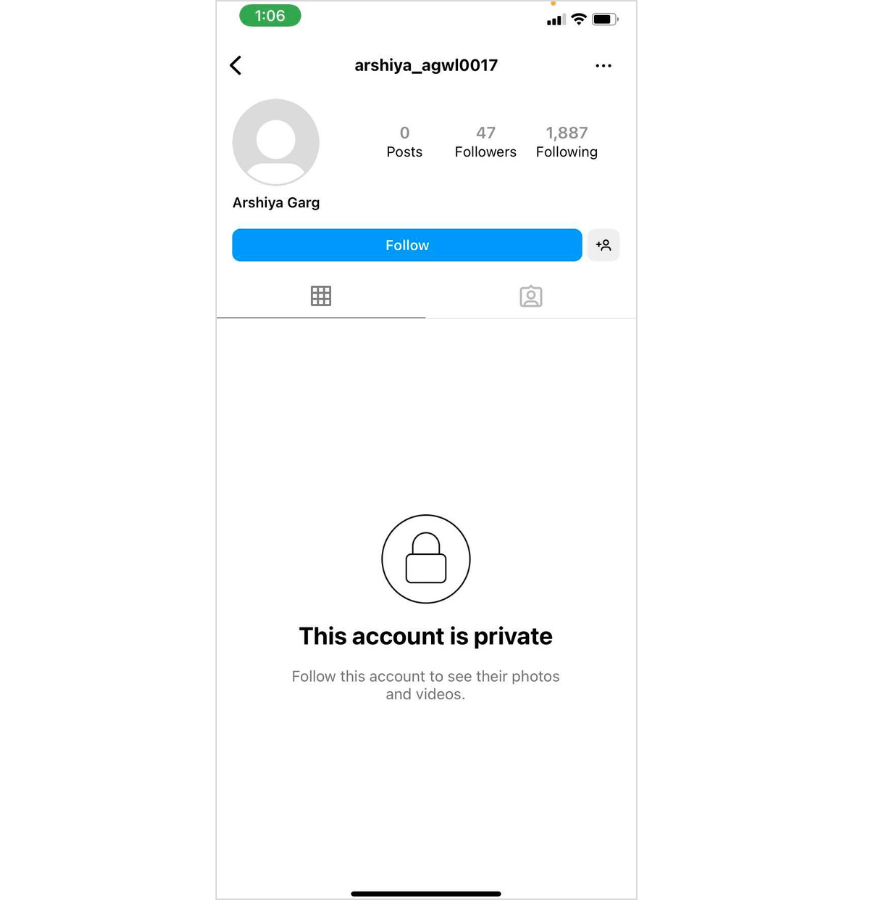
Hackers use Instagram for various purposes, including scams, phishing, identity theft, and reselling compromised accounts. To avoid falling prey to these malicious activities, it's crucial to understand the risks and take proactive steps to secure your account. Some common tactics used by hackers include creating fake profiles, sending phishing emails or messages, and using malware to gain unauthorized access to your account.
10 Essential Solutions for Hacking Prevention on Instagram
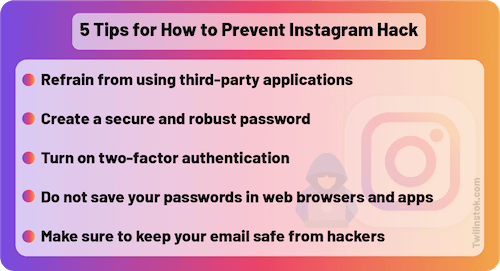
- Strong Passwords**: Use a unique and complex password for your Instagram account. Avoid using easily guessable information such as your name, birthdate, or common words. Consider using a password manager to generate and store secure passwords.
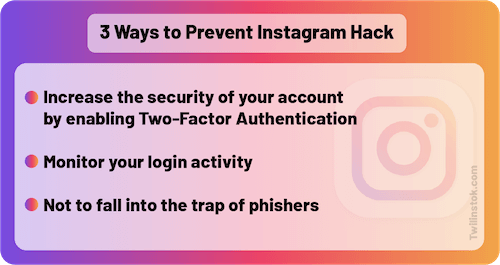
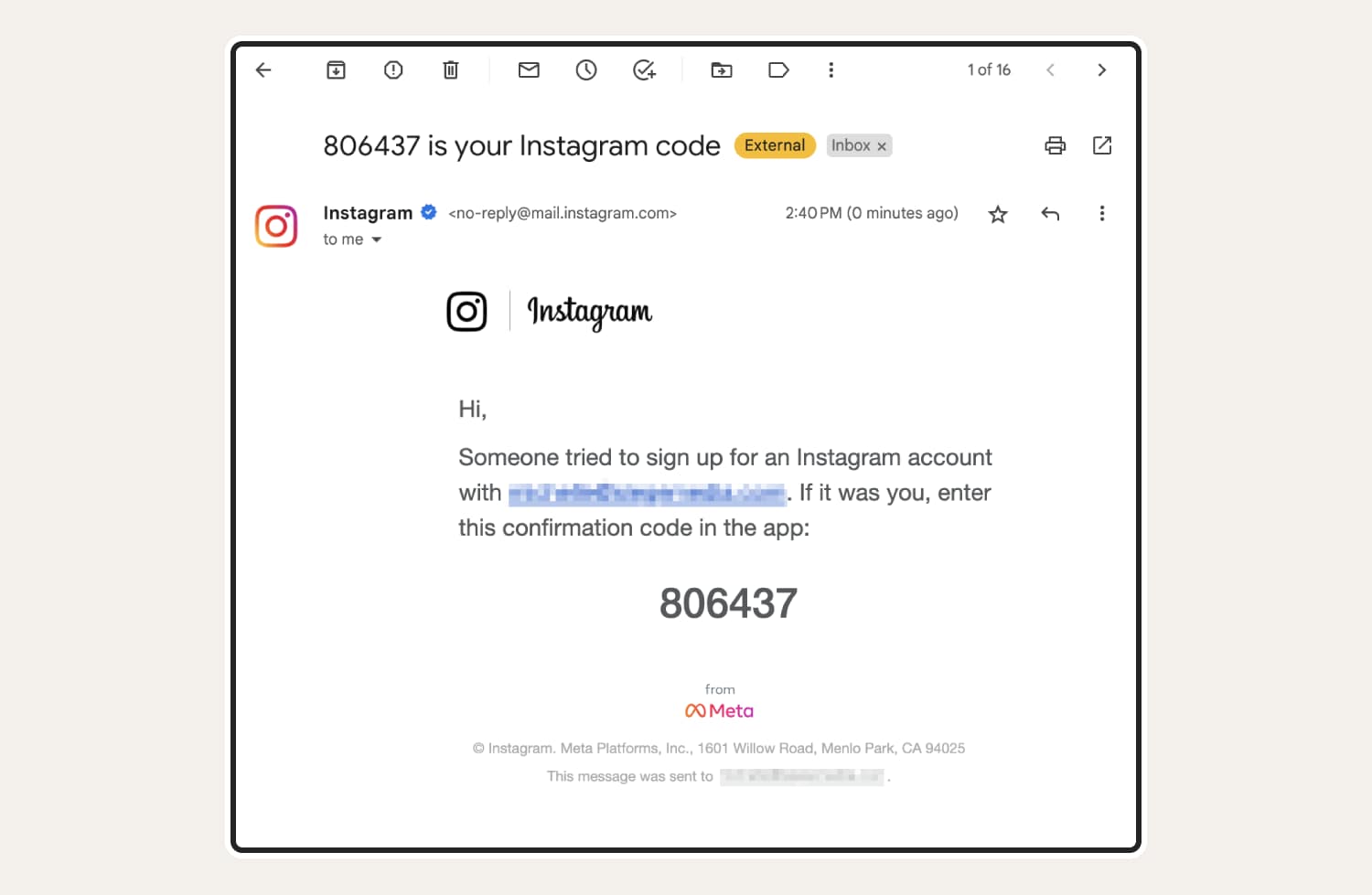
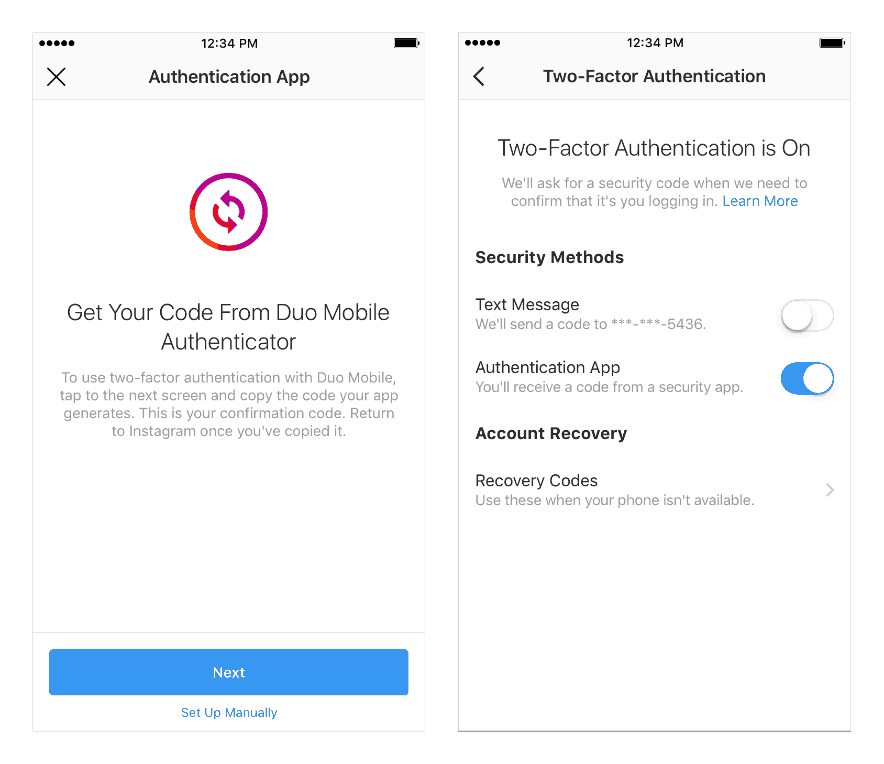
- Multifactor Authentication (MFA)**: Enable MFA on your Instagram account to add an extra layer of security. This requires you to enter a verification code sent to your registered phone or email in addition to your password.
- Login Alerts**: Set up login alerts on your Instagram account to receive notifications whenever someone logs in from an unfamiliar device or location.
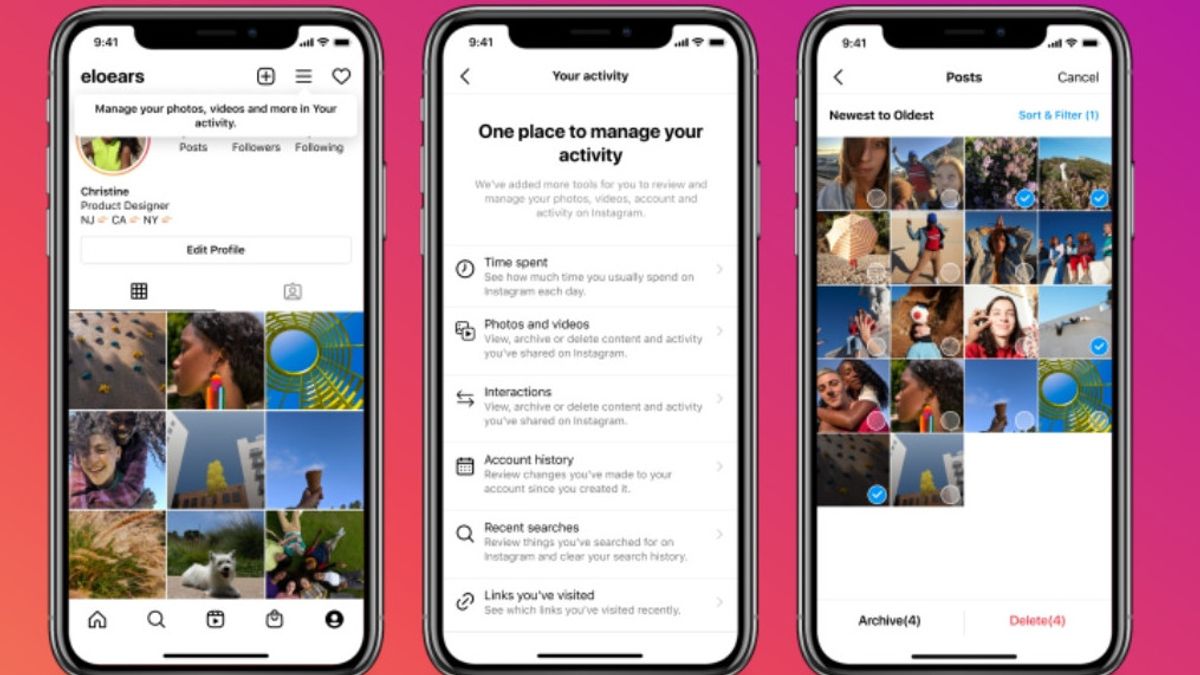
- Account Monitoring**: Regularly review your account's login activity and security settings to detect any suspicious activity.
- Phishing Awareness**: Be cautious of phishing emails or messages that ask for your login credentials or personal information. Never click on suspicious links or download attachments from unknown senders.
- Two-Factor Authentication (2FA)**: Enable 2FA on your Instagram account to require a verification code in addition to your password.
- Regular Software Updates**: Keep your Instagram app and device operating system up-to-date to ensure you have the latest security patches and features.
- Be Wary of Public Wi-Fi**: Avoid using public Wi-Fi networks to access your Instagram account, as they may be vulnerable to hacker activity.
- Secure Your Device**: Install antivirus software and a firewall on your device to protect against malware and other online threats.
- Use Instagram's Security Tools**: Take advantage of Instagram's security tools, such as Security Checkup, to monitor your account's security settings and receive notifications about suspicious activity.
Conclusion
Protecting your Instagram account from hacking attempts requires a combination of common-sense precautions and security best practices. By implementing the 10 essential solutions outlined in this article, you can significantly reduce the risk of your account being compromised. Remember to stay vigilant and regularly review your account's security settings to ensure you're protected against online threats.
Additional Resources
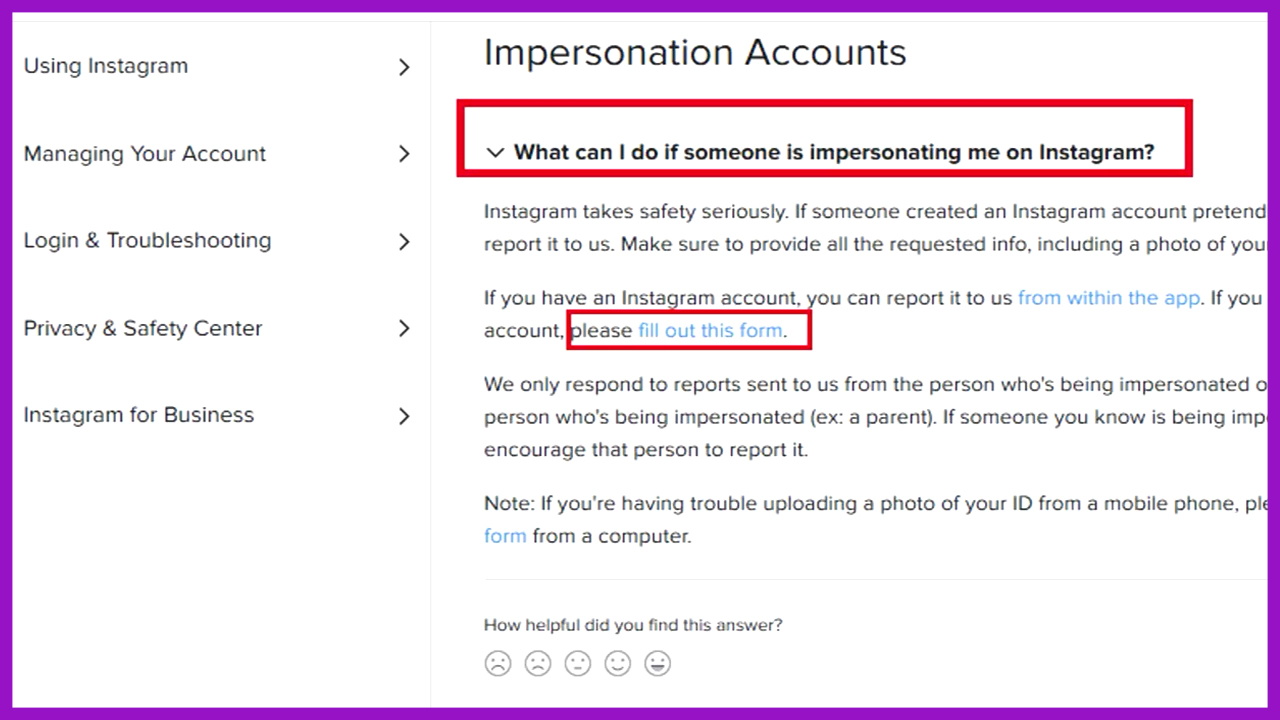
For more information on hacking prevention and online security, visit our Help Center or explore the Instagram Safety Center.