Unlock the Power of Seamless Streaming: A Comprehensive Guide to Optimizing OBS Studio for Smooth Video Output
Introduction
Are you tired of streaming with subpar quality on OBS (Open Broadcasting Software)? Do you want to captivate your audience with crystal-clear visuals and seamless performance? Look no further! In this comprehensive guide, we'll delve into the world of OBS streaming and provide you with actionable tips to improve your stream quality.
Understanding the Basics of OBS Streaming
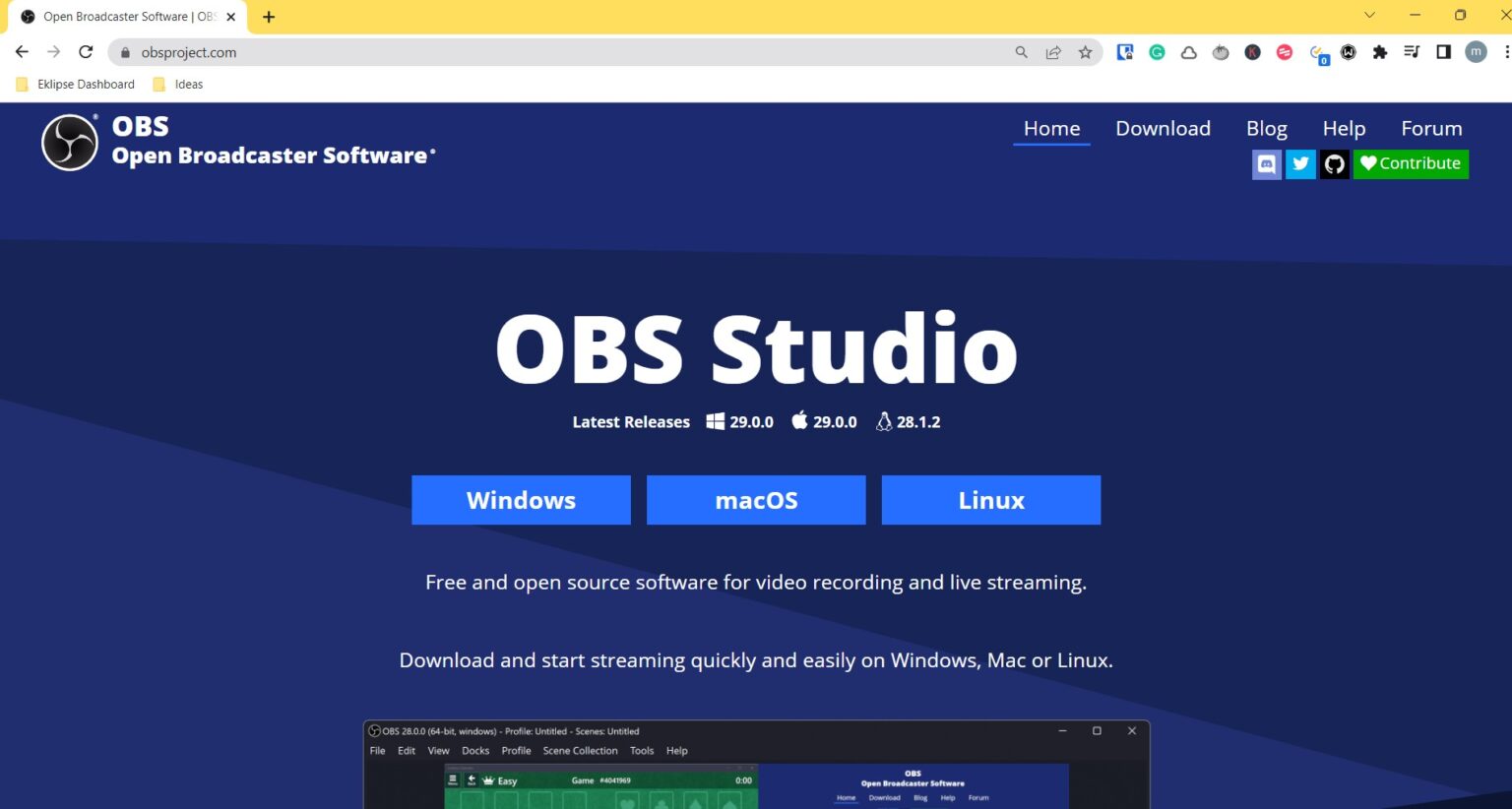
Before we dive into the optimization techniques, it's essential to understand the basics of OBS streaming. OBS Studio is a free and open-source software for video recording and live streaming. It supports a wide range of platforms, including Twitch, YouTube, Facebook, and more. However, with the numerous settings and options available, it can be overwhelming for beginners to set up and optimize their stream for seamless performance.
Check Your Internet Speed
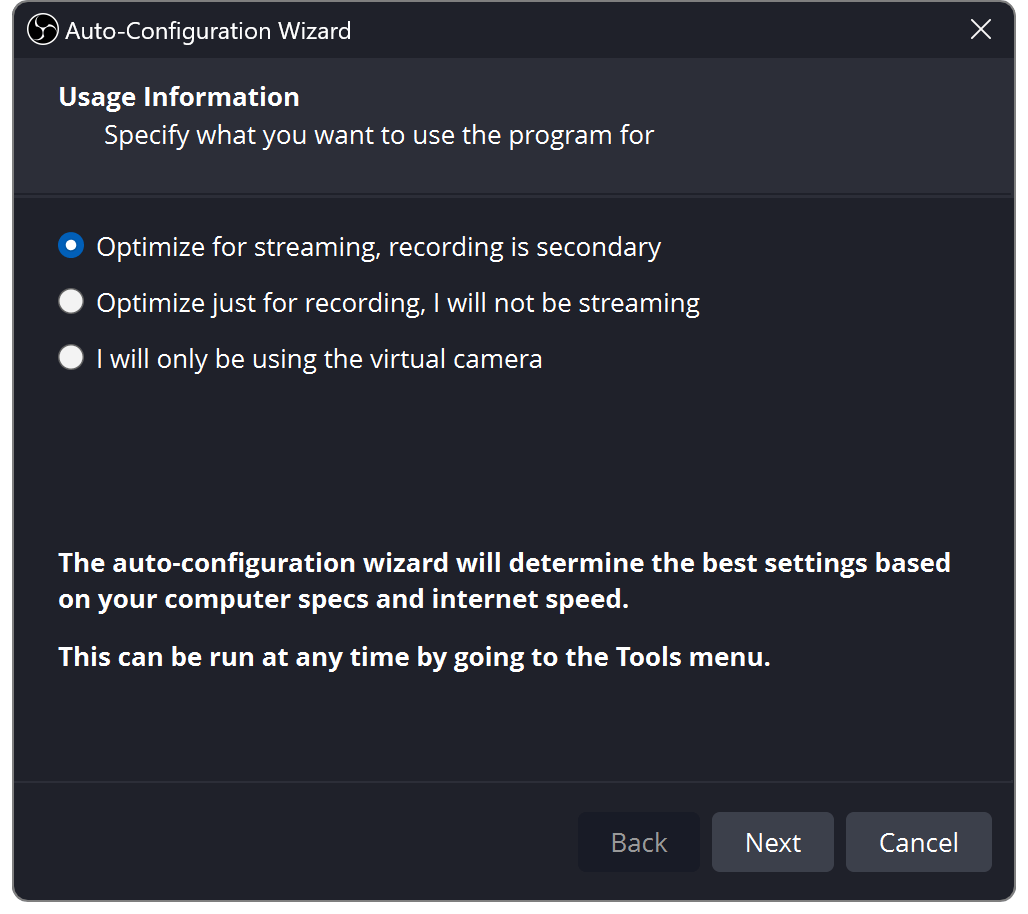
Ensuring your internet speed meets the requirements for streaming is crucial for seamless streaming. Check your upload speed to ensure it can handle the stream's bitrate and resolution. A minimum upload speed of 5 Mbps is recommended for 1080p at 60 FPS, but this may vary depending on the platform and stream settings.
Optimize Your OBS Settings
Here are the essential OBS settings to optimize for seamless streaming:
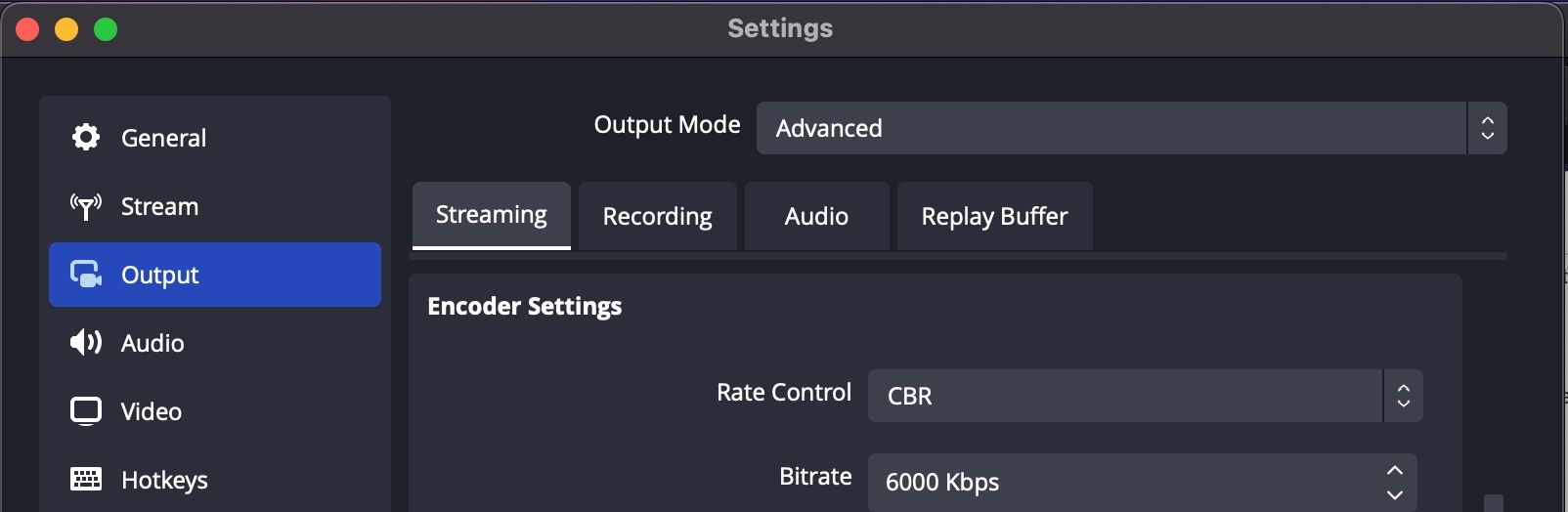
- Bitrate: Set the bitrate to a value that balances quality and file size. For 1080p, 3000-6000 kbps is a good range.
- Resolution: Choose a resolution that suits your internet speed and stream quality. 1080p is a good starting point, but you can experiment with higher resolutions like 4K.
- Frame Rate: Set the frame rate to 60 FPS for smooth video output.
- Encoder: Choose the H.264 encoder for high-quality video output.
- Audio Settings: Optimize your audio settings by selecting the correct audio codec, bitrate, and sample rate.

Hardware Requirements
While software settings are crucial for seamless streaming, hardware requirements also play a significant role. Ensure your computer meets the following requirements:
- Processor: A dual-core processor or higher is recommended for seamless streaming.
- RAM: At least 8 GB of RAM is recommended for smooth streaming performance.
- Graphics Card: A dedicated graphics card with at least 2 GB of VRAM is recommended for 1080p at 60 FPS.
- SSD: Use a Solid-State Drive (SSD) for faster load times and improved overall performance.
Additional Tips for Seamless Streaming
Here are a few additional tips to ensure seamless streaming:
- Use a high-quality webcam or external camera for clear video output.
- Invest in a good microphone for clear audio output.
- Use a stable internet connection and consider investing in a wired internet connection for reliability.
- Optimize your OBS settings for your specific stream, taking into account factors like bitrate, resolution, and frame rate.
Conclusion
Optimizing OBS Studio for seamless streaming requires a combination of software and hardware settings. By following the tips outlined in this guide, you'll be able to improve your stream quality, reduce lag and latency, and captivate your audience with crystal-clear visuals. Remember to always test and adjust your OBS settings to ensure seamless performance on your specific stream.


![Best OBS Settings for Streaming to Any Platform [2025]](https://img.swifdoo.com/image/best-obs-settings-for-streaming-1.png "Best OBS Settings for Streaming to Any Platform [2025]")