How to Set Up a New iPhone: A Step-by-Step Guide
Are you excited to unbox your brand new iPhone? With its sleek design and advanced features, it's an incredible device that can revolutionize the way you communicate, work, and play. However, setting up a new iPhone can be a daunting task, especially if you're a first-time user or upgrading from an older model. In this comprehensive guide, we'll walk you through the step-by-step process of setting up your new iPhone, transferring data, and configuring essential features.
Step 1: Unboxing and Initial Setup
Begin by unboxing your iPhone and removing the protective case and accessories. First, you need to turn on your iPhone by pressing and holding the sleep/wake button until the Apple logo appears. Once your iPhone has completed the startup process, you'll see the Hello screen, where you'll be prompted to select your language, country, and Wi-Fi network.
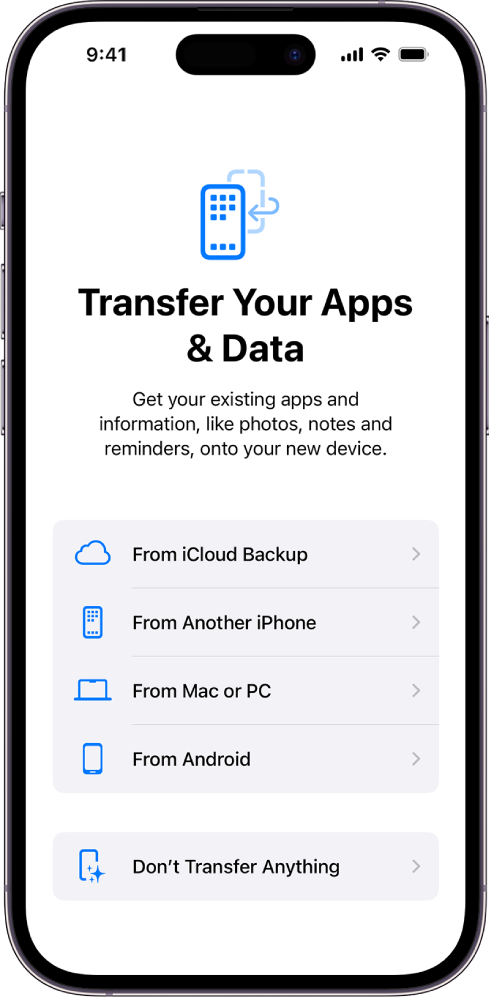
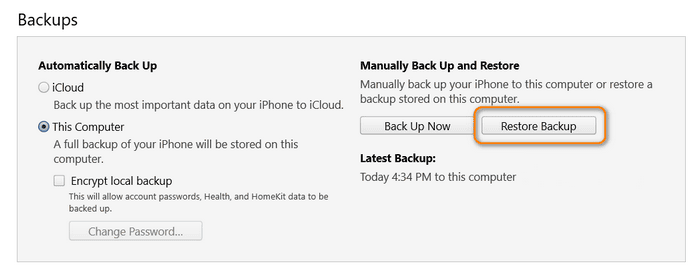
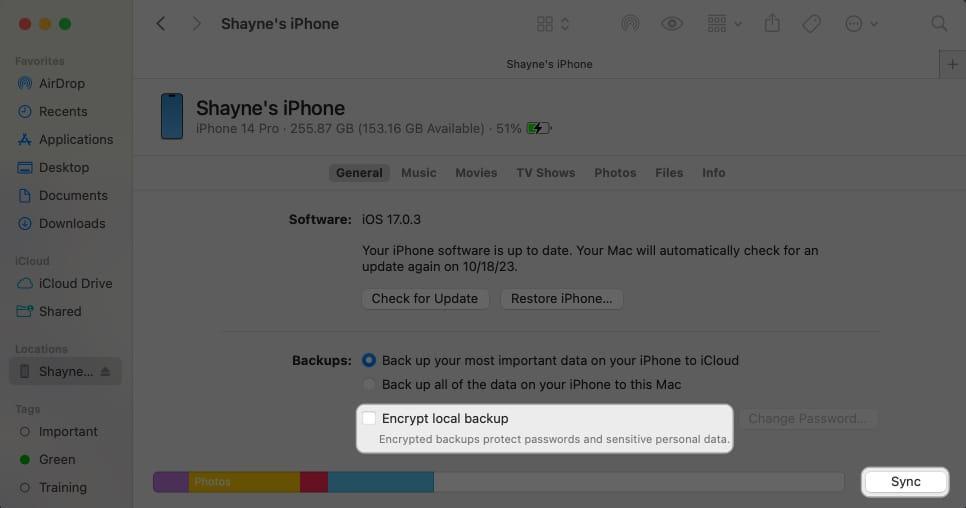
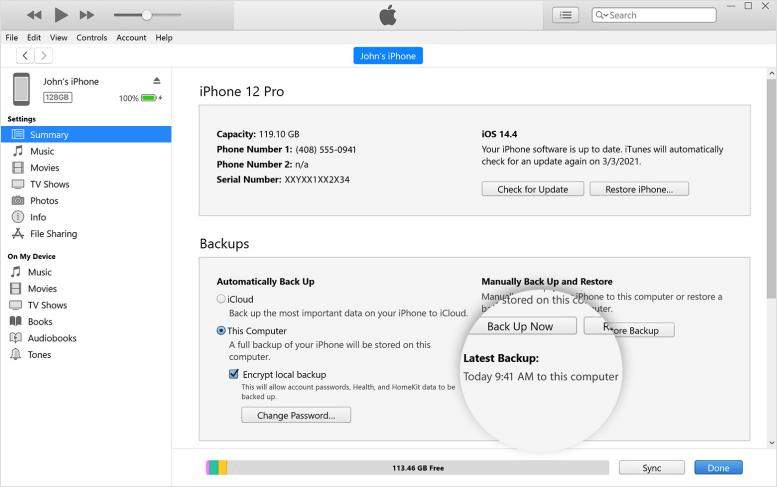
For first-time users, select "Set Up Manually" to start the process from scratch. If you're an existing user, you may transfer data from your old iPhone, set up using iCloud or Computer Backup, or restore from a previous backup.
Step 2: Transferring Data
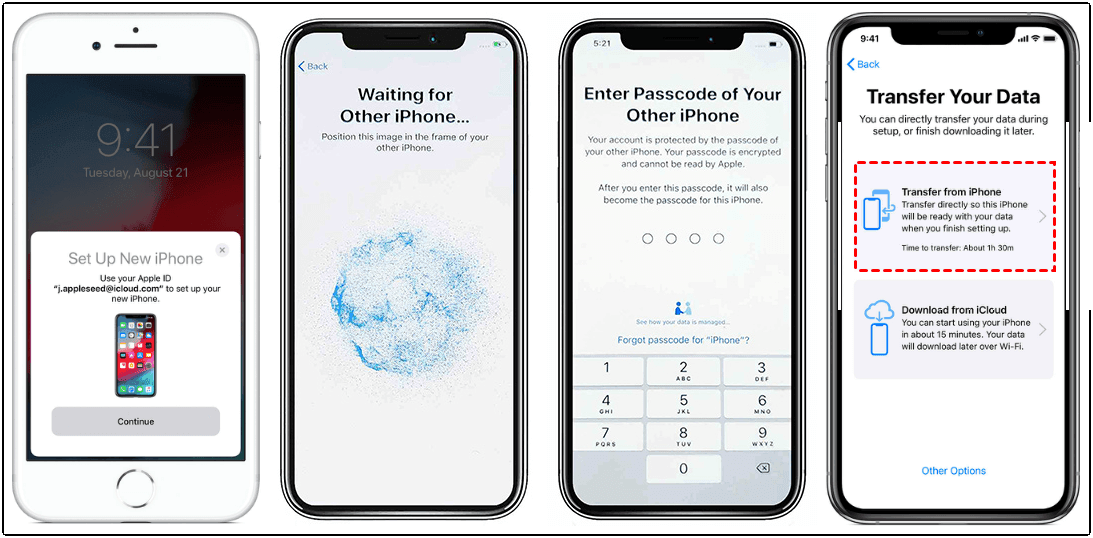
One of the most crucial steps in setting up your new iPhone is transferring data from your old device. You can transfer your contacts, photos, messages, emails, and more using the Quick Start feature. Here's how:
- On your old device, select "Continue" and hold up your new iPhone to the camera of the old phone.
- Enter the old device's passcode on your new device.
- Follow the on-screen instructions to transfer your data.
Alternatively, you can use iCloud or Computer Backup to transfer your data. Make sure you have a stable internet connection and your old device's backup is up to date.
Step 3: Configuring Essential Features
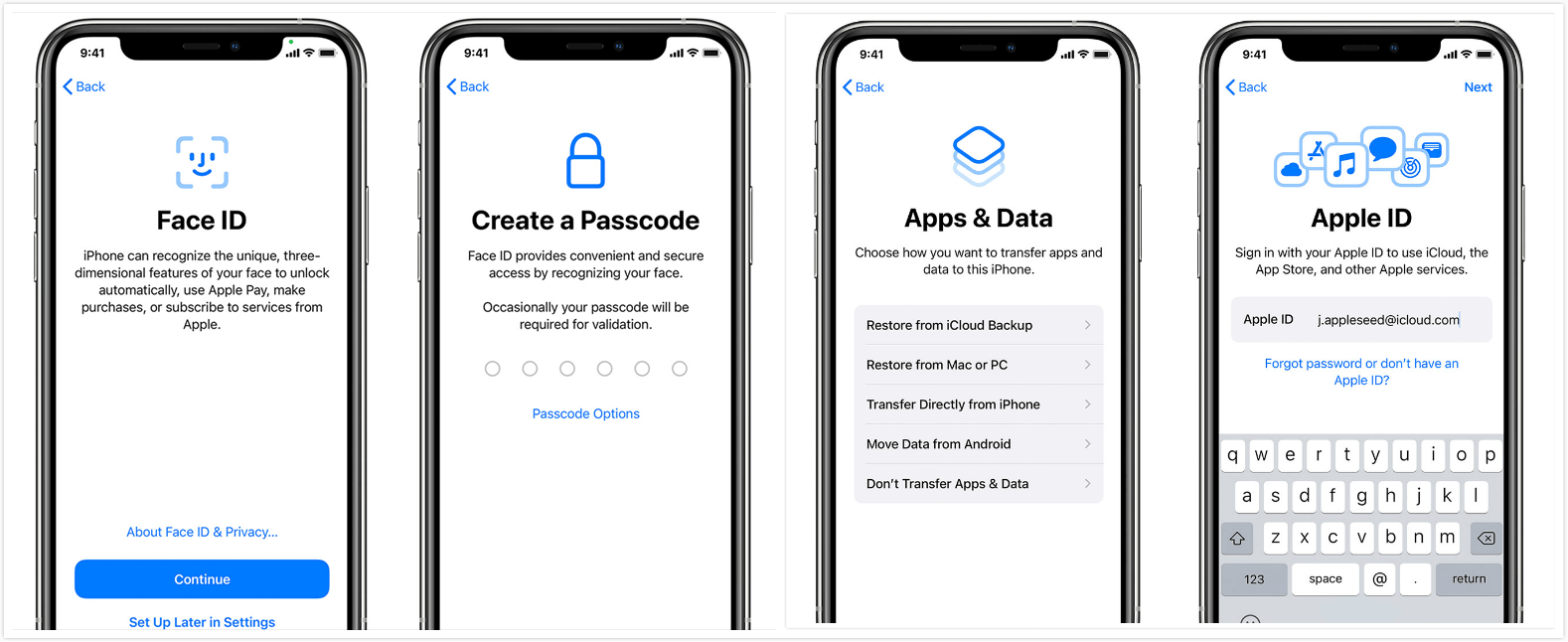
With your data transferred, it's time to configure your iPhone's essential features, such as Face ID, Touch ID, and set up your Apple ID. Here's how:

- Go to Settings > Face ID & Passcode (or Touch ID & Passcode).
- Follow the on-screen instructions to set up Face ID or Touch ID.
- Go to Settings > [Your Name] > Password & Security.
- Enter your new Apple ID and password.
Step 4: Setting Up Additional Features
Now that your iPhone is set up, it's time to configure additional features such as:
- Adding a Google account
- Setting up a Microsoft 365 account
- Configuring parental controls
- Setting up Apple Watch
Each of these features has its own unique setup process; make sure to read the instructions carefully to avoid any complications.
Conclusion
Setting up a new iPhone may seem like a daunting task, but by following these step-by-step instructions, you'll be up and running in no time. Whether you're a first-time user or upgrading from an older model, this comprehensive guide will walk you through the entire process, from initial setup to transferring data and configuring essential features.
Time It Takes to Set Up a New iPhone
The time it takes to set up a new iPhone can vary depending on the amount of data you need to transfer and the speed of your Wi-Fi connection. Typically, it takes around 20-60 minutes to complete the setup process.
With this guide, you'll be well on your way to becoming a pro at setting up your new iPhone. So, whether you're looking to upgrade to the latest model or trying out Apple's latest device for the first time, you can rest assured that you'll be able to set it up and start using it in no time!





:max_bytes(150000):strip_icc()/iphonesetup2-f1c9476a8ba8489b9e4bd4d41db10748.jpg "How to add your accounts to Microsoft Authenticator")