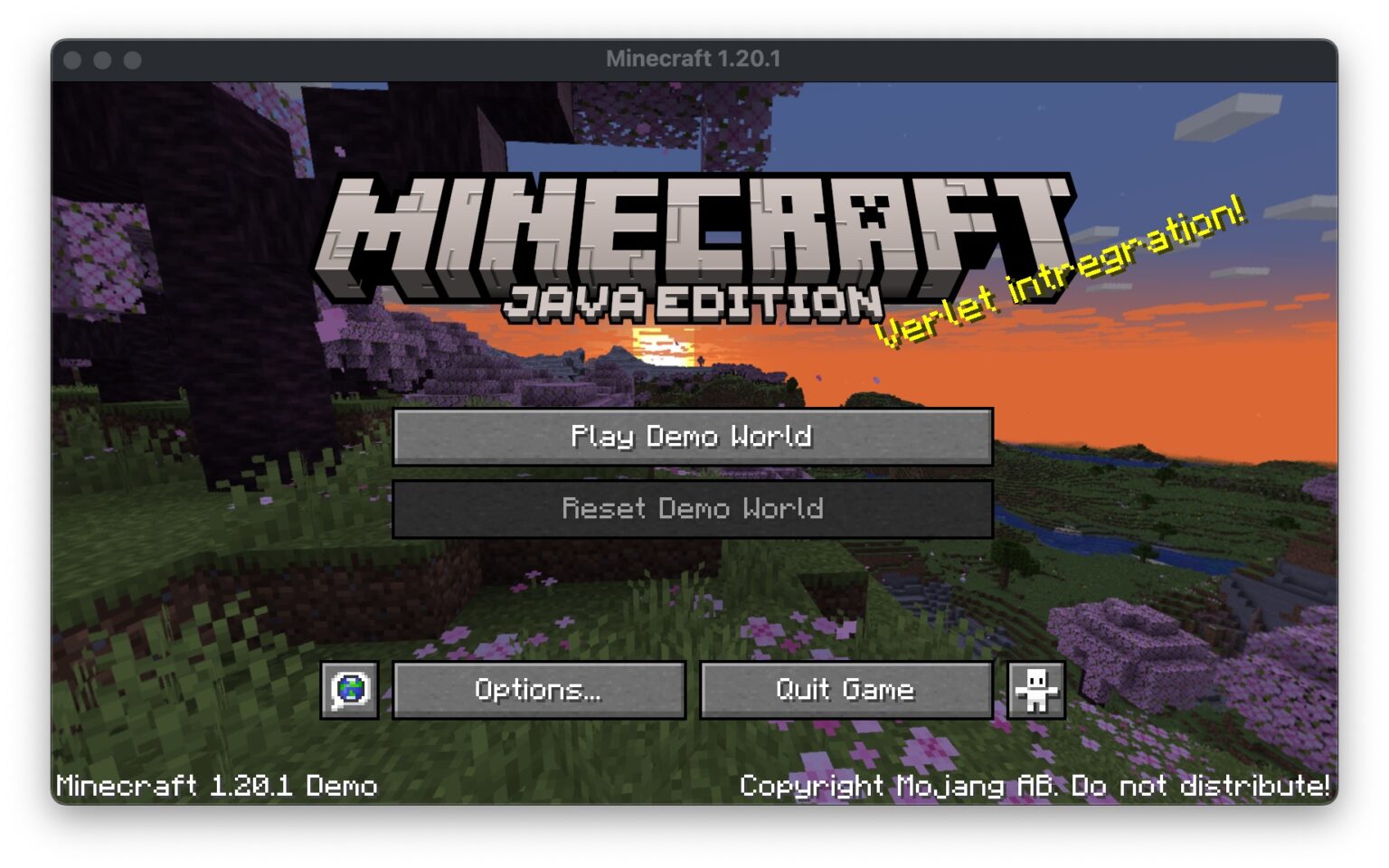
How to Set Up a Trial Minecraft Server: A Step-by-Step Guide
Minecraft has become a cultural phenomenon, with millions of players worldwide creating and exploring virtual worlds. While the game offers a lot of flexibility and customization options, setting up a multiplayer server can be a daunting task. In this article, we'll guide you through the process of setting up a trial Minecraft server, so you can share your world with friends and family.
Choosing a Server Provider
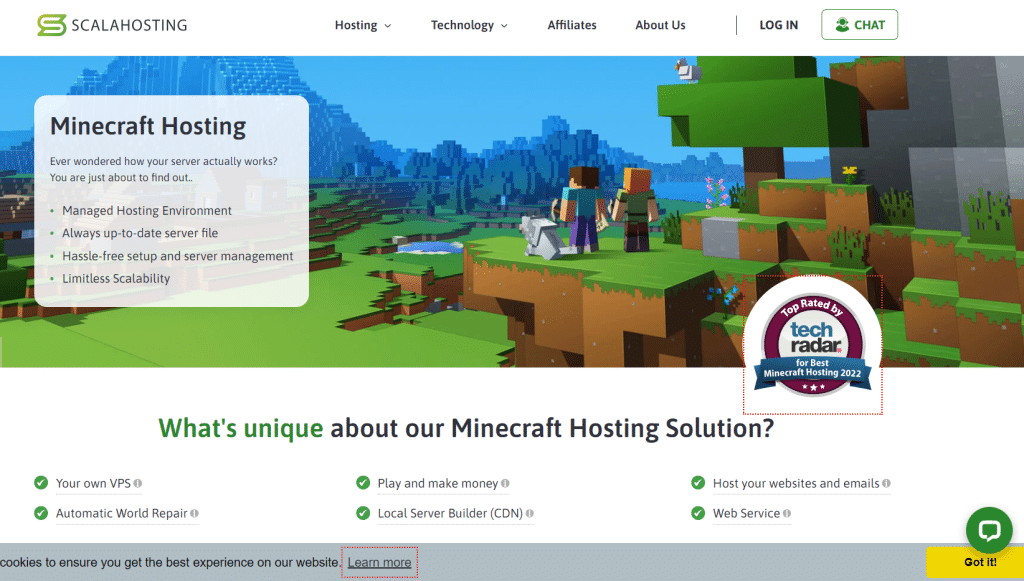
The first step in setting up a trial Minecraft server is to choose a server provider. There are many options available, ranging from free trials to paid subscriptions. Some popular options include:
- Nodecraft: Offers a free trial and a range of plans starting at $2.99.
- ScalaCube: Provides a free trial and a range of plans starting at $2.50.
- Shockbyte: Offers a free trial and a range of plans starting at $2.50.
When choosing a server provider, consider the following factors:
- Price: Look for providers that offer a free trial or a low-cost plan.
- Features: Consider the features you need, such as storage space, bandwidth, and customer support.
- Reliability: Choose a provider with a good reputation and a reliable uptime record.
Setting Up Your Server
Once you've chosen a server provider, it's time to set up your server. This typically involves the following steps:
- Creating a new server account: Sign up for an account with your chosen server provider.
- Configuring your server settings: Choose your server type, storage space, and bandwidth.
- Installing your server software: Many providers offer automated installation processes for popular server software, such as Spigot or Paper.
- Configuring your server plugins: Depending on your server type and software, you may need to install and configure plugins to add features such as anti-cheat protection or world generation.

Optimizing Your Server
Once your server is set up, it's essential to optimize it for performance and security. This includes:
- Configuring your server settings: Adjust your server settings to optimize performance, such as increasing your RAM or tweaking your server performance settings.
- Installing server plugins: Consider installing plugins that add features such as anti-cheat protection, world generation, or lag reduction.
- Maintaining your server: Regularly update your server software and plugins to ensure you have the latest security patches and features.
Sharing Your Server with Friends and Family
Now that your server is set up and optimized, it's time to share it with friends and family. This typically involves:
- Inviting players to your server: Share the server IP address and port number with your friends and family, and invite them to join your server.
- Configuring your server settings: Adjust your server settings to allow or restrict access to certain features or areas of the world.
- Monitoring your server: Keep an eye on your server performance and adjust your settings as needed to ensure a smooth experience for your players.
Conclusion
Setting up a trial Minecraft server can seem daunting, but with the right guidance, you can create a fun and engaging experience for yourself and your friends. By choosing a reliable server provider, setting up your server, optimizing its performance, and sharing it with others, you can create a unique and enjoyable Minecraft experience. Happy building!
This article has covered the basics of setting up a trial Minecraft server, but there's more to explore. If you're interested in learning more, be sure to check out our other resources on Minecraft server hosting and optimization.