How to Set Up Wi-Fi for IoT Devices: A Comprehensive Guide
In today's world of smart homes and offices, the Internet of Things (IoT) has become an integral part of our daily lives. With a multitude of devices connected to the internet, managing and setting up Wi-Fi for IoT devices has become a crucial task. In this article, we will provide a step-by-step guide on how to set up Wi-Fi for IoT devices, ensuring a secure and efficient network.Understanding IoT Devices and Wi-Fi
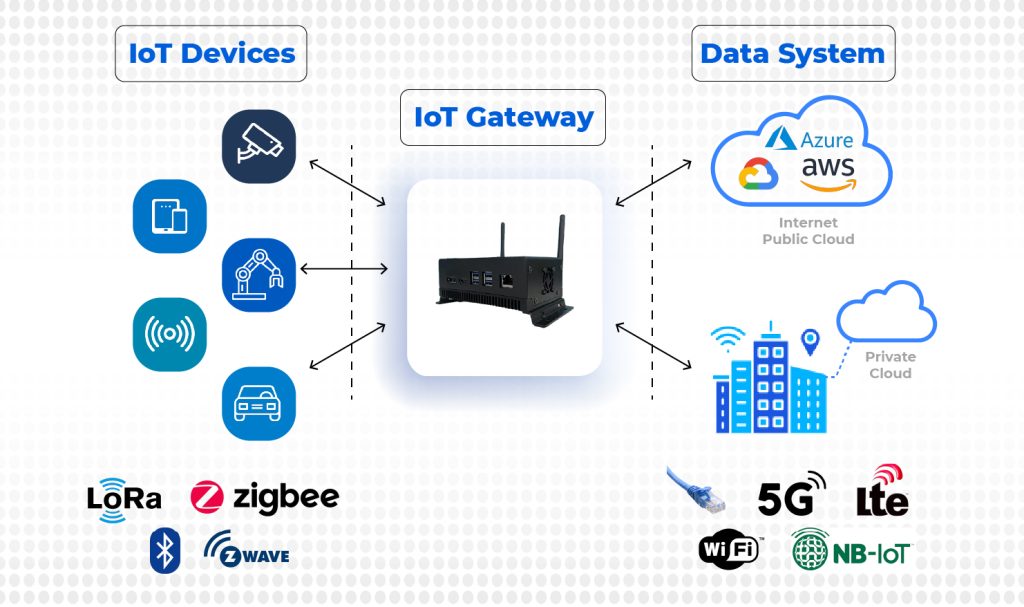
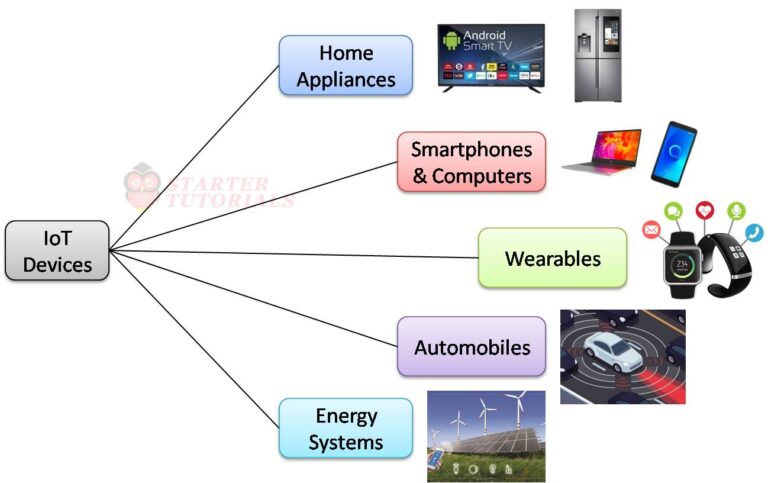
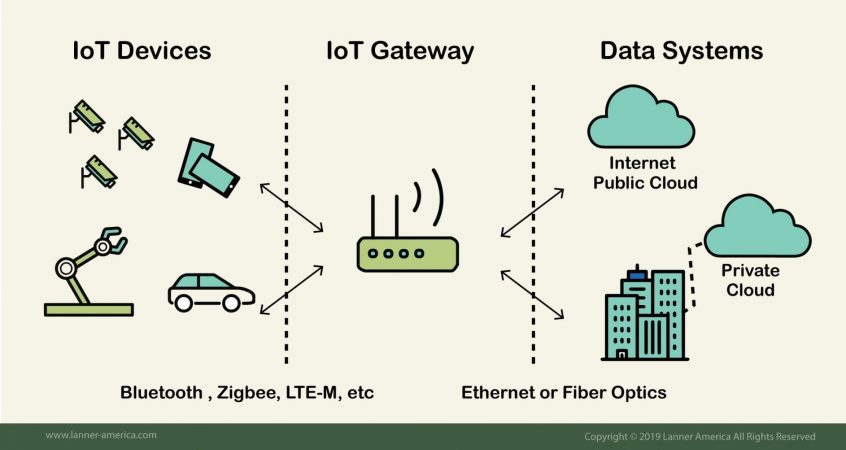
IoT devices refer to any physical object or device that is embedded with sensors, software, and communication technologies to connect to the internet and exchange data automatically. These devices range from smart home appliances, wearables, and home security cameras to industrial sensors and machines. Wi-Fi is the most common technology used for IoT devices to connect to the internet.Best Practices for Setting Up Wi-Fi for IoT Devices
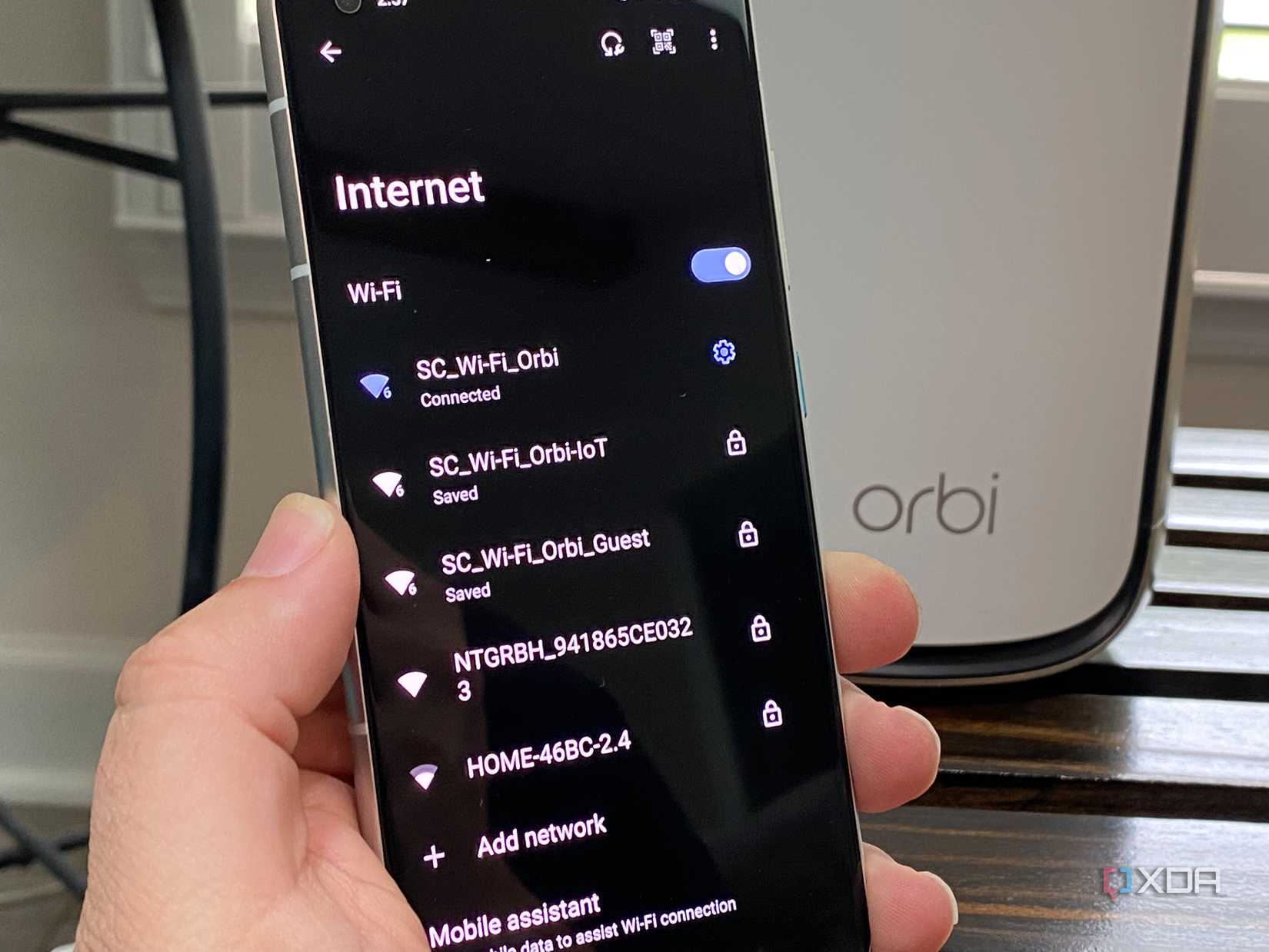
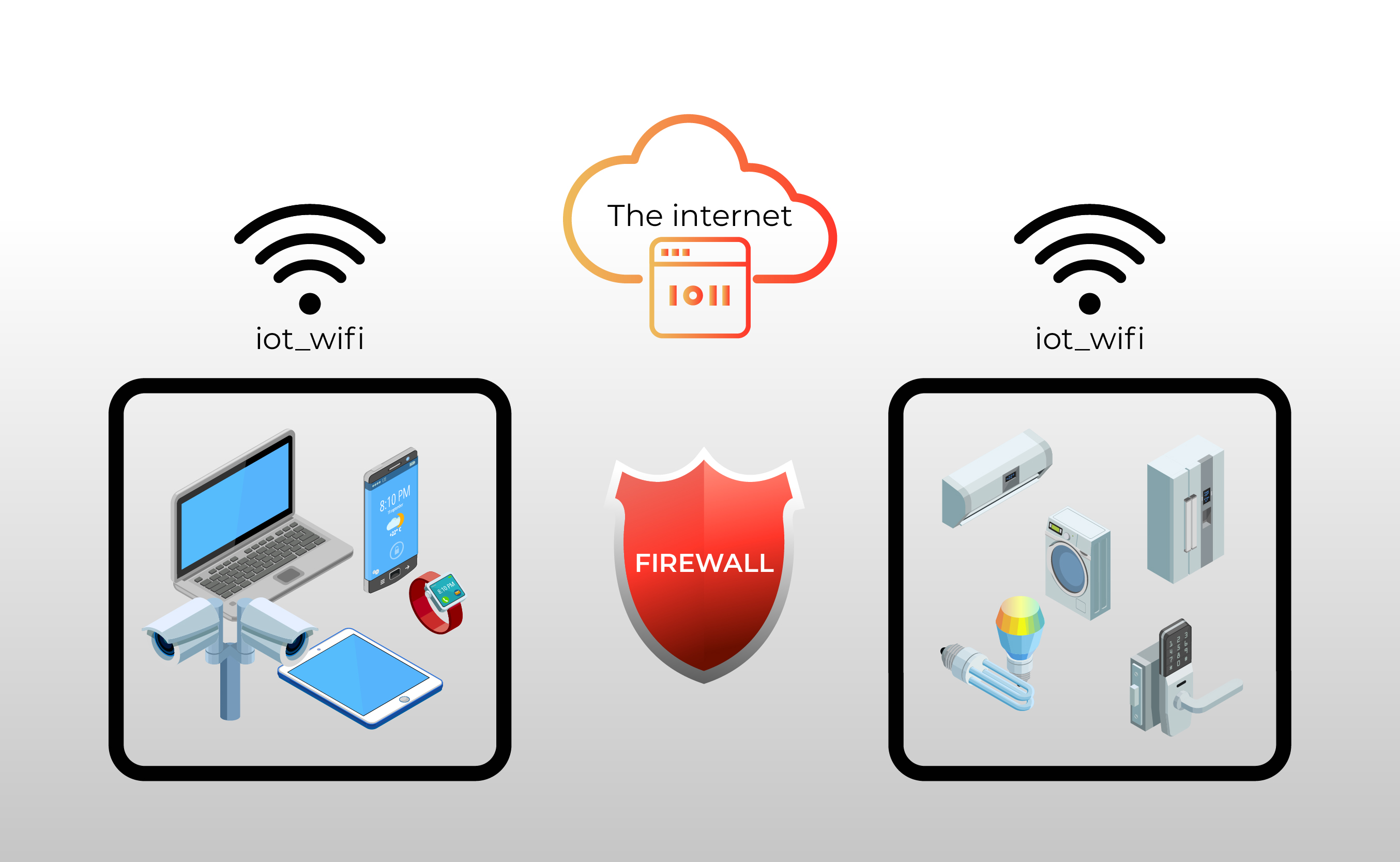
To ensure a secure and efficient network, follow these best practices for setting up Wi-Fi for IoT devices: ### 1. Disable Wi-Fi Band Steering Disable Wi-Fi band steering to ensure that IoT devices are connected specifically to the 2.4 GHz Wi-Fi band. This is because many IoT devices tend to perform poorly on the 5 GHz band. To disable Wi-Fi band steering, check your router's settings and disable the feature, which is usually enabled by default. ### 2. Adjust Wi-Fi Encryption Settings Many IoT devices use lower Wi-Fi modes and encryption standards. Change the 2.4 GHz Wi-Fi mode to 802.11 b/g/n/ax mixed (without BE) and set the security to WPA2-PSK only. This ensures that IoT devices can connect to the network securely and efficiently. ### 3. Create a Separate Network for IoT Devices Isolate IoT devices on a separate network to enhance overall home security and make it easier to adjust Wi-Fi settings for the rest of the home. This is especially important if you have a large number of IoT devices.Choosing the Right Router