Keeping Sensitive Data Out of Instagram: A Comprehensive Guide
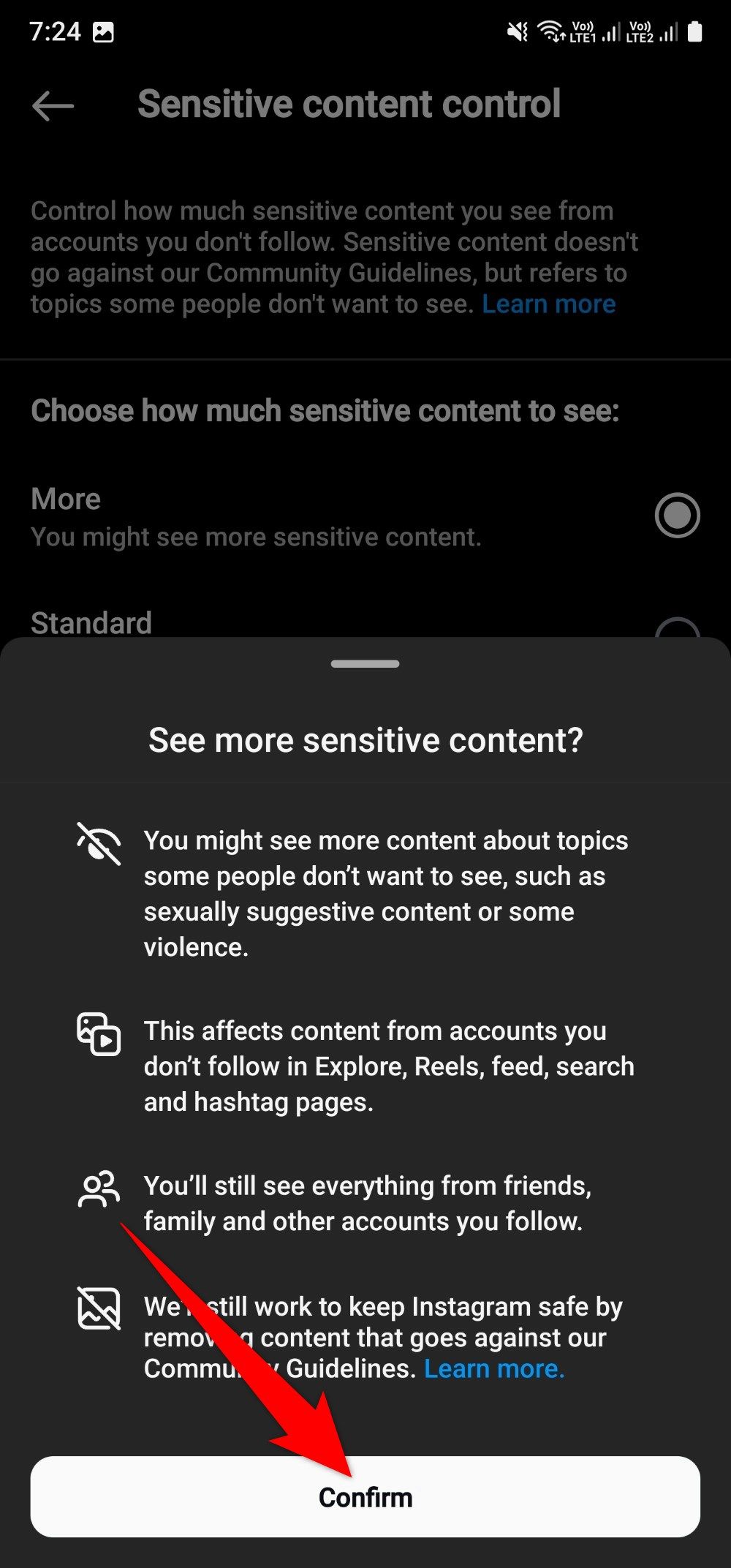
With over 2 billion active users, Instagram remains a cornerstone of social interaction, content creation, and business marketing. However, its expansive ecosystem demands robust privacy controls to protect user data and content. In this article, we will explore the various ways to keep sensitive data out of Instagram, ensuring that your personal and private information stays secure.
Setting the Scene: Instagram's Data Policy
Instagram's Data Policy, like other Meta products, explains how data is collected, used, shared, and provides tools for managing your information effectively. This policy is crucial in understanding how Instagram collects your data, including device information, location, IP address, and online activities. To access Instagram's Data Policy, go to your profile, tap the Settings menu in the upper right corner, tap Account, then tap Data Policy.
Keeping Sensitive Data Out of Instagram: Essential Tips
- Be Cautious with Public Posts: Avoid sharing sensitive information in public posts, and use Instagram's built-in feature to restrict who can see your posts. To do this, go to the particular post that you made public, click the settings icon and tap the audience that appears next to "Who Can See This." Choose from the options to limit the audience.
- Turn Off Location Sharing: Location sharing is a significant risk factor on Instagram, as it reveals your location, which can be used for targeted ads and building out your personalized "For You" page. To turn off location sharing, go to your profile, tap the Settings menu in the upper right corner, tap Account, then toggle off the location setting.
- Limit Data Collection: Instagram and its parent company, Meta, collect data on your activities, interests, and interactions. Limit data collection by reviewing and adjusting your settings. Go to your profile, tap the Settings menu, and explore the options under "Data Management" and "Advertising Preferences."
- Restrict Third-Party App Access: Third-party apps can access your Instagram data, compromising your privacy. Restrict third-party app access by reviewing and managing the apps connected to your account.
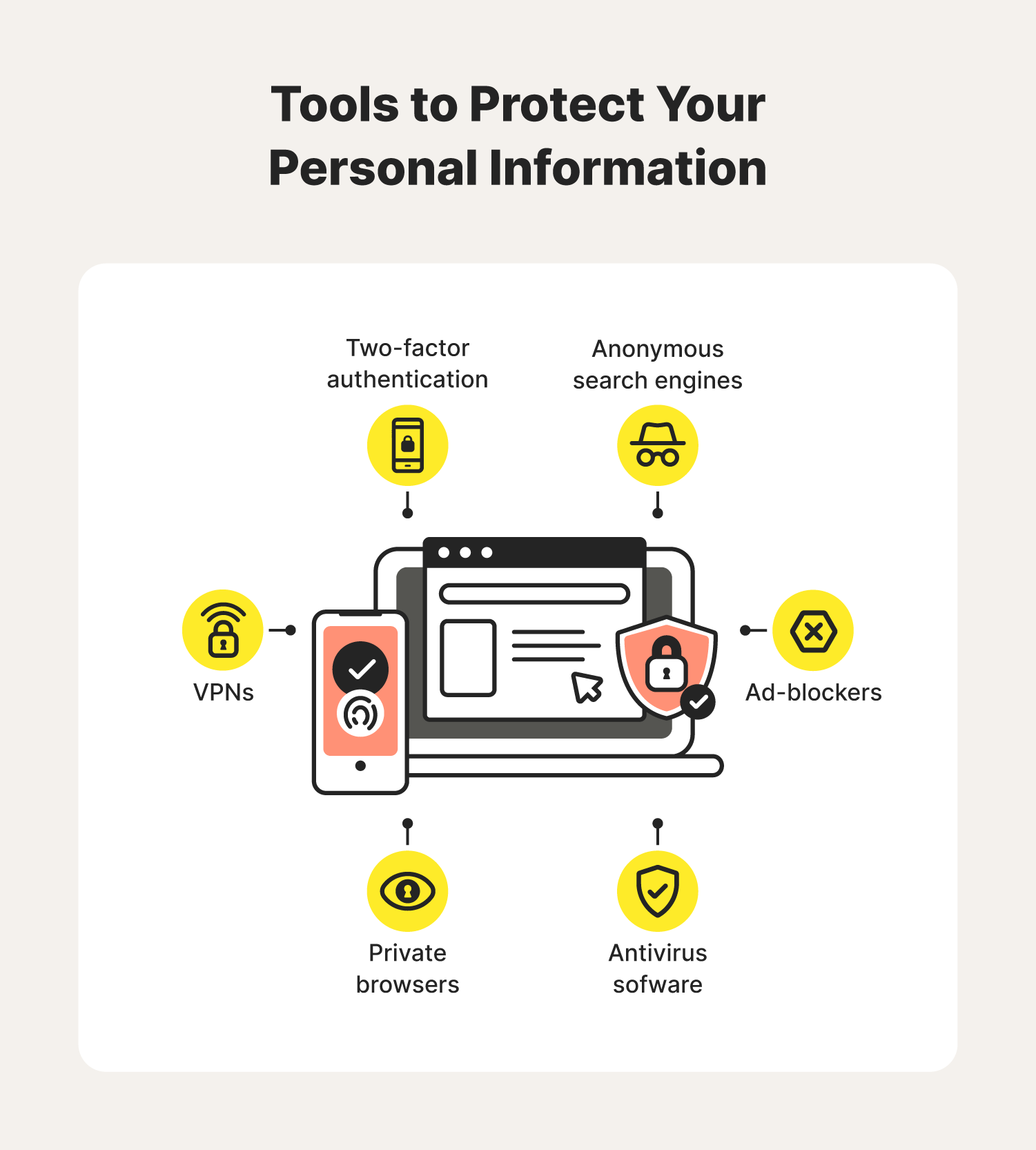
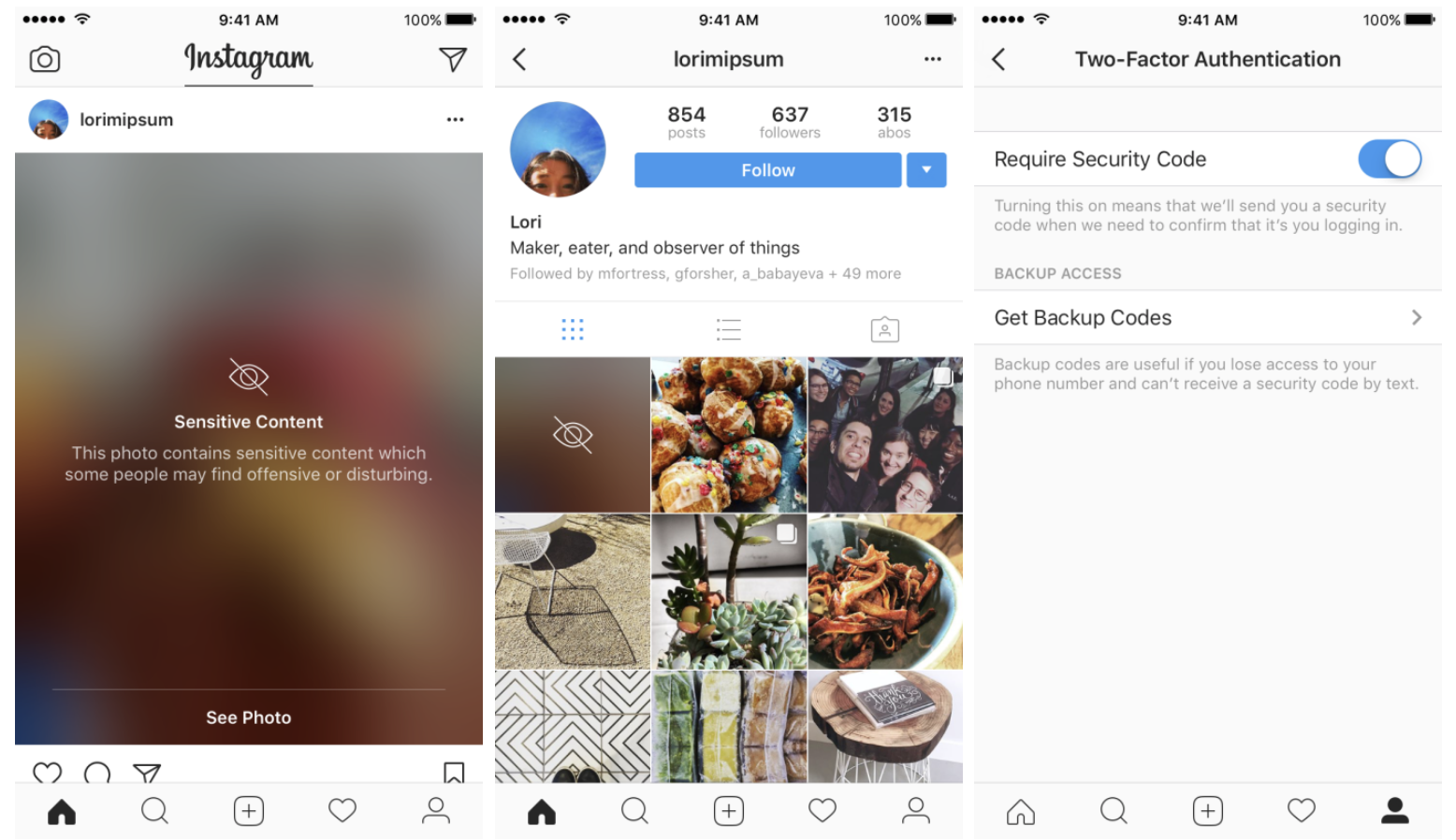
- Use Strong Password and Two-Factor Authentication: A strong password and two-factor authentication can significantly enhance your account security. Enable two-factor authentication on your Instagram account by going to the Settings menu, tapping Account, and then tapping Two-Factor Authentication.
- Secure Your Account with Instagram's Security Checkup: Instagram's Security Checkup feature guides users whose accounts may have been hacked through the steps needed to secure them. This includes checking login activity, reviewing profile information, confirming the accounts that share login information, and updating account recovery contact information.
Additional Measures to Keep Your Account Secure
Additional measures to keep your Instagram account secure include:
- Monitoring Your Account Activity: Regularly check your account activity for suspicious behavior or unauthorized access.
- Editing Your Privacy Settings: Review and adjust your privacy settings to control who can see your posts, stories, and messages.
- Blocking or Reporting Suspicious Users: Block or report users who engage in phishing, spamming, or other suspicious activities.
- Using a VPN: Use a Virtual Private Network (VPN) to keep your internet activity and data safe while using Instagram.
Conclusion
Keeping sensitive data out of Instagram involves a combination of habits, settings, and tools. By following the tips outlined in this article, you can significantly reduce the risk of data breaches and keep your personal information secure. Regularly review your settings and behavior, report suspicious activities, and use Instagram's built-in security features to ensure your account remains safe and protected.