Preventing Malware from Executing on Linux: A Comprehensive Guide
Linux has become a prime target for sophisticated malware in recent years. The open-source operating system's stability and security features have made it a preferred choice for enterprise servers and personal computers alike. However, this doesn't mean that Linux is completely immune to malware threats. In fact, the increasing popularity of Linux among developers, administrators, and users has made it a prime target for malware developers. Therefore, understanding how to prevent malware from executing on Linux is crucial for maintaining the security and integrity of your system.
Why Linux is Targeted by Malware
Linux's open-source nature and flexibility make it an attractive target for malware developers. The operating system's vast user base and widespread adoption in enterprise environments have made it a prime target for attackers. Moreover, the ease of accessing and modifying Linux code has made it easier for malware developers to create custom malware tailored to exploit specific vulnerabilities in Linux systems.
Types of Malware that Target Linux
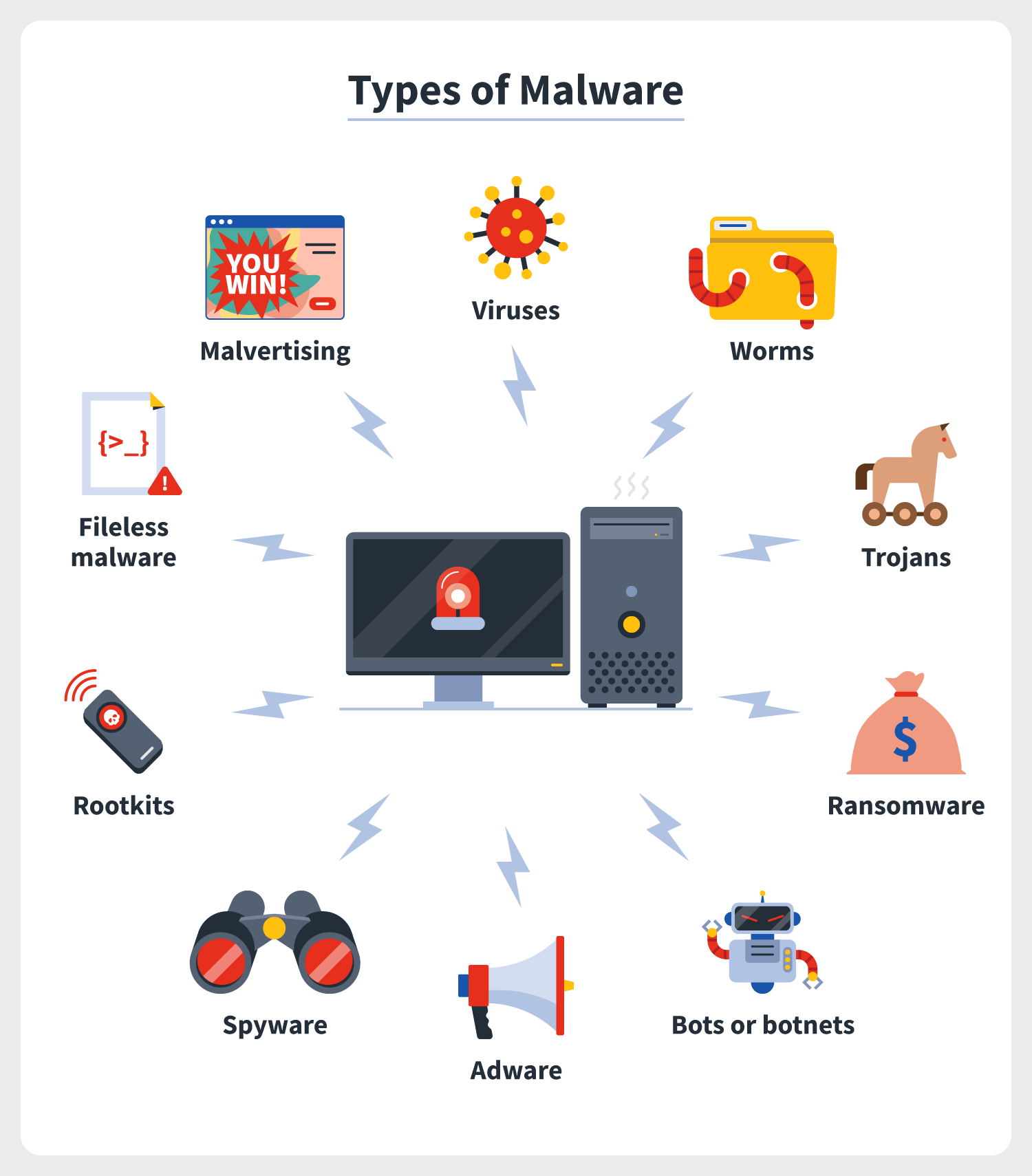
The types of malware that target Linux are similar to those that target Windows and other operating systems. These include:
- Viruses: Self-replicating malware that attach themselves to executable files and reproduce them.
- Worms: Self-replicating malware that spread from system to system without human interaction.
- Trojans: Malware disguised as legitimate software that gain unauthorized access to a system.
- Ransomware: Malware that encrypts a system's files and demands a ransom in exchange for the decryption key.
- Rootkits: Stealthy malware that hide their presence on a system and grant unauthorized access to attackers.
How Malware Executes on Linux
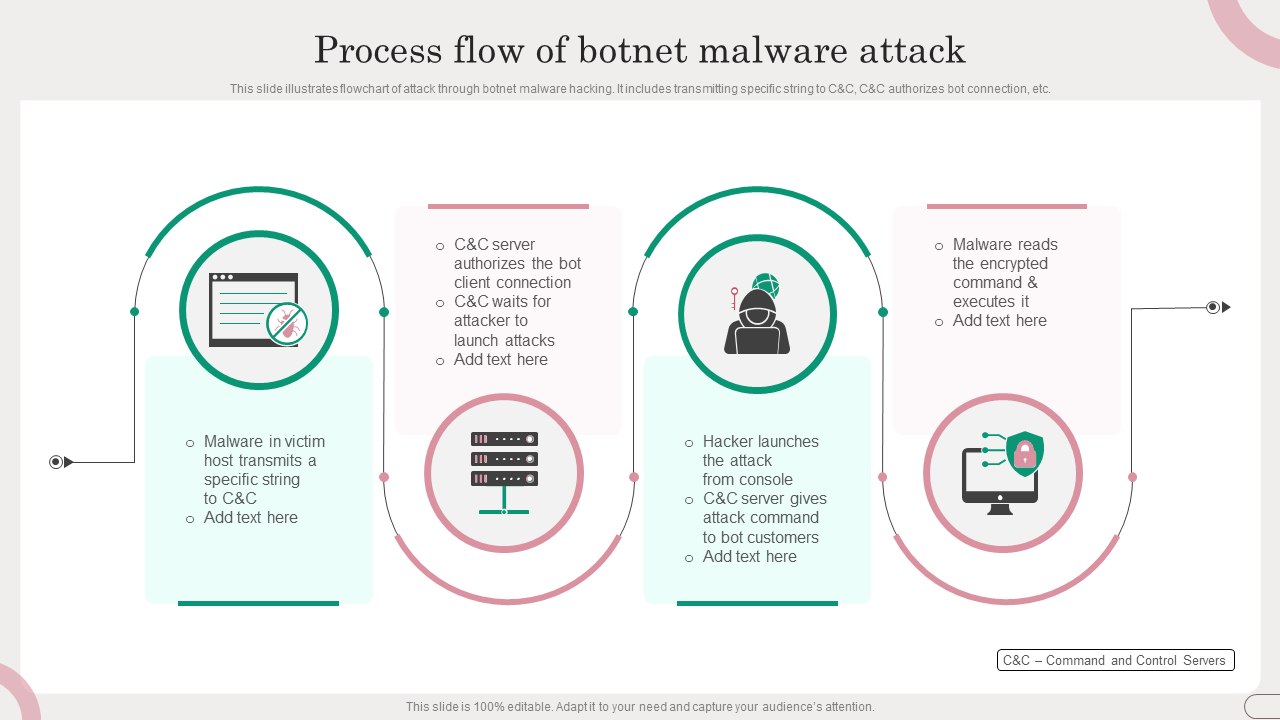
Malware can execute on Linux systems through various means, including:
- Execute binary files: Malware can be stored in binary files, such as ELF files, and executed directly by the system.
- Run scripts: Malware can be stored in scripts, such as bash scripts, and executed by the system.
- Use kernel vulnerabilities: Malware can exploit kernel vulnerabilities to gain access to the system's kernel and execute malicious code.
- Use process injection: Malware can inject itself into a running process and execute malicious code within that process.
Preventing Malware from Executing on Linux

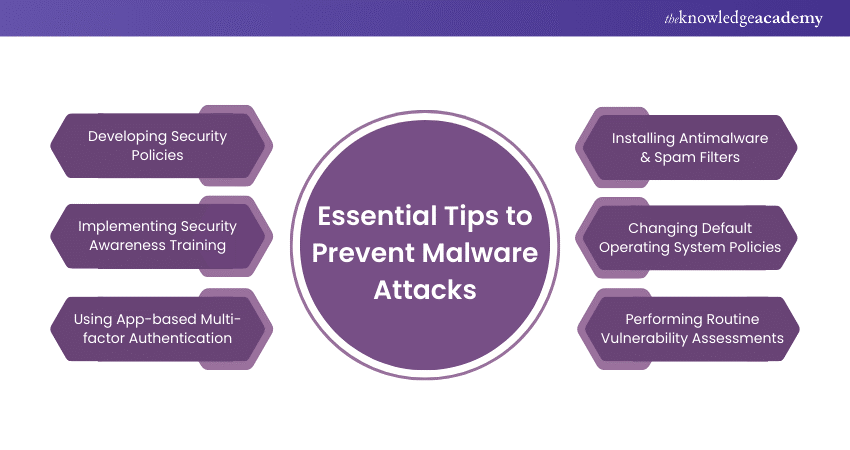
Preventing malware from executing on Linux requires a multi-layered approach that includes:
- Keeping your system and software up to date.
- Enabling and configuring system security features, such as SELinux and AppArmor.
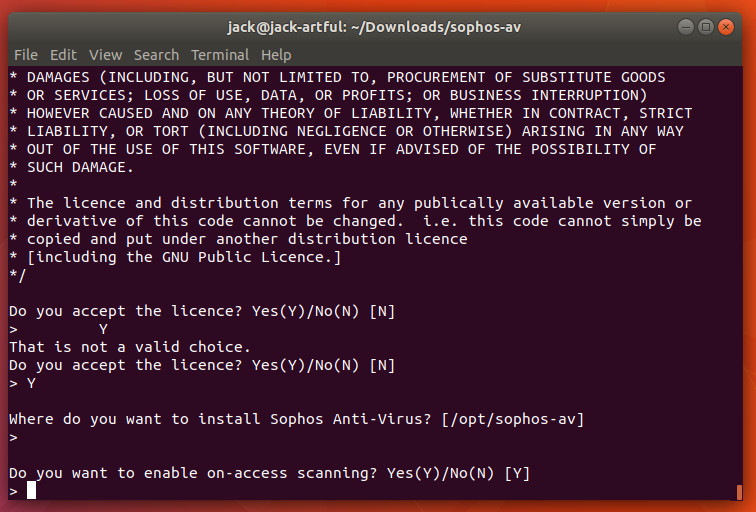
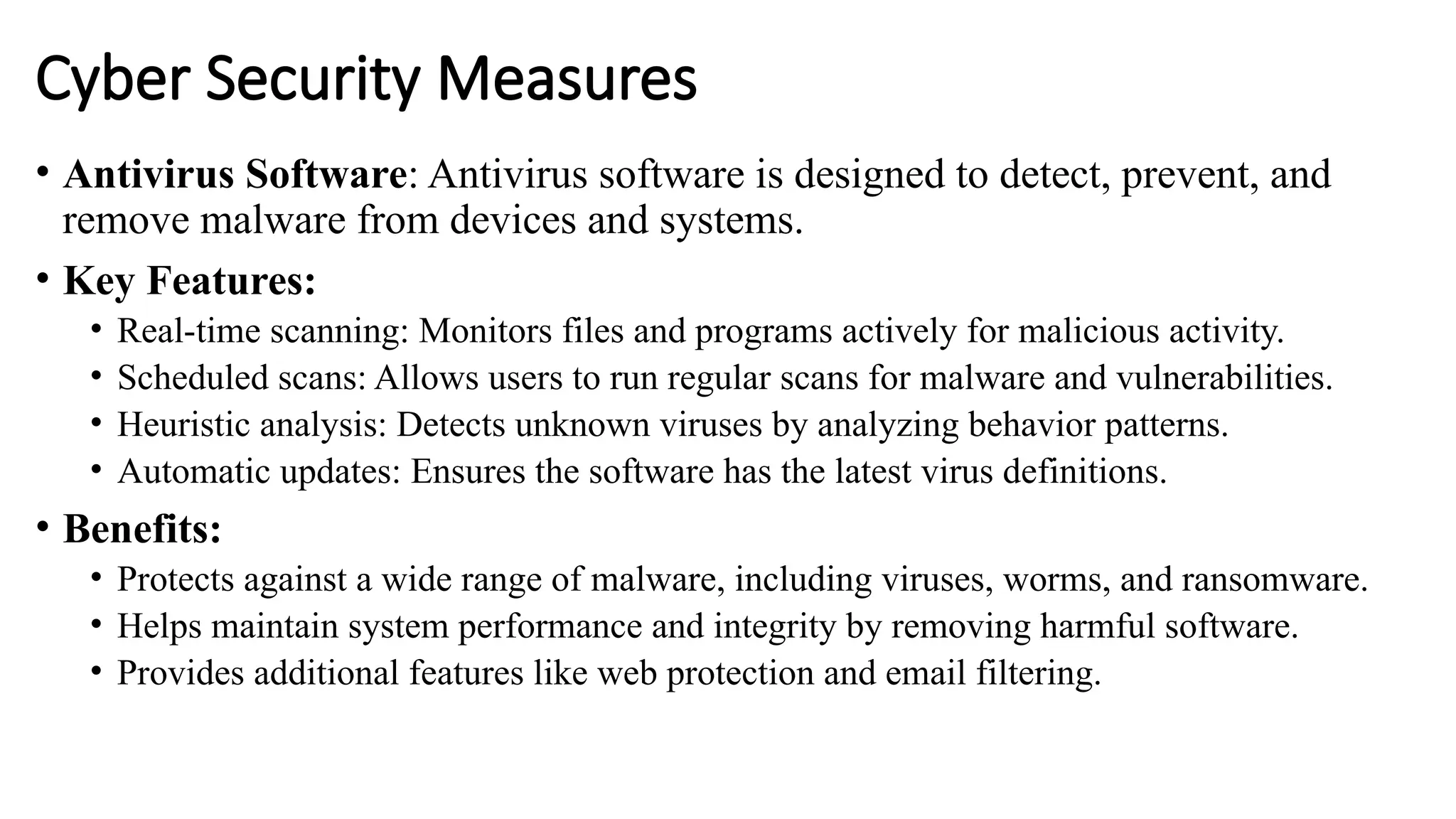
- Using reputable antivirus software and regularly scanning your system for malware.
- Being cautious when downloading and executing software from untrusted sources.
- Monitoring system logs and file system activity for suspicious behavior.
- Restricting user privileges and access to sensitive areas of the system.
- Using intrusion detection and prevention systems to detect and block suspicious activity.
Best Practices for Preventing Malware on Linux
The following best practices can help you prevent malware from executing on Linux:
- Use strong passwords and multi-factor authentication to protect your system and sensitive areas.
- Regularly review and update your system's configuration and security settings.
- Keep your system and software up to date with the latest security patches and updates.
- Use reputable antivirus software and regularly scan your system for malware.
- Monitor system logs and file system activity for suspicious behavior.
- Restrict user privileges and access to sensitive areas of the system.
Conclusion
Preventing malware from executing on Linux requires a comprehensive approach that includes keeping your system and software up to date, enabling and configuring system security features, and being cautious when downloading and executing software from untrusted sources. By following the best practices outlined in this guide, you can significantly reduce the risk of malware infections on your Linux system and maintain the security and integrity of your system.
Recommendations for Staying Safe
Here are a few recommendations for staying safe from malware attacks on Linux:
Stay informed: Stay up to date with the latest security patches and updates for your Linux distribution.