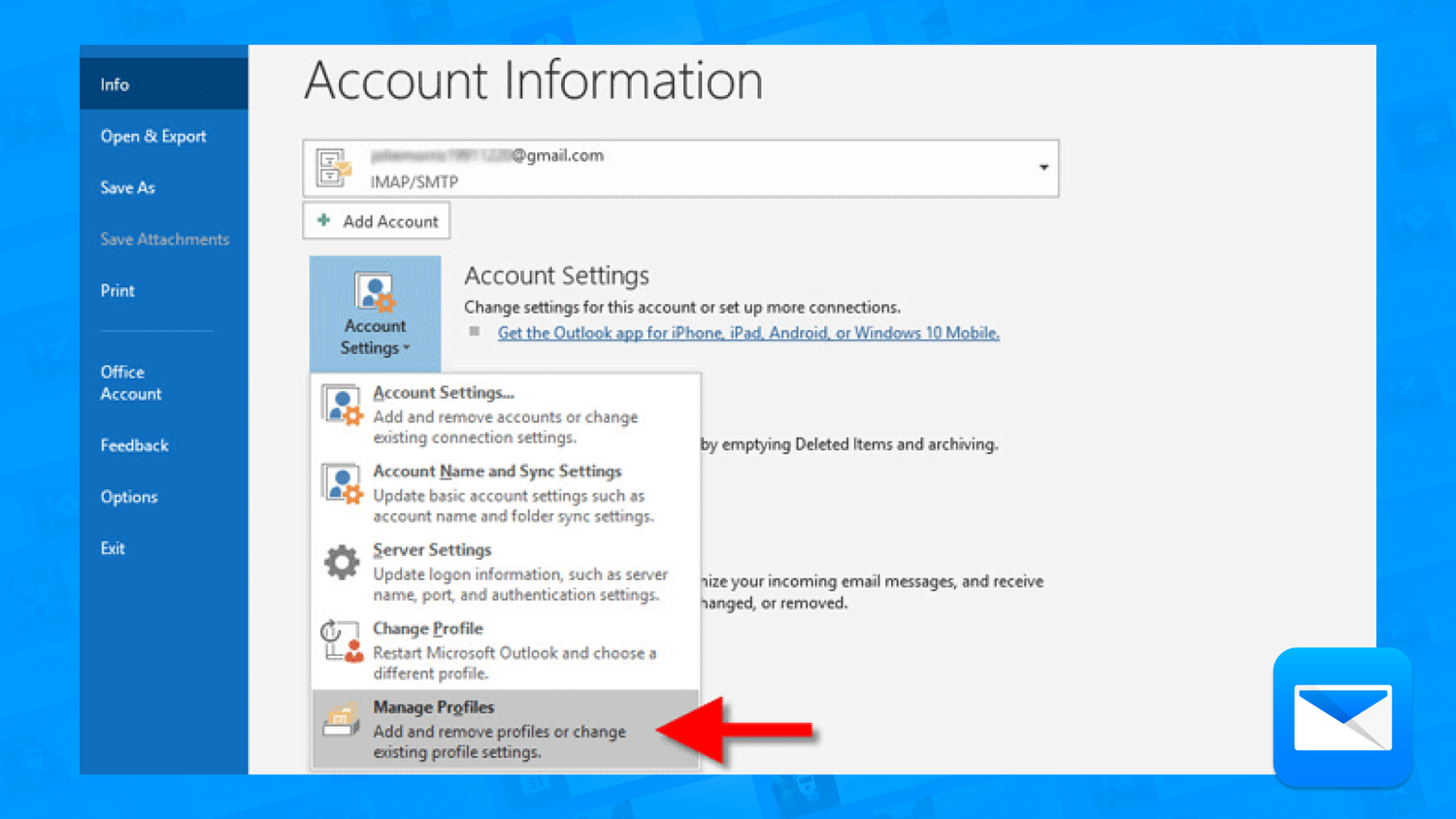
Protecting Email Account Online Safely: Essential Steps to Secure Your Digital Identity
In today's digital age, our email accounts serve as a hub for both personal and professional communication. This is where we store sensitive information, access online accounts, and facilitate communication in various aspects of life. As a result, protecting our email accounts from hackers and unauthorized access is crucial to safeguarding our digital identity.
Why Email Security is Important
Email security is a vital aspect of online safety, and it's essential to understand why it's significant. The risks associated with email security threats are numerous, and they can range from phishing scams to data breaches and identity theft. With over 3 billion malicious emails sent every day, taking proactive measures to secure your email account is vital.
Common Email Security Threats
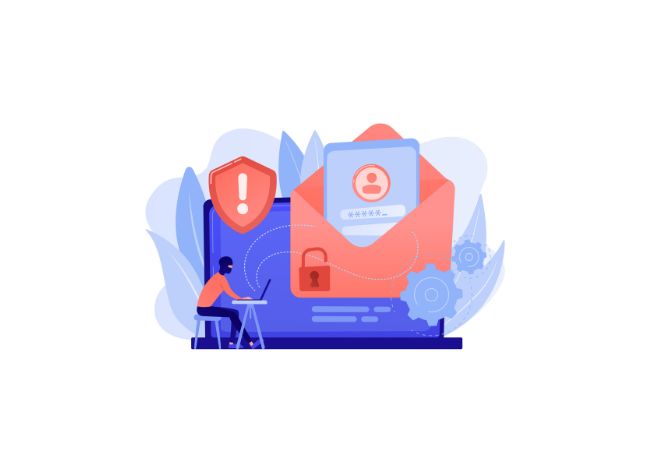
There are several common email security threats that you should be aware of, including:
- Phishing Scams: Scammers use emails to trick victims into divulging sensitive information or clicking on malicious links.
- Malware and Virus Attacks: Malicious emails can contain viruses or malware that can harm your device or steal data.
- Spam: Unsolicited emails can flood your inbox, leading to a decrease in productivity and potential security risks.
- Data Breaches: Hackers can gain access to your email account, compromising sensitive information.
Protecting Your Email Account Online Safely
To protect your email account from these threats, follow these essential steps:
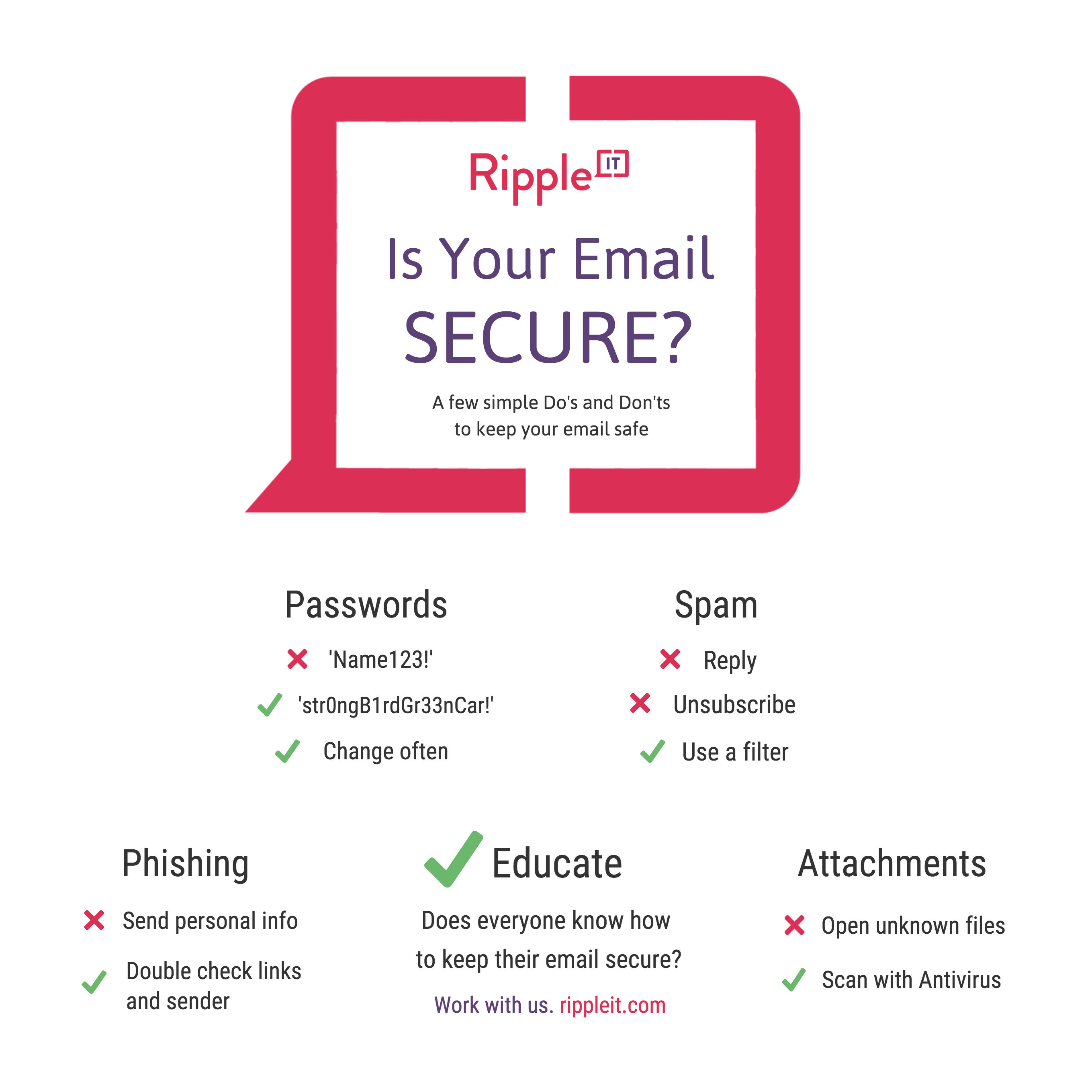
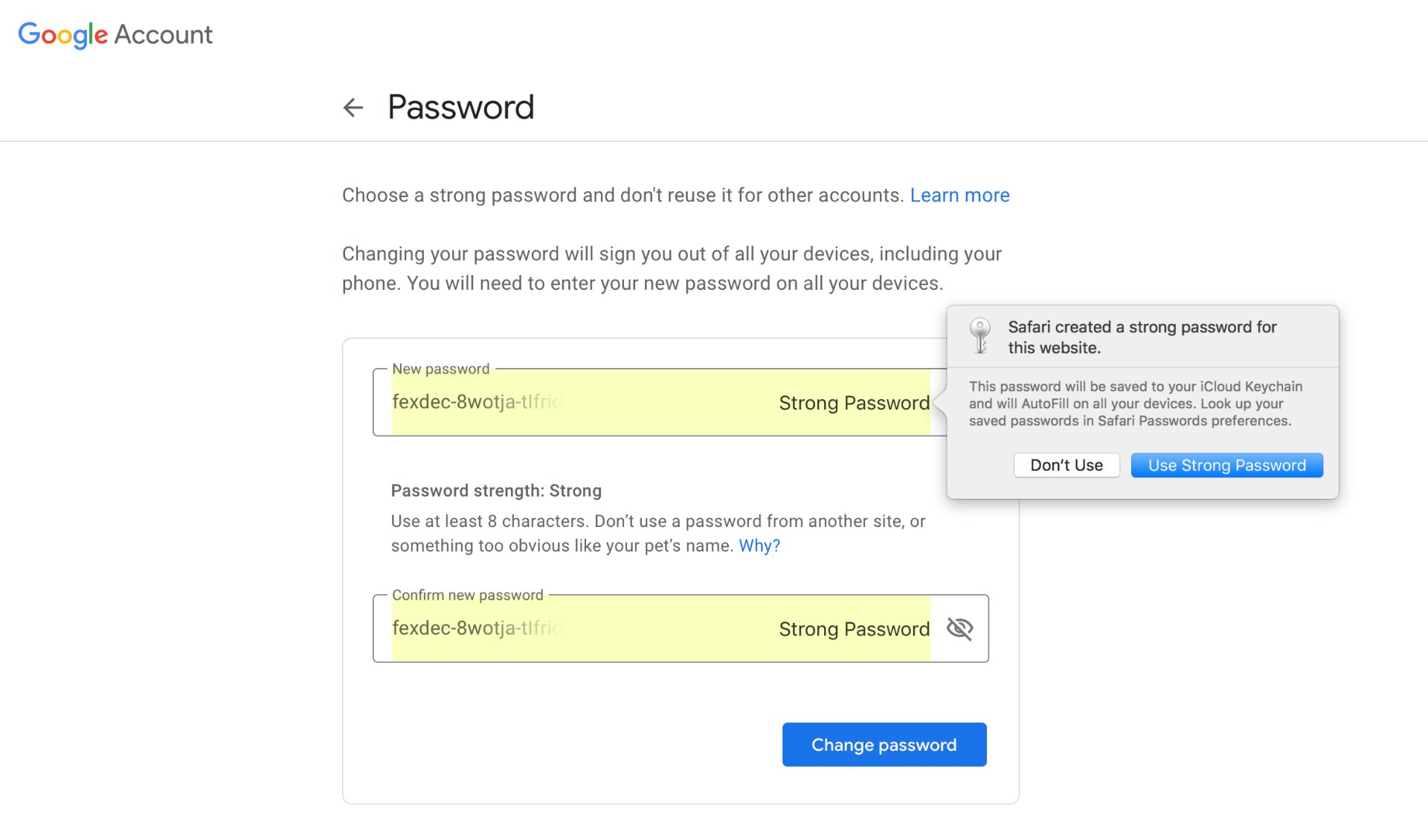
1. Use Strong and Separate Passwords
Use a strong and unique password for your email account, and avoid using the same password for other online accounts.
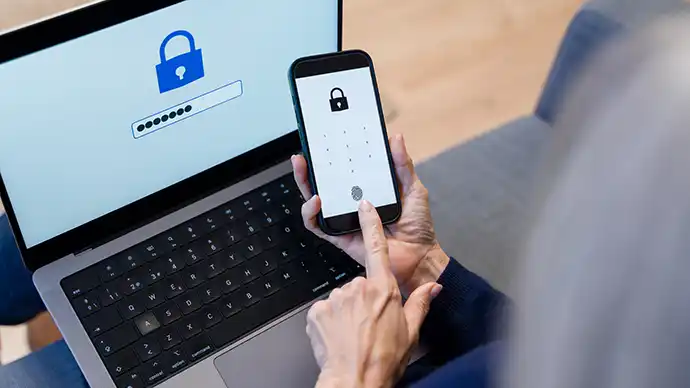
2. Enable Two-Factor Authentication (2FA)
Enable 2FA to add an extra layer of security to your email account. This will require you to provide a verification code sent to your phone or another device in addition to your password.
3. Be Cautious with Links and Attachments
Be wary of suspicious links and attachments in emails, as they may contain malware or viruses.
4. Monitor Your Account Activity
5. Keep Your Software Up-to-Date
Install the latest software and app updates to ensure you have the latest security patches and features.
6. Use a VPN
Consider using a Virtual Private Network (VPN) to encrypt your internet traffic and protect your data.
7. Use a Secure Email Provider
Choose a reputable email provider that uses encryption and has robust security measures in place.
8. Back Up Your Data
Regularly back up your data to prevent losing it in case your email account is compromised.
Conclusion
Protecting your email account online safely is crucial in today's digital age. By following these essential steps, you can significantly reduce the risk of hackers and unauthorized access. Remember to be vigilant, use strong passwords, enable 2FA, monitor your account activity, keep your software up-to-date, and use a VPN and a secure email provider. Your digital identity is worth protecting, so take proactive measures to safeguard your email account today.
Final Tips
- Be Cautious of Phishing Scams: Be wary of emails that ask for sensitive information or contain suspicious links.
- Use Antivirus Software: Install antivirus software to protect your device from malware and viruses.
- Keep Your Device Secure: Regularly update your operating system and device software to ensure you have the latest security patches.
By following these tips and being proactive about email security, you can protect your digital identity and safeguard your sensitive information.
 "The 4 Most Secure Email Services in 2026 - Lifewire")