Protecting Sensitive Passwords: A Guide to Safeguarding Your Online Identity
With the increasing reliance on technology and online services, protecting sensitive passwords has become a crucial aspect of maintaining a secure online identity. A majority of account take-overs start with weak or compromised passwords, making password protection a vital component of data security.
The Importance of Password Protection
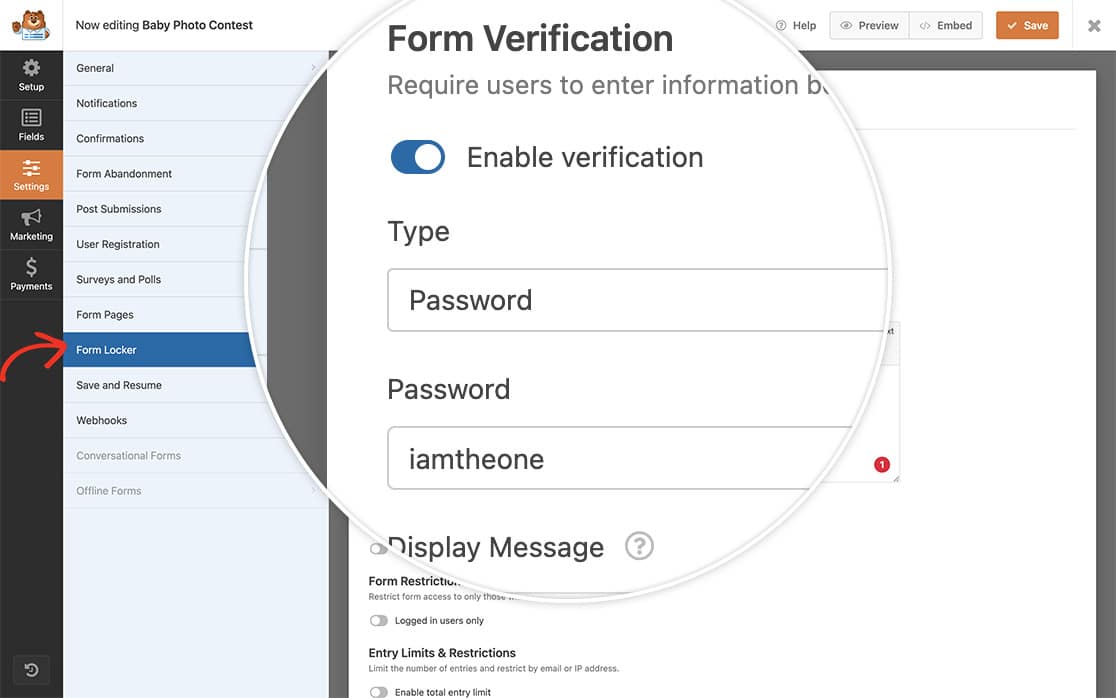
Password protection is an access control technique that ensures only authorized individuals can access important data, such as financial information, personal details, or confidential business data. By implementing strong passwords, you can control access to sensitive information and reduce the risk of unauthorized access.
Best Practices for Protecting Sensitive Passwords
1. Use Strong Passwords
A strong password is a combination of characters, numbers, and special symbols that are difficult to guess. Use a mix of uppercase and lowercase letters, numbers, and special characters to create a unique and unguessable password.
2. Use a Password Manager
A password manager is a digital tool that securely stores and generates complex passwords for all your online accounts. NordPass, LastPass, and 1Password are popular password managers that offer advanced encryption and password generation capabilities.
3. Enable Multi-Factor Authentication (MFA)
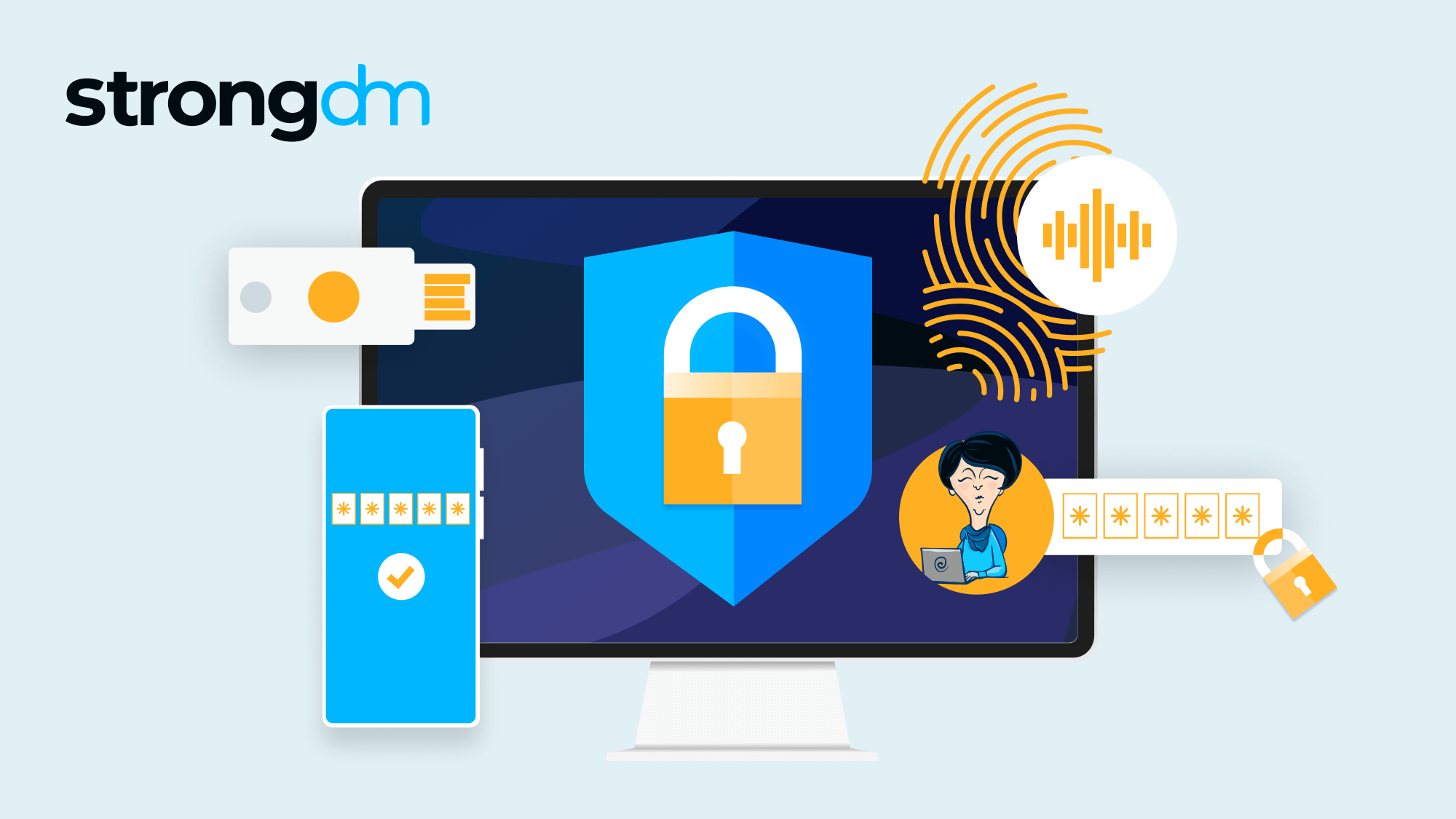
MFA adds an additional layer of security to password-protected accounts by requiring users to provide a second form of verification, such as a fingerprint, face recognition, or a one-time password sent via SMS.
4. Monitor Your Accounts
Regularly monitor your account activity for any suspicious transactions or login attempts. Enable alerts and notifications for unauthorized access attempts to quickly respond to potential security breaches.

5. Avoid Password Reuse
Avoid reusing passwords across multiple accounts, as a compromised password can expose all your online data. Use a password manager to generate unique and complex passwords for each account.
6. Store Passwords Securely
Store your passwords safely using a secure password manager or encrypted storage devices. Never store passwords in unsecured locations, such as notes or spreadsheets, where they can be easily accessed by unauthorized individuals.
Common Password Vulnerabilities
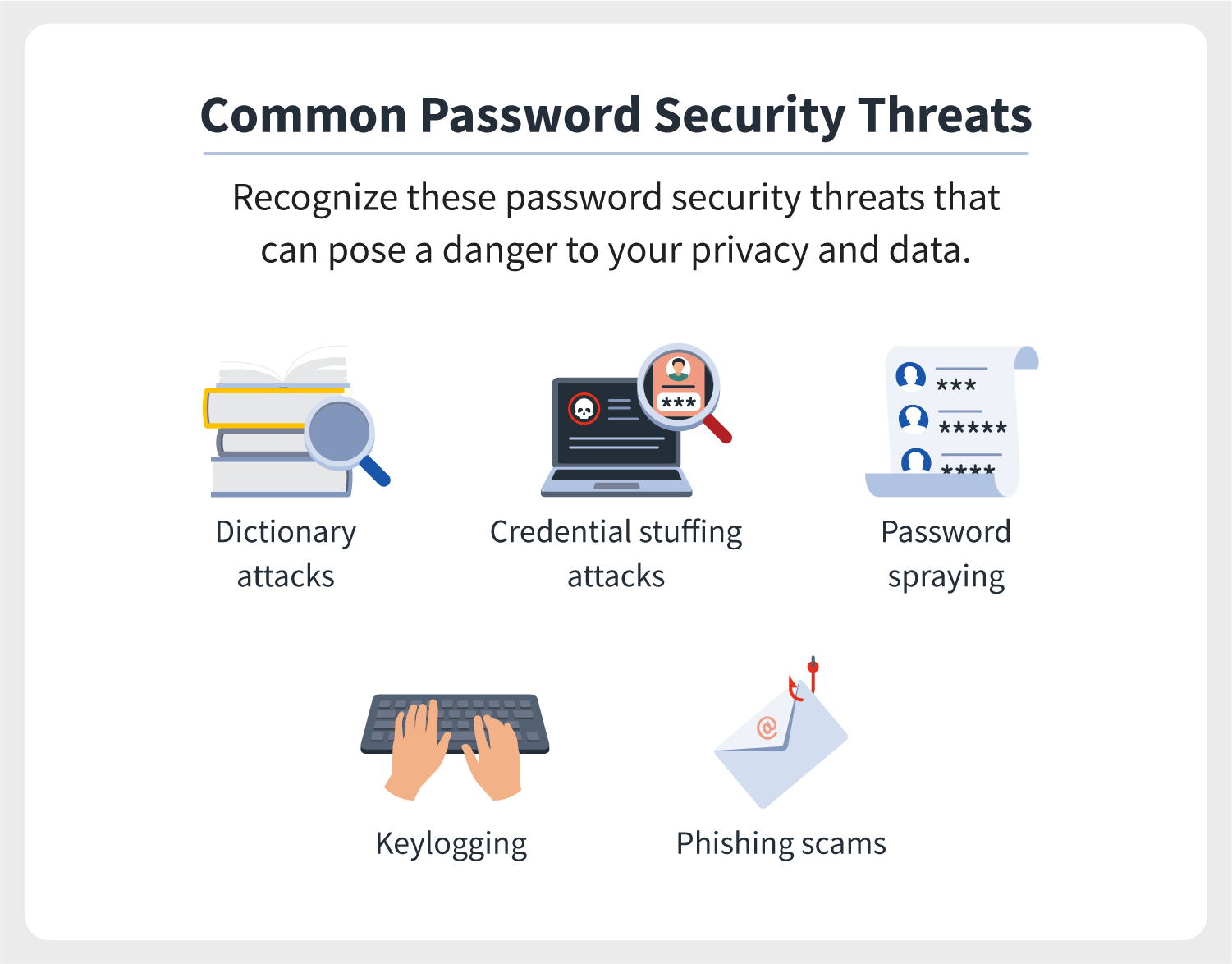
Weak or compromised passwords are a common vulnerability in password-protected systems. Attackers can use various tools and techniques to crack or guess passwords, putting your sensitive data at risk. Some common password vulnerabilities include:
- Weak passwords: short, easily guessable passwords that can be quickly cracked.
- Dictionary attacks: using a list of common words or phrases to crack passwords.
- Brute-force attacks: attempting all possible combinations of characters to crack passwords.
- Phishing attacks: tricking users into revealing sensitive information, including passwords.
Protecting Sensitive Passwords with Modern Authentication
Modern authentication techniques, such as biometric authentication, passkeys, and passwordless login, offer a more secure and convenient alternative to traditional password-based authentication. These methods use unique identification methods, such as fingerprints or facial recognition, to authenticate users and access sensitive data.
Conclusion
Protecting sensitive passwords is a critical aspect of maintaining a secure online identity. By following best practices, such as using strong passwords, enabling MFA, and monitoring account activity, you can safeguard your sensitive data from unauthorized access. Stay ahead of evolving security threats and take control of your online identity with these essential tips for protecting sensitive passwords.