How to Block Malware from Accessing Sensitive Data
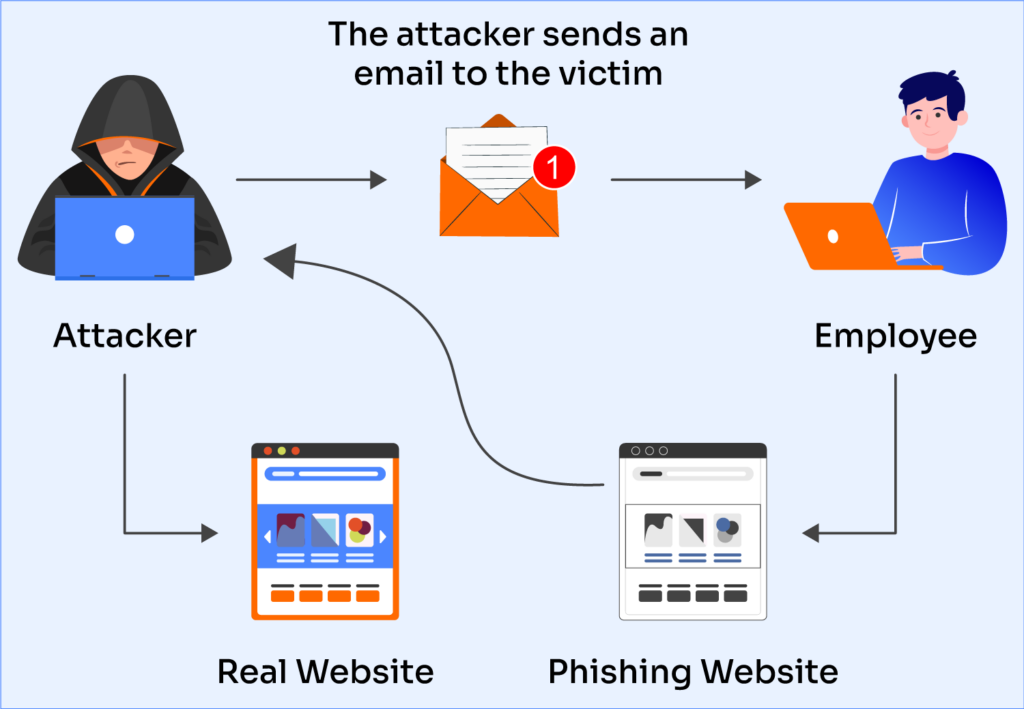
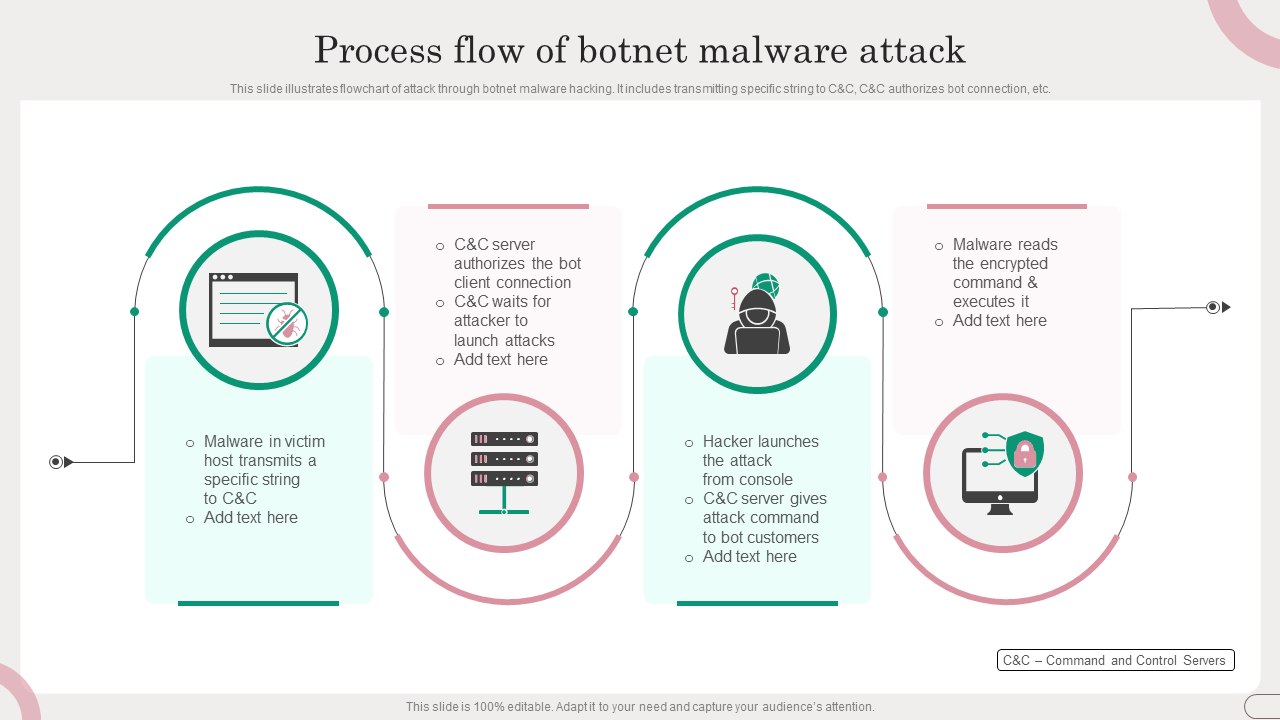
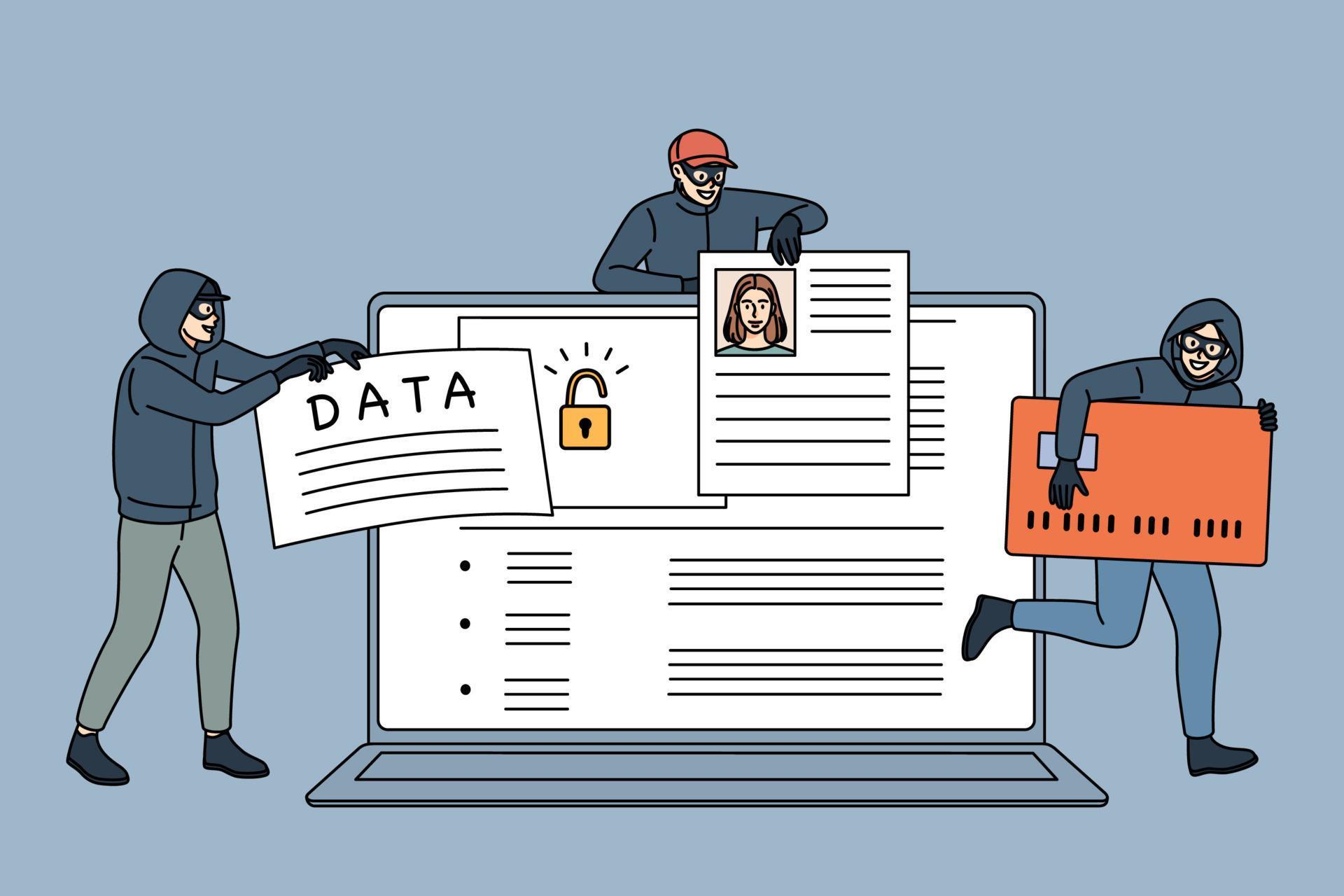
Malware is one of the biggest threats to the security of your computer, tablet, phone, and other devices. It can monitor your computer and log keystrokes to capture sensitive data, such as passwords and credit card information. To help protect your computer from these threats, it's essential to learn how to block malware from accessing sensitive data.
Understanding Malware
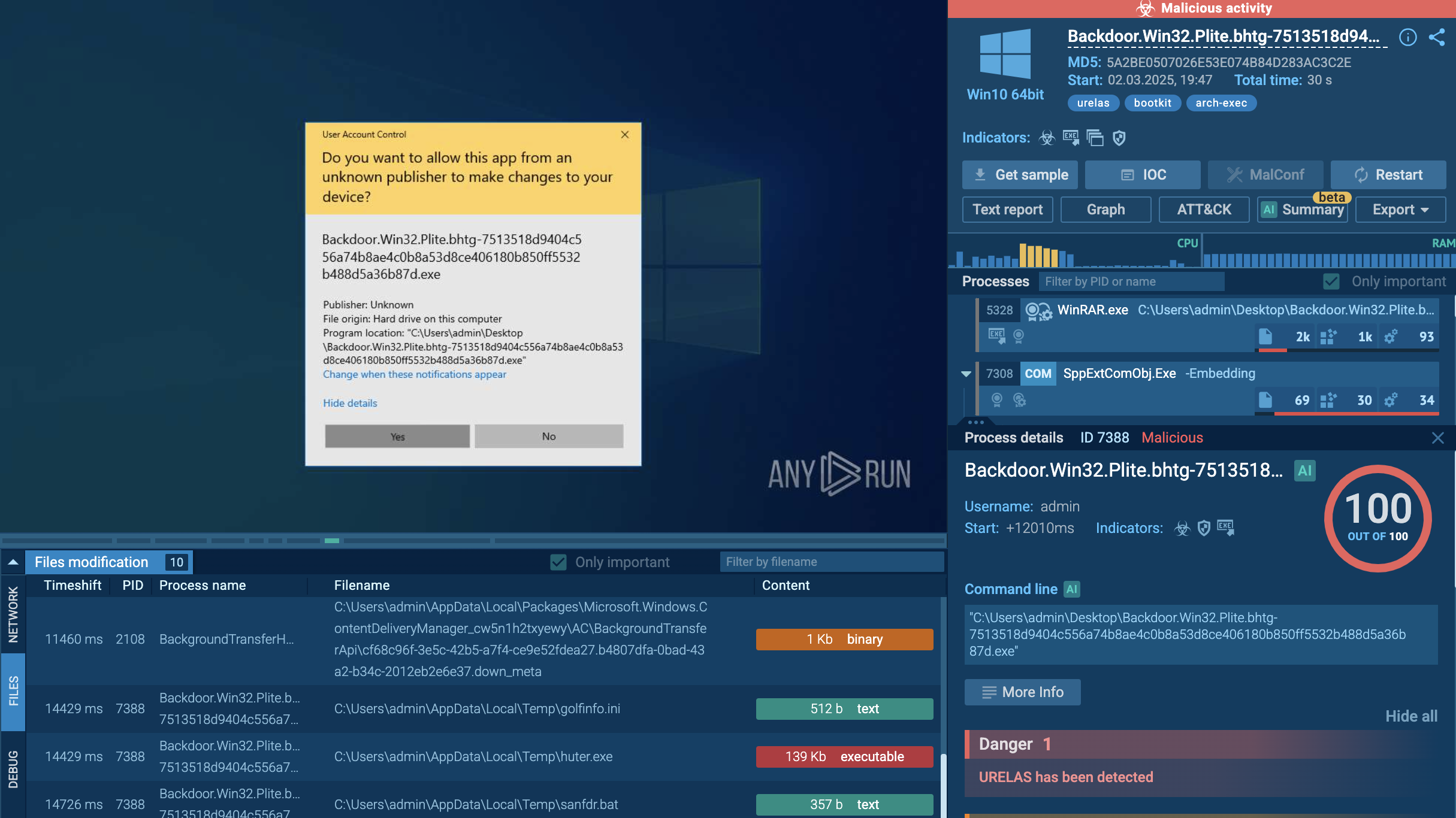
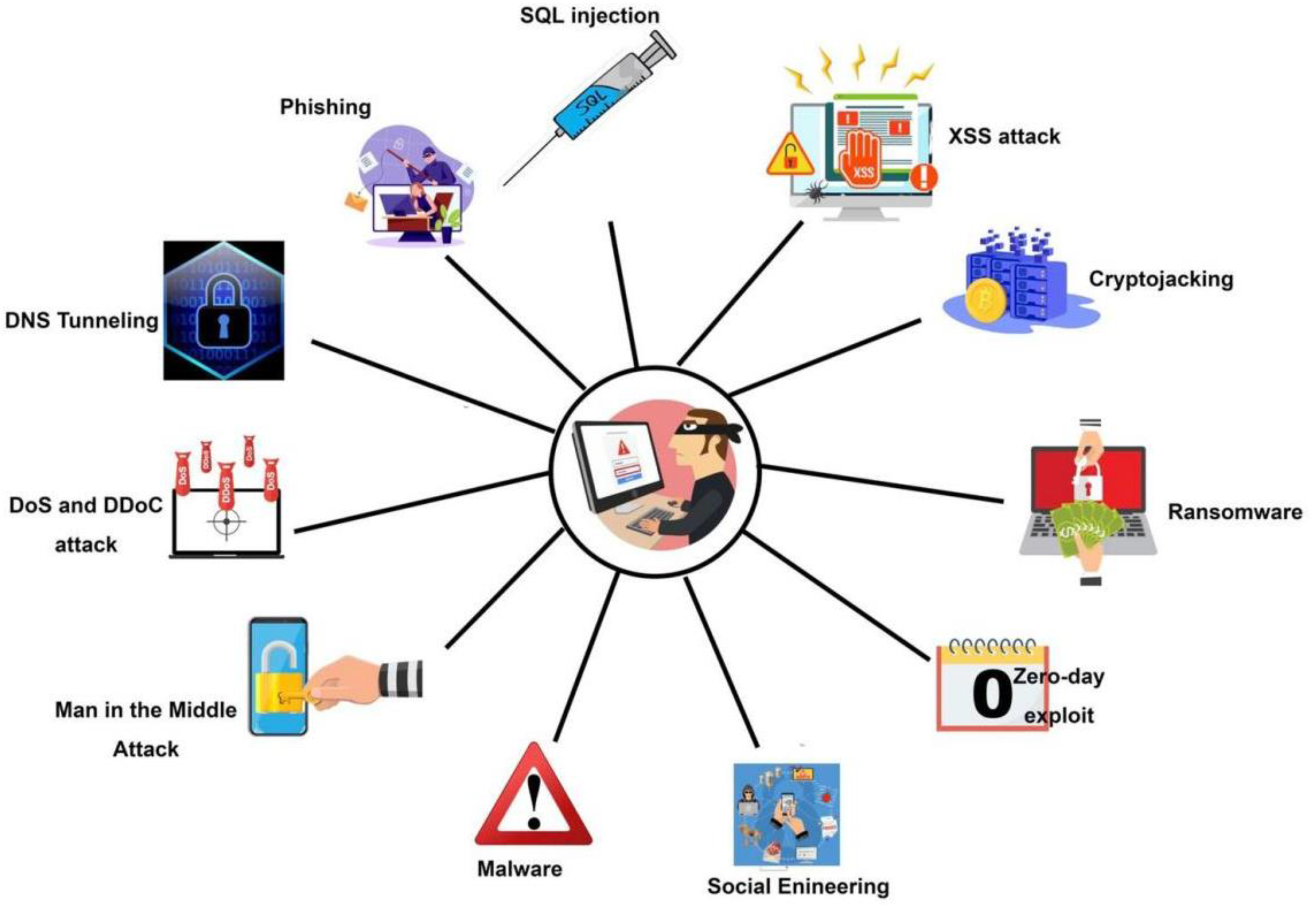
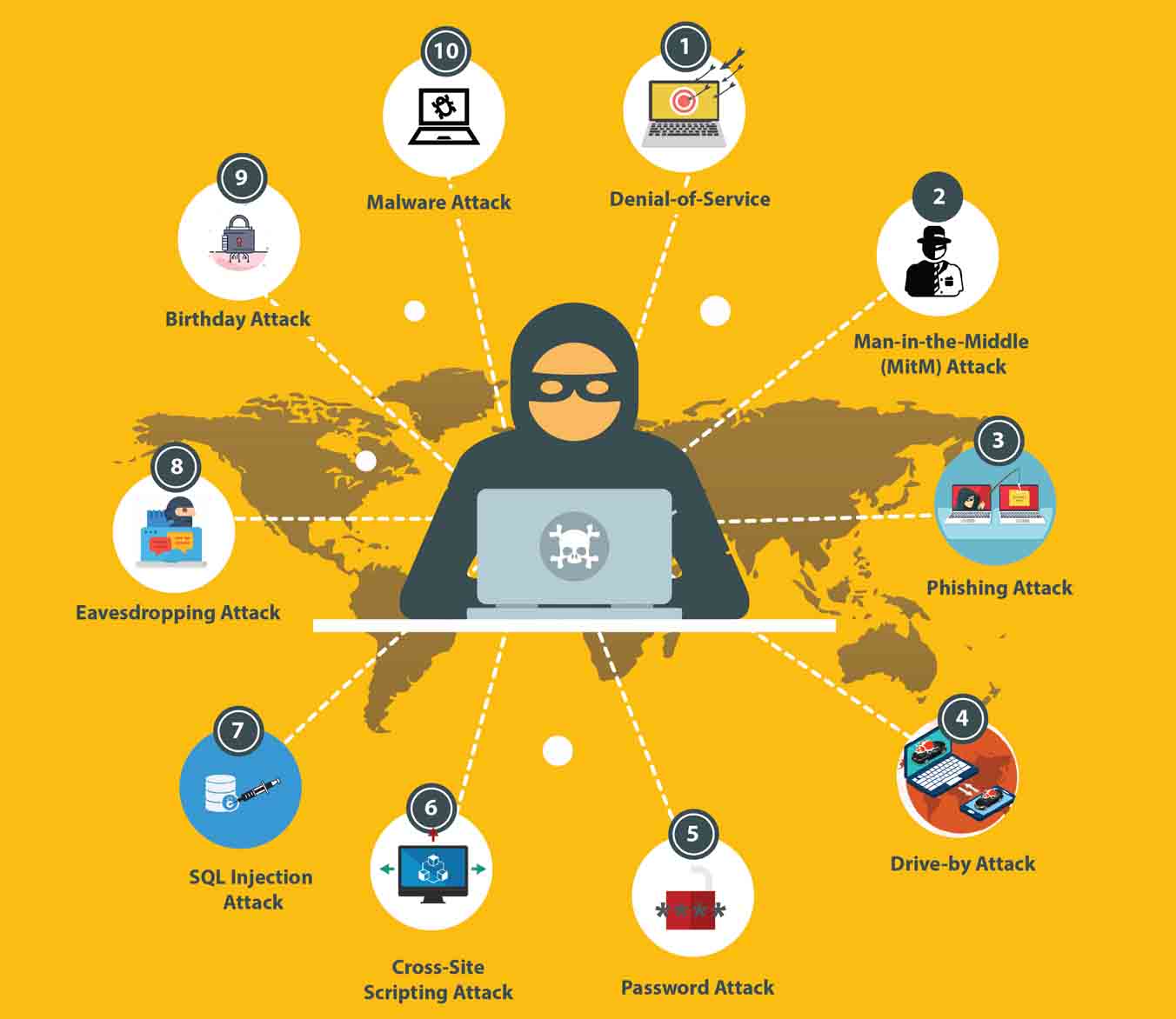
Malware, short for "malicious software," is a broad term that encompasses various types of software designed to harm or exploit a computer system. Malware can include viruses, worms, trojans, spyware, and ransomware, among others. It can steal sensitive data, disrupt service, or gain unauthorized access to private computer systems.
Why is Blocking Malware Important?
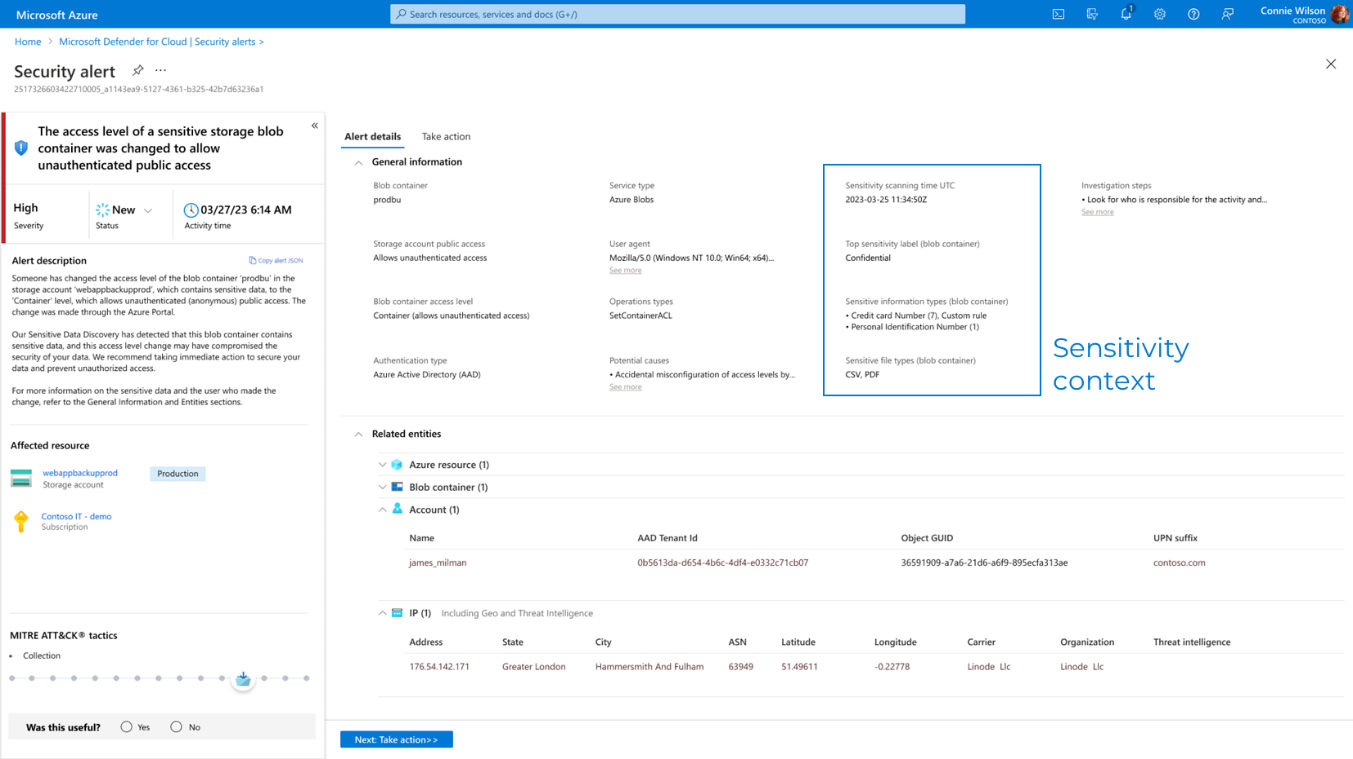
Malware poses a significant threat to your online security, and blocking it is crucial to preventing unauthorized access to your sensitive data. If left unchecked, malware can lead to financial loss, identity theft, and reputational damage. By understanding how to block malware, you can prevent data breaches, protect your online identity, and ensure the security of your devices.
Best Practices to Block Malware
1. Install Antivirus and Anti-Spyware Programs
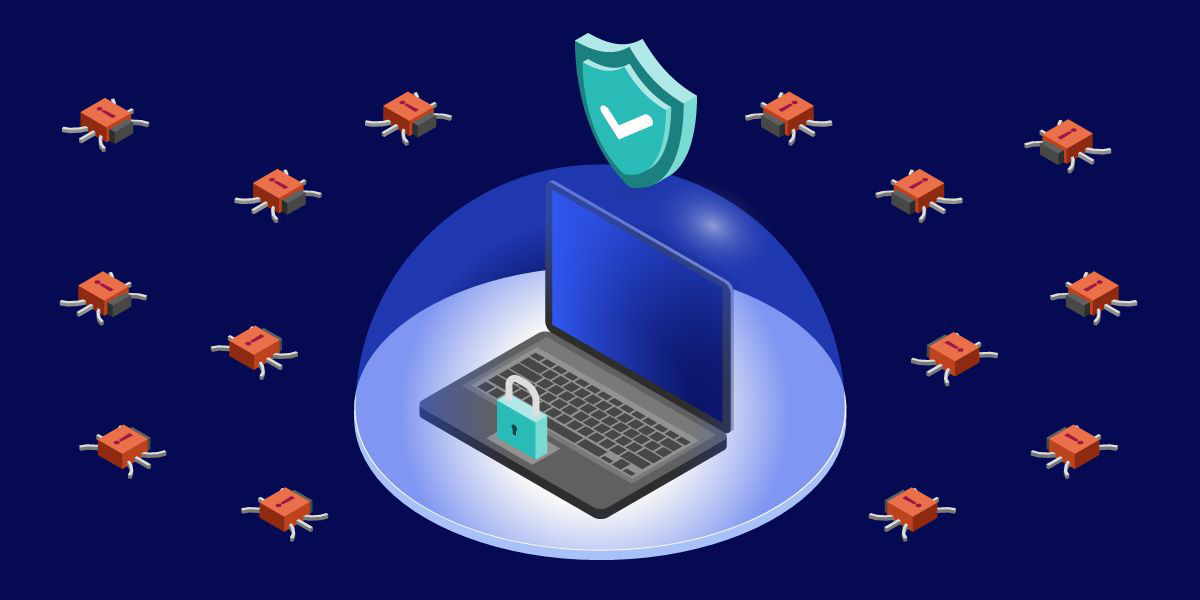
Installing robust antivirus and anti-spyware software can help detect and remove malware from your device. Regularly update your software to ensure you have the latest protection against emerging threats.
2. Keep Your Operating System and Browsers Up-to-Date
Regularly update your operating system and web browsers to ensure you have the latest security patches and features. This will help prevent exploitation of known vulnerabilities by malware.
3. Use Strong Passwords and Enable Two-Factor Authentication
Use strong, unique passwords for each of your online accounts, and consider enabling two-factor authentication to add an extra layer of security. This will make it more challenging for malware to gain unauthorized access to your sensitive data.

4. Use a Virtual Private Network (VPN)
Using a VPN can help encrypt your internet traffic, making it more difficult for malware to intercept sensitive data. This is especially important when using public Wi-Fi networks.
5. Regularly Back Up Your Data
Regularly backing up your data can help minimize the impact of a malware attack. In the event of a data breach, you can restore your data from your backups, reducing the likelihood of financial loss and reputational damage.
6. Implement DNS Filtering
Implementing DNS filtering can help block malware by filtering out malicious websites and content from reaching your device. This can be especially effective in preventing ransomware attacks.
7. Use Behavioral-Based Malware Detection
Behavioral-based malware detection software can help detect and block malware by analyzing its behavior, rather than just relying on signature-based detection. This can help detect zero-day attacks and other emerging threats.
Conclusion
Blocking malware is a critical aspect of protecting your sensitive data and preventing cyber threats. By implementing these best practices, you can significantly reduce the risk of malware-related data breaches and maintain the security of your devices.