How to Secure Your Personal Computer: A Comprehensive Guide
Keeping your computer secure at home is crucial to protecting your personal information and preventing malware and hacking attempts. In this article, we'll show you simple ways to use protective software, encryption, and safe practices to keep your data secure.
Top 10 Secure Computing Tips
Here are the top 10 tips to secure your personal computer:
- Tip #1: Update Your Operating System and Software Regularly - Keeping your operating system and software up to date is essential to patching security vulnerabilities and protecting your computer from malware.
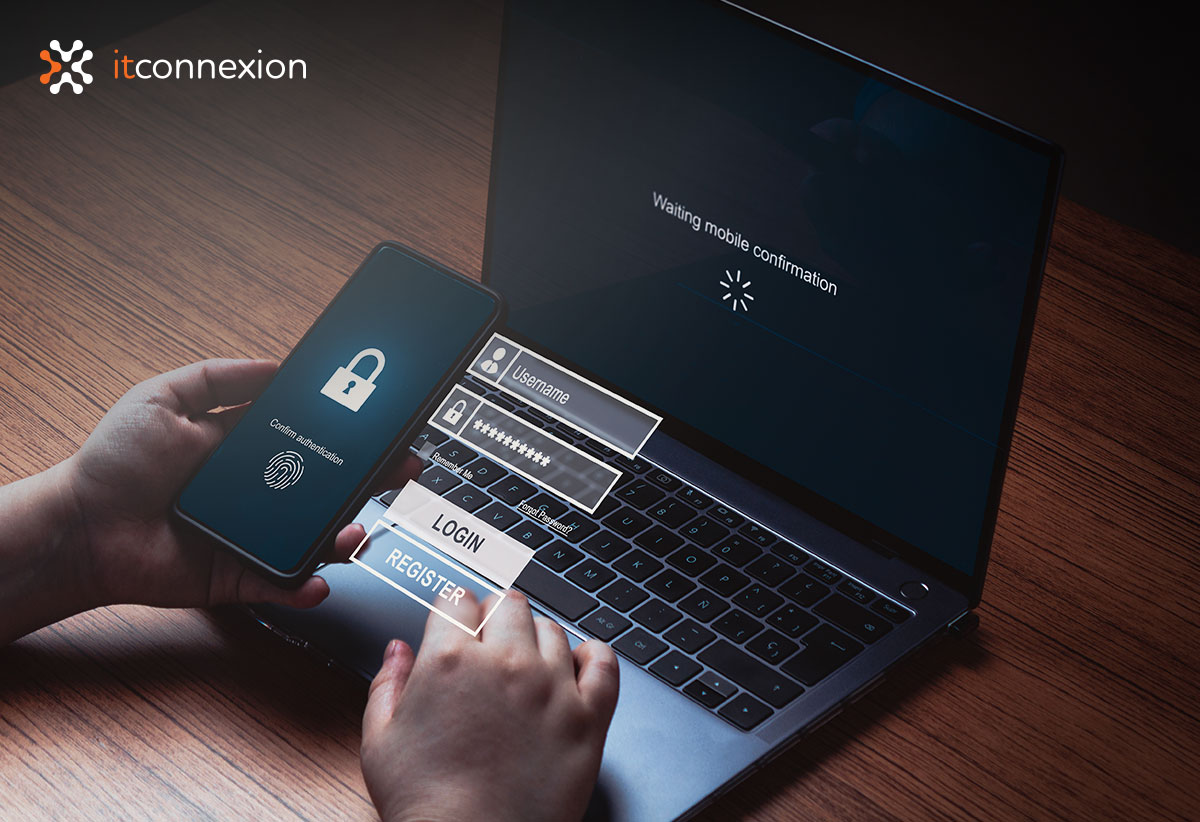
- Tip #2: Use Strong Passwords and Enable Two-Factor Authentication - Use strong, unique passwords for all accounts, and enable two-factor authentication to add an extra layer of security.
- Tip #3: Use Antivirus Software and Keep it Updated - Install reputable antivirus software and keep it updated to protect your computer from malware and viruses.
- Tip #4: Be Cautious with Emails and Attachments - Be wary of suspicious emails and attachments, and never open attachments from unknown senders.
- Tip #5: Use a Firewall and Enable it - Enable your firewall to block unauthorized access to your computer.
- Tip #6: Use Encryption to Protect Your Data - Use encryption to protect your sensitive data, such as financial information and personal documents.
- Tip #7: Use a Secure Browser and Extensions - Use a secure browser, such as Brave or Tor, and avoid using browser extensions that can compromise your security.
- Tip #8: Regularly Back Up Your Data - Regularly back up your data to prevent loss in case of a computer crash or malware attack.
- Tip #9: Use a Secure Internet Connection - Use a secure internet connection, such as a VPN, when accessing public Wi-Fi networks.
- Tip #10: Stay Informed and Update Your Knowledge - Stay informed about the latest security threats and best practices to keep your computer secure.
Securing Your Computer with Protective Software
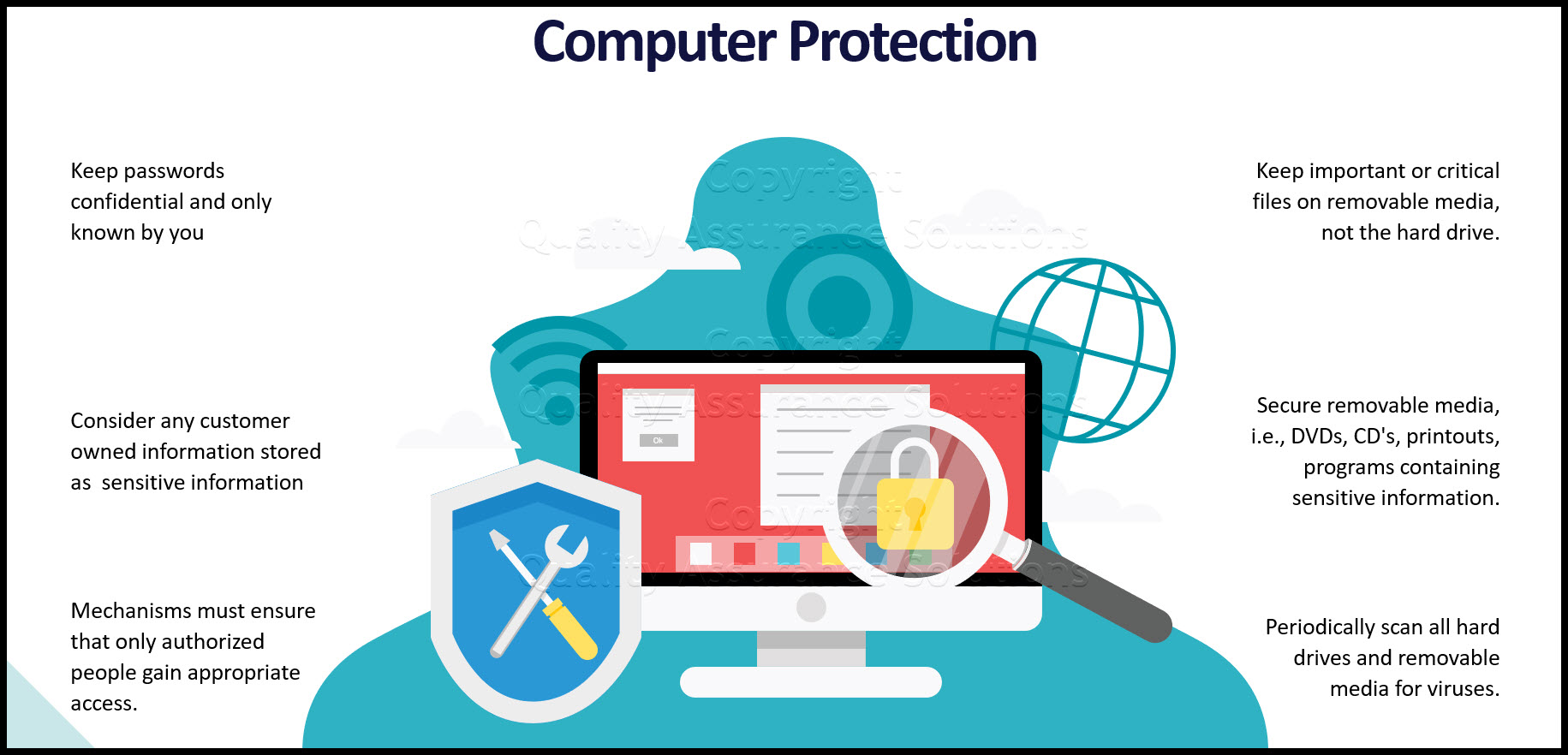
Protective software is essential to securing your computer. Here are some key features to look for:
- Antivirus Software - Install reputable antivirus software to protect your computer from malware and viruses.
- Firewall Software - Enable your firewall to block unauthorized access to your computer.
- Encryption Software - Use encryption software to protect your sensitive data.
- Password Management Software - Use password management software to generate and store strong, unique passwords.

Safe Practices for Securing Your Computer
Safe practices are essential to securing your computer. Here are some key tips:
- Be Cautious with Emails and Attachments - Be wary of suspicious emails and attachments, and never open attachments from unknown senders.
- Use Strong Passwords - Use strong, unique passwords for all accounts.
- Enable Two-Factor Authentication - Enable two-factor authentication to add an extra layer of security.
- Regularly Back Up Your Data - Regularly back up your data to prevent loss in case of a computer crash or malware attack.
- Stay Informed and Update Your Knowledge - Stay informed about the latest security threats and best practices to keep your computer secure.
Conclusion
Securing your personal computer is crucial to protecting your personal information and preventing malware and hacking attempts. By following these top 10 secure computing tips, securing your computer with protective software, and practicing safe computing habits, you can keep your data secure and prevent cyber threats.
Remember, security is an ongoing process, and it's essential to stay informed and update your knowledge to keep your computer secure.

.png?width=1350&height=1014&name=Lock%20Computer%20(1200%20x%20900%20px).png "Protect and secure your Windows computer: A practical guide")