Learning Python with JSON Library: A Comprehensive Guide
In the world of data handling and web development, JSON (JavaScript Object Notation) has become a de facto standard for representing structured data. It's lightweight, human-readable, and widely supported across different programming languages. In Python, the `json` library provides a simple and powerful way to work with JSON data. Whether you're interacting with APIs, storing data in a JSON file, or sending data between different parts of your application, the `json` library is an essential tool for any Python developer.
What is JSON and Why is it Important in Python?
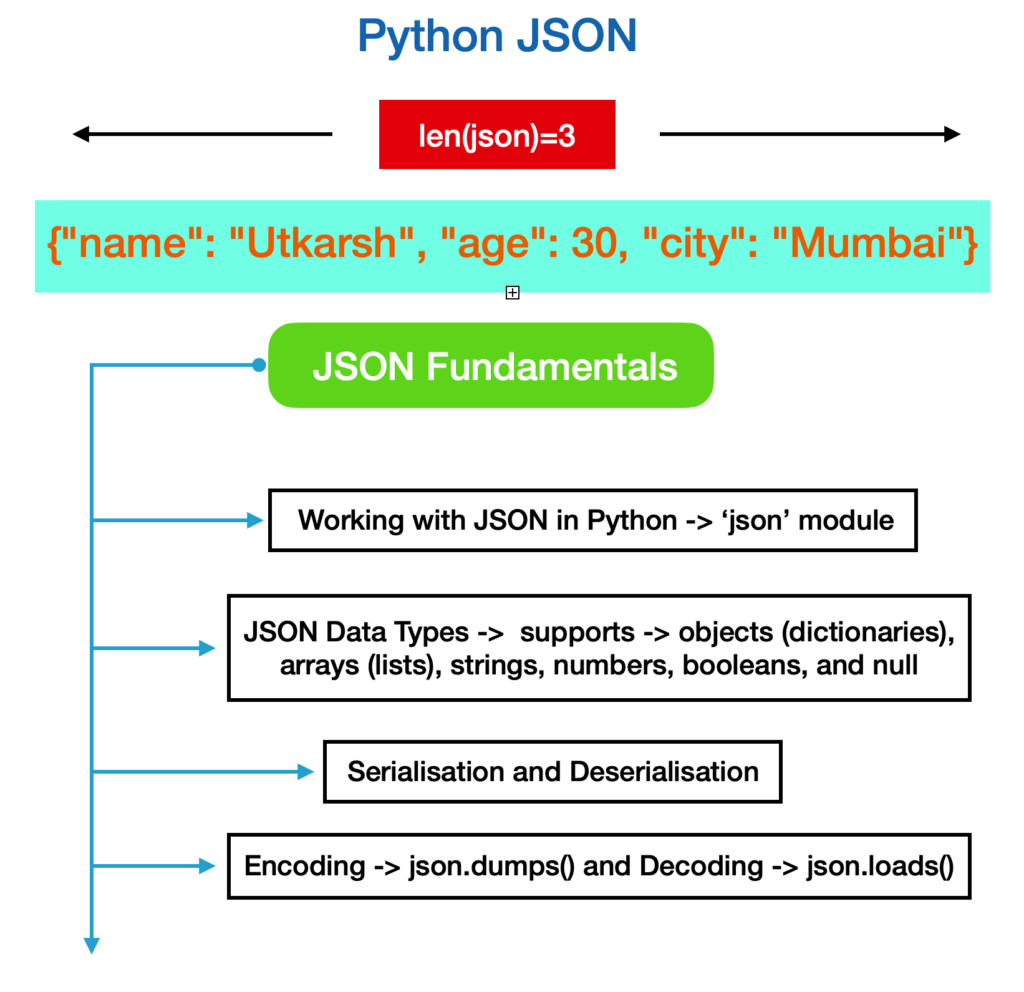
JSON is a text format used to store data in key-value pairs inside curly braces, similar to a Python dictionary. It's a lightweight data interchange format that's easy for humans to read and write and easy for machines to parse and generate. In Python, the `json` library provides tools to encode and decode data in JSON, making it a popular choice for data exchange and storage.
Working with JSON Data in Python
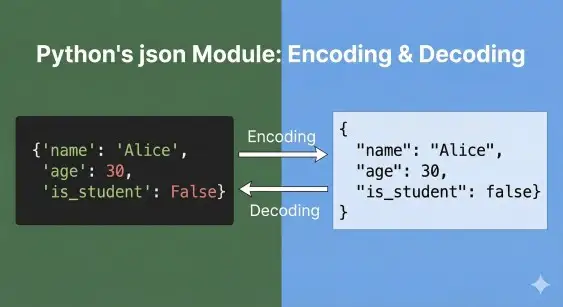
To work with JSON data in Python, you'll need to import the `json` library and use its functions to convert Python objects into JSON strings and vice versa. The `json` library provides several key functions, including:
- dumps(): Converts a Python object into a JSON string.
- loads(): Parses a JSON string into a Python object.
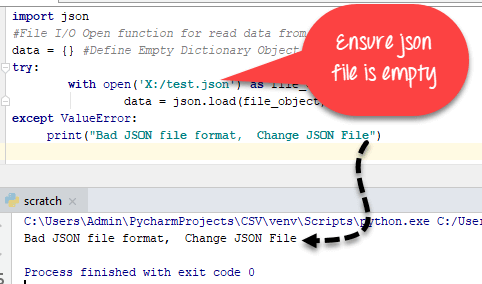
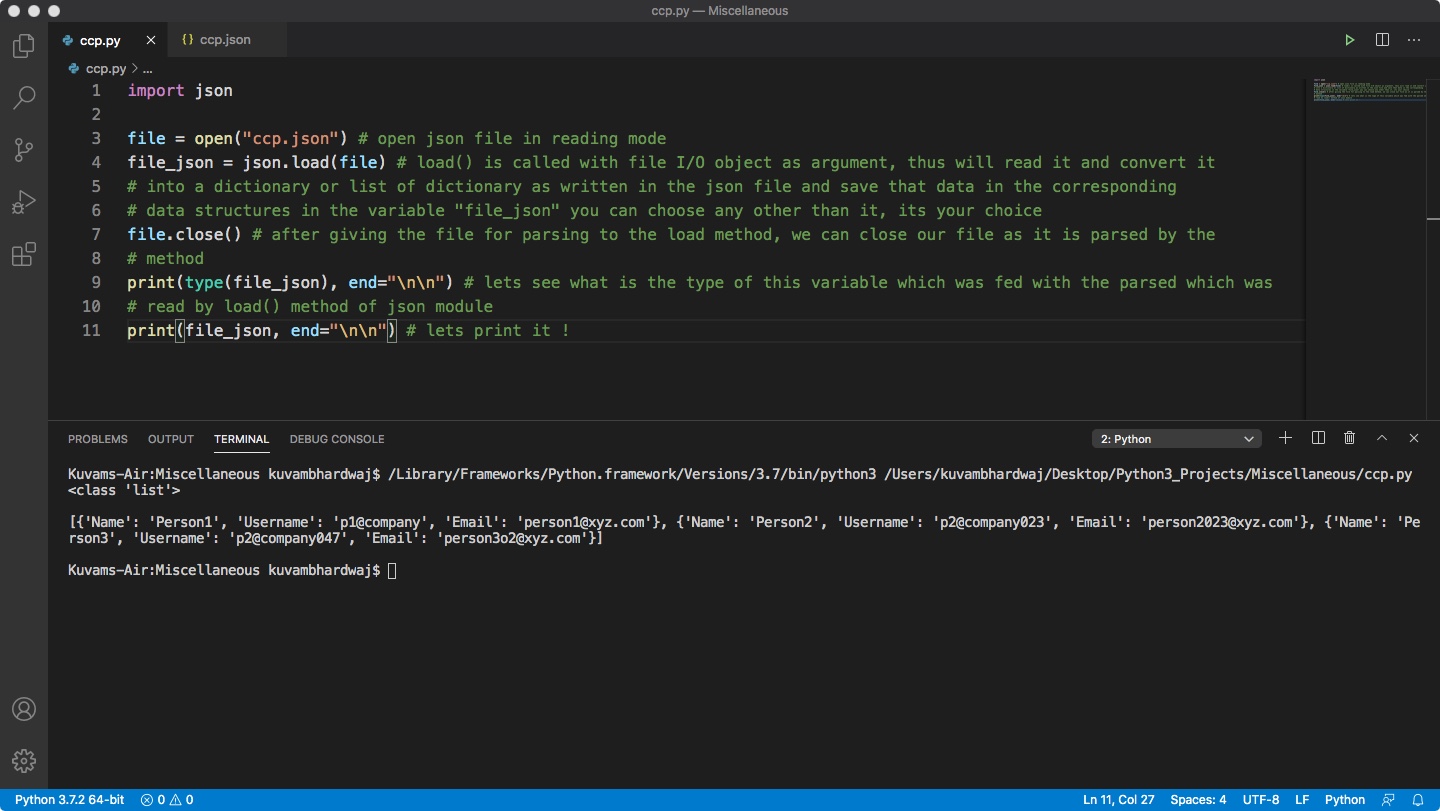
- load(): Reads a JSON file into a Python object.
- dump(): Writes a Python object to a JSON file.
Let's take a closer look at each of these functions and how they can be used to work with JSON data in Python.
Converting Python Objects to JSON Strings
The `dumps()` function is used to convert a Python object into a JSON string. This can be useful when you need to send data to an API or store data in a JSON file. Here's an example of how to use `dumps()`:
import json

# Create a Python object
data = {'name': 'John', 'age': 30}

# Convert the object to a JSON string
json_string = json.dumps(data)

print(json_string)
Parsing JSON Strings into Python Objects
The `loads()` function is used to parse a JSON string into a Python object. This can be useful when you need to read data from a JSON file or API. Here's an example of how to use `loads()`:
import json

# Create a JSON string
json_string = '{"name": "John", "age": 30}'

# Parse the JSON string into a Python object
data = json.loads(json_string)

print(data)
Reading and Writing JSON Files
The `load()` and `dump()` functions are used to read and write JSON files, respectively. These functions are useful when you need to store data in a JSON file or read data from a JSON file. Here's an example of how to use `load()` and `dump()`:
import json

# Create a Python object
data = {'name': 'John', 'age': 30}

# Write the object to a JSON file
with open('data.json', 'w') as f:
    json.dump(data, f)

# Read the JSON file into a Python object
with open('data.json', 'r') as f:
    data = json.load(f)

print(data)
Conclusion
Working with JSON data in Python is a crucial skill for any developer. The `json` library provides a simple and powerful way to convert Python objects into JSON strings and vice versa. Whether you're interacting with APIs, storing data in a JSON file, or sending data between different parts of your application, the `json` library is an essential tool for any Python developer. In this guide, we've covered the key functions of the `json` library, including `dumps()`, `loads()`, `load()`, and `dump()`. We've also provided examples of how to use these functions to work with JSON data in Python.




![Best Python Courses & Certificates [2026] | Coursera](https://cover-creator.labex.io/quick-start-with-python.png "Best Python Courses & Certificates [2026] | Coursera")