How to Protect Your Instagram Account from Thieves: A Comprehensive Guide
With the rise of social media, Instagram has become a popular platform for people to share their lives and connect with others. However, this also makes it a target for hackers and thieves who aim to steal personal and account-related information. To protect your Instagram account from these threats, it's essential to learn the best practices of cybersecurity and use official Instagram tools and expert techniques.
Why Hackers Target Instagram Accounts
Scams, phishing, identity theft, and Instagram account reselling are just a few reasons why hackers target Instagram accounts. These malicious activities can lead to the theft of personal data, financial loss, and damage to your online reputation. It's crucial to take proactive measures to secure your Instagram account and prevent these threats.
How to Protect Your Instagram Account from Hackers
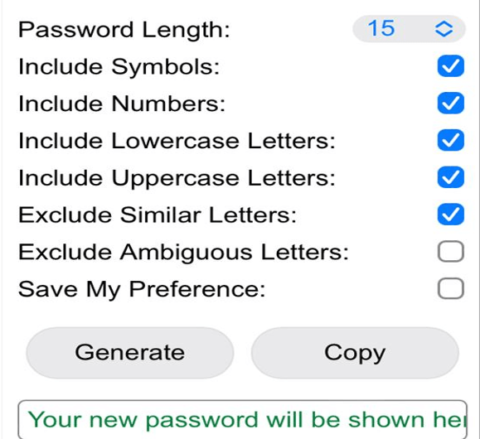
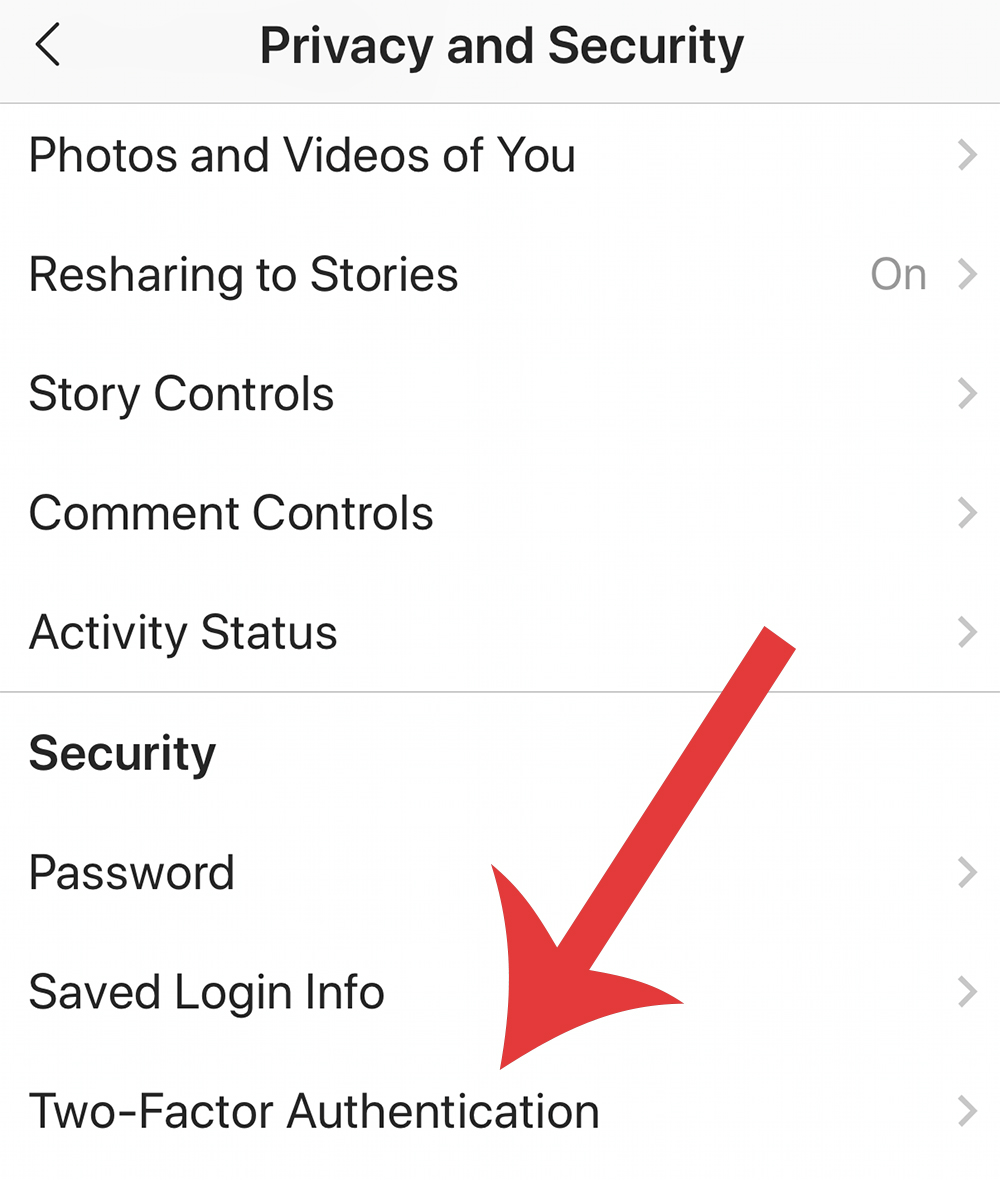
- Strong Passwords and MFA**: Protect your Instagram account with strong passwords and multifactor authentication (MFA). MFA adds an extra layer of security to your account, requiring both a password and a verification code sent to your phone or email to log in.
- Regular Password Changes**: Change your password regularly, especially if you suspect that your password may have been compromised. This helps to keep your account secure and prevent future hacking attempts.
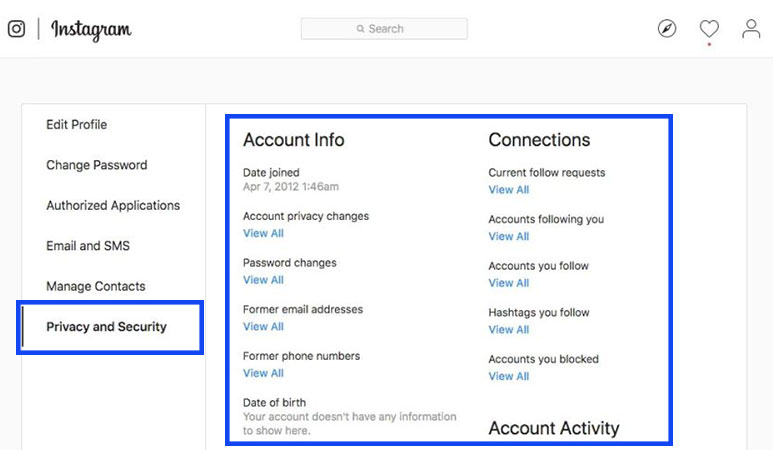
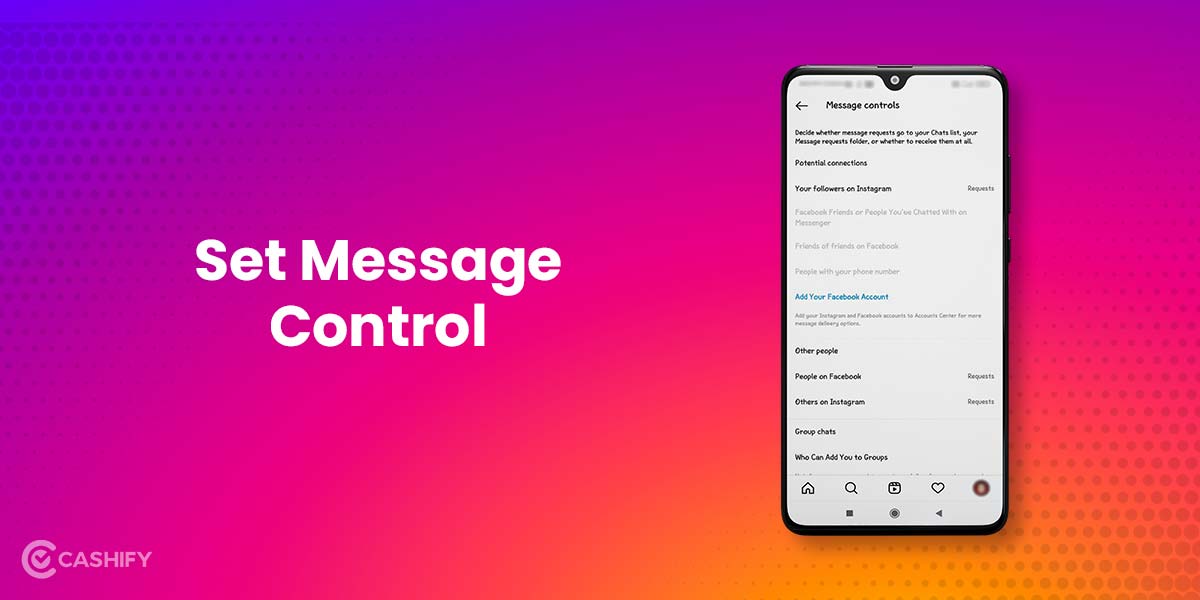
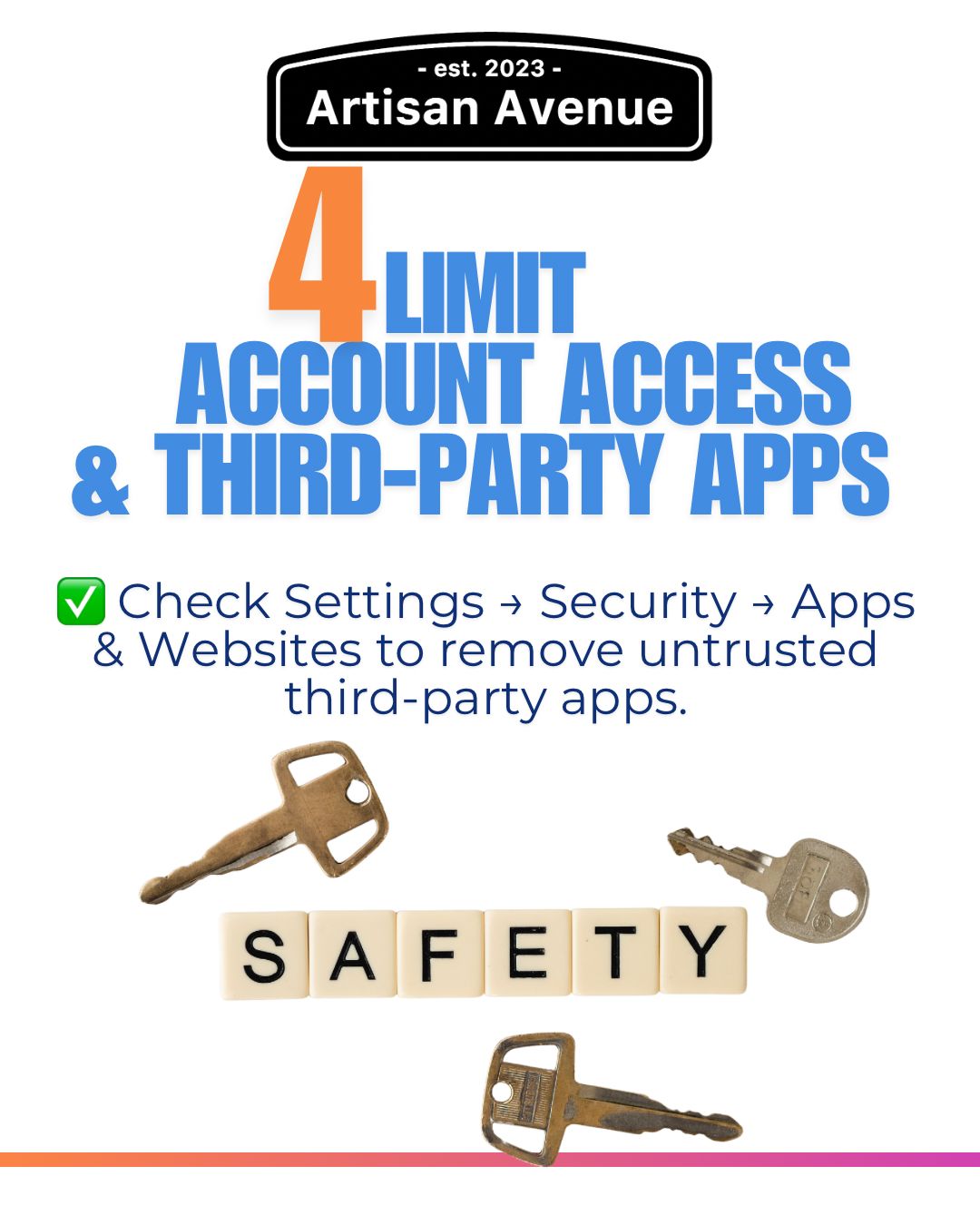
- Instagram's Security Features**: Leverage Instagram's official security features, such as two-factor authentication, account security checks, and review of login activity. These features help to identify and prevent suspicious activity.
- Phishing Attack Prevention**: Learn how to spot phishing attacks and avoid sharing sensitive information with unknown sources. Be cautious of links or requests to enter login credentials via email or other communication channels.
- Account Recovery**: Set up account recovery options, such as a backup email address and phone number, to regain access to your account in case you forget your password or encounter technical issues.
Warning Signs of Identity Theft
Monitor your account activity and watch for these warning signs of identity theft:
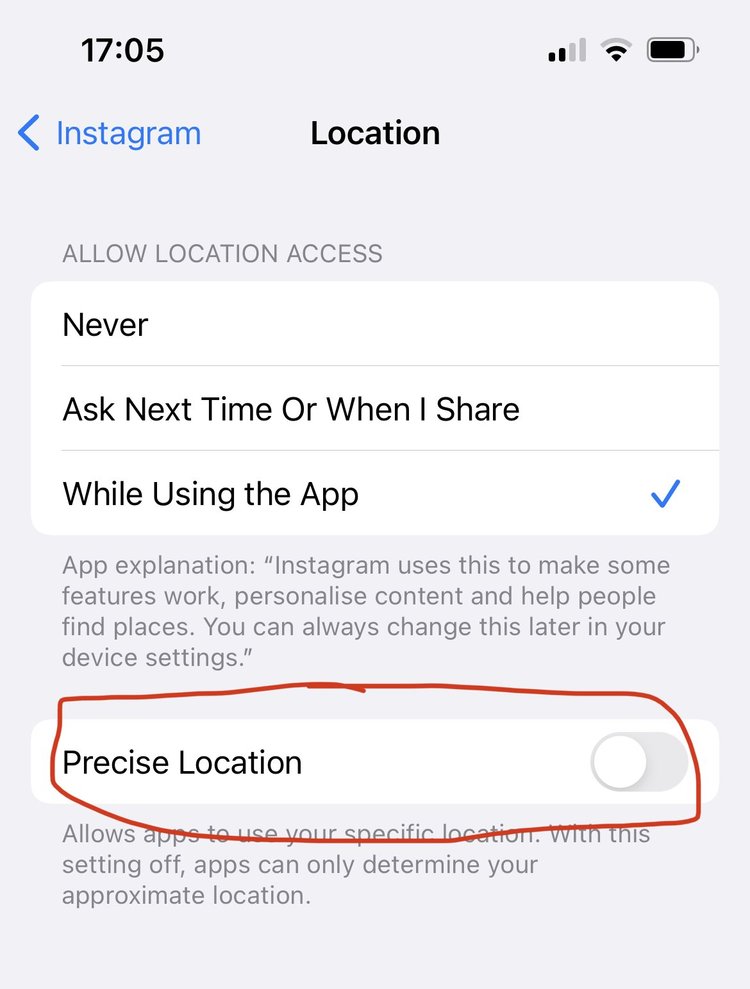
- Unusual login activity from unfamiliar devices or locations
- Missing or unusual transactions on your financial accounts
- Incorrect or missing personal information on your account
- Unexpected requests or messages from Instagram or other service providers
Conclusion
Protecting your Instagram account from thieves requires proactive measures, awareness of security risks, and effective use of Instagram's security features. By following the best practices outlined in this guide, you can help safeguard your account, prevent identity theft, and maintain a safe online presence.
Additional Resources
For more information on Instagram's security features and tips on how to protect your account, refer to:
- Instagram's official security page
- Facebook's Online Safety Guide
- Bitdefender's Guide to Preventing Instagram Hacking
- Get Safe Online's Cybersecurity Tips and Tricks