Protecting Your Computer from Ransomware Virus: A Comprehensive Guide
Ransomware is a type of malicious software that has become increasingly prevalent in recent years, causing significant disruptions to individuals and organizations alike. In this article, we will discuss the importance of protecting your computer from ransomware virus and provide you with a comprehensive guide on how to prevent and respond to ransomware attacks.
What is Ransomware?
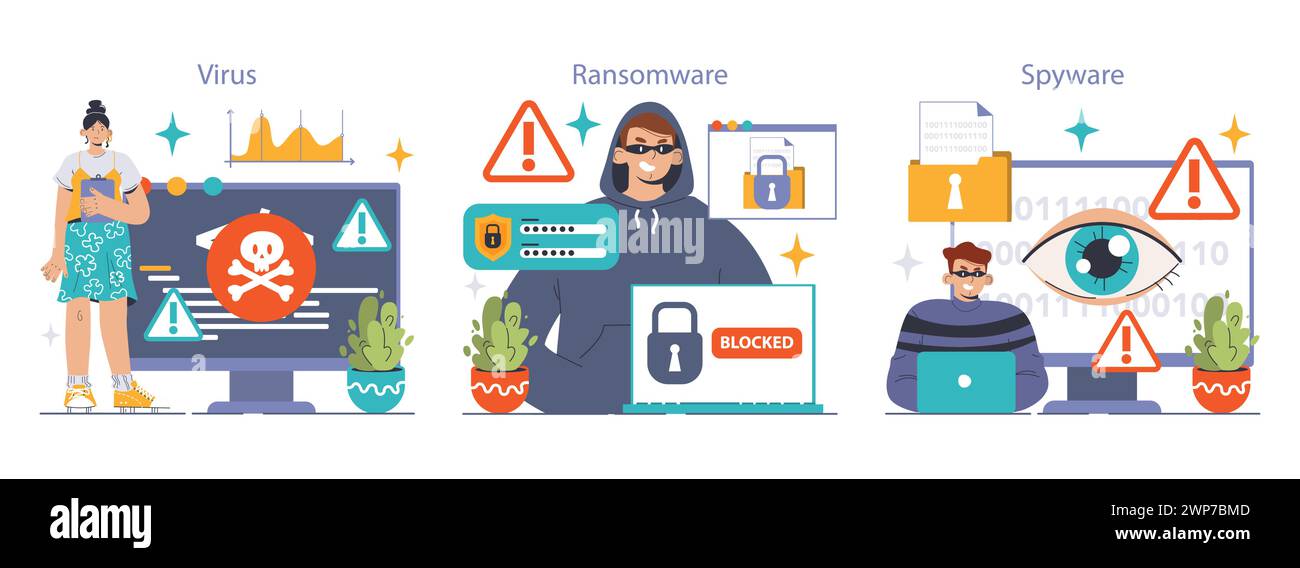
Ransomware is a type of malware that encrypts your files or locks your computer, making it inaccessible until you pay a ransom to the attacker. This type of malware can spread quickly through networks, compromising multiple computers and storage devices. It's essential to understand that ransomware is not a file or a program, but rather a specific type of malicious software designed to extort money from victims.
Why is Ransomware a Threat?
Ransomware is a significant threat to individuals and organizations due to its potential to cause widespread disruptions and financial losses. According to recent statistics, ransomware attacks have increased by over 400% in the past year alone, making it a pressing concern for cybersecurity professionals and individuals alike.
Why Protect Your Computer from Ransomware Virus?
Protecting your computer from ransomware virus is crucial for several reasons:
- Prevents Financial Losses: Paying a ransom does not guaranteed the decryption of your files, and you may end up losing valuable data.
- Protects Personal Data: Ransomware can compromise sensitive information, such as financial data, personal identifiable information, and confidential business data.
- Preserves Business Continuity: Ransomware attacks can disrupt business operations, causing significant losses and reputational damage.
How to Protect Your Computer from Ransomware Virus?
Protecting your computer from ransomware virus requires a proactive approach and robust security measures. Here are some essential steps to follow:
1. Use Reliable Antivirus Software
- Invest in reputable antivirus software that offers robust malware detection and removal capabilities.
- Look for antivirus solutions that provide real-time protection, automatic updates, and regular scanning.
2. Keep Your Operating System and Applications Up-to-Date
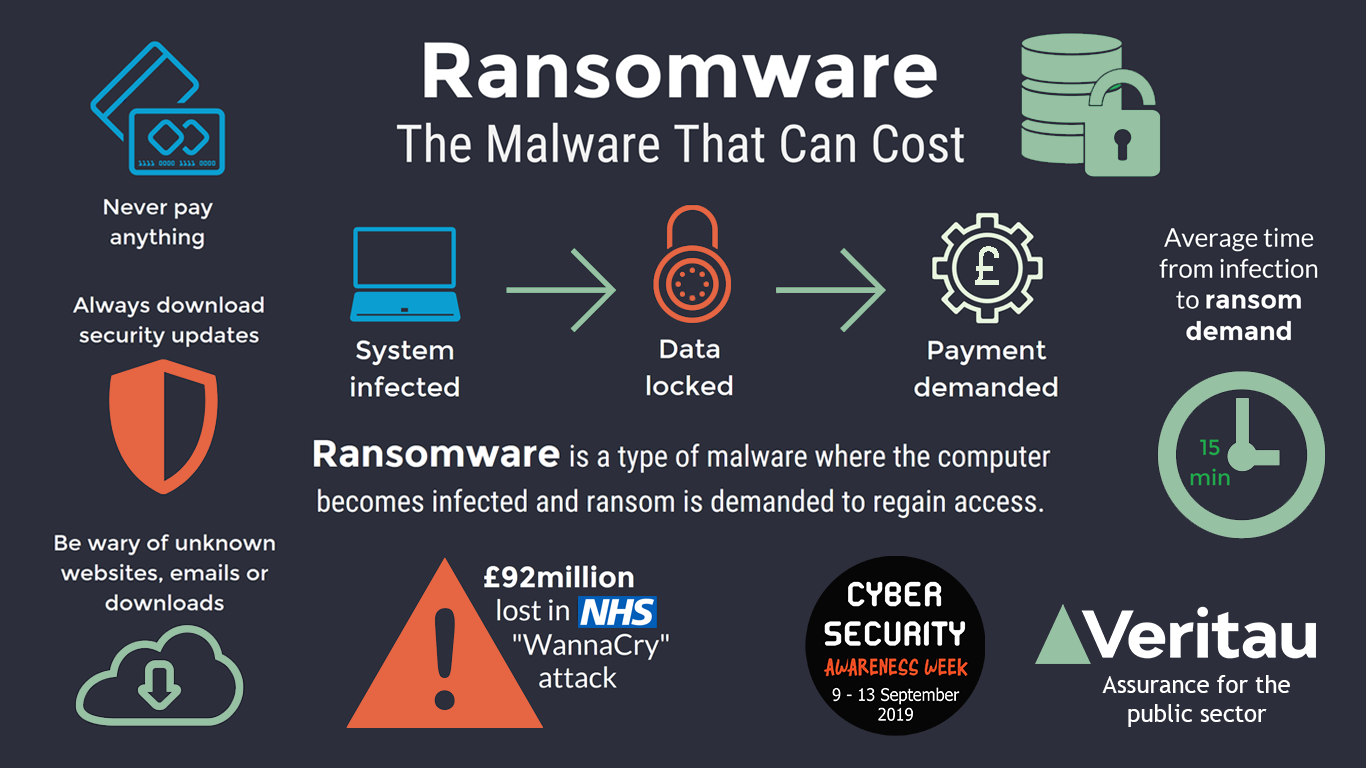
- Regularly update your operating system, browser, and applications to ensure you have the latest security patches.
- Enable Automatic Updates to ensure timely installation of security patches.
3. Use Strong Passwords and Enable Two-Factor Authentication
- Use strong, unique passwords for all accounts, and consider using a password manager.
- Enable two-factor authentication (2FA) whenever possible to add an extra layer of security.
4. Back Up Your Data Regularly
- Create backup copies of your files and store them on removable media or in online storage.
- Regularly back up your data to ensure you have a recent copy in case of a ransomware attack.
5. Use Anti-Malware Software and Perform Regular Scans
- Install anti-malware software that provides real-time protection and regular scanning.
- Perform regular scans to detect and remove any malware, including ransomware.
What to Do in Case of a Ransomware Attack?
In the event of a ransomware attack, follow these steps:
- Disconnect from the internet to prevent the ransomware from spreading.
- Isolate the infected computer or device to prevent further damage.
- Contact your IT department or a cybersecurity professional for assistance.
Conclusion
Protecting your computer from ransomware virus requires a proactive approach and robust security measures. By following the steps outlined in this article, you can significantly reduce the risk of a ransomware attack and ensure the safety of your computer and data. Remember, prevention is key, and timely action can make all the difference in case of a ransomware attack.
Stay safe online, and protect your computer from ransomware virus today!