Ransomware Malware Protection: A Comprehensive Guide to Safeguarding Your Data
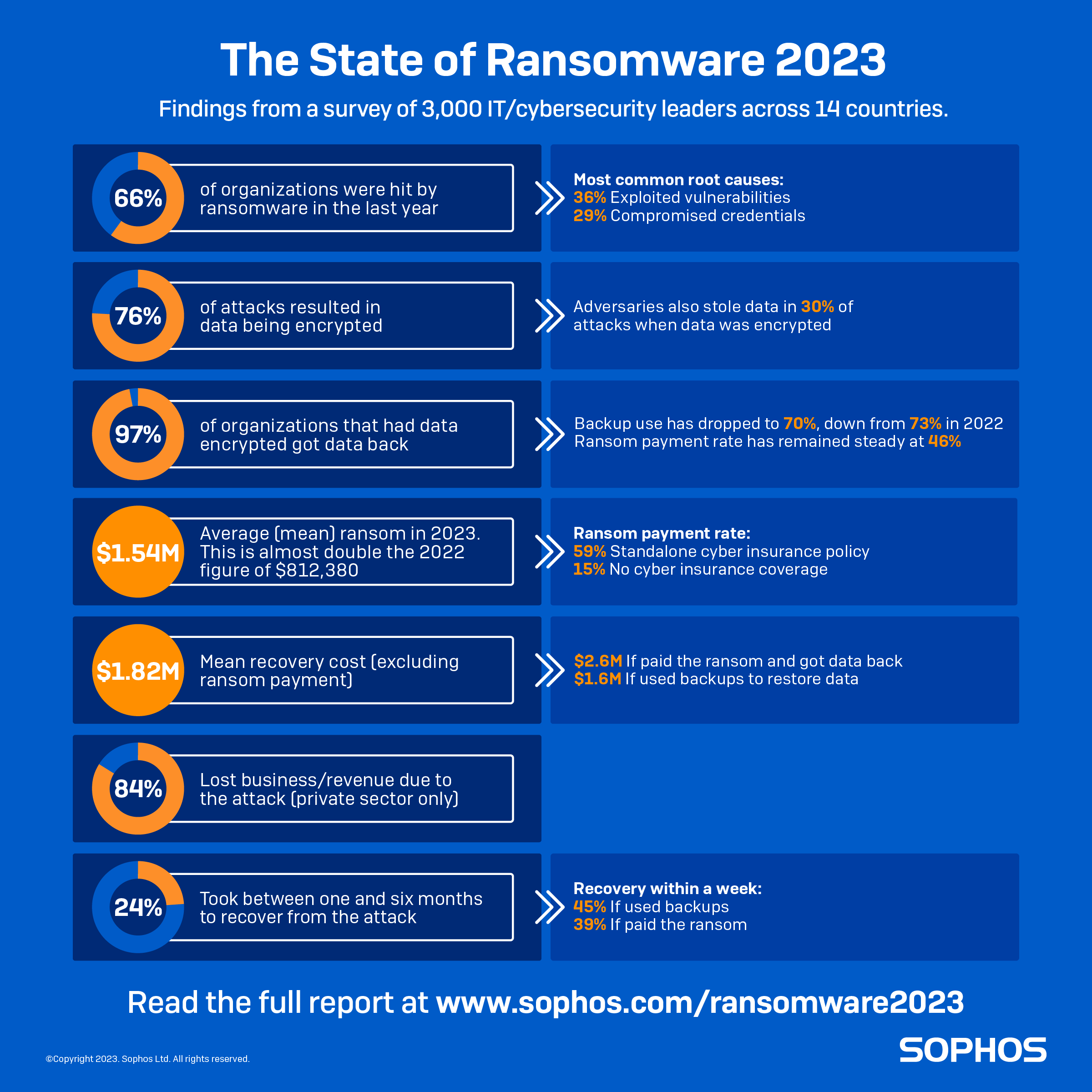
With the rise of cyber threats, ransomware malware has become a significant concern for individuals and businesses alike. This type of malware encrypts files, rendering them inaccessible, and demands a ransom in exchange for the decryption key. In this article, we'll delve into the world of ransomware malware protection and explore the best strategies to safeguard your data.
Understanding Ransomware Malware
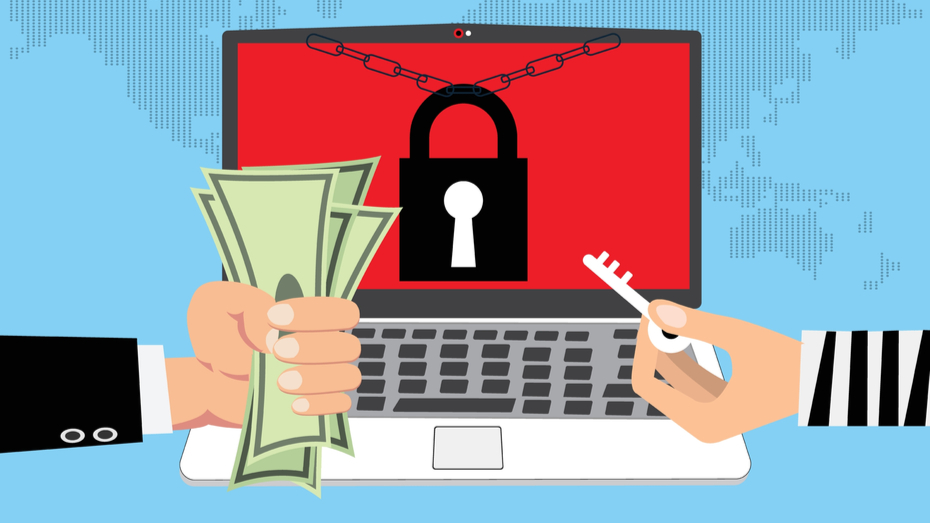
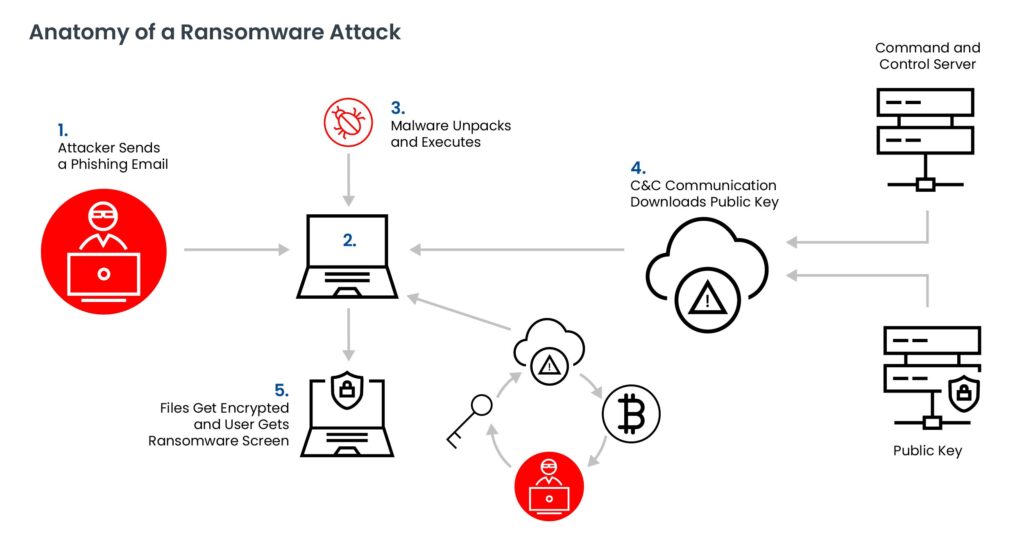
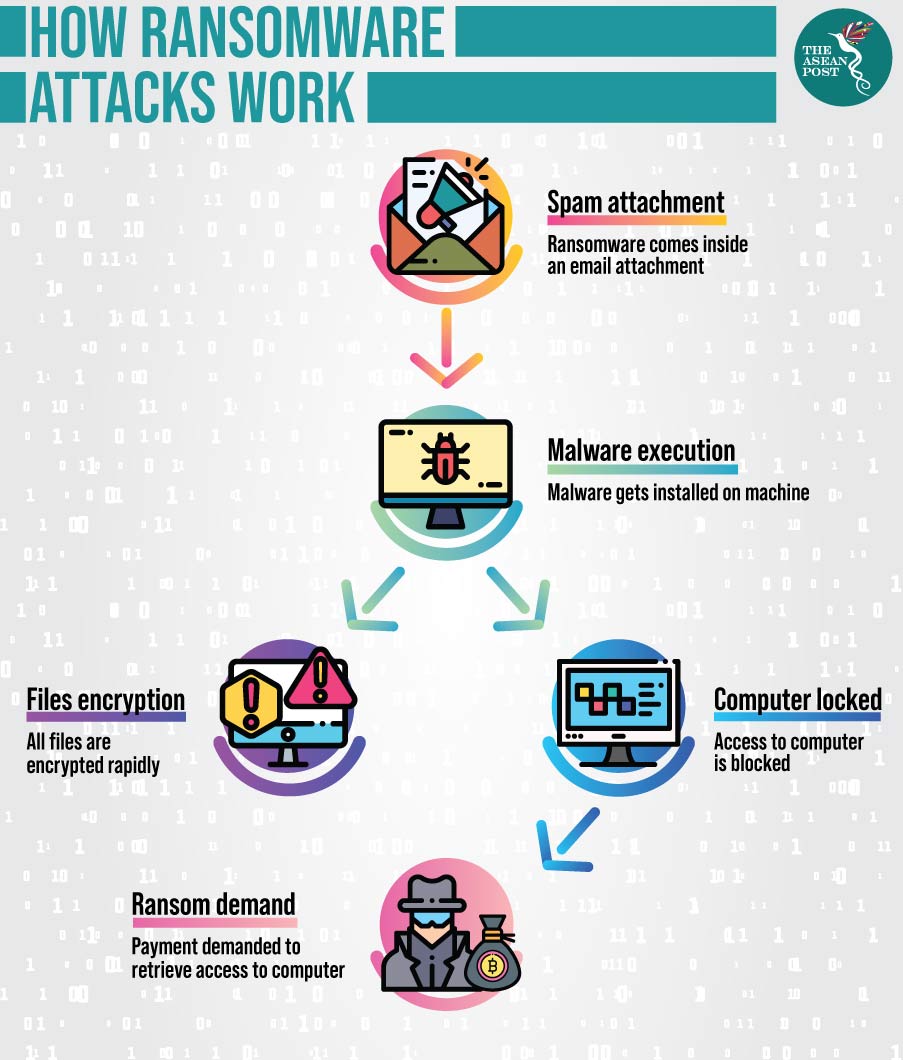
Ransomware malware typically infects systems through phishing emails, infected software downloads, or exploited vulnerabilities. Once deployed, it searches for files to encrypt, making them inaccessible to the user. The attacker then demands a ransom, usually in the form of cryptocurrency, in exchange for the decryption key.
What are the Signs of a Ransomware Attack?
- Files appear encrypted or renamed with a specific extension.
- A ransom demand is displayed on the screen or sent via email.
- System performance slows down, and processes become unresponsive.
Best Practices for Ransomware Malware Protection
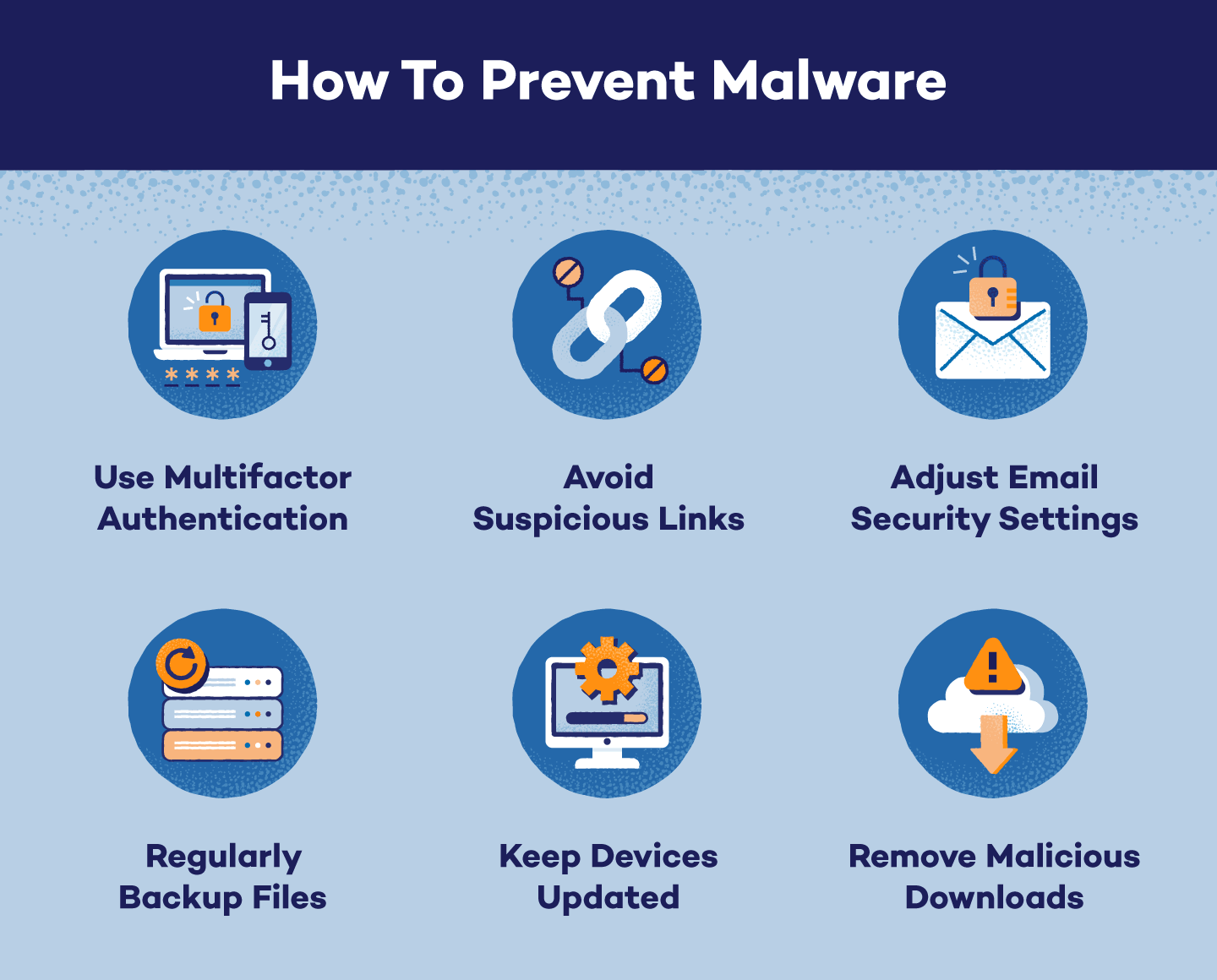
To protect yourself and your business from ransomware attacks, follow these best practices:
Backup Your Data
Regularly backup your files on an external drive or cloud storage service to ensure that your data is safe and accessible even in the event of a ransomware attack.
Use Anti-Ransomware Software
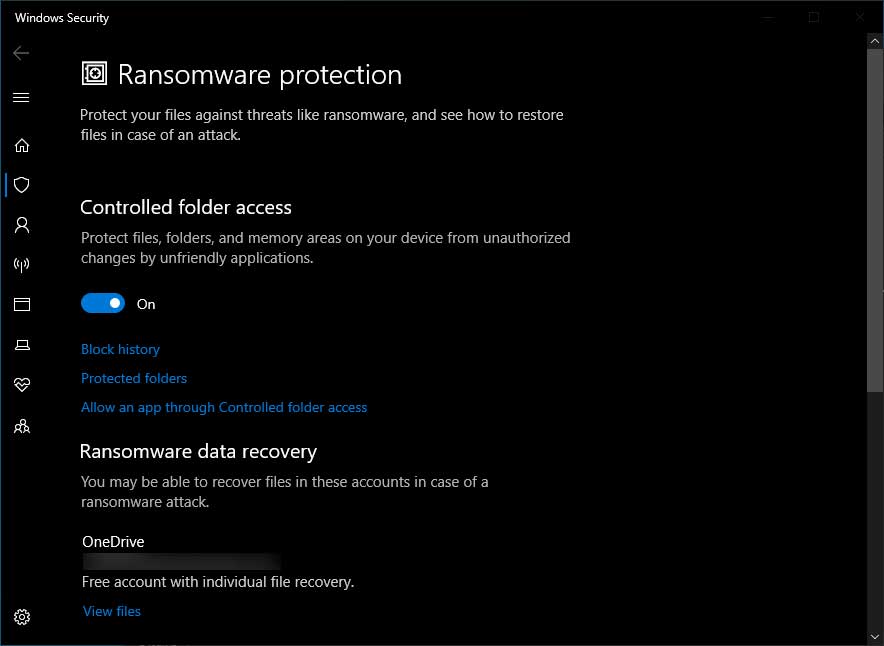
Install anti-ransomware software, such as Windows Defender, Malwarebytes, or Bitdefender, to detect and prevent ransomware attacks.
Stay Up-to-Date with Security Updates
Ensure that your operating system, software, and firmware are up-to-date with the latest security patches to prevent exploitation of known vulnerabilities.

Use Strong Passwords and Multi-Factor Authentication
Use strong, unique passwords for all accounts, and enable multi-factor authentication to prevent unauthorized access to your systems and data.
Train Employees on Cyber Security
Educate your employees on the risks of phishing, social engineering, and other cyber threats to prevent accidental clicks on malicious links or attachments.
Top-Rated Anti-Ransomware Software
Here are some of the top-rated anti-ransomware software that can help protect your data:
- Windows Defender
- Malwarebytes
- Bitdefender
- Sophos
- PC Matic
Conclusion
Protecting yourself and your business from ransomware attacks requires a comprehensive approach that includes regular backups, anti-ransomware software, security updates, and employee training. By following these best practices and using top-rated anti-ransomware software, you can safeguard your data and prevent financial losses due to ransom demands.
Recommendations
Consider the following recommendations to enhance your ransomware malware protection:
- Implement a zero-trust network access to restrict access to sensitive areas of your network.
- Use a robust backup and disaster recovery solution to ensure business continuity.
- Regularly monitor your systems and data for signs of ransomware activity.