Secure Your Online Presence Online: A Guide to Protecting Your Digital Identity
In today's digitally connected world, maintaining a strong online presence is crucial for both personal and professional success. However, with the rise of cyber threats and data breaches, protecting your online presence has become more challenging than ever. In this article, we will explore the importance of securing your online presence online and provide you with a comprehensive guide on how to do it effectively.
The Importance of Securing Your Online Presence
Your online presence is the digital representation of your personal or professional brand. It includes your social media profiles, websites, blogs, and any other online platforms where you interact with others. Securing your online presence is essential for protecting your digital identity, maintaining your reputation, and preventing cyber threats.
Types of Online Threats
- Data breaches: Hackers can gain access to your personal data, such as passwords, credit card numbers, and other sensitive information.
- Phishing attacks: Scammers can trick you into revealing your login credentials or other sensitive information.
- Malware: Malicious software can infect your devices and steal your data or disrupt your online activities.
- Identity theft: Thieves can use your personal data to create fake online accounts, steal your money, or commit other crimes.
How to Secure Your Online Presence
1. Use Strong Passwords and 2FA/MFA
Using strong, unique passwords and enabling two-factor authentication (2FA) or multi-factor authentication (MFA) can significantly reduce the risk of unauthorized access to your online accounts.
2. Regularly Update Your Software and Apps
Keep your operating system, browser, and other software up to date to ensure you have the latest security patches and features.
3. Use a VPN and Antivirus Software
A virtual private network (VPN) can encrypt your internet traffic and protect your data from hackers. Antivirus software can detect and remove malware from your devices.
4. Be Cautious with Public Wi-Fi and Email Attachments
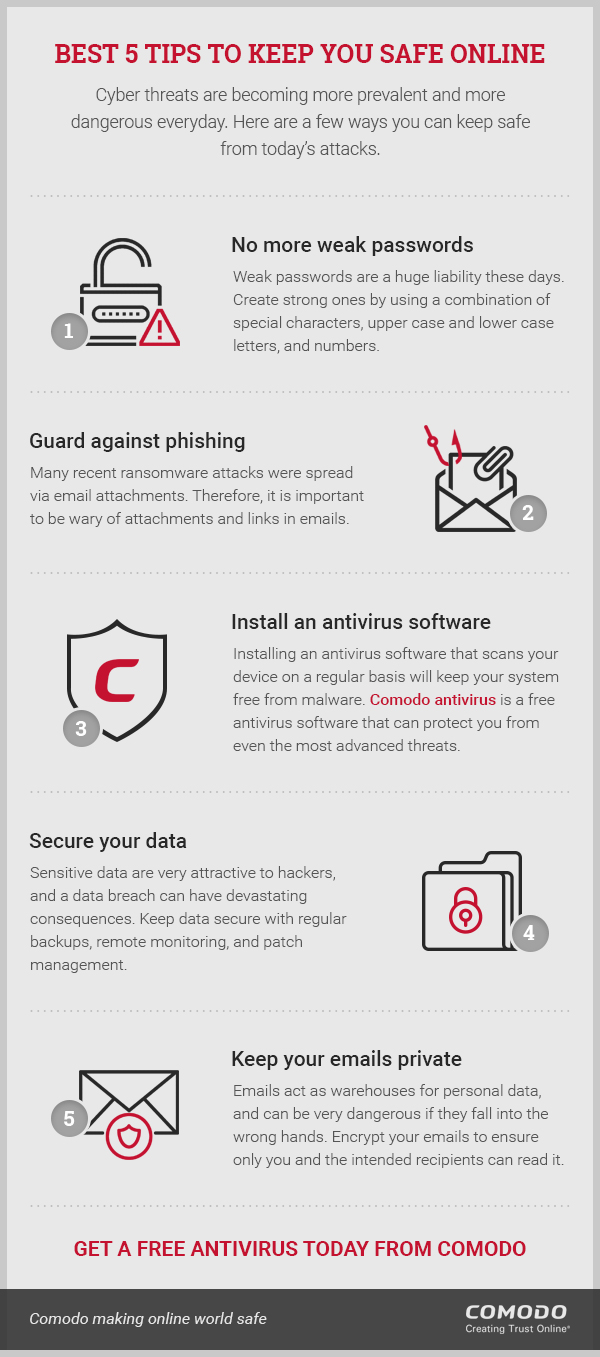
Public Wi-Fi networks may not be secure, so avoid using them to access sensitive information. Be wary of email attachments and links from unknown senders, as they may contain malware or phishing attacks.
5. Monitor Your Online Accounts and Credit Reports
Regularly review your online accounts and credit reports to detect any suspicious activity or errors.
6. Use a Password Manager
A password manager can generate and store unique, complex passwords for all your online accounts, making it easier to maintain strong password security.
7. Limit Sharing and Lock Down Settings
Be mindful of the information you share online and adjust your social media and other online account settings to limit access and visibility.
8. Use Secure Protocols (HTTPS) and Authenticity
Ensure that websites you visit use secure protocols (HTTPS) and verify the authenticity of websites and online services.
Conclusion
Safeguarding your online presence online requires ongoing effort and vigilance. By following these best practices and staying informed about the latest online threats and security measures, you can protect your digital identity, maintain your reputation, and prevent cyber threats.
Additional Resources
- Bytescare: A robust digital protection and reputation management solution that safeguards your online presence, brand, content, and identity.
- Turbify: A platform that offers a range of services, including domain registration, email hosting, website creation, and online store setup, all with a focus on security and speed.
- PimEyes: A service that helps you protect your online presence and monitor your digital identity with flexible pricing plans.