Secure Your Router IP Address: A Essential Guide to Protect Your Home Network
As technology advances, our dependence on the internet for daily activities has grown exponentially. Be it browsing, streaming, or just staying connected with loved ones, the internet has become an integral part of our lives. However, with increased connectivity comes the risk of cyber threats. Securing your router IP address is the first step in safeguarding your home network and protecting it from malicious activities.
The Consequences of Unsecured Routers
In today's digital age, an unsecured router can be like an open door to your home. Cyber threat actors can take advantage of this vulnerabilities to gain unauthorized access to your network, steal sensitive information, or even take control of your devices. By failing to secure your router IP address, you may inadvertently contribute to large-scale hacking operations, making it crucial to take immediate action.
What You Need to Know About Routers
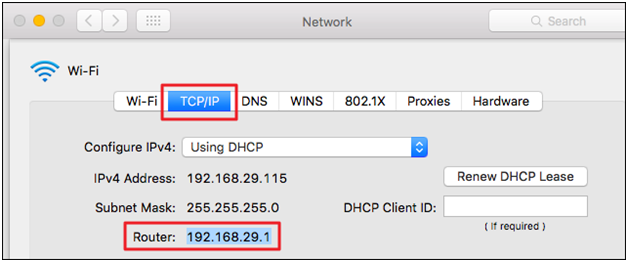
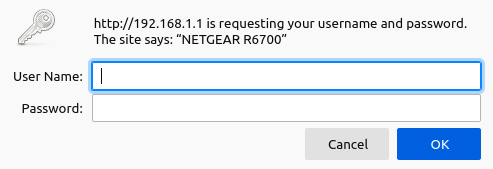
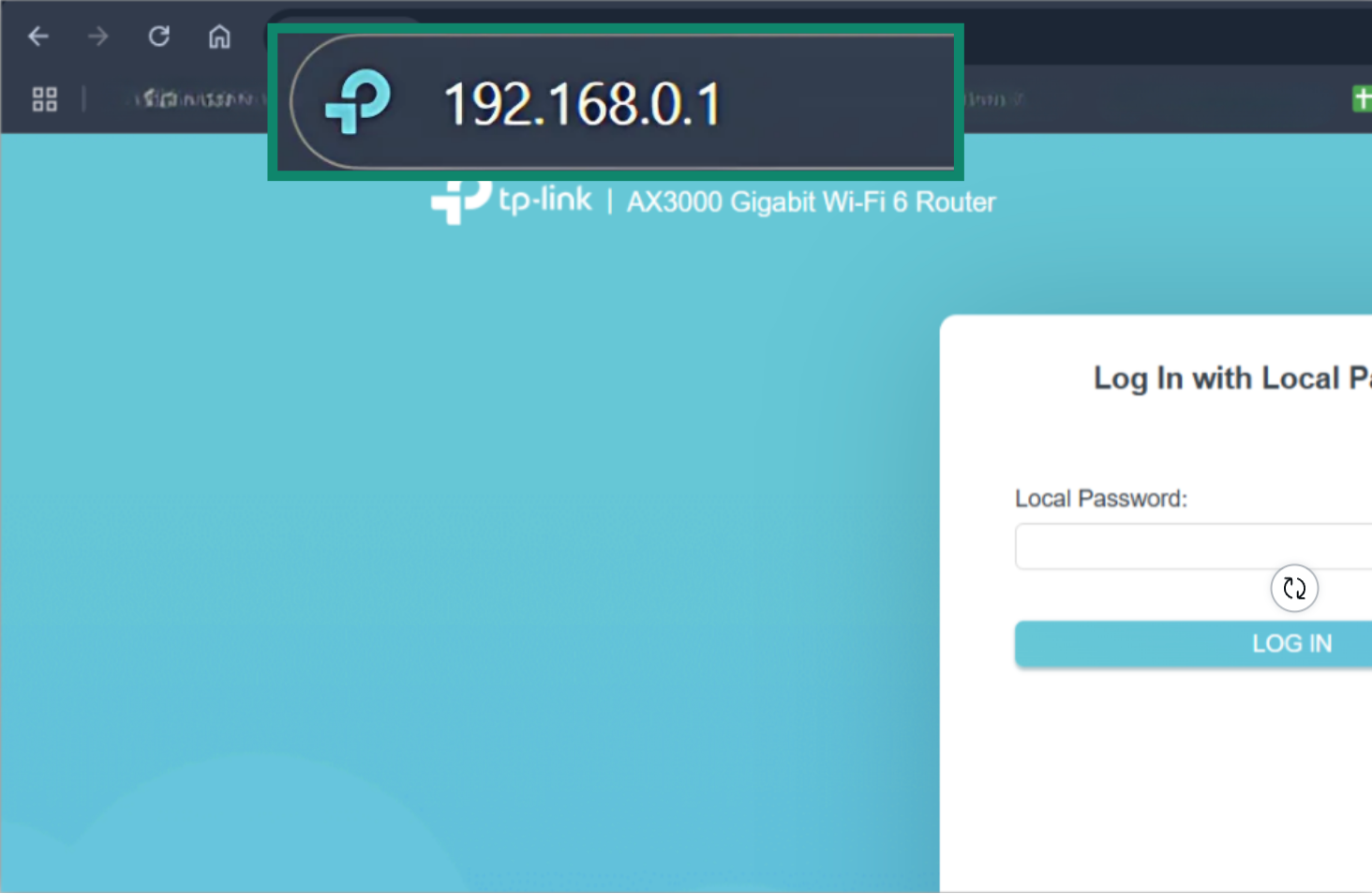
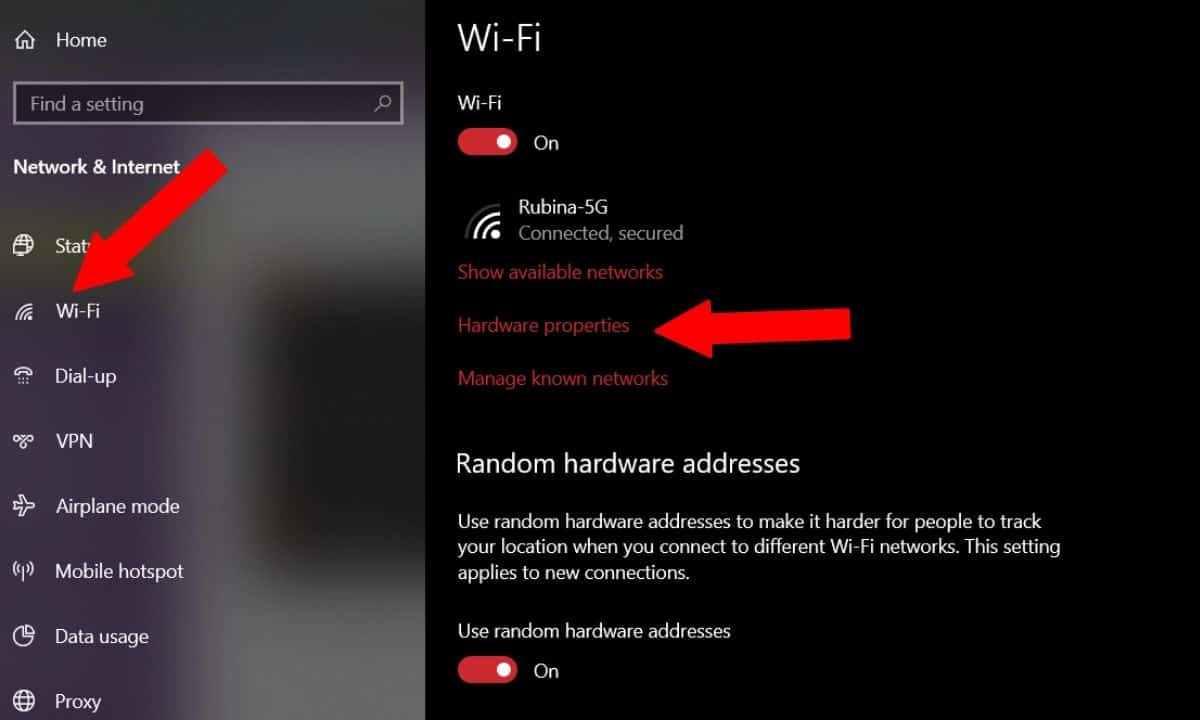
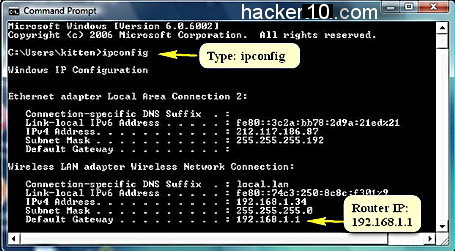
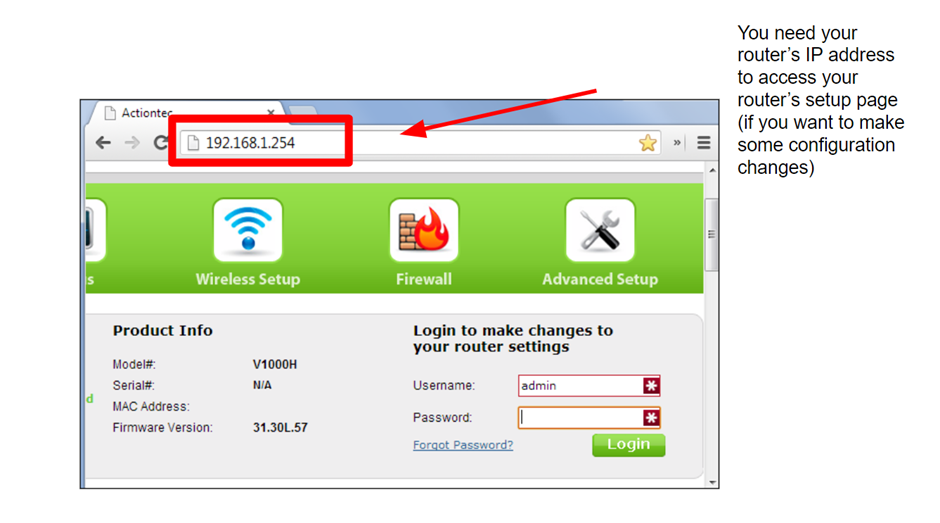
Most modern routers come with an auto-update feature, similar to Windows and web browsers. However, older routers may require manual updates, which can be checked on the manufacturer's website. Ensure your router has the latest firmware installed to prevent potential cybersecurity risks. Also, familiarize yourself with your router's local IP address, usually found on a sticker or in the user manual, to access the admin page.
The Importance of IP Addresses
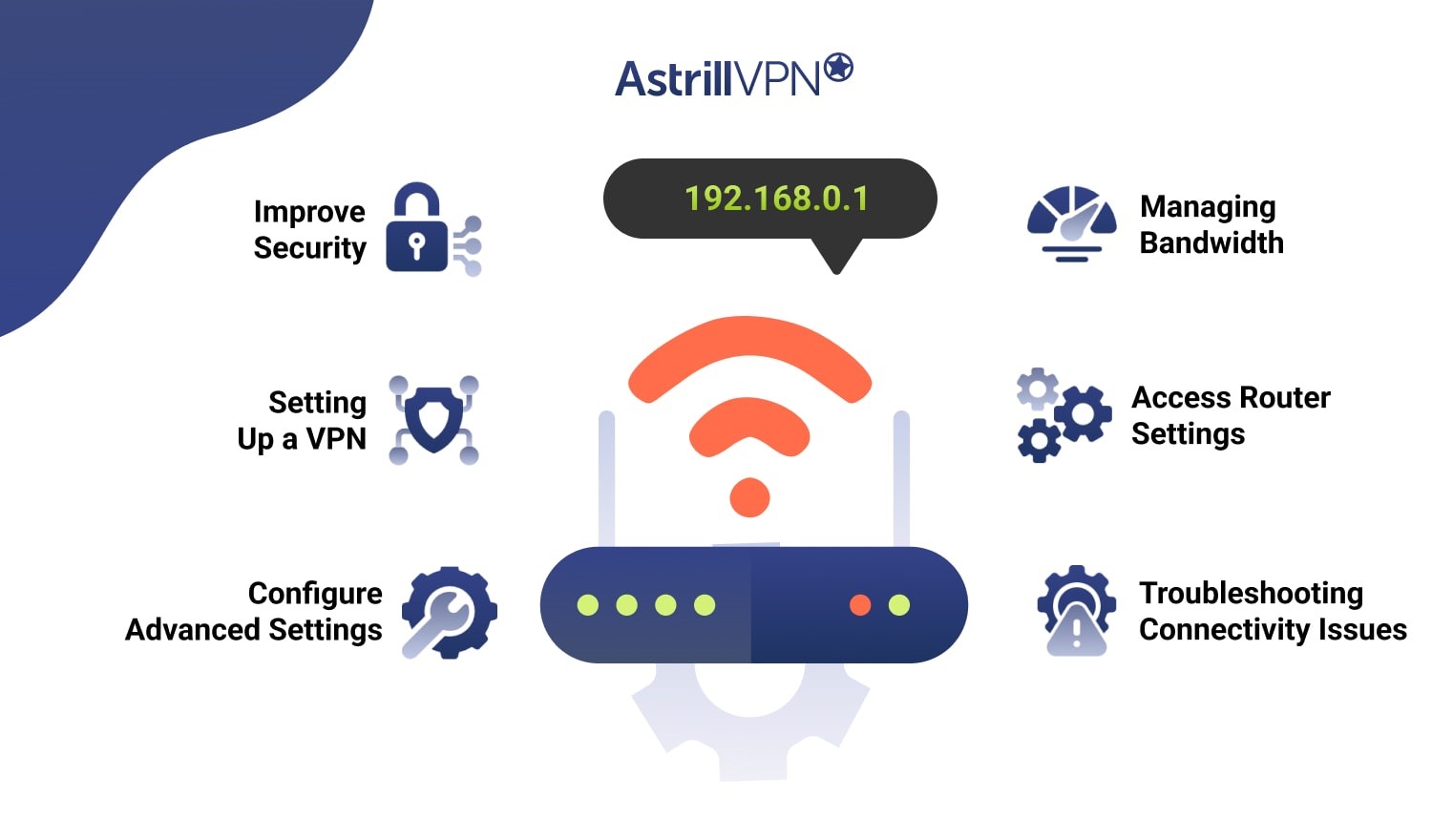
An IP address is a unique identifier assigned to devices on a network, allowing them to communicate with each other. Understanding how IP addresses work and managing them effectively is crucial for a secure home network. By securing your router IP address, you can prevent unauthorized access and protect your sensitive information.
Top Tips to Secure Your Router IP Address
- Use a Strong Password: Choose a complex and unique password for your router's admin page to prevent unauthorized access.
- Enable WPA3 Encryption: WPA3 encryption is the latest security protocol for wireless networks, ensuring your data remains secure.
- Use a VPN: A Virtual Private Network (VPN) helps mask your IP address from hackers and maintain online anonymity.
- Regularly Update Firmware: Keep your router's firmware up-to-date to patch security vulnerabilities and fix bugs.
- Secure Your Guest Network: Separate your guest network from your main network to prevent unauthorized access.
Take Control of Your Home Network
With these simple router configurations, you can boost your home network's security and performance. By securing your router IP address and managing your network effectively, you can enjoy a safer online experience.
Conclusion
Safeguarding your home network is a crucial step in preventing cyber threats and ensuring online security. By securing your router IP address, you can prevent unauthorized access, protect sensitive information, and maintain a safe online experience. Take control of your home network today and secure your router IP address to enjoy a safer and more private online world.

![[Wireless] How to make my router more secure? - ASUS](https://bcca.org/wp-content/uploads/2023/05/How-To-Find-Your-Routers-IP-Address-1024x512.png "[Wireless] How to make my router more secure? - ASUS")



![[Wireless Router] How do I enter my ASUS router's setting page using ...](https://www.security.org/app/uploads/2023/12/Automatically-changing-your-IP-address-on-a-Mac-768x483.png "[Wireless Router] How do I enter my ASUS router's setting page using ...")