Email Account Authentication: A Comprehensive Guide
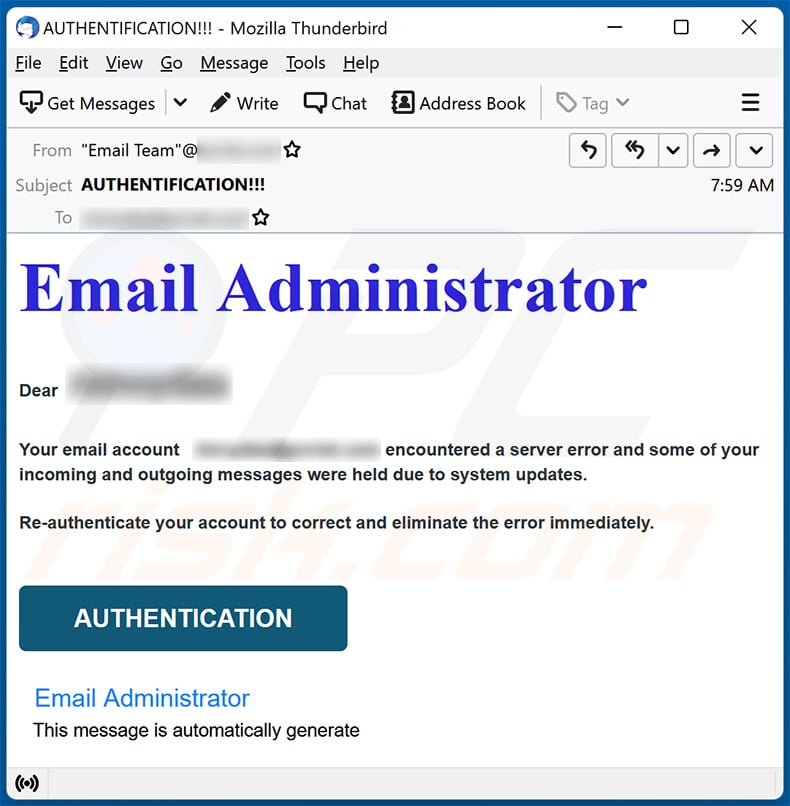
Email account authentication is a crucial aspect of email security that involves verifying the identity of the sender or user attempting to access an email account. With the rise of email-related threats, such as phishing, spoofing, and password cracking, email account authentication has become an essential measure to protect email accounts from unauthorized access.
What is Email Account Authentication?
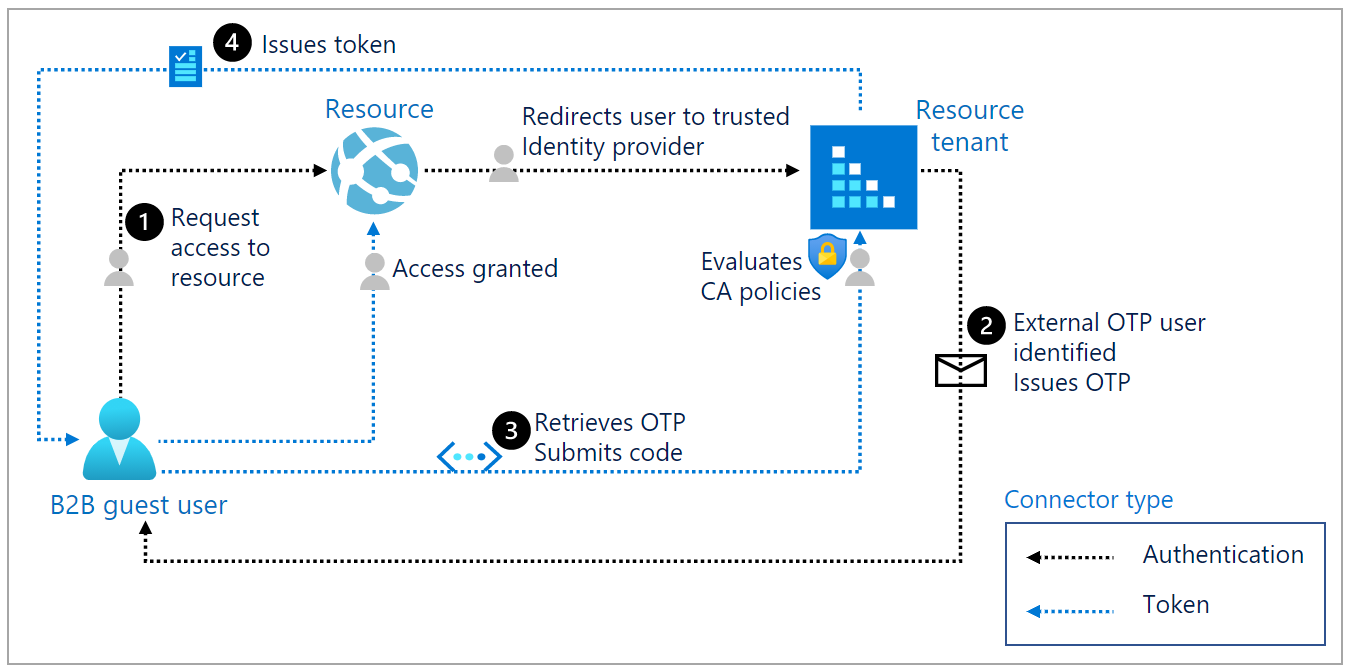
Email account authentication involves verifying the identity of the sender or user through a series of checks and balances. This process ensures that only authorized individuals can access an email account, thereby preventing unauthorized access and malicious activities.
The Importance of Email Account Authentication
Email account authentication is vital for several reasons:
- Protects against unauthorized access: Email account authentication prevents hackers and malicious actors from accessing email accounts without permission.
- Prevents phishing and spoofing: Email account authentication helps to prevent phishing and spoofing attacks, which are common email-related threats.
- Enhances email security: Email account authentication enhances email security by ensuring that only authorized individuals can access email accounts.
- Builds trust: Email account authentication builds trust between email service providers and users, as it ensures that email accounts are secure and protected.
Email Account Authentication Protocols
There are several email account authentication protocols, including:
- SPF (Sender Policy Framework): SPF is a protocol that verifies the sender's IP address and ensures that it matches the IP address listed in the DNS record.
- DKIM (DomainKeys Identified Mail): DKIM is a protocol that verifies the sender's domain and ensures that the email has not been tampered with during transmission.
- DMARC (Domain-based Message Authentication, Reporting, and Conformance): DMARC is a protocol that verifies the sender's domain and ensures that the email has not been tampered with during transmission.
How to Implement Email Account Authentication
Implementing email account authentication requires the following steps:
- Enable SPF, DKIM, and DMARC on your email server.
- Configure your email server to use these protocols.
- Update your DNS records to reflect the new authentication protocols.
- Test your email account authentication protocols to ensure they are working correctly.
Best Practices for Email Account Authentication
Here are some best practices for email account authentication:
- Use a combination of authentication protocols, such as SPF, DKIM, and DMARC.
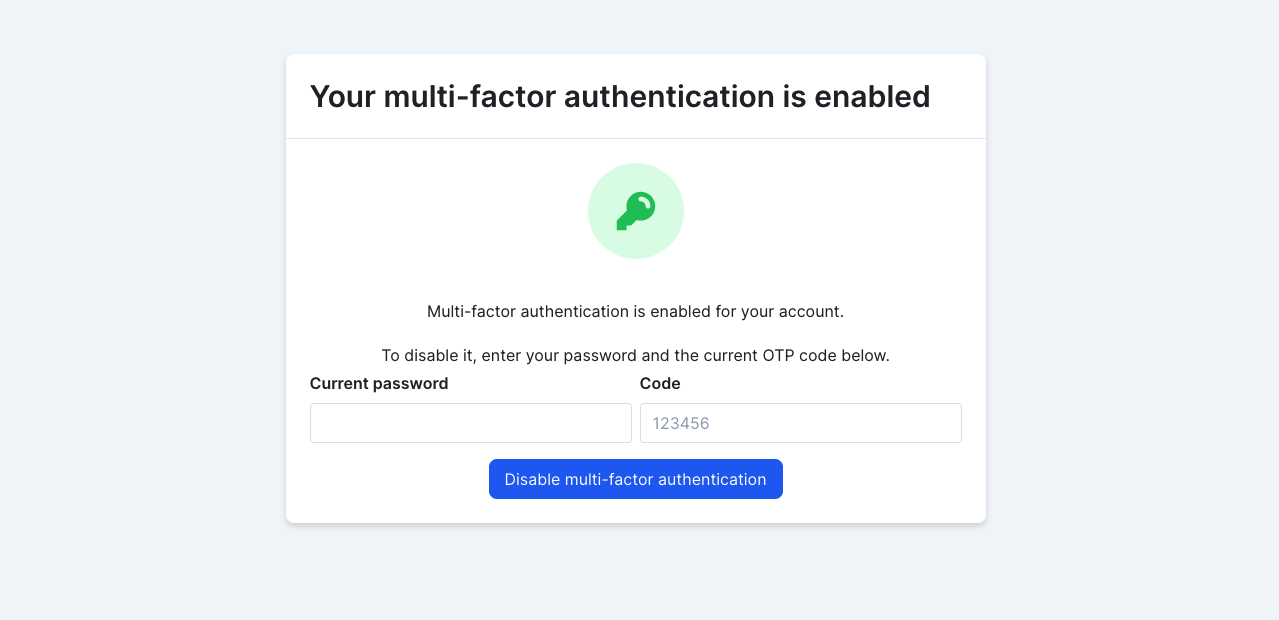
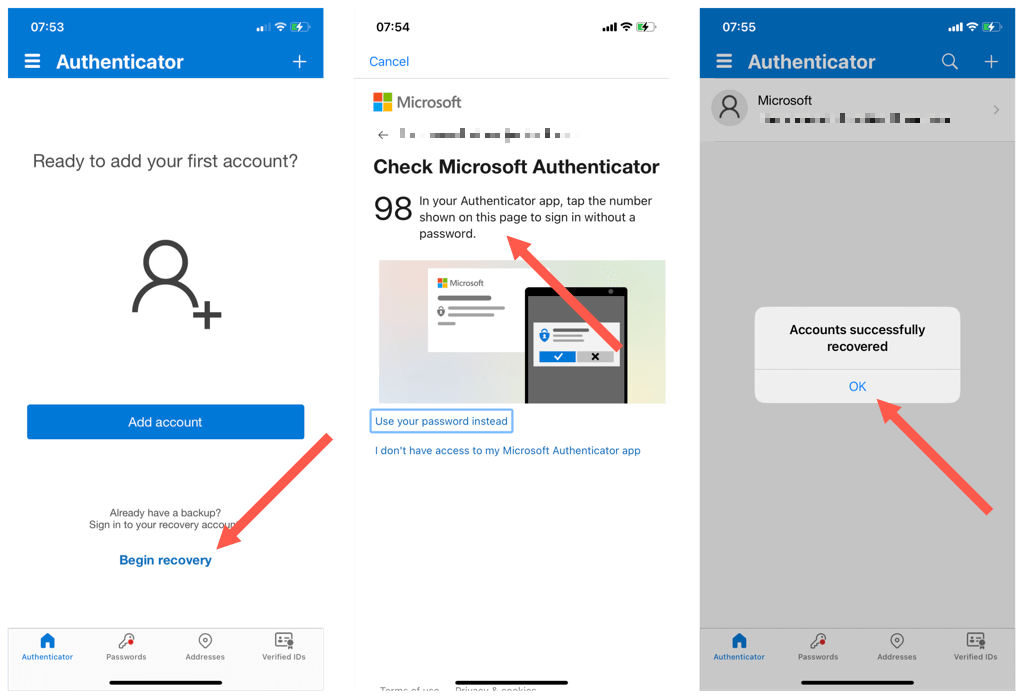
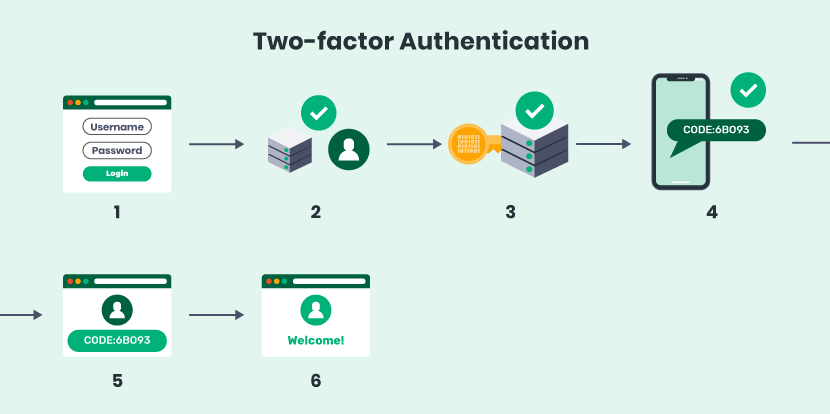
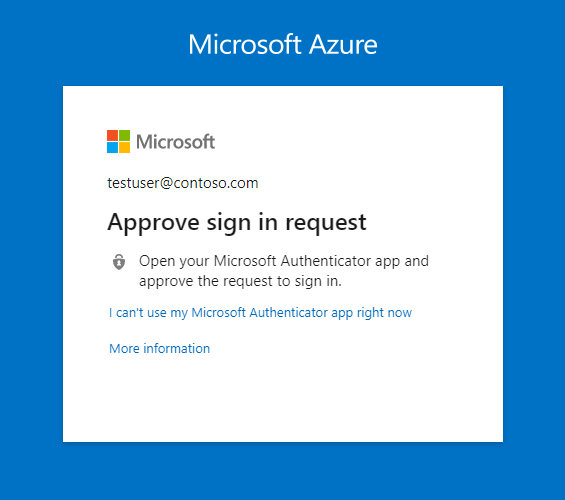
- Configure your email server to use two-factor authentication (2FA) or multi-factor authentication (MFA) to add an extra layer of security.
- Regularly update your DNS records and email server configurations to ensure that your email account authentication protocols are working correctly.
- Monitor your email account authentication logs to detect any suspicious activity.
Conclusion
Email account authentication is a critical aspect of email security that involves verifying the identity of the sender or user attempting to access an email account. By implementing email account authentication protocols, such as SPF, DKIM, and DMARC, and following best practices, you can enhance email security, prevent unauthorized access, and build trust between email service providers and users.
References
For more information on email account authentication, refer to the following resources:
- Email Account Authentication: A Guide to SPF, DKIM, and DMARC
- How to Implement Email Account Authentication
- Email Account Authentication Best Practices