Protecting Your Email Account from Hacking: A Comprehensive Guide
In today's digital age, email accounts are a prime target for hackers and cybercriminals. A hacked email account can compromise not only your personal information but also your professional reputation and financial security. In this article, we will explore the risks associated with email account hacking, how to recognize and prevent phishing scams, and provide actionable tips for securing your email account and protecting your online presence.
The Risks of Email Account Hacking
>Email account hacking can have severe consequences, including identity theft, financial loss, and reputational damage. Cybercriminals can use your email account to reset passwords, access sensitive information, and even steal your identity. In fact, a study by the Federal Trade Commission found that email hacking is one of the most common types of identity theft.
How Email Accounts Get Compromised
Email accounts can be compromised through various means, including:
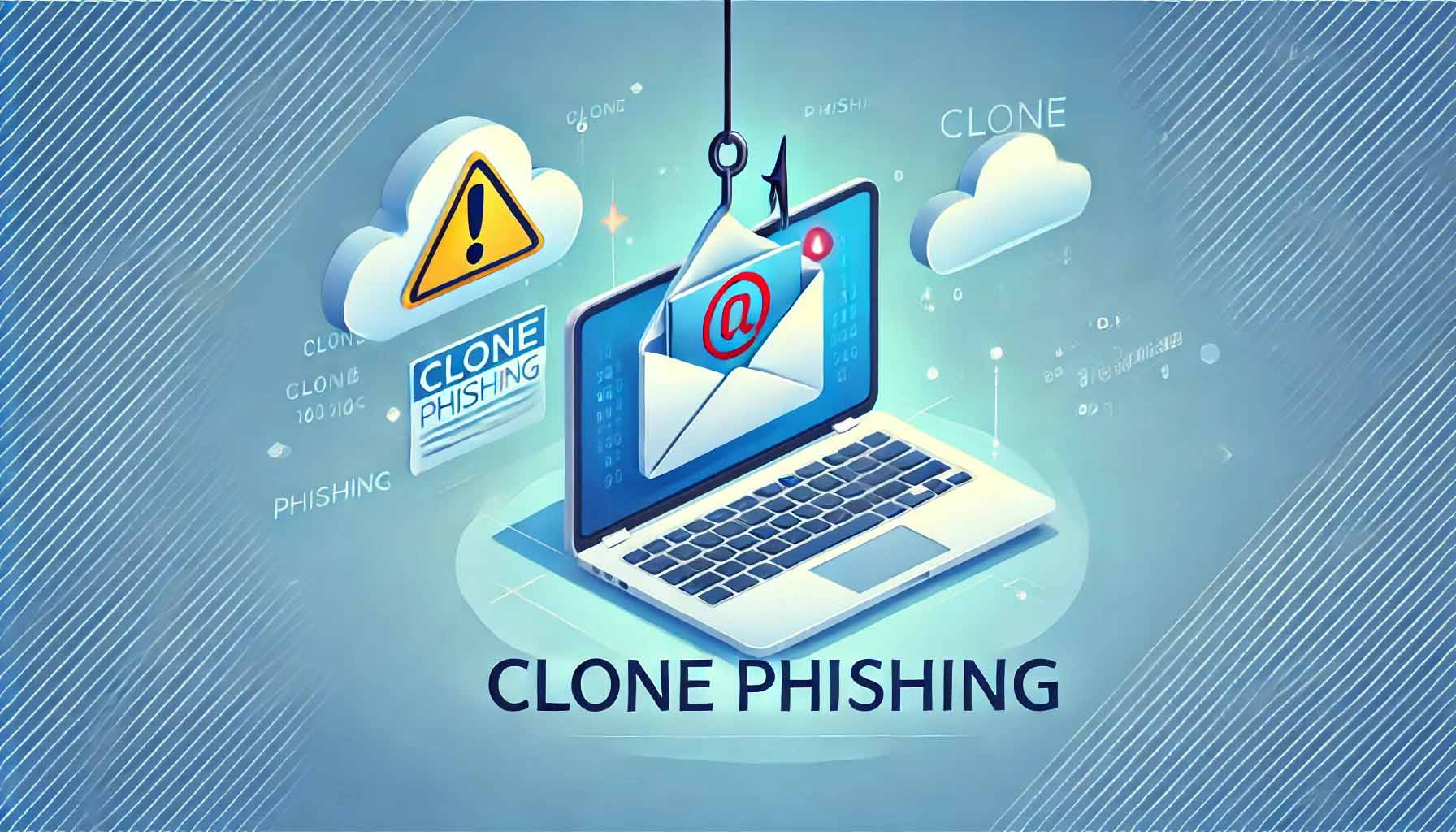
- Phishing scams: Scammers send fake emails that appear to be from legitimate sources, tricking users into revealing their login credentials.
- Weak passwords: Using easily guessable or reused passwords can make it easy for hackers to gain access to your email account.
- Malware: Infecting your device with malware can allow hackers to steal your login credentials and gain access to your email account.
- Data leaks: Storing sensitive information in your email account can put you at risk of having that information compromised if your account is hacked.
Recognizing Phishing Scams
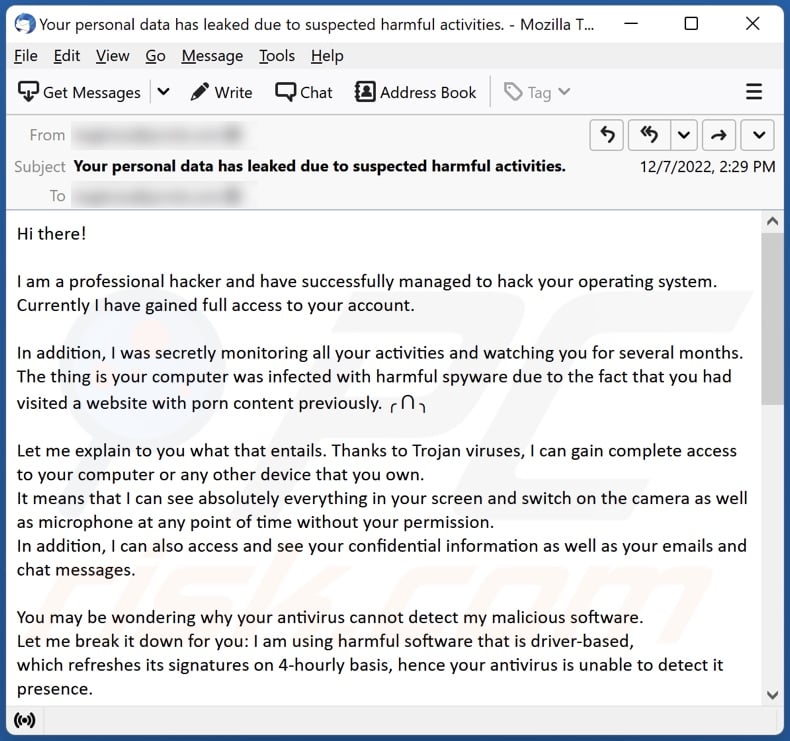
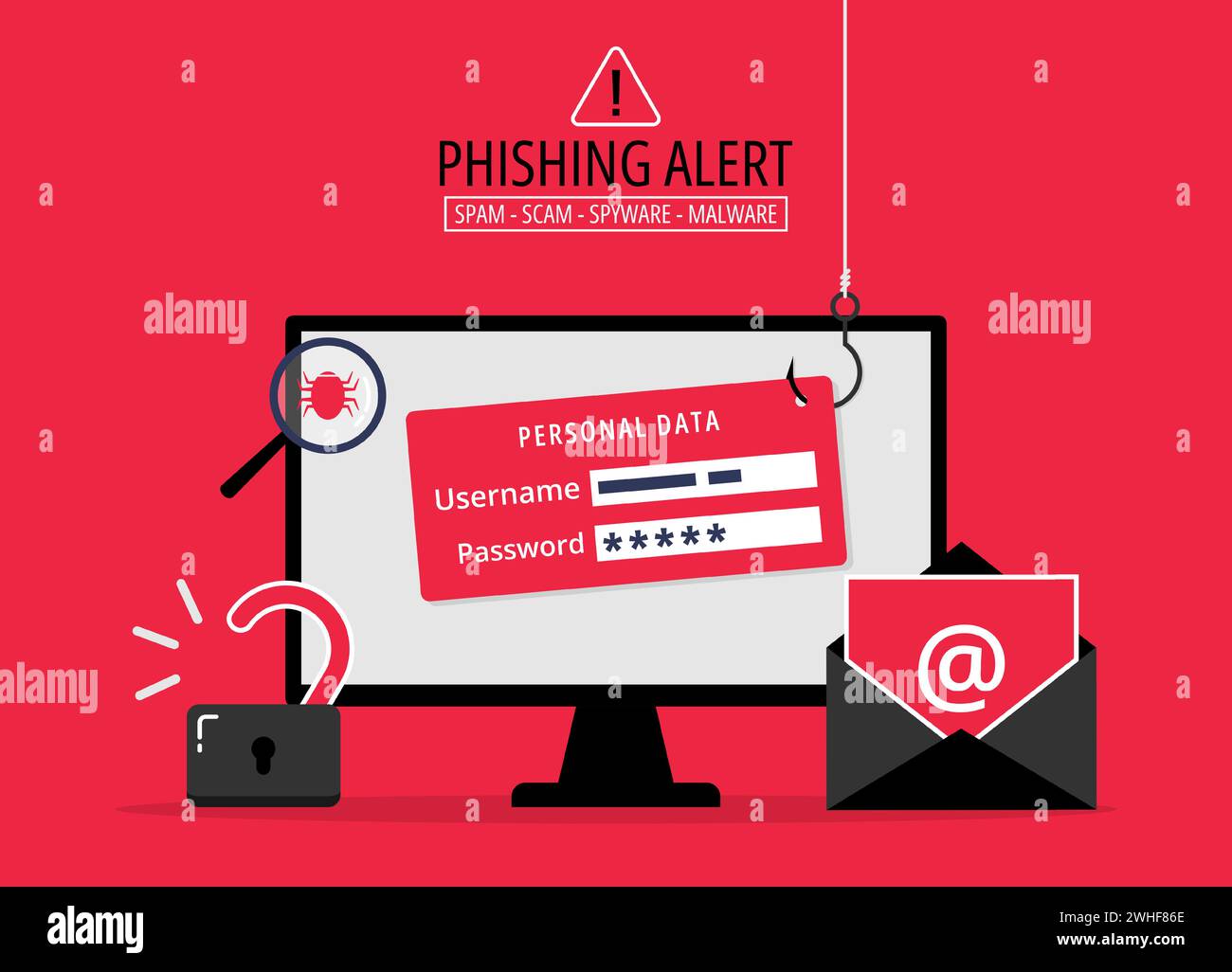
Phishing scams are a common way for hackers to gain access to email accounts. Here are some red flags to watch out for:

- Urgent or threatening language: Scammers will try to create a sense of urgency or panic to get you to act quickly and reveal your login credentials.
- Suspicious links or attachments: Be wary of links or attachments from unknown senders, as they may contain malware or phishing scams.
- Spelling and grammar mistakes: Legitimate companies are less likely to have spelling and grammar mistakes in their emails.
- Missing or extra information: Scammers may ask for sensitive information, such as credit card numbers or passwords, in an email that appears to be from a legitimate company.
Preventing Email Account Hacking
Preventing email account hacking requires a combination of good practices and awareness of the risks associated with email accounts. Here are some actionable tips to help you secure your email account:
- Use strong and unique passwords: Avoid using easily guessable or reused passwords, and use a password manager to generate and store complex passwords.
- Enable two-factor authentication: This adds an extra layer of security to your email account by requiring a second form of verification, such as a code sent to your phone or a biometric scan.
- Be cautious with links and attachments: Avoid opening links or attachments from unknown senders, and always verify the sender before interacting with an email.
- Keep your email account up-to-date: Regularly update your email account settings, including your password, security questions, and recovery options.
- Monitor your account activity: Regularly check your email account activity to detect any suspicious activity or login attempts.
What to Do If Your Email Account Gets Hacked
If your email account gets hacked, act quickly to minimize the damage. Here are some steps to take:
- Change your password immediately: Use a strong and unique password to regain access to your email account. li>Review your account activity: Check your email account activity to detect any suspicious activity or login attempts.
- Secure your other online accounts: Change your passwords for other online accounts connected to your email account, and enable two-factor authentication.
- Report the incident: Report the hacking incident to your email provider and relevant authorities, and seek their assistance in securing your account.