How to Fix a Charging Port Without Voiding Warranty
Introduction
A malfunctioning charging port can be a major setback for smartphone, tablet, or laptop users. Whether your device won't charge, charges intermittently, or doesn't recognize the cable, this guide will walk you through the steps to diagnose, fix, or replace your charging port safely and effectively without voiding your warranty.Common Charging Port Issues
A faulty charging port can disrupt your device's functionality, including the touch screen. If your phone or other device won't charge, the problem can be due to various reasons, such as a damaged or clogged charging port, a faulty charging cable or adapter, or an issue with the battery or internal components. Understanding the possible root causes of the problem can help you troubleshoot more effectively.Diagnostic Steps
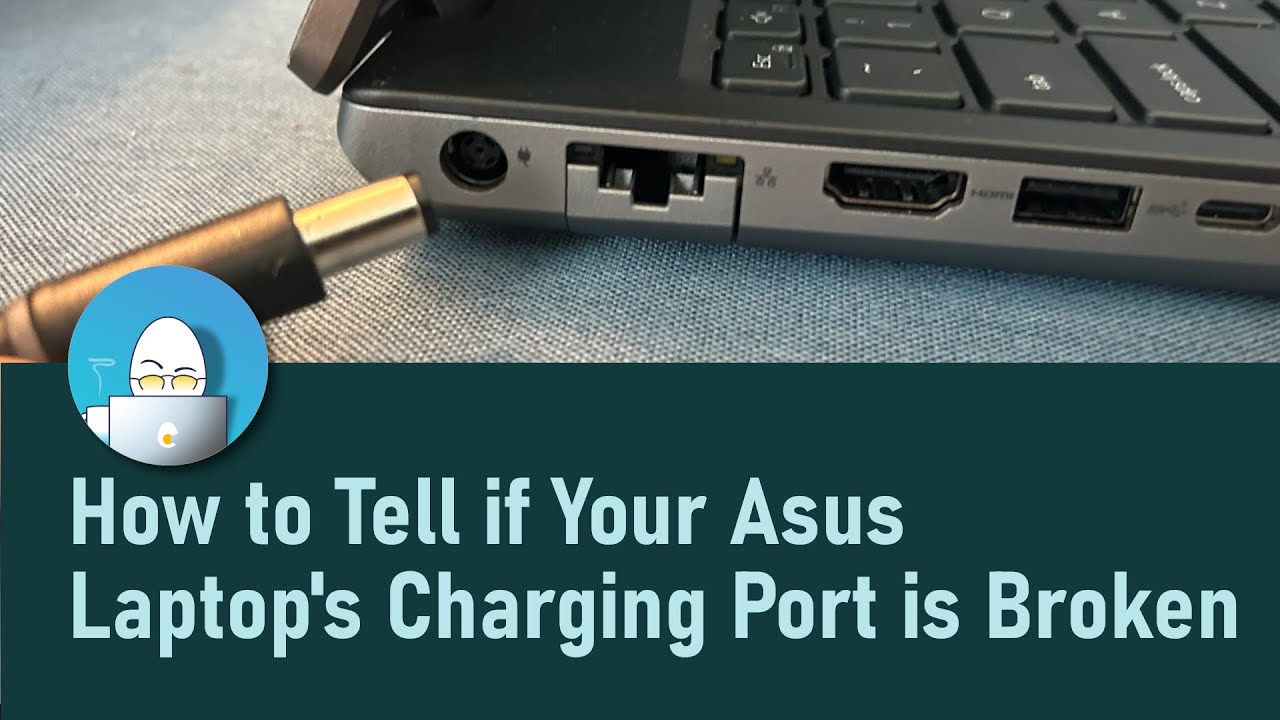
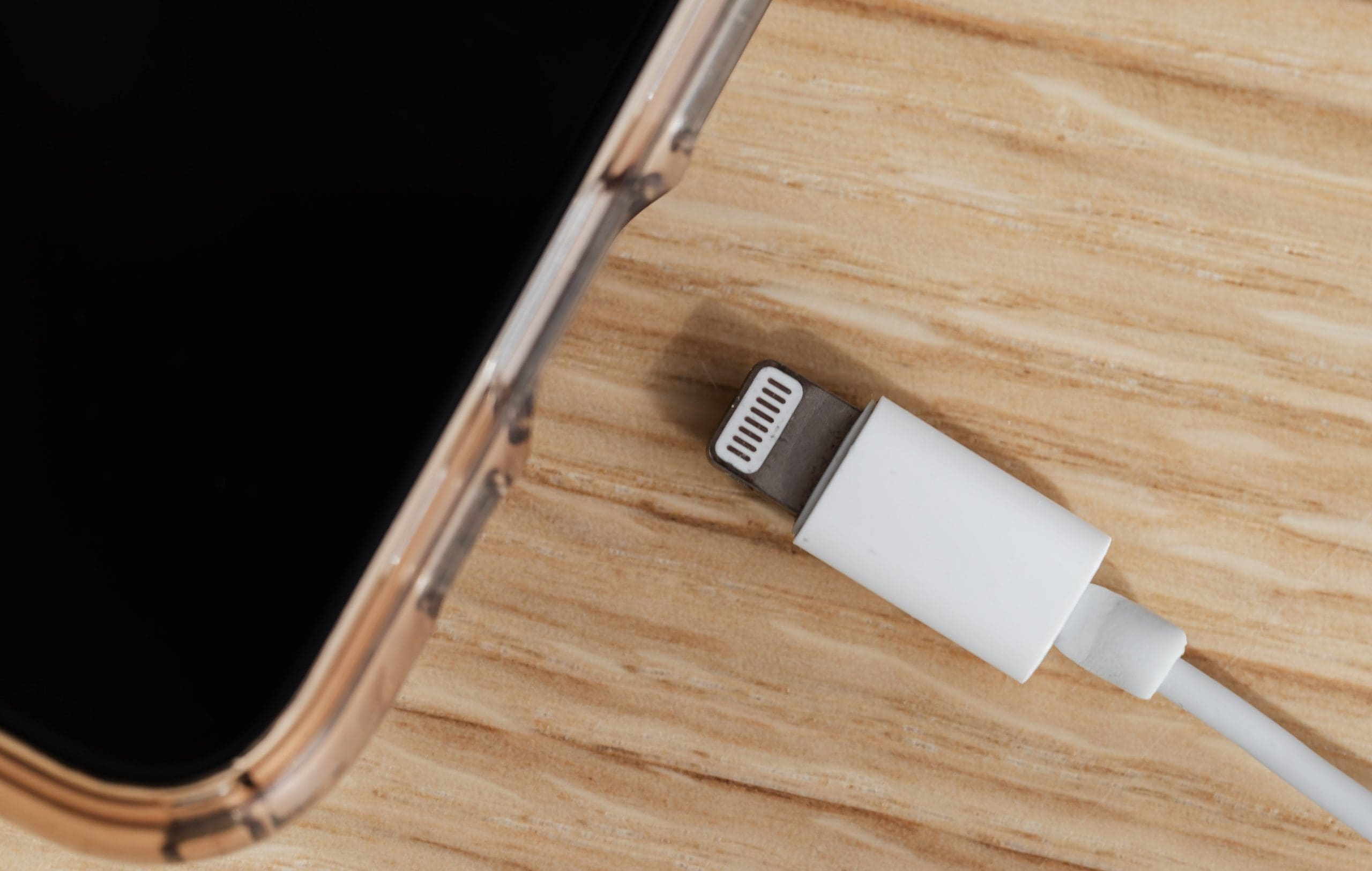
Before attempting any repairs, it's essential to determine whether the issue is with the charging port itself or other components. Follow these steps to diagnose the problem:- Check for physical damage: Inspect your device's charging port for any visible signs of damage, such as dust, debris, or water damage.
- Clean the charging port: Use a soft brush or a cotton swab to gently clean out any dust or debris that may be blocking the charging port.
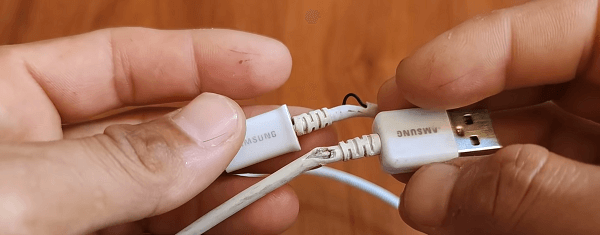
- Check the adapter and USB cable: Ensure that the adapter and USB cable are working properly and not damaged.
- Try a different charging cable or adapter: Switch to a different charging cable or adapter to rule out any issues with the current one.
- Check your device's settings: Ensure that your device's charging settings are not set to prevent charging.
Safe Cleaning Methods

Replacement Steps
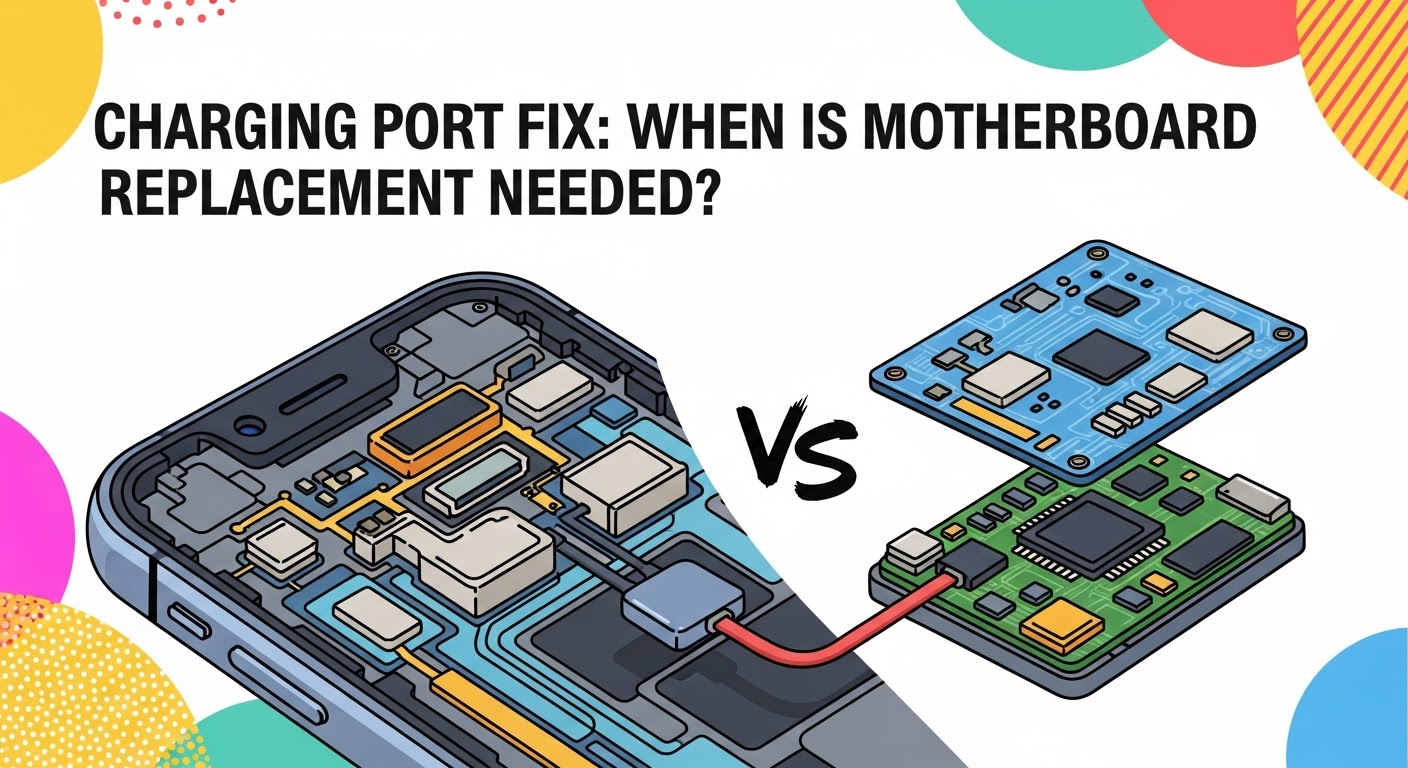
If your device's charging port is severely damaged or cannot be repaired, you may need to replace it. This process requires caution and should be done by a professional or under the guidance of a qualified repair technician. Make sure to follow the manufacturer's instructions and take necessary precautions to avoid damaging your device's internal components.When to Seek Professional Help
If you're unsure about diagnosing or repairing your device's charging port, or if you're not comfortable with DIY repairs, it's best to seek help from a professional repair technician. They can assess the damage, replace the charging port if necessary, and ensure that your device is properly repaired without voiding your warranty.Prevention Techniques
To avoid damaging your device's charging port in the future, follow these prevention techniques:- Handle your device with care: Be gentle when handling your device to avoid applying excessive pressure or stress to the charging port.
- Keep your device clean: Regularly clean your device's charging port to prevent dust and debris buildup.
- Use a high-quality charging cable and adapter: Invest in a reputable charging cable and adapter to avoid damaging your device's charging port.
- Avoid blocking the charging port: Be mindful of how you place your device during charging to avoid blocking the charging port.