How to Protect Your Location Sharing: Essential Safety Tips and Best Practices
As we increasingly rely on digital tools that track and share our whereabouts, it's crucial to understand the implications of location sharing and how to protect your personal information. In this article, we'll cover everything you need to consider when it comes to location tracking, including the risks, benefits, and essential tips to safeguard your location data.
What is Location Sharing?
Location sharing, also known as geolocation or geotagging, refers to the practice of sharing your device's location with others, either through a feature in an app or by manually entering your location in a post or message. While this can be a convenient way to let friends and family know where you are, it also raises concerns about privacy and security.
The Risks of Location Sharing
- Stalking and unauthorized tracking**: When you share your location with others, you may inadvertently make yourself vulnerable to stalking or unauthorized tracking by people who may not have your best interests at heart.
- Identity theft**: If you share your location through public platforms or apps, you may leave yourself open to identity theft, where hackers can use your location data to gather sensitive information about you.
- Social engineering**: Location sharing can also make it easier for scammers to manipulate you into revealing sensitive information or engaging in suspicious activities.
How to Protect Your Location Sharing

Best Practices for Location Sharing
- Only share your location with trusted individuals**: Be cautious about who you share your location with, and only do so with people you trust.
- Use location-sharing features discreetly**: When using location-sharing features, make sure to use them discreetly and avoid sharing your location unnecessarily.
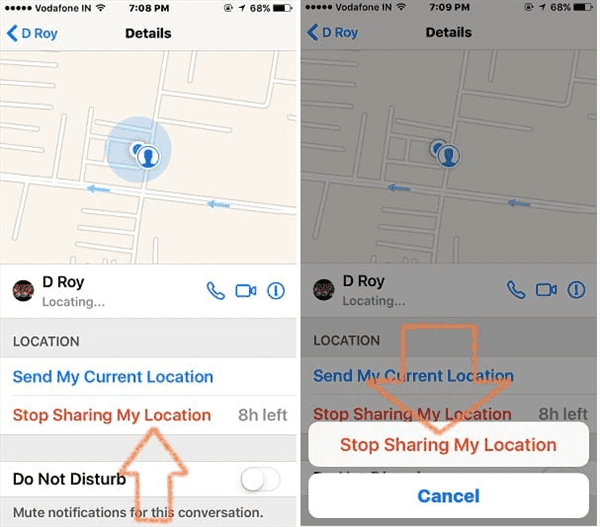
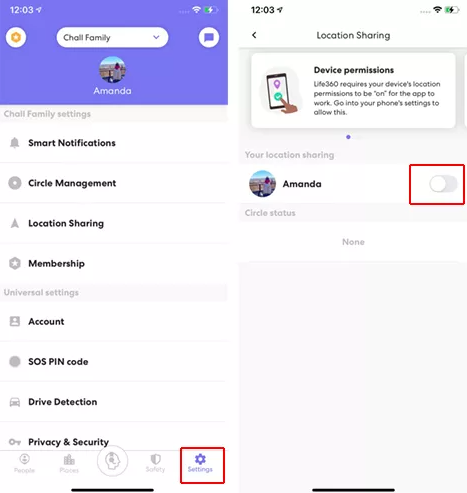
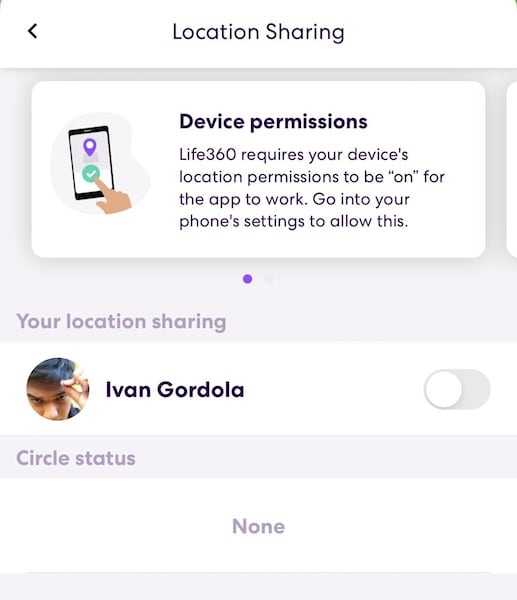
- Regularly review your location-sharing settings**: Keep an eye on your location-sharing settings and regularly review them to ensure you're not inadvertently sharing your location with anyone.
- Use two-factor authentication**: Enable two-factor authentication on your devices and online accounts to add an extra layer of security to your location-sharing activities.
Strategies for Safeguarding Your Location Data
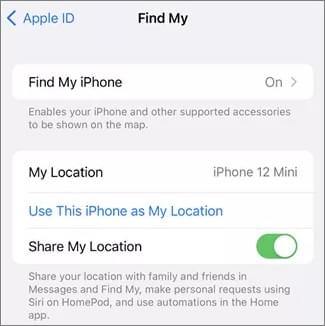
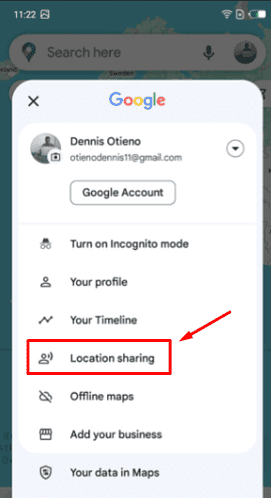
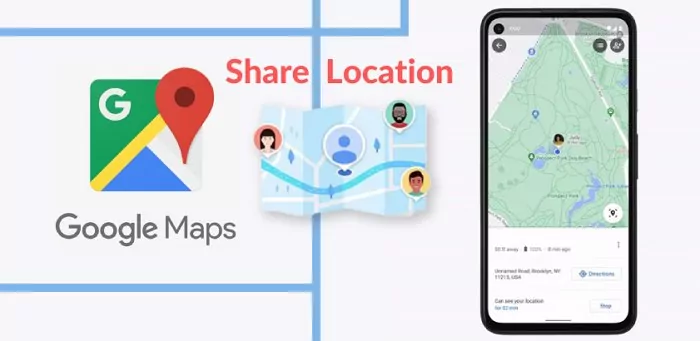
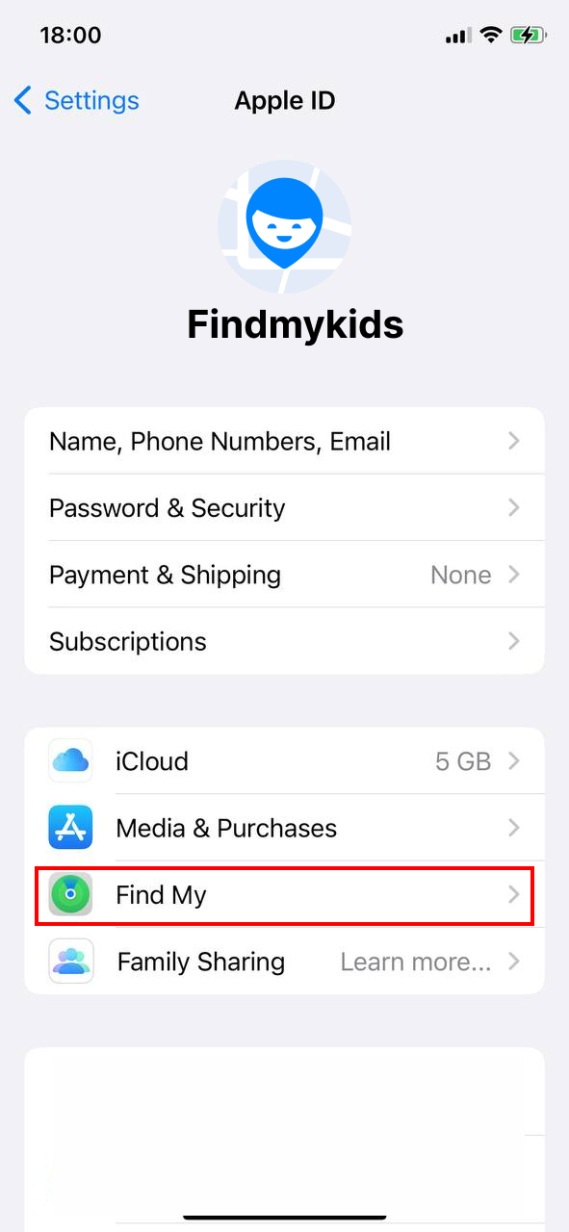
- Use GPS-specific apps**: Use GPS-specific apps like Find My or Google Maps to share your location, rather than posting it publicly on social media.
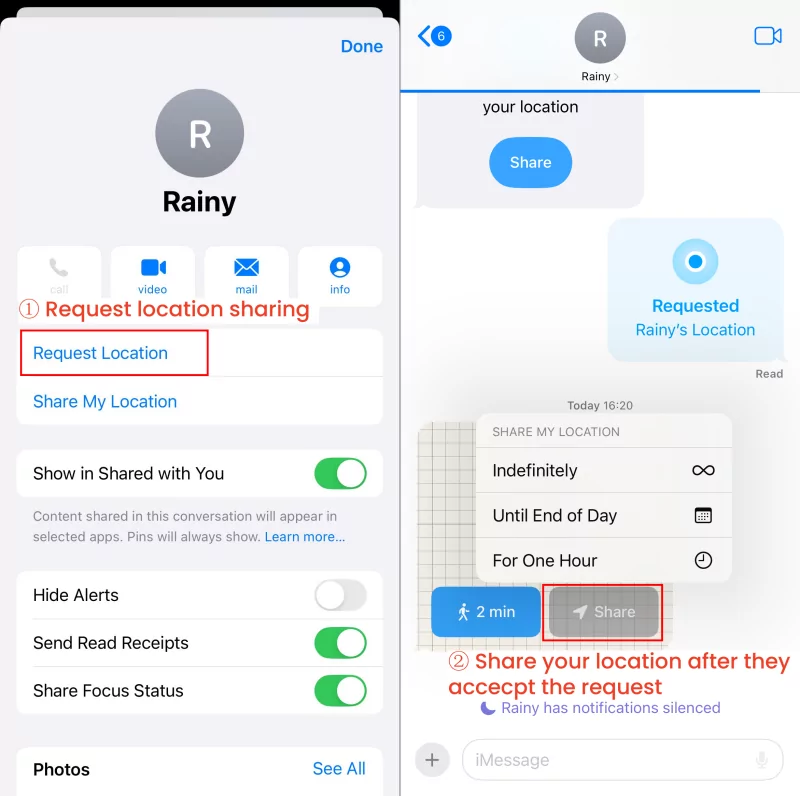
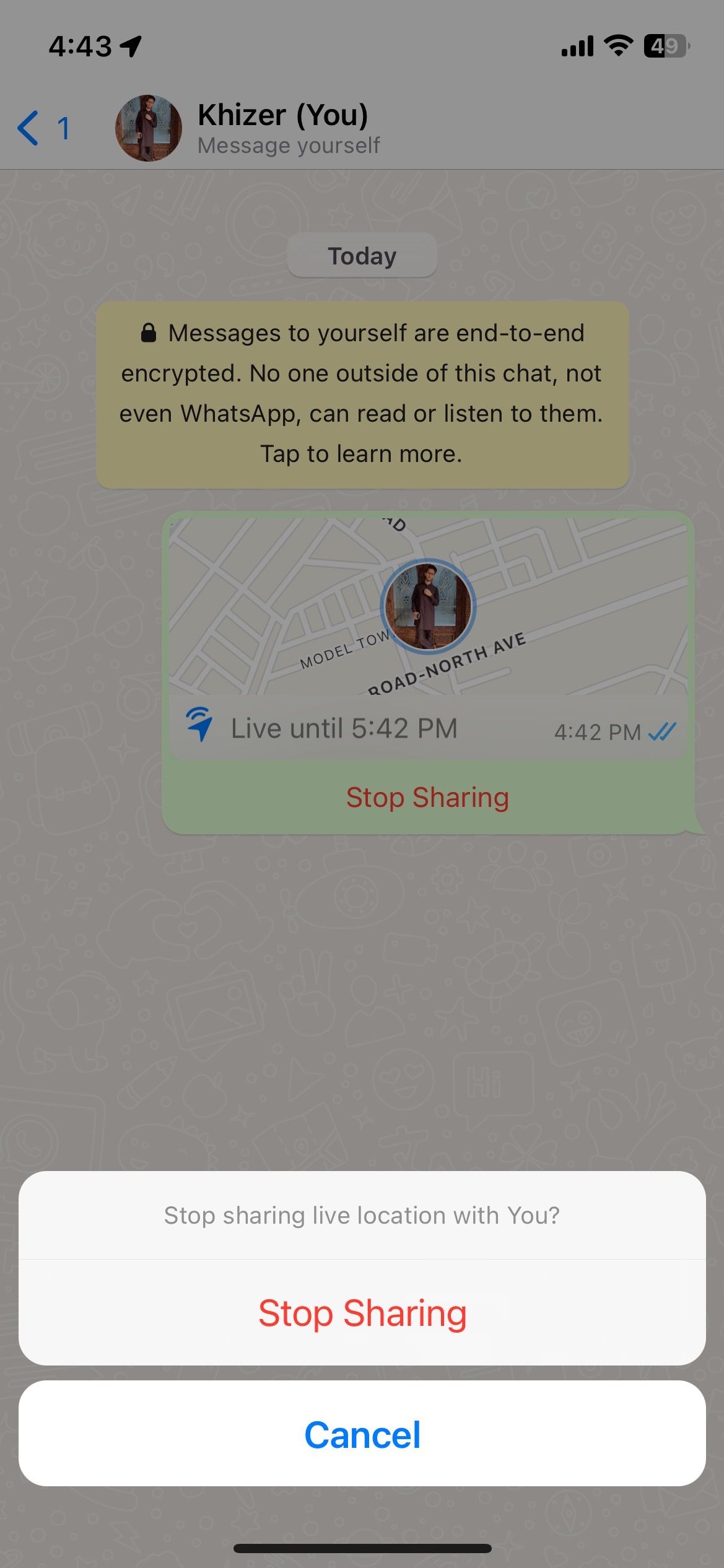
- Use one-time links**: When sharing your location, use one-time links that expire after a specified time limit to reduce the risk of hackers accessing your location data.
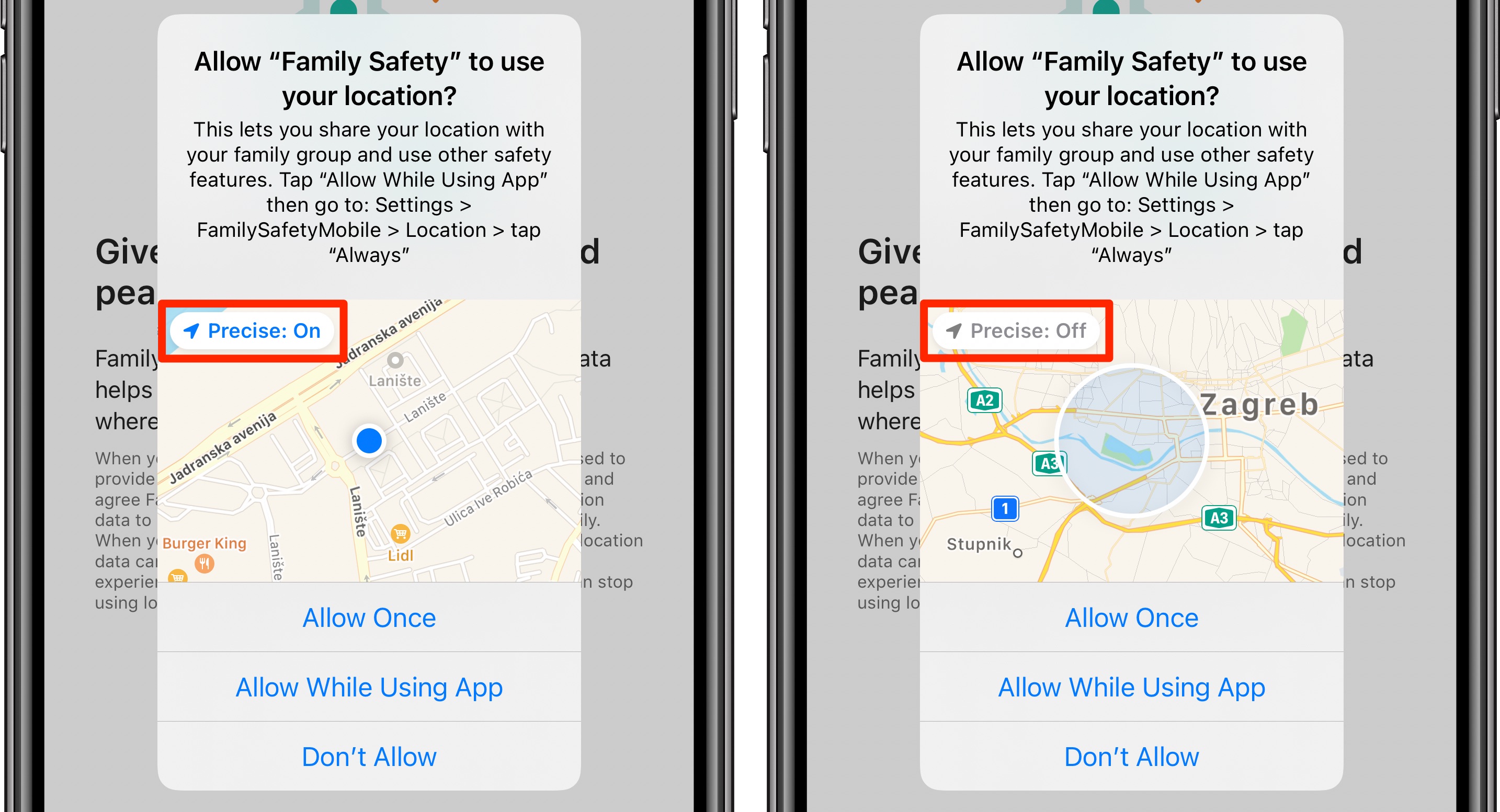
- Turn off location services when not in use**: Disable location services on your devices when not in use to prevent unauthorized tracking.
- Use a VPN**: Consider using a Virtual Private Network (VPN) to encrypt your internet traffic and protect your location data.
Conclusion
While location sharing can be a convenient and useful feature, it's crucial to prioritize your safety and security. By following the best practices outlined in this article, you can minimize the risks associated with location sharing and protect your personal information from unauthorized tracking or manipulation. Stay informed, stay vigilant, and stay safe online!