Ring Doorbell Troubleshooting Common Issues: A Comprehensive Guide
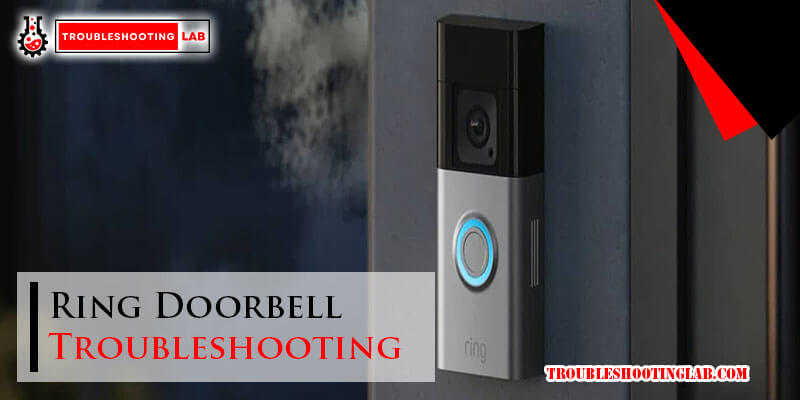
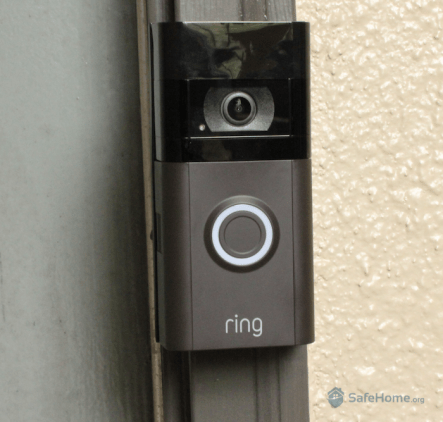
Are you experiencing trouble with your Ring doorbell? Do you often encounter glitches, daily operation issues, and other related problems? Don't worry, you're not alone! Many Ring users face common issues with their doorbells, but with the right troubleshooting techniques, you can resolve these problems and enjoy a seamless and reliable experience.
Common Issues with Ring Doorbells
- Power problems: Faulty doorbell transformers, weak power supply, or incorrect wiring can cause power issues with your Ring doorbell.
- Signal setbacks: Weak Wi-Fi signals, incorrect Wi-Fi settings, or interference from other devices can cause connectivity problems.
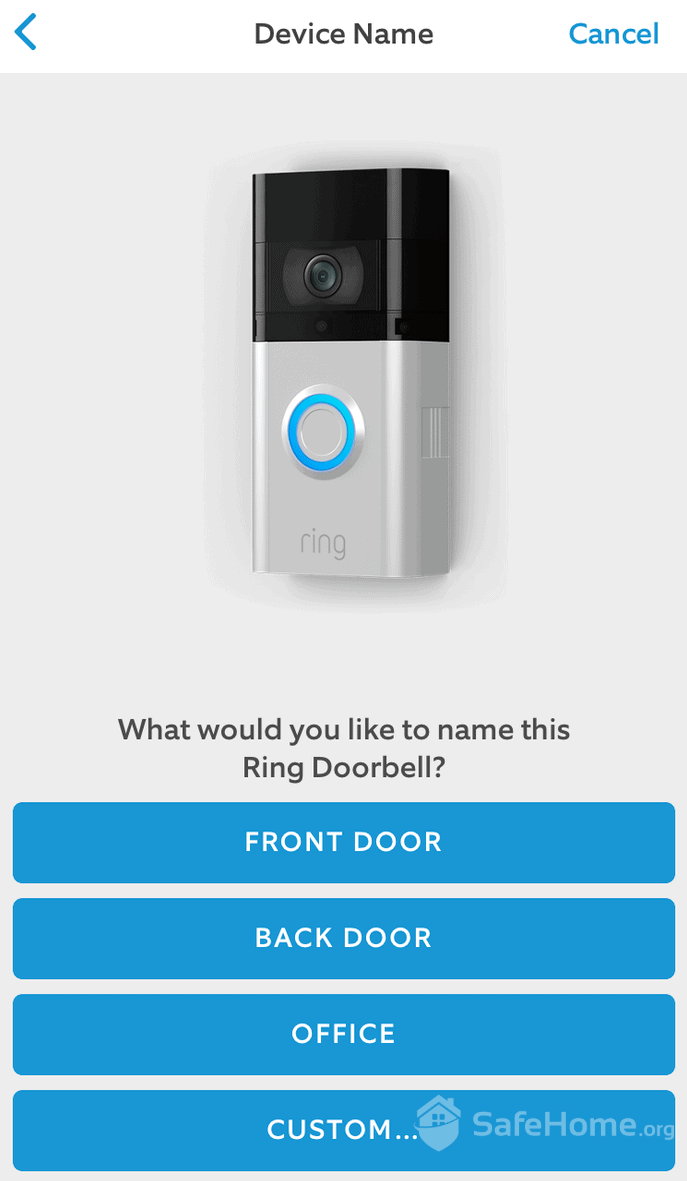
- Setup difficulties: Trouble entering setup mode, pairing issues with the doorbell button, or incorrect Wi-Fi settings can make setup a challenge.
- Video quality problems: Poor video quality, frozen videos, or delayed notifications can be frustrating and affect your Ring doorbell experience.
Troubleshooting Tips for Common Issues
When troubleshooting common Ring doorbell issues, it's essential to identify the root cause of the problem. Here are some step-by-step troubleshooting tips to help you resolve common issues:
Power Issues
- Check the doorbell transformer output using a multimeter to ensure it's delivering the correct voltage.
- Inspect all connections at the transformer and doorbell terminals for looseness or corrosion.
- Consider replacing the doorbell transformer if it's old or faulty.
Signal Setbacks
- Check your Wi-Fi settings and ensure they are correct.
- Move the Ring doorbell closer to your router to improve Wi-Fi signal strength.
- Use a Wi-Fi analyzer app to identify and switch to a less congested Wi-Fi channel.
Setup Difficulties

- Consult your Ring doorbell's manual for specific instructions on entering setup mode.
- Perform a hard reset on the doorbell if necessary.
- Pair the doorbell button correctly with the Ring app.
Video Quality Problems
- Check the video resolution and ensure it's set to the correct level.
- Update the Ring doorbell firmware to the latest version.
- Restart the Ring app and the doorbell to reset the connection.
Why Troubleshooting is Essential for Ring Doorbell Users
Troubleshooting common issues with your Ring doorbell is essential to ensure a seamless and reliable experience. When you troubleshoot effective, you can avoid frustration, reduce the likelihood of technical issues, and enjoy the benefits of a smart doorbell like Ring.
Conclusion
In this comprehensive guide, we've covered common issues with Ring doorbells and provided step-by-step troubleshooting tips to help you resolve these problems. By following these troubleshooting techniques, you can enjoy a seamless and reliable experience with your Ring doorbell.
Final Tips
- Regularly update your Ring doorbell firmware to ensure you have the latest features and security patches.
- Check your Wi-Fi settings and ensure they are correct.
- Perform a hard reset on the doorbell if necessary.