How to Set Up a GoFundMe Page: A Step-by-Step Guide
GoFundMe is a popular crowdfunding platform that allows individuals to raise money for various causes, from medical expenses to charitable initiatives. Creating a GoFundMe page can be an effective way to raise funds for a specific need or project. In this article, we will guide you through the process of setting up a GoFundMe page, step by step.
What is GoFundMe?
GoFundMe is a website that enables individuals to create a fundraising page, share it with friends, family, and other supporters, and collect donations. With GoFundMe, you can create a page for various purposes, such as medical expenses, education, charitable causes, or personal projects.
Step 1: Create a GoFundMe Account
To start, you need to create a GoFundMe account. This is a straightforward process that requires you to provide basic information, such as your name, email address, and password. Once you've created an account, you can start creating a fundraising page.
Step 2: Choose a Fundraiser Type
When creating a GoFundMe page, you need to choose a fundraiser type. This will help you select the right template and customize your page accordingly. The most common types of fundraisers on GoFundMe include:
- Medical expenses
- Education expenses
- Charitable causes
- Personal projects
- Funeral expenses
Step 3: Set a Goal and Add a Cover Photo
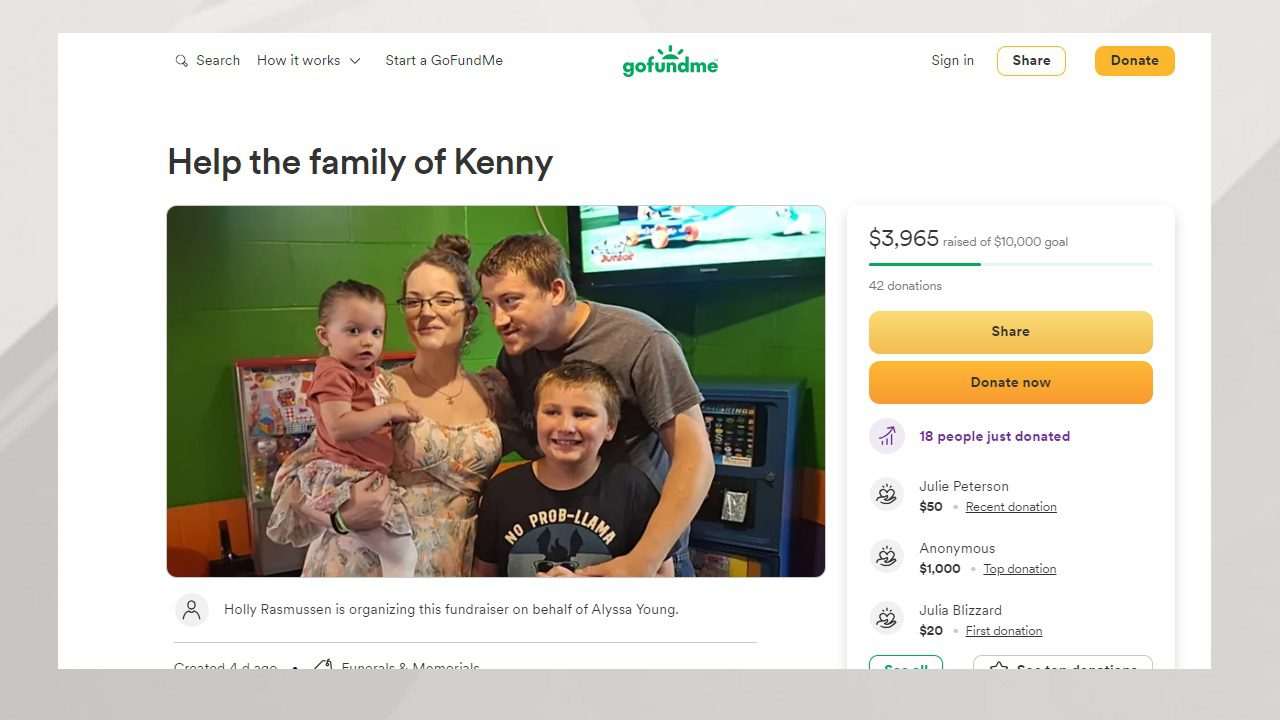
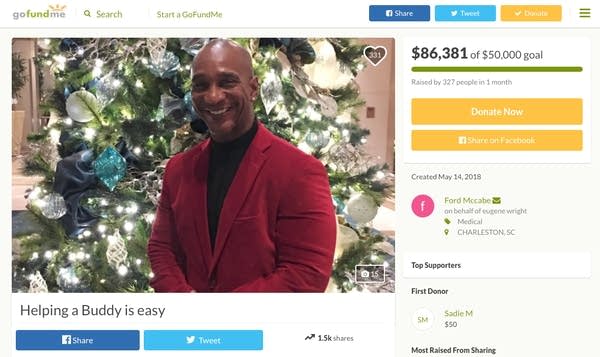
Next, you need to set a fundraising goal and add a cover photo to your page. The goal is the amount of money you want to raise, while the cover photo is an image that represents your cause or project. Make sure to choose a clear and relevant image that captures the essence of your campaign.
Step 4: Write a Compelling Story and Title

The story and title of your GoFundMe page are crucial elements that can make or break your campaign. Your story should be concise, clear, and engaging, while your title should be attention-grabbing and descriptive. Use your story to explain why you're raising funds and how the money will be used.
Step 5: Share Your Page and Engage with Donors
Once your page is set up, it's time to share it with the world. Use social media platforms, email, and other channels to spread the word about your campaign. Engage with your donors by responding to comments, thanking them for their contributions, and keeping them updated on your progress.
Tips for Success
To create a successful GoFundMe page, follow these tips:
- Clearly explain your cause or project
- Set a realistic fundraising goal
- Share your page widely
- Engage with donors and share updates
- Use social media to promote your page
Conclusion
Creating a GoFundMe page is a straightforward process that can be completed in a few minutes. By following these steps and tips, you can create a compelling page that attracts donors and raises the funds you need. Remember to stay engaged with your donors, share updates, and express gratitude for their contributions. With a well-crafted GoFundMe page, you can turn your dreams into a reality and make a positive impact on the world.
Getting Started with GoFundMe
If you're ready to create your GoFundMe page, start by creating an account and choosing a fundraiser type. Set a goal, add a cover photo, and write a compelling story and title. Share your page with the world, engage with donors, and use social media to promote your campaign. With GoFundMe, you can raise funds for any cause or project, and make a real difference in the lives of others.