Motherboard Capacitor Repair: A Comprehensive Guide
When your computer's motherboard experiences frequent crashes, random restarts, or erratic behavior, it may indicate a capacitor issue. Capacitors are crucial components on the motherboard, responsible for filtering and regulating the power supply to various components. In this article, we'll delve into the world of motherboard capacitor repair, providing a comprehensive guide on how to identify and replace faulty capacitors with precision soldering techniques.
Understanding Motherboard Capacitors
Motherboard capacitors are designed to filter and regulate the power supply to various components on the motherboard. They come in different types, including electrolytic, ceramic, and film capacitors. Each type has its unique characteristics, advantages, and disadvantages. In this article, we'll focus on electrolytic capacitors, which are the most common type found on motherboards.
Identifying Faulty Capacitors
Identifying faulty capacitors can be challenging, but there are several signs to look out for. Some common symptoms of a faulty capacitor include:
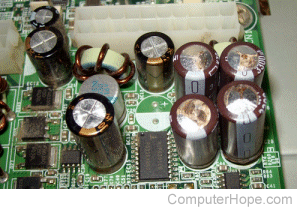
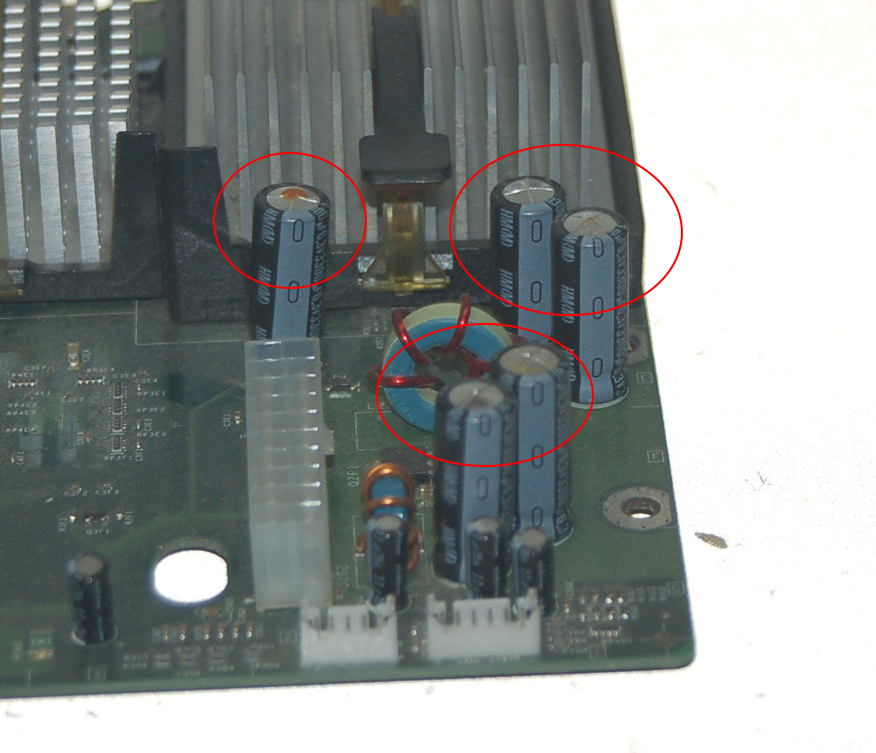
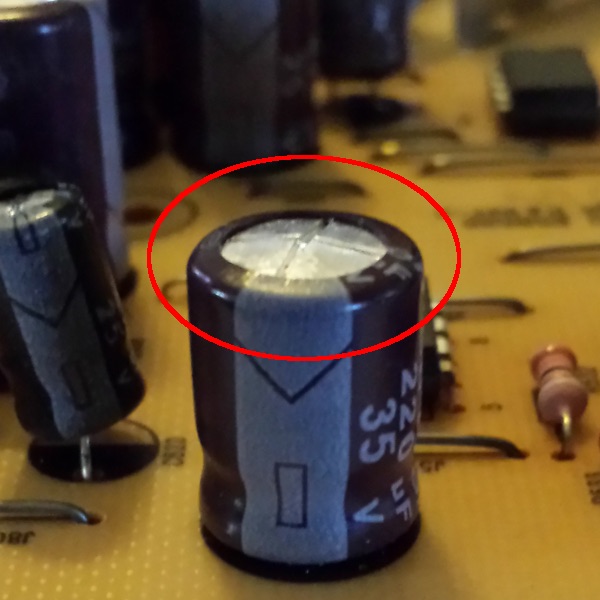
- Swollen or bulging capacitors
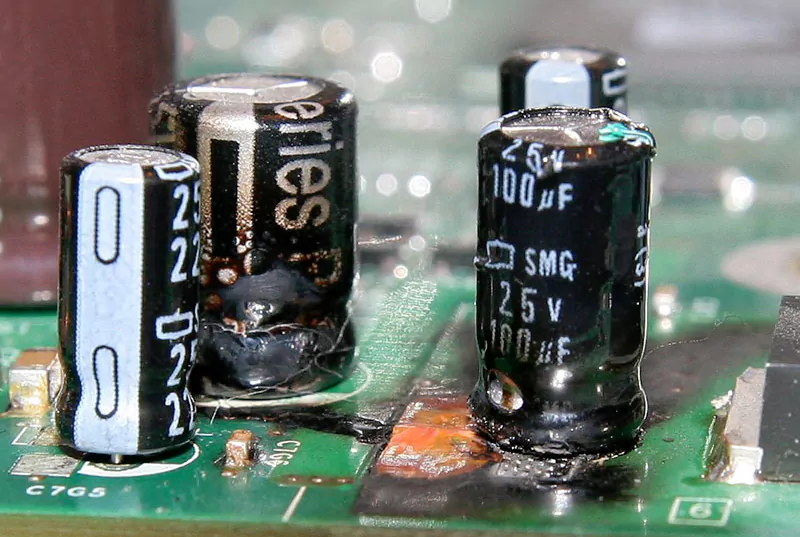
- Leaked or burst capacitors
- Capacitors with a dead or cracked appearance
- Capacitors with a low or high ESR (Equivalent Series Resistance) value
The Repair Process
Repairing faulty capacitors requires precision soldering techniques and attention to detail. The process involves the following steps:
Step 1: Preparation
Before starting the repair process, ensure you have the necessary tools and equipment, including a soldering iron, desoldering pump or wick, solder wire, flux, and replacement capacitors.
Step 2: Removing the Faulty Capacitor
Use a soldering iron to remove the faulty capacitor from the motherboard. Apply heat to the capacitor's legs and carefully pry them off the board.

Step 3: Cleaning the Area
Use a desoldering pump or wick to clean the area around the removed capacitor. This will help remove any remaining solder and debris.
Step 4: Installing the Replacement Capacitor
Apply a small amount of flux to the replacement capacitor's legs and insert them into the holes on the motherboard. Use a soldering iron to secure the capacitor in place.
Step 5: Testing the Motherboard
After installing the replacement capacitor, test the motherboard to ensure it's functioning correctly. Run diagnostic tests to verify that the capacitor has been successfully replaced.
Tools and Equipment Required
To repair motherboard capacitors, you'll need the following tools and equipment:
- Soldering iron
- Desoldering pump or wick
- Solder wire
- Flux
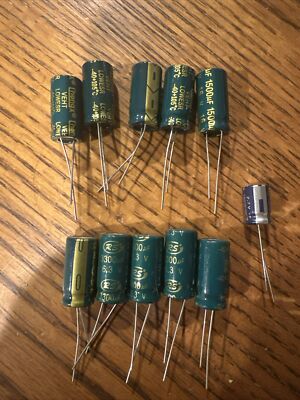
- Replacement capacitors
- Soldering station
- Desoldering station
Conclusion
Motherboard capacitor repair can be a complex and challenging process, but with the right tools and knowledge, it's achievable. By following the steps outlined in this article, you can successfully identify and replace faulty capacitors, restoring your motherboard's health and extending its lifespan. Remember to always exercise caution when working with electronics, and consider seeking professional help if you're unsure or uncomfortable with the repair process.