Motherboard Chip Replacement: A Comprehensive Guide
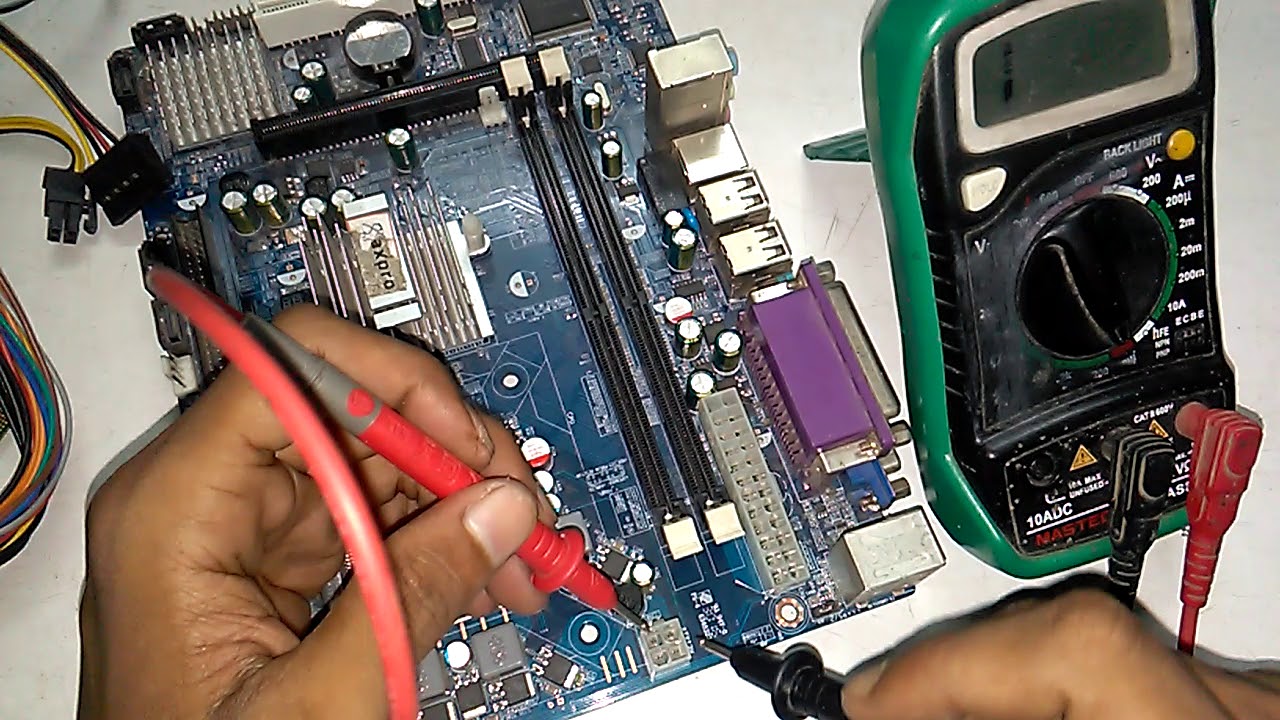
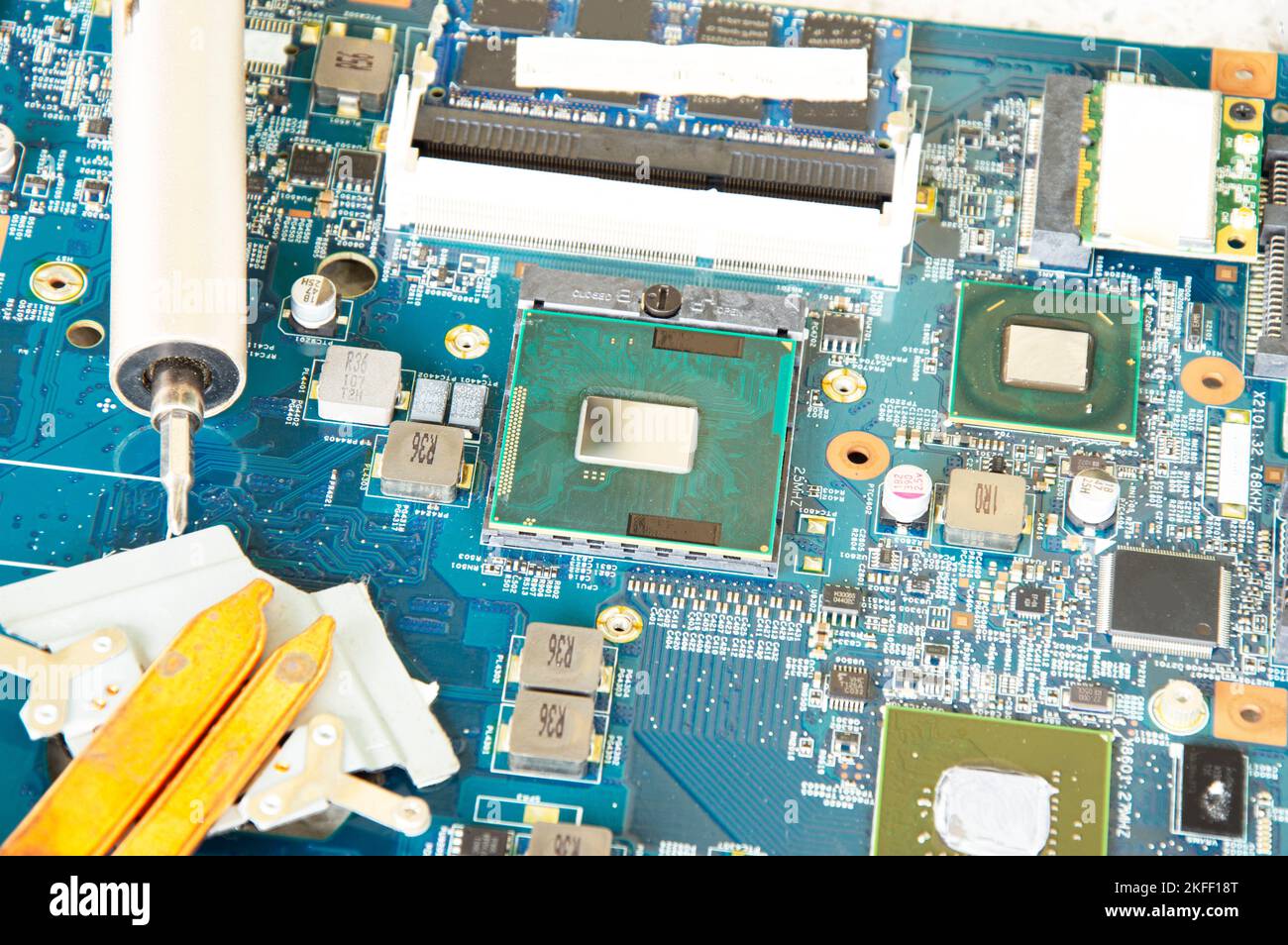
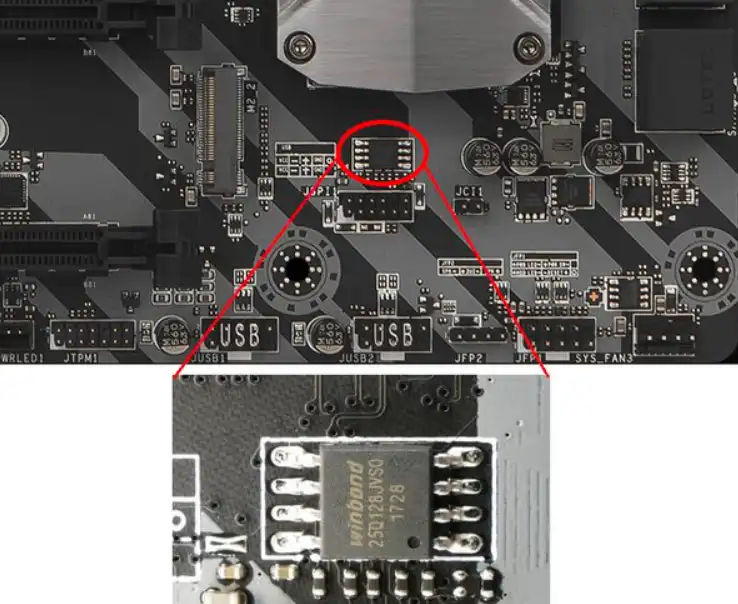
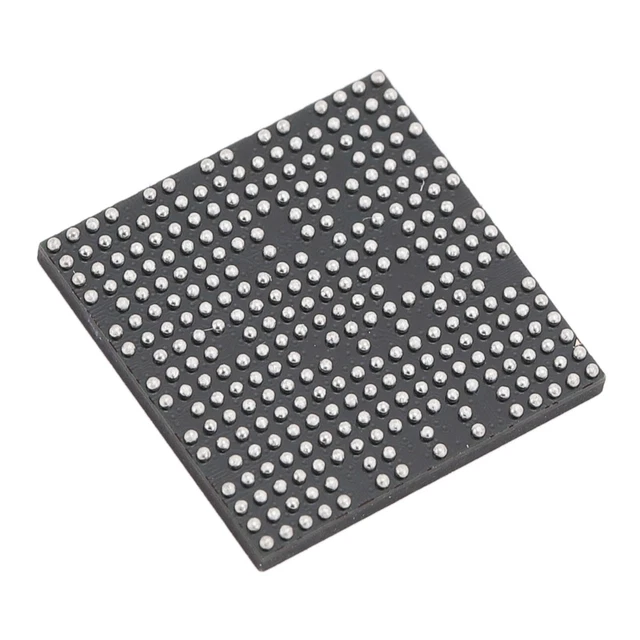
A motherboard refers to the main circuit board of any electronic device that incorporates one or more printed control boards (PCBs). Traditionally, the motherboard facilitates communication between the various components of the device, passing inputs from peripherals through the CPU, or Central Processing Unit, to be processed and transmitted as output to the speakers, motors, screens, or other components. The motherboard chip, also known as the BIOS chip, is a crucial component that stores the device's firmware and controls its boot process. In this article, we will explore the process of motherboard chip replacement, including the tools and services required.
Why Replace a Motherboard Chip?
There are several reasons why you may need to replace a motherboard chip. Some common scenarios include:
- Corrupted BIOS firmware: If the BIOS firmware becomes corrupted, it can prevent the device from booting or functioning properly.
- Failed or damaged chip: In some cases, the motherboard chip can fail or become damaged due to physical stress, overheating, or other factors.
- Upgrade or repair: Replacing a motherboard chip can be a necessary step in upgrading or repairing a device, especially if it's an older model.
Tools and Services Required for Motherboard Chip Replacement
To replace a motherboard chip, you will need a few specialized tools and services. These include:
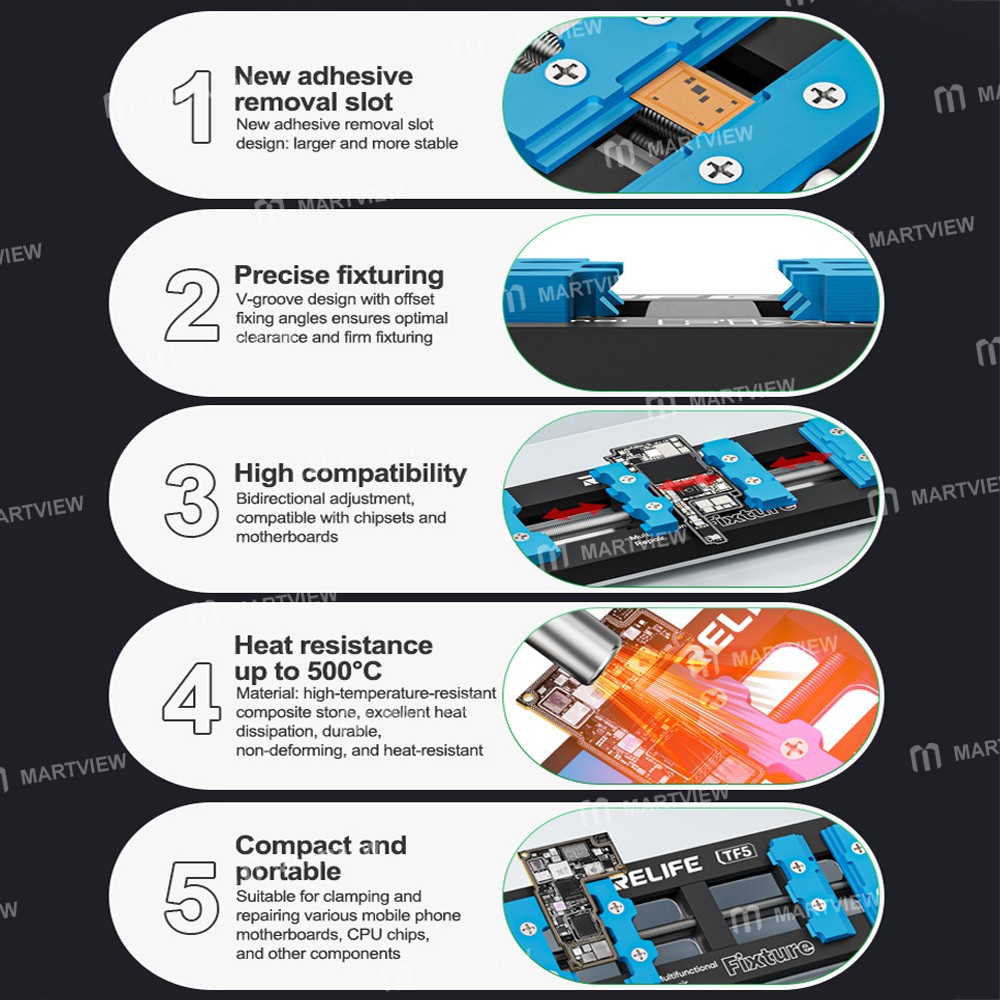
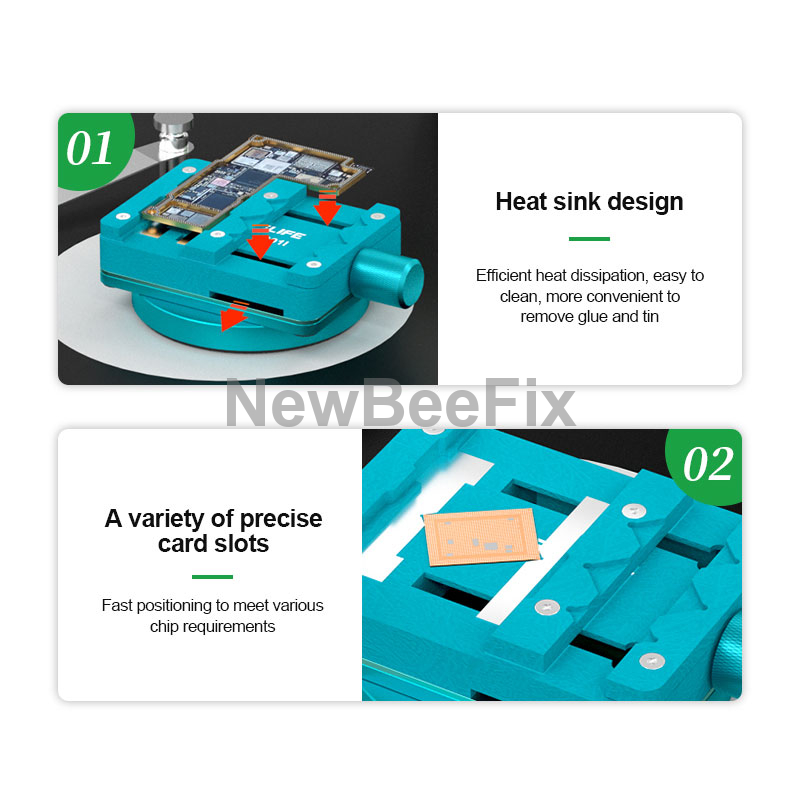
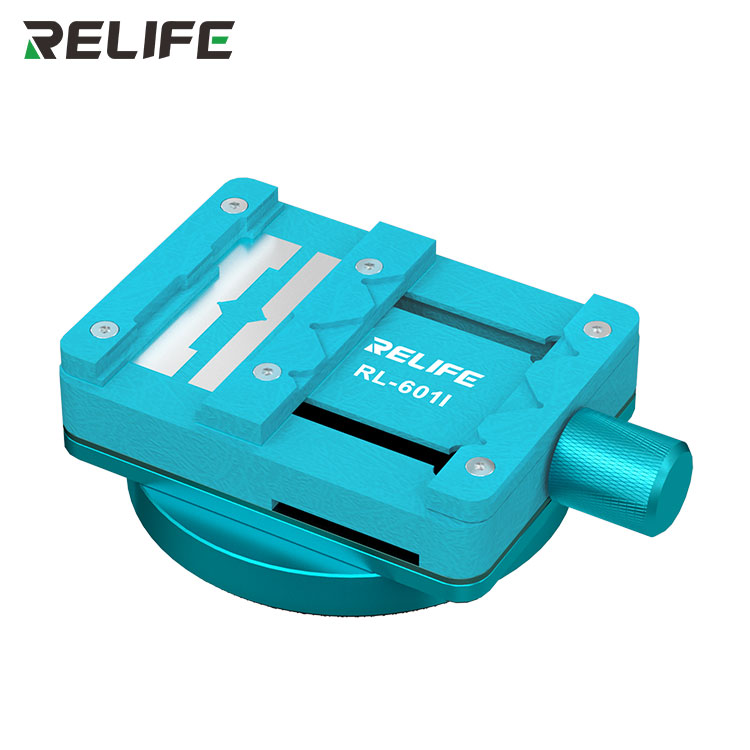
- Chip puller or removal tool: A chip puller or removal tool is necessary to safely remove the old chip from the motherboard.
- PROM programmer: A PROM programmer is required to load the new firmware onto the replacement chip.
- Soldering iron and skills: You will need a soldering iron and the skills to reattach the new chip to the motherboard.
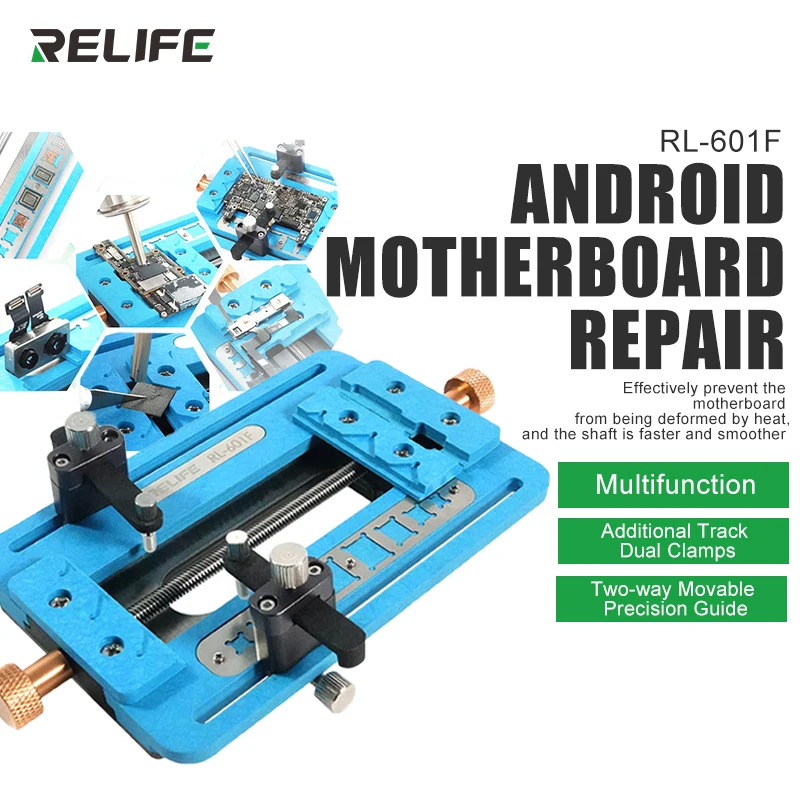
- Service centers or repair shops: If you're not comfortable with DIY chip replacement, you can seek the services of a professional repair center or shop that specializes in motherboard repair.
Steps to Replace a Motherboard Chip
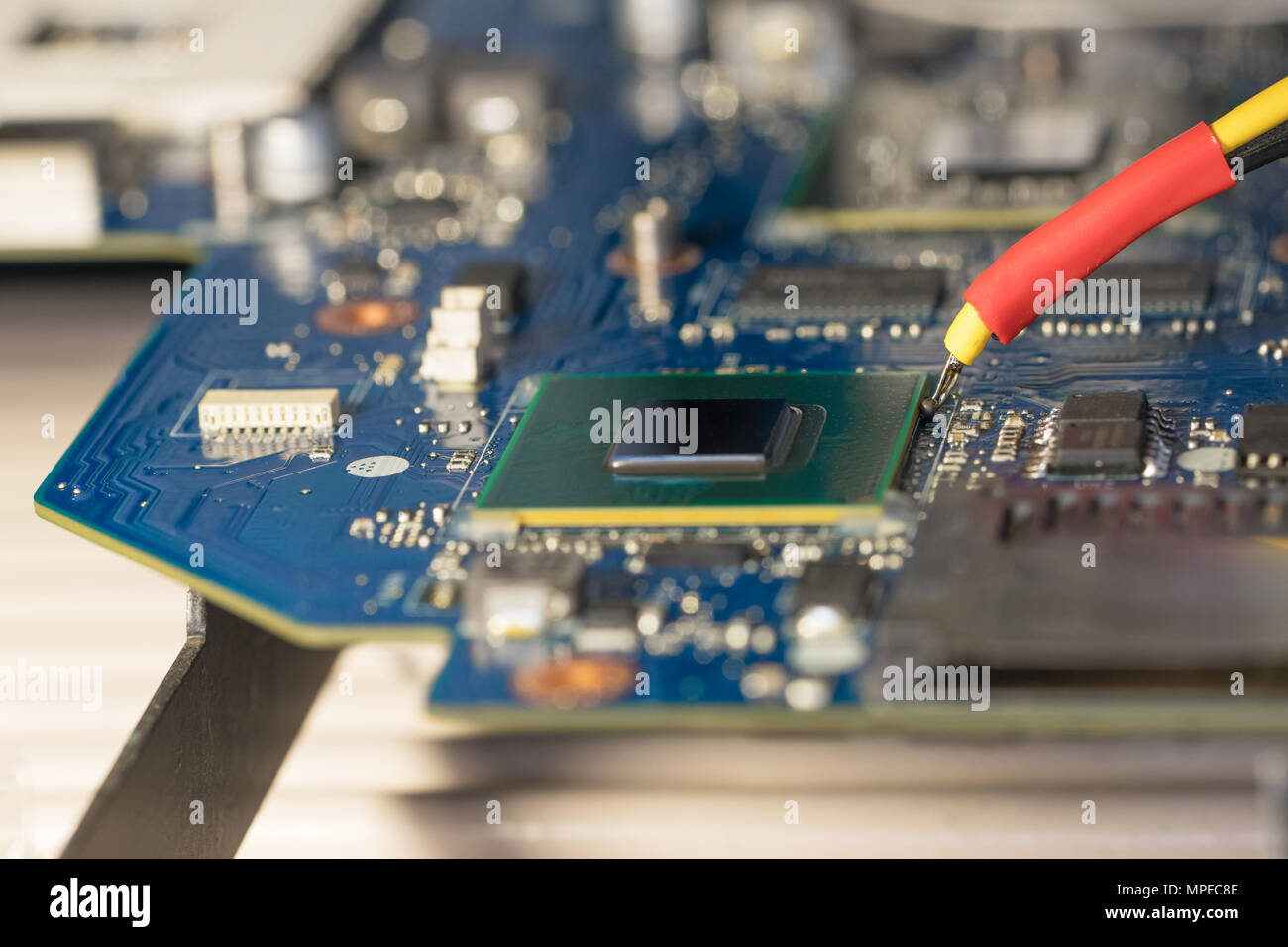
Replacing a motherboard chip can be a complex process, but it can be broken down into the following steps:
- Prepare the motherboard: Before starting the replacement process, ensure the motherboard is properly grounded and any power sources are disconnected.
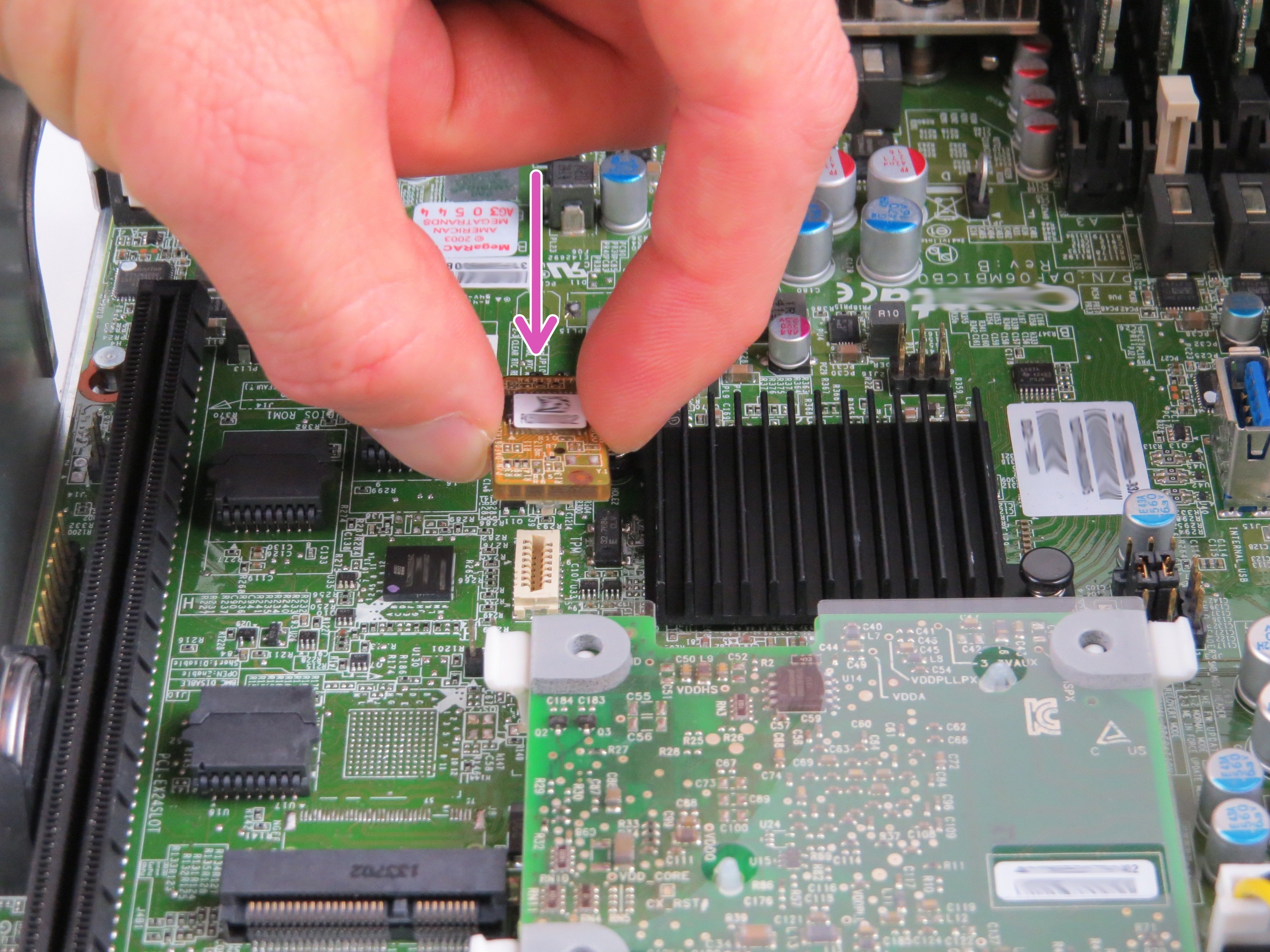
- Remove the old chip: Use a chip puller or removal tool to carefully remove the old chip from the motherboard.
- Inspect and clean the socket: Inspect the socket for any debris or damage and clean it thoroughly before installing the new chip.
- Install the new chip: Carefully install the new chip into the socket, ensuring it's properly seated and secure.
- Solder the chip: Use a soldering iron to attach the new chip to the motherboard, ensuring a secure and reliable connection.
- Program the new chip: Use a PROM programmer to load the new firmware onto the replacement chip.
- Test the motherboard: Once the new chip is installed and programmed, test the motherboard to ensure it's functioning properly.
Companies That Offer Motherboard Chip Replacement Services
There are several companies that offer motherboard chip replacement services, including:
- ASRock: ASRock offers a range of motherboard chip replacement services, including BIOS reprogramming and chip replacement.
- GIGABYTE: GIGABYTE provides motherboard chip replacement services, including BIOS reprogramming and chip replacement.
- MSI: MSI offers motherboard chip replacement services, including BIOS reprogramming and chip replacement.
- ASUS: ASUS provides motherboard chip replacement services, including BIOS reprogramming and chip replacement.
Conclusion
Replacing a motherboard chip can be a complex process, but it's essential to ensure your device is functioning properly. With the right tools and services, you can replace your motherboard chip and get your device up and running again. If you're not comfortable with DIY chip replacement, consider seeking the services of a professional repair center or shop that specializes in motherboard repair.