Ways to Protect Data on Public Wi-Fi
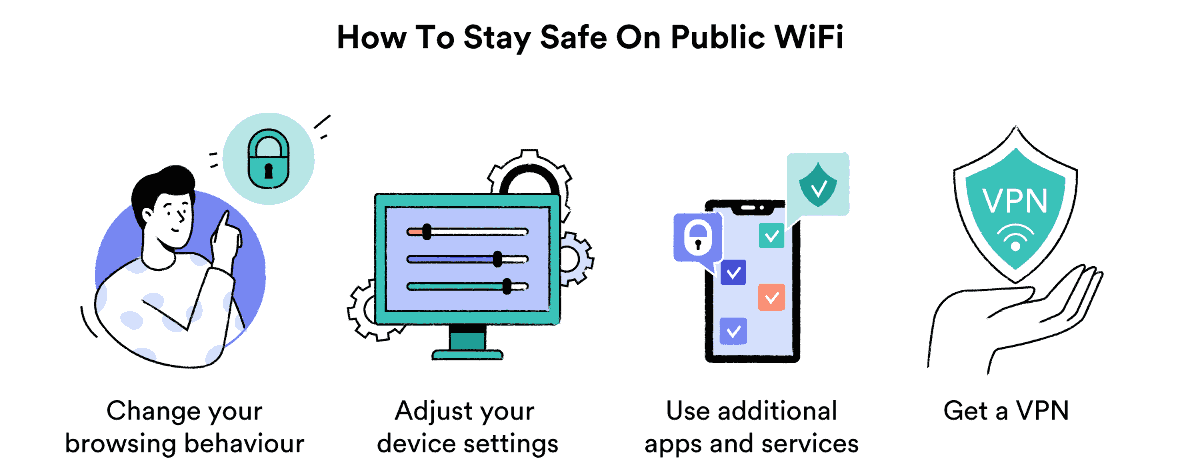
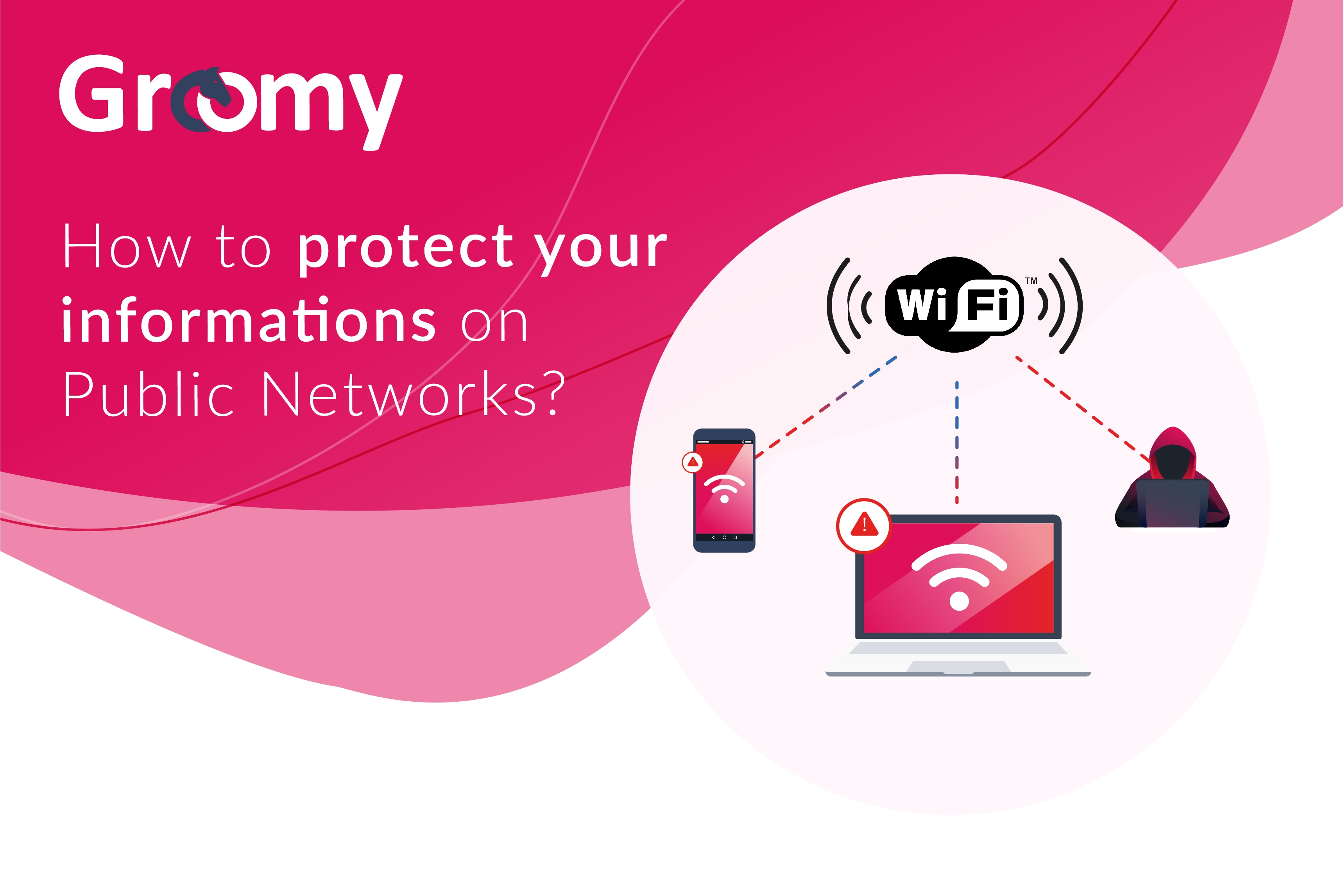
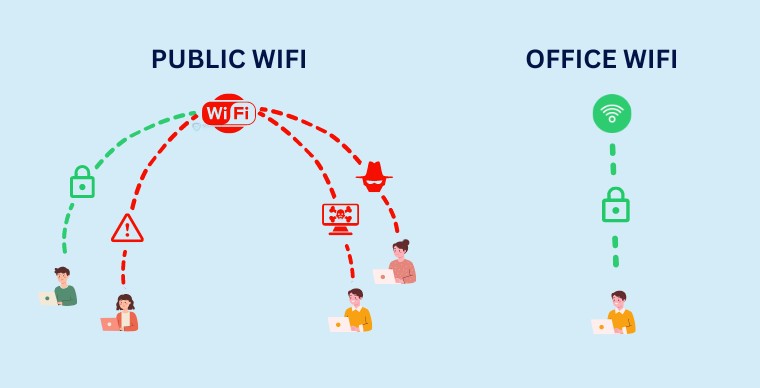
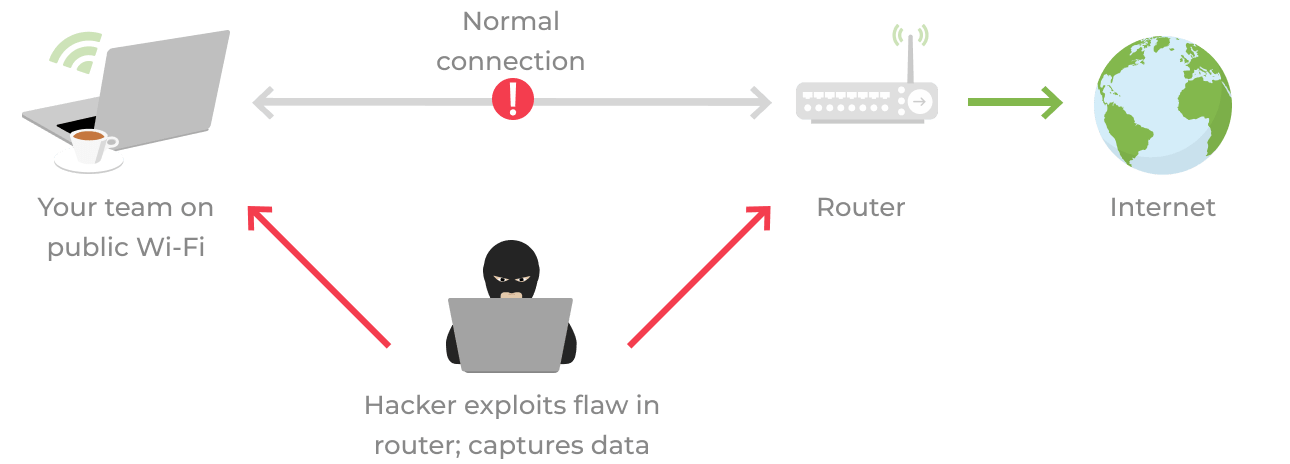
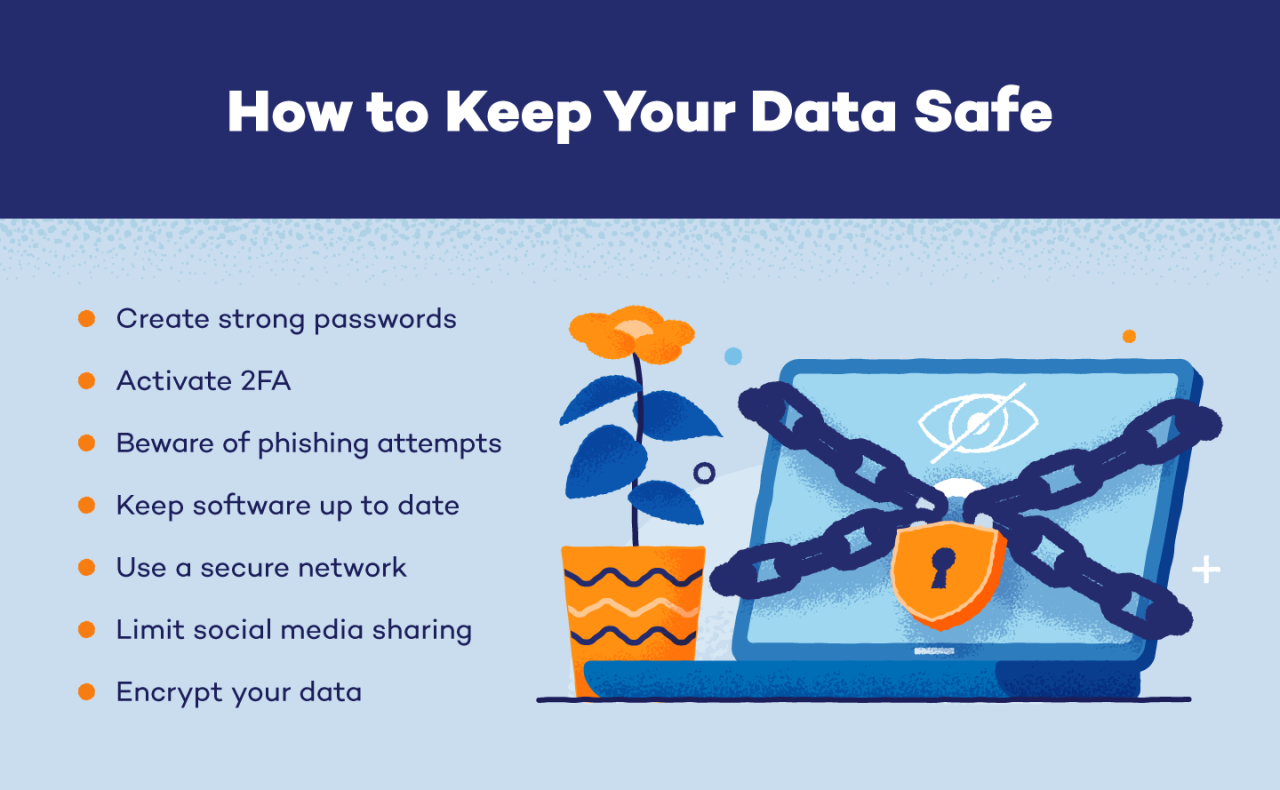
Using public Wi-Fi networks can be a convenient way to stay connected on the go, but it's also a significant risk to your online security and data protection. Public Wi-Fi hotspots are often unsecured, making it easy for hackers to intercept your data and exploit your personal information. To safeguard your personal and financial data, it's essential to implement security measures when using public Wi-Fi. Here are several ways to protect your data on public Wi-Fi:
Use a Virtual Private Network (VPN)
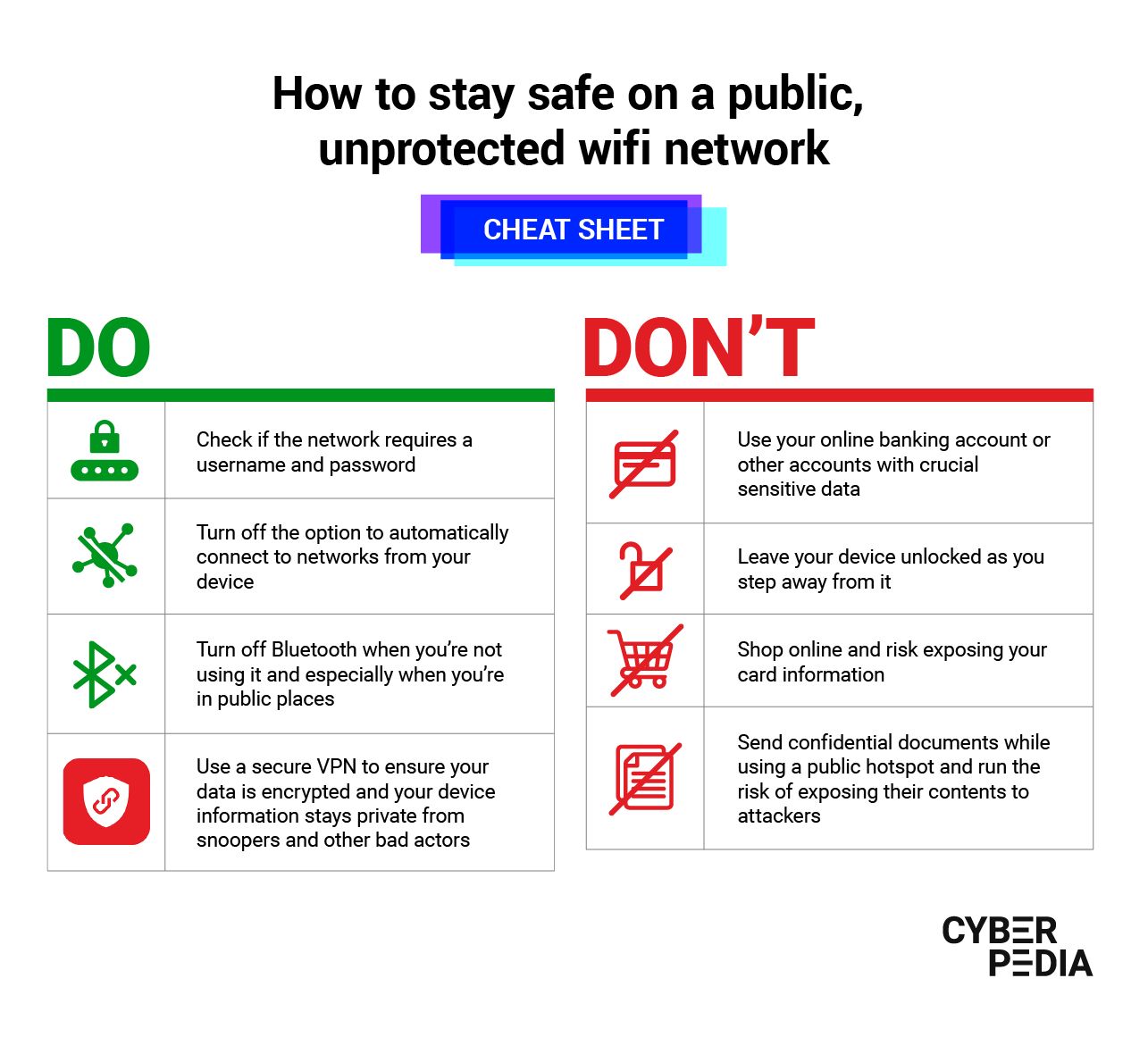
One of the most effective way to protect your data on public Wi-Fi is to use a Virtual Private Network (VPN). A VPN creates a secure, encrypted connection between your device and the internet, preventing hackers from intercepting your data. This is especially important when using public Wi-Fi, as hackers can easily gain access to your data without encryption. When using a VPN, your online activity is invisible to hackers, so they cannot intercept your sensitive information.
Use a Firewall
A firewall is a system that controls incoming and outgoing network traffic based on predetermined security rules. Installing a firewall on your device helps protect your data by preventing unauthorized access to your system and blocking malicious traffic. Make sure that your firewall is enabled and properly configured to safeguard your data when using public Wi-Fi.
Keep Your Device and Software Up to Date
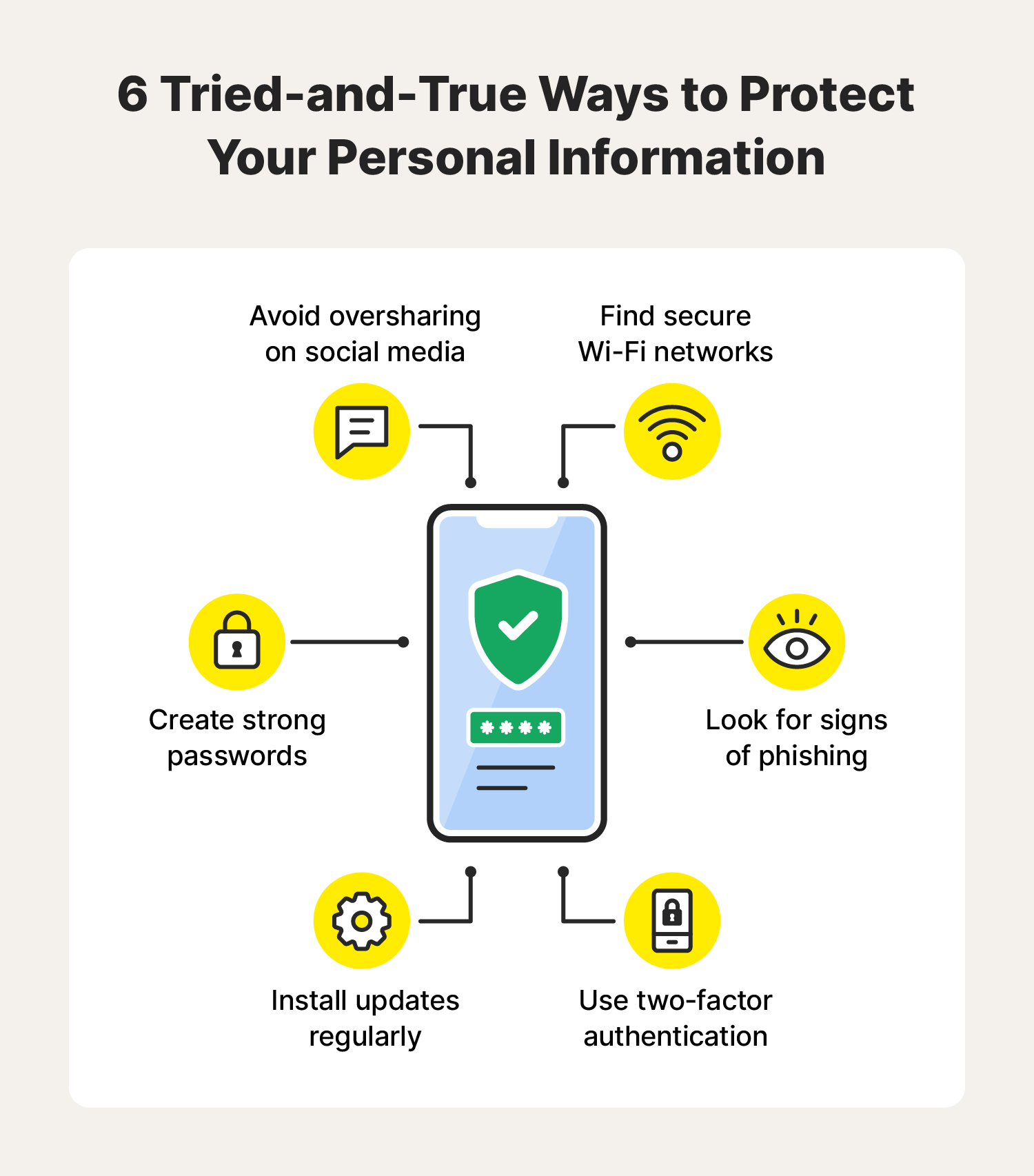
Keeping your device and software up to date is crucial in protecting your data on public Wi-Fi. Regular updates often include security patches and bug fixes that help prevent hackers from exploiting known vulnerabilities. Ensure that your operating system, browser, and other software are updated regularly to protect your device and data from potential threats.
Use Strong Passwords and 2-Factor Authentication
Using strong and unique passwords for all of your online accounts can help protect your data from unauthorized access. Passwords should be a combination of upper and lowercase letters, numbers, and special characters, making them difficult for hackers to crack. Additionally, enable 2-factor authentication (2FA) whenever possible. This extra layer of security ensures that even if hackers obtain your password, they will not be able to access your accounts without the 2FA code sent to your phone or email.
Be Cautious of Public Wi-Fi Networks
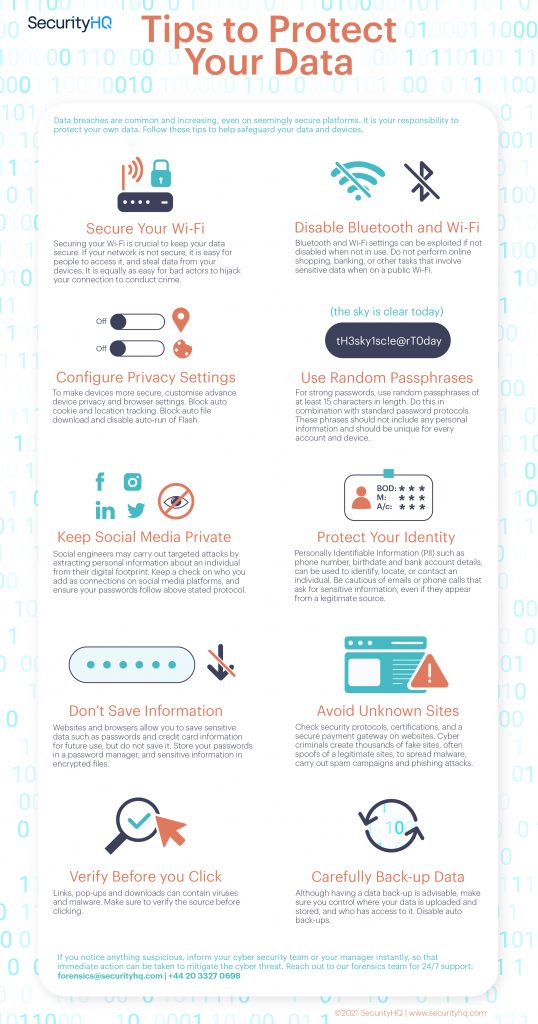
Public Wi-Fi hotspots can be a goldmine for hackers. Avoid using public Wi-Fi when possible, especially if it's an open network. If you must use a public Wi-Fi network, choose a network that requires a password and ensures a secure connection. Never use public Wi-Fi for sensitive activities, such as online banking or shopping, and avoid making any financial transactions.
Monitor Your Accounts
Regularly monitoring your accounts, especially those that contain financial information, is crucial in protecting your data on public Wi-Fi. Set up account alerts and monitor your account activity to detect any suspicious transactions or login attempts. This will help you catch any potential identity theft or data breaches early on.
Use Encryption Tools
Using encryption tools, such as Public Key Infrastructure (PKI), can help protect your data on public Wi-Fi. PKI encrypts your data in transit, ensuring that only authorized individuals can read your information. Consider using encrypted email services or messaging apps to protect your sensitive information.
Additional Tips
- Use a secure and reputable VPN app to protect your data on public Wi-Fi.
- Avoid using public Wi-Fi for sensitive activities like online banking, shopping, or accessing personal data.
- Be cautious of fake Wi-Fi hotspots that may be set up by hackers to intercept your data. Look for official networks or networks that require passwords.
- Use a secure and strong password for your VPN password and Wi-Fi network password.
- Regularly back up your data to a secure location, like an encrypted cloud storage service, to prevent data loss in case of a security breach.