Phone Security Tips from Cyber Experts: Protect Your Device and Data from Cyber Threats
As we continue to rely on our smartphones for various tasks, from communication to banking and shopping, it's essential to protect our devices from cyber threats. Phone security is a growing concern, and cyber experts advise taking proactive steps to safeguard our personal data and prevent potential losses.
Why is Phone Security Important?
Mobile devices are now as powerful as computers, and as such, they are vulnerable to various cyber threats, including malware, phishing scams, and identity theft. Losing a phone or falling victim to a cyberattack can lead to significant consequences, including financial losses, identity theft, and damage to your reputation.
Phone Security Tips from Cyber Experts
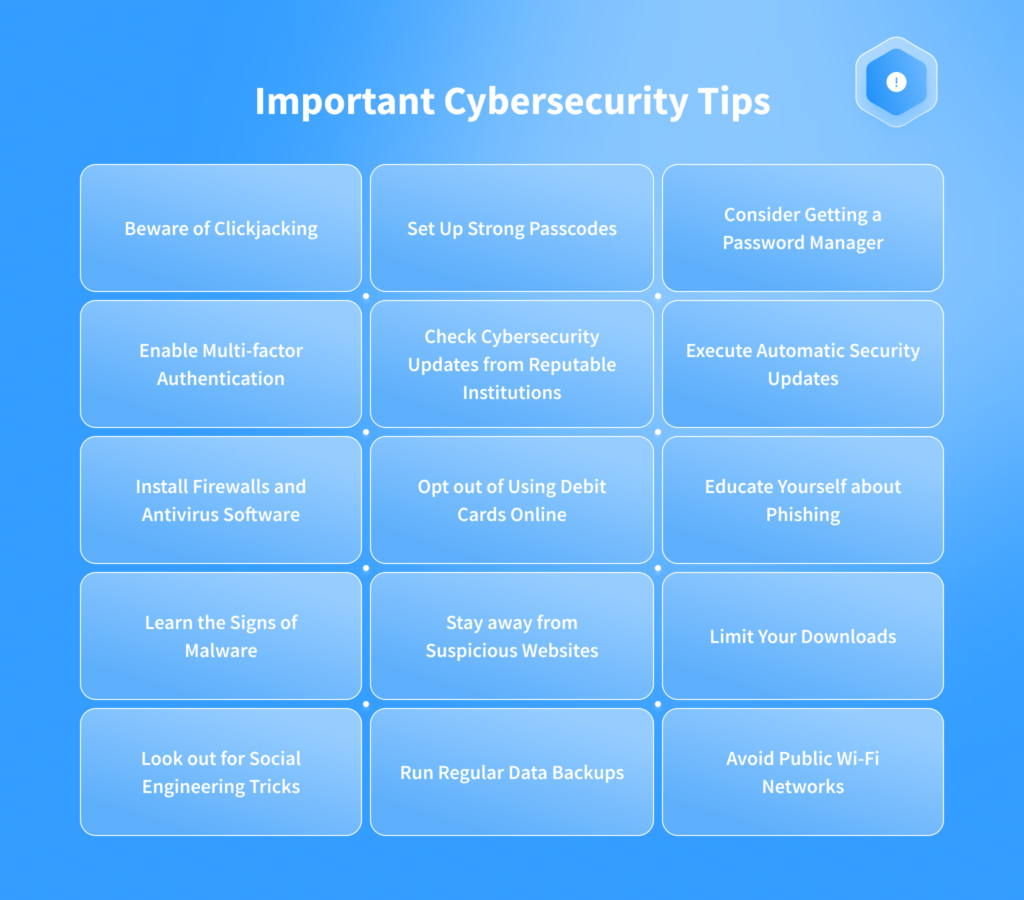
1. Keep Your Device Up-to-Date
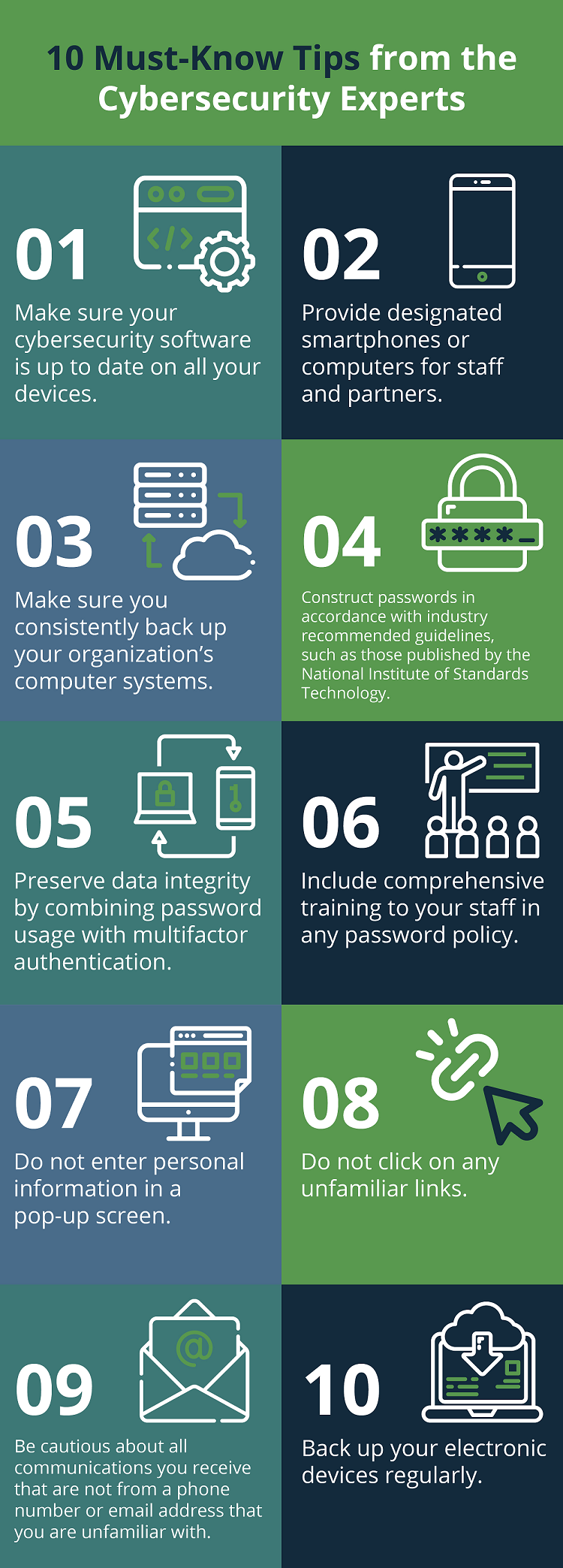
Regularly update your device's operating system, apps, and other software to ensure you have the latest security patches and updates. This ensures your device has the latest antivirus protections and mitigates vulnerabilities or bugs.
2. Use Strong Passwords and Two-Factor Authentication
Use strong, unique passwords for all apps, especially those that contain sensitive information, such as banking or shopping apps. Enable two-factor authentication (2FA) for an added layer of security.
3. Be Cautious with Public Wi-Fi
When using public Wi-Fi networks, avoid accessing sensitive data or entering passwords. Consider using a virtual private network (VPN) for an additional layer of security.
4. Install Security Apps
Download and install reputable security apps that can detect and remove malware, monitor your device's performance, and alert you to potential threats.
5. Back Up Your Data
Regularly back up your data to a secure location, such as a cloud storage service or an external hard drive. This ensures that you can recover your data in case of a cyberattack or device loss.
6. Be Aware of Phishing Scams
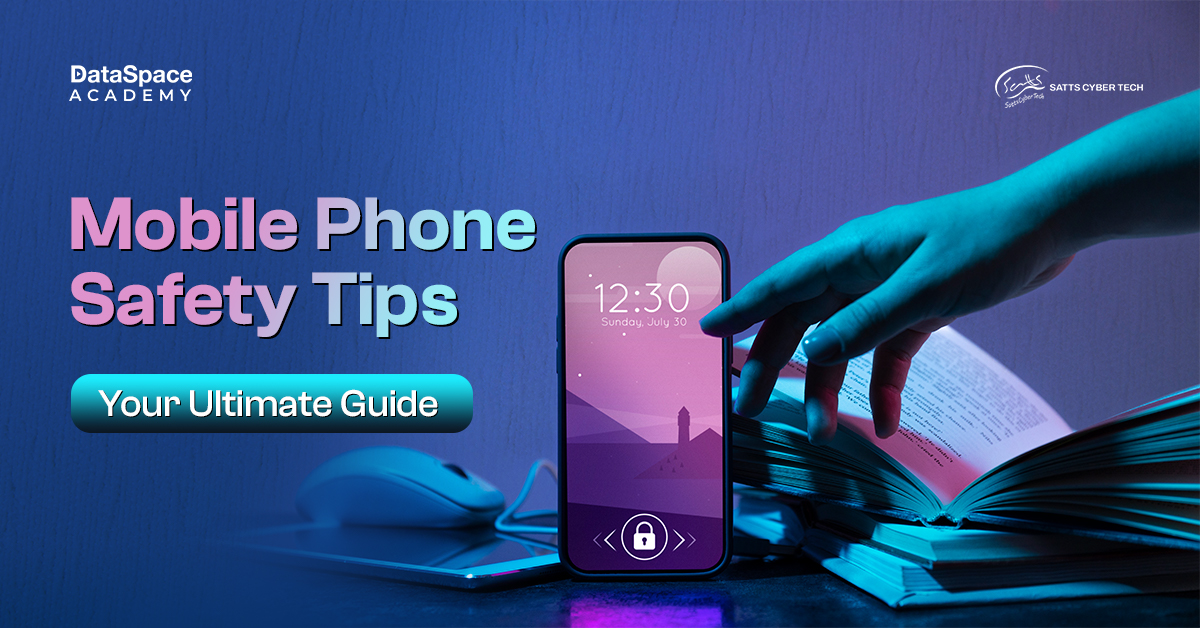
Be cautious of phishing emails, texts, or messages that may contain malware or attempt to steal your personal information. Never click on suspicious links or provide sensitive information without verifying the authenticity of the request.
7. Use Secure Apps
Download apps from reputable sources, such as the Apple App Store or Google Play Store. Avoid installing apps that request excessive permissions or seem suspicious.
8. Use a Password Manager
Consider using a password manager to generate and store unique, complex passwords for all your accounts.
9. Enable Biometric Authentication
Use biometric authentication, such as fingerprint or facial recognition, to add an extra layer of security to your device.
10. Stay Informed and Educated
Stay up-to-date with the latest security best practices, emerging threats, and mobile security tips from cyber experts. The more informed you are, the better equipped you'll be to protect your device and data.
Conclusion
Phone security is a critical aspect of protecting your personal data and preventing cyber threats. By following these essential phone security tips from cyber experts, you can significantly reduce the risk of falling victim to cyberattacks. Remember to stay informed, be cautious, and take proactive steps to safeguard your device and data.
References:
For more information on phone security tips from cyber experts, refer to the following sources:
- NSA Mobile Device Best Practices: https://www.cisa.gov/uscert/
- NIST Cybersecurity and Privacy: https://csrc.nist.gov/
- Cyber Magazine: https://cybermagazine.net/
- Fortra Data Loss Prevention: https://www.fortra.com/







![10 Ways to Secure Mobile Devices [2024] - Panda Security](https://i.pinimg.com/originals/f4/3e/f5/f43ef54bd376451cfa4413306cf3a371.jpg "10 Ways to Secure Mobile Devices [2024] - Panda Security")
