Protect Your Instagram from Phishing: A Comprehensive Guide
With the rise of social media, Instagram has become a popular platform for users to connect with others and share their experiences. However, with the increasing number of users, the risk of phishing attacks has also increased. If you haven't been paying attention to your Instagram account security, it's time to take the necessary steps to safeguard your profile and prevent phishing or malware attacks.
What is Phishing?
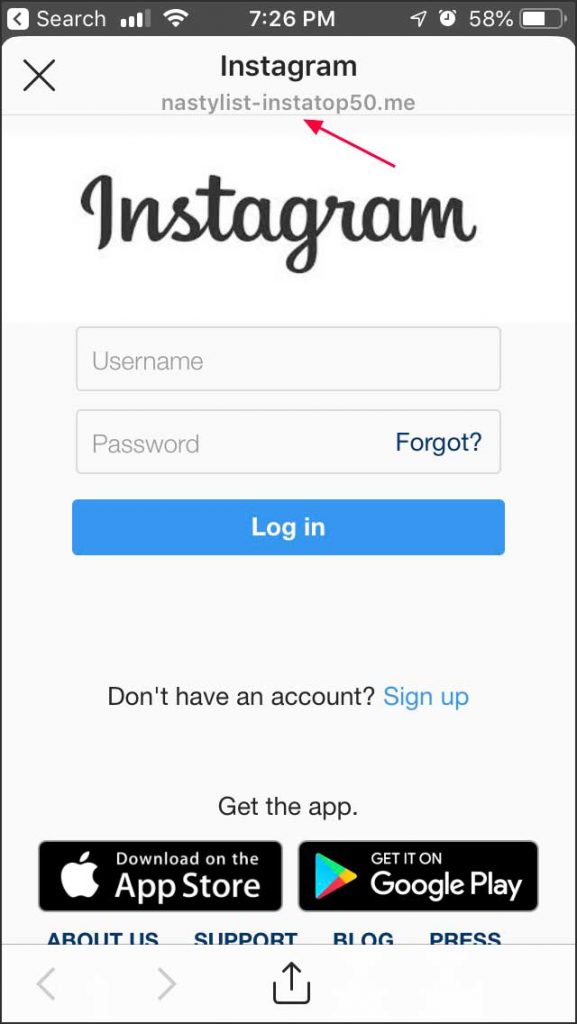
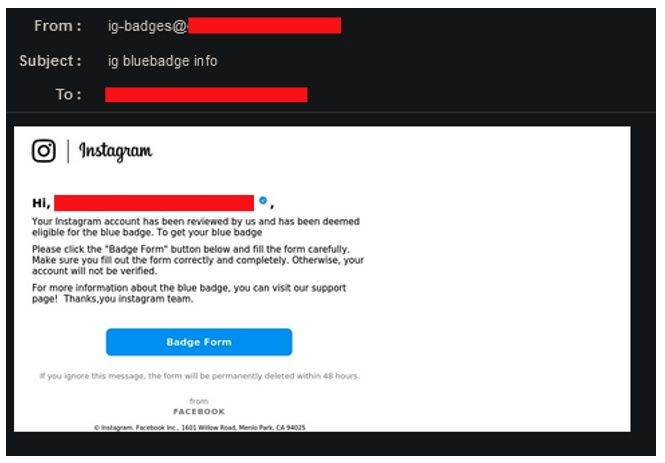
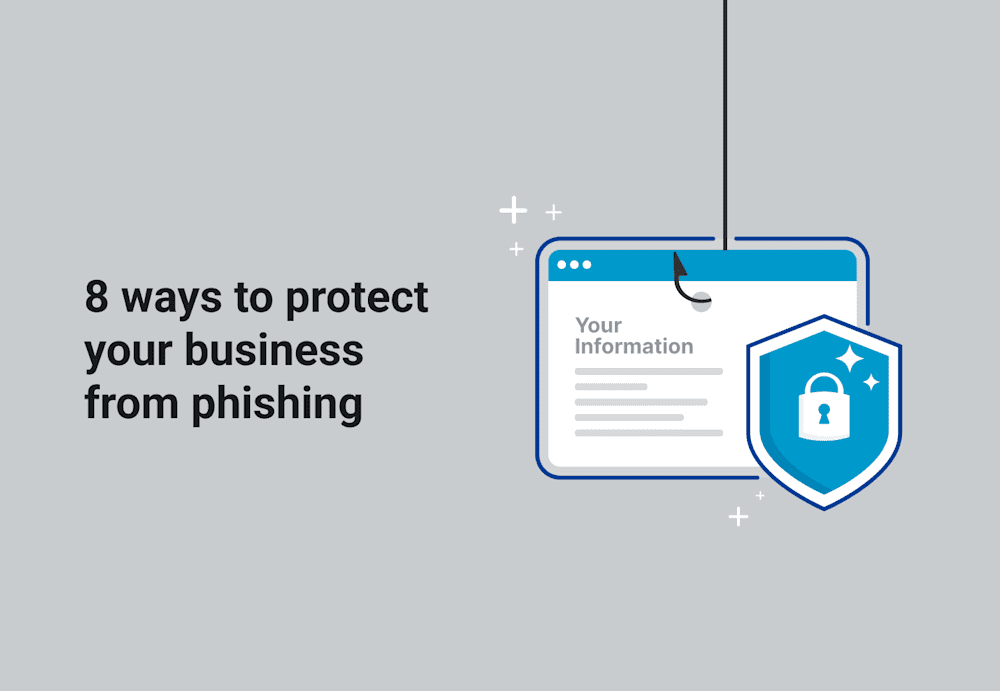
Phishing is an attack that attempts to steal your money, or your identity, by getting you to reveal personal information -- such as credit card numbers, bank information, or passwords -- on websites that pretend to be legitimate. In the context of Instagram, phishing attacks can take many forms, including emails or messages that appear to come from Instagram, but are actually fake.
How to Recognize Phishing Attempts
Phishing scammers use various tactics to trick users into revealing their personal information. Here are some common signs of phishing attempts:
- Urgent language pushing you to act immediately
- Unexpected attachments or links
- Check the sender's email closely – spoofs often mimic real addresses but with subtle changes
Instagram's Measures to Protect Users from Phishing
Instagram has implemented various measures to alert users of potentially suspicious activity so they can take steps to protect their accounts. These measures include:
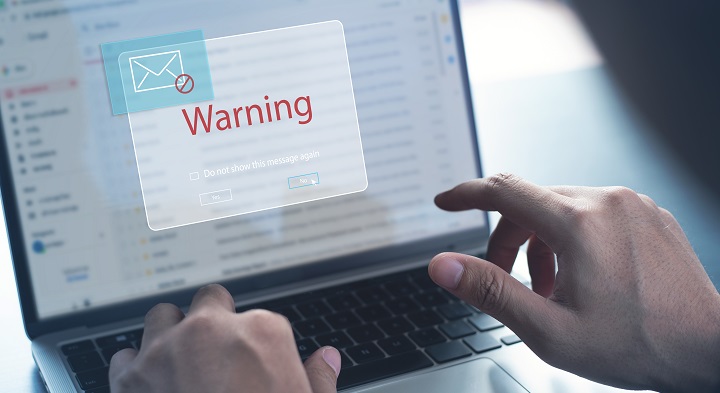
- Warning users about potentially suspicious activity
- Providing users with information about how to protect their accounts
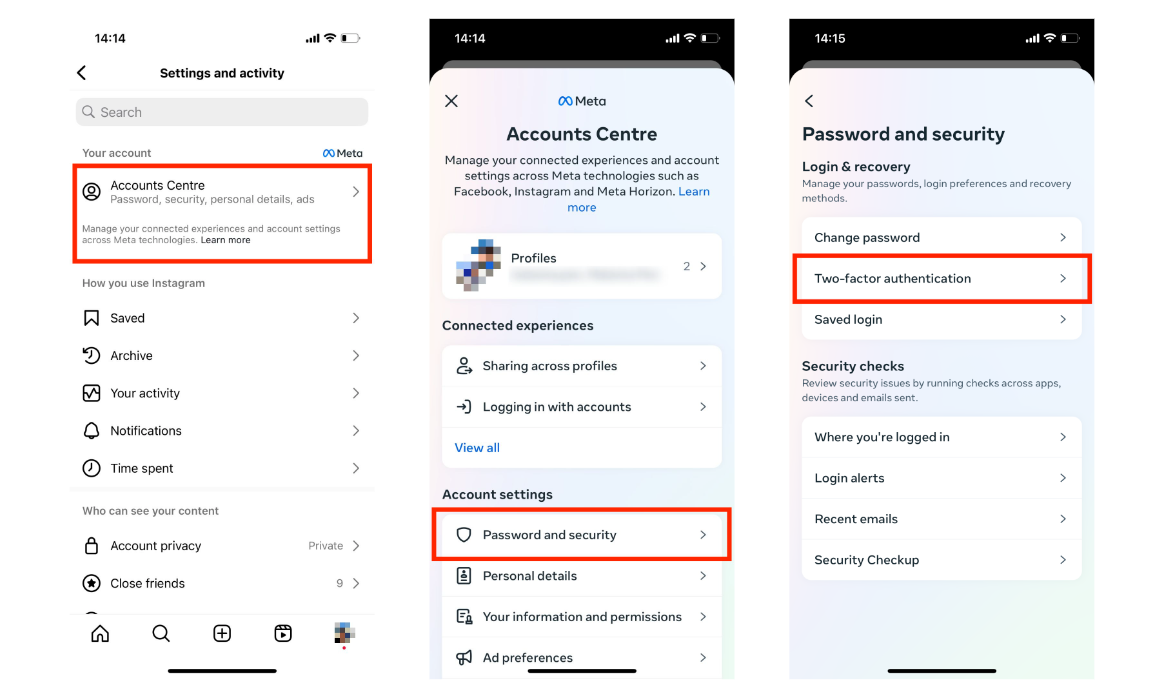
- Offering users additional security features, such as two-factor authentication
How to Protect Your Instagram from Phishing
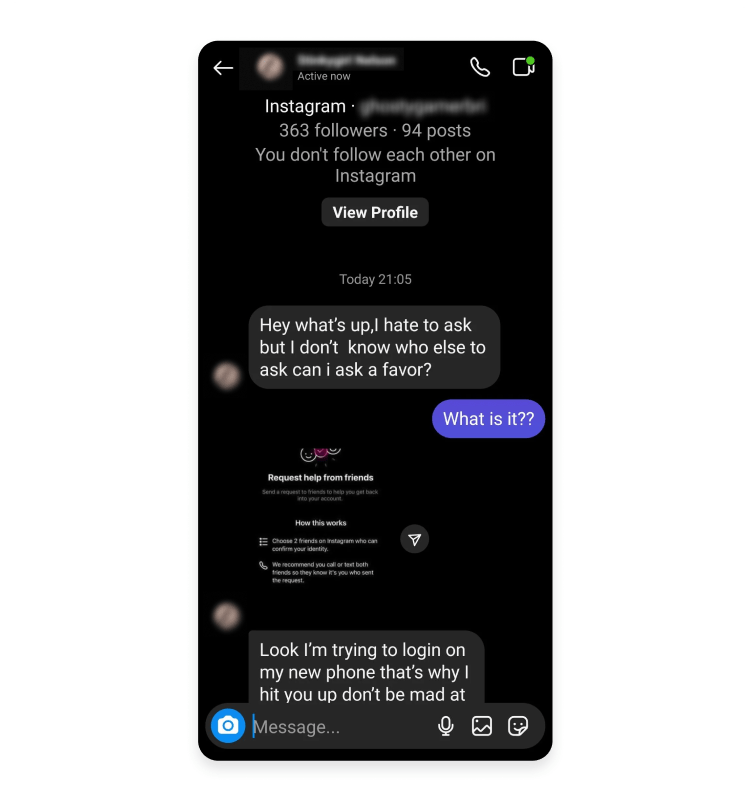
Protecting your Instagram from phishing attacks requires vigilance and education. Here are some tips to help you keep your account secure:
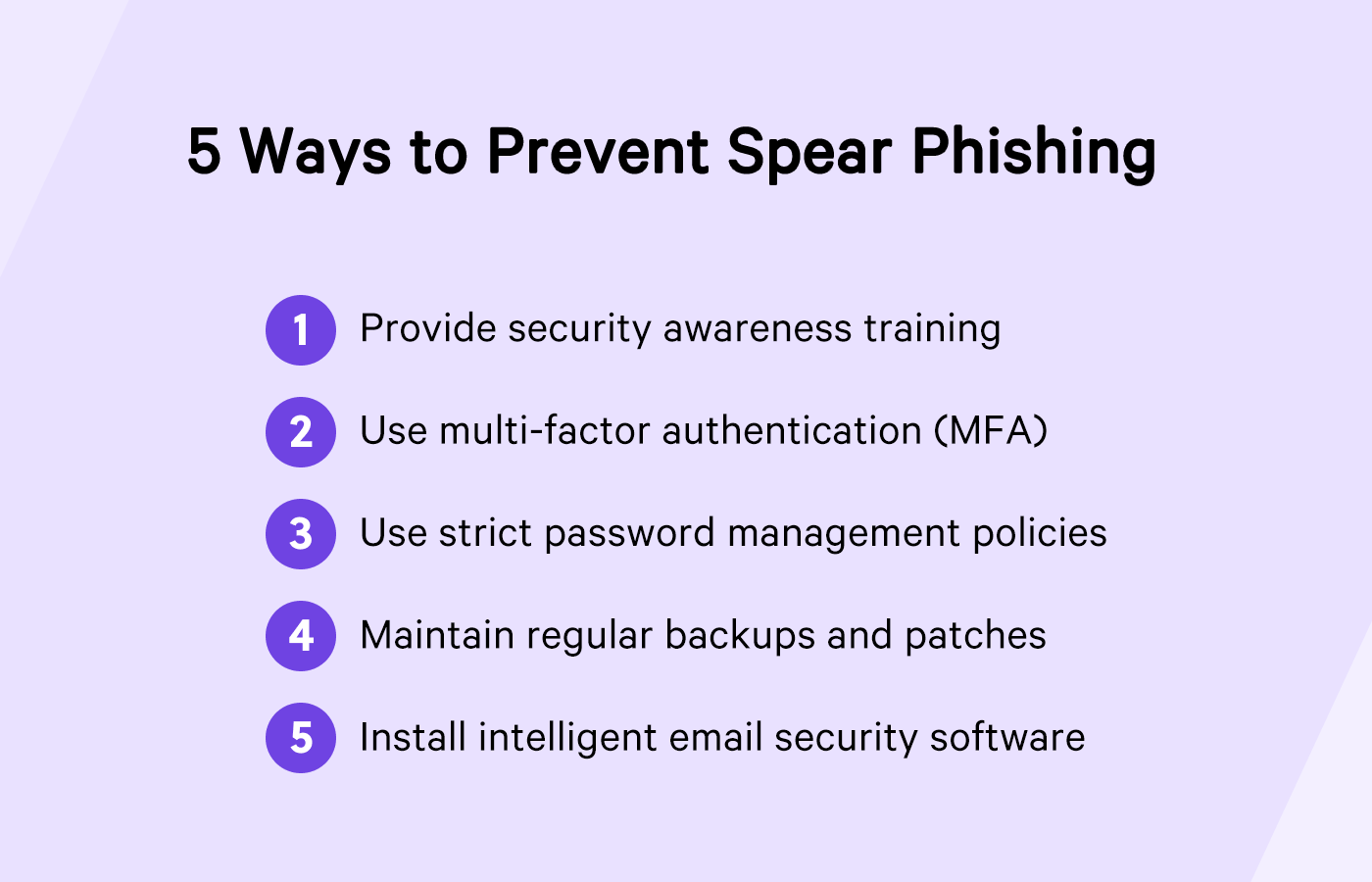
- Use a strong and unique password
- Enable two-factor authentication
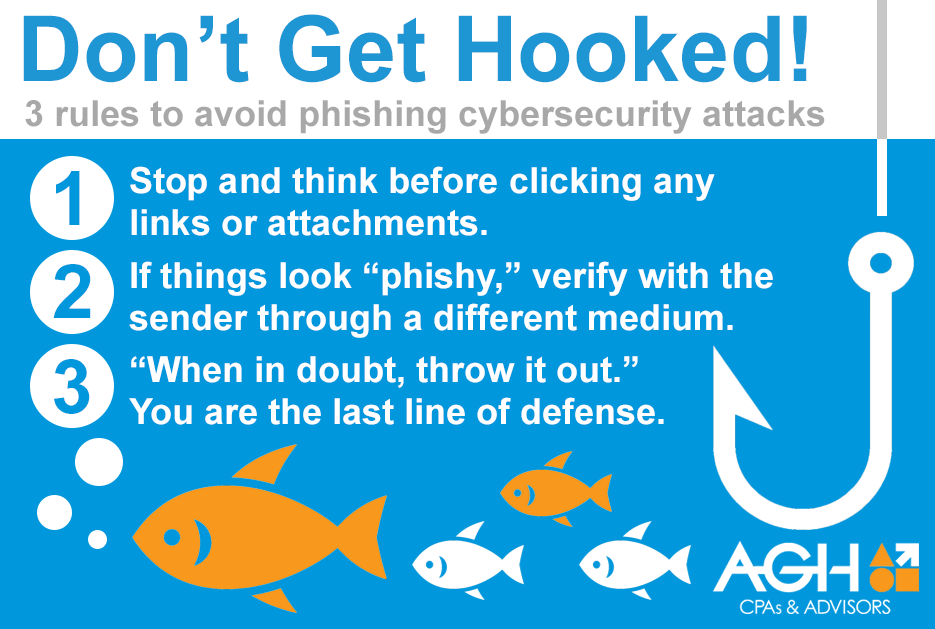
- Be cautious of emails or messages that ask for personal information
- Verify the authenticity of links and attachments before clicking on them
- Keep your Instagram account up to date with the latest security features
What to Do If You've Been Phished
If you've been phished, it's essential to take immediate action to protect your account. Here are some steps you can take:
- Change your password immediately
- Report the incident to Instagram's support team
- Monitor your account for any suspicious activity
- Consider enabling two-factor authentication
Conclusion
Protecting your Instagram from phishing attacks requires ongoing education and vigilance. By recognizing the signs of phishing attempts, taking steps to protect your account, and reporting any suspicious activity, you can help keep your account secure. Remember, your account is your digital identity, and protecting it from phishing attacks is crucial in today's digital age.
Additional Resources
For additional information on how to protect your Instagram from phishing attacks, you can visit Instagram's official website or seek help from a cybersecurity expert. Additionally, you can report any suspicious activity or phishing attempts to Instagram's support team.
By following these tips and staying informed about the latest cybersecurity threats, you can help protect your Instagram from phishing attacks and keep your account secure.